Ground cover and bamboo CAD blocks for filling a planting plan
Using ground cover and bamboo DWG blocks to fill planting beds and screening lines, with spacing, hatching and layering advice.
Sumana KumarUpdated 21 March 20266 min read
The plants that make a planting plan feel finished
A planting plan with just trees and a few accent shrubs on it always looks unfinished to me, basically like a floor plan with furniture but no rugs or curtains, because it's the ground cover and the taller screening plants like bamboo that actually fill the visual gaps between the bigger specimens and make a bed read as fully planted rather than sparsely dotted. Ground cover is doing the low, dense infill job, spreading across open soil to suppress weeds and unify a bed visually, while bamboo and similar tall grass or cane species are doing a screening and vertical accent job, often used where a client wants privacy or a green wall effect without the bulk or the long establishment time of a full hedge of woody shrubs.
Drafting ground cover without drawing every leaf
Nobody draws individual ground cover plants one by one, that would be absurd at any real project scale, so ground cover is almost always represented as a hatched or patterned area rather than repeated individual blocks, a boundary polyline around the planting bed filled with a stipple, dot, or texture hatch pattern that reads as dense low planting from a normal plot scale. That said, having a few individual ground cover plant blocks on hand is still useful for the edges of a bed or for a planting plan that wants a bit more graphic variety than a flat hatch, scattered sparingly along a bed's front edge where it transitions to lawn or paving, which gives the eye something more specific to land on right at that visible boundary line even while the bulk of the bed is hatched rather than individually drawn. Where a ground cover bed meets a lawn area directly, it's worth showing a small mowing strip or edging detail, commonly a narrow band of pavers or a metal edge restraint 100 to 150mm wide, since without a physical break the two plantings tend to migrate into each other over a season or two regardless of what the drawing shows, and a maintenance crew mowing right up to an unedged bed line will eventually scalp part of the ground cover.
Bamboo as a screening and accent plant
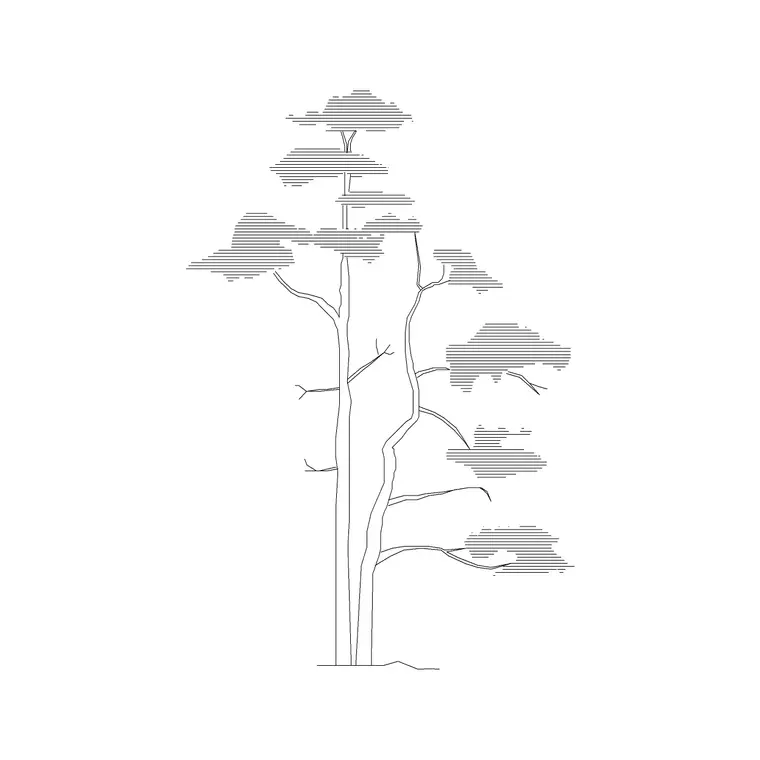
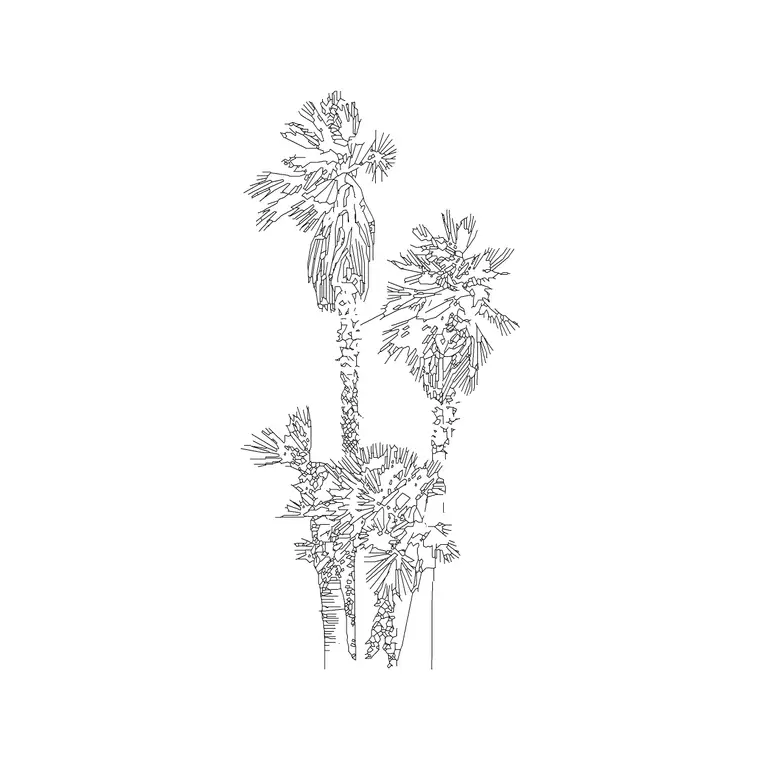
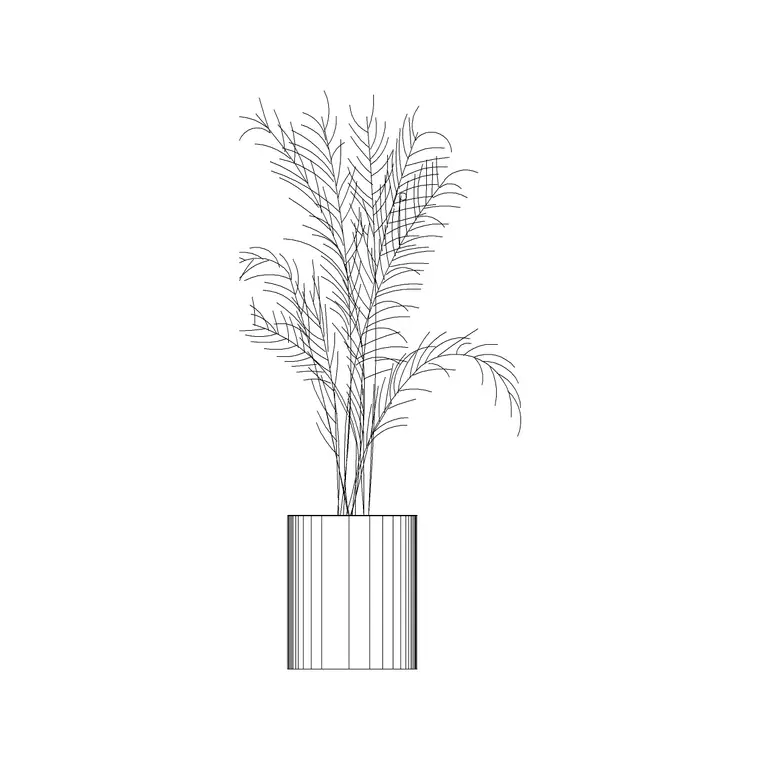
Bamboo behaves differently from most screening plants in CAD terms because it's usually drawn as a dense cluster of narrow vertical culms with fine leaf texture near the top, closer in silhouette to an ornamental grass block scaled up than to a typical broadleaf shrub, and it's commonly used in a tight linear run along a boundary or a courtyard wall where the design wants height and screening without the wide canopy spread a shrub hedge would need. Clumping bamboo species used in landscape design are typically drawn with a canopy or clump width in the 1 to 2.5 meter range and can reach a mature height anywhere from 3 to 8 meters depending on species and growing conditions, which is worth checking against your specific species callout since bamboo has a genuinely huge range between compact clumping types and the more vigorous running types landscape architects tend to avoid in confined urban planting beds.
Spacing and layering these fill plantings
For a bamboo screening line, space individual clumps or blocks closer than you would trees, often in the 0.8 to 1.5 meter range between clump centers depending on the species' mature spread, tight enough that the screen reads as continuous once established rather than as individual isolated clumps with visible gaps between them. Ground cover hatch areas should generally sit at the front of a bed, in front of the shrub layer and well in front of any tree canopy, so the planting reads with proper depth from low at the front to tall at the back, and it's worth pulling the ground cover hatch boundary in slightly from the actual bed edge, ten or fifteen centimeters or so, to leave a small mulch or edging margin that matches how these beds actually get installed on site rather than having planting run edge to edge with no buffer.
Root barriers and running bamboo notes
Bamboo has a reputation, not always fair but not entirely undeserved either, for spreading aggressively when a running rather than clumping species gets specified without adequate containment, and while the actual species selection is the landscape architect's call, a drawing that includes bamboo screening should generally show a root barrier detail if a running type is specified, since that containment strategy directly affects how the planting bed itself gets constructed on site, typically a physical barrier material installed to a specified depth around the planting zone to stop rhizomes spreading into an adjacent lawn or a neighboring property. If the schedule specifies a clumping type instead, which is increasingly the more common choice in urban landscape design specifically to avoid this containment issue, it's worth noting that clearly on the drawing too, since a contractor or a future maintenance crew reading the plan years later shouldn't have to guess which type was actually installed.
Even without a root barrier detail on your specific sheet, a simple note calling out the bamboo species type, clumping or running, next to the schedule reference tag is a small addition that prevents a lot of confusion down the line, particularly on a project where the bamboo planting sits close to a boundary line and a neighboring owner might reasonably ask questions about it later.
A mistake worth avoiding: lumping every ground cover species into one hatch
It's tempting on a planting plan with several different ground cover species, say a shade tolerant one under a tree canopy and a sun tolerant one out in the open bed, to use the same generic stipple hatch for both since visually they're both just low, dense fill from a normal plot scale, but that shortcut causes real confusion once a contractor is pricing and installing the job species by species. I generally set up a distinct hatch pattern or a distinct hatch scale for each ground cover species called out in the schedule, even if the visual difference on the plotted sheet is subtle, and I tag each hatch boundary with a leader back to its schedule line the same way I would a shrub or tree block, since a contractor working from an unlabeled sea of stipple has no reliable way to know where one species is supposed to stop and another start on a bed with a mixed planting plan.
Keeping the layers organized on a busy plan
On a plan with trees, shrubs, bamboo screening, and ground cover hatching all in the same bed, layer discipline is what keeps the drawing usable, something like L-PLANT-GNDCOVER for the hatched fill areas, L-PLANT-BAMBOO for the screening clusters, kept distinct from your tree and shrub layers so you can isolate any one planting type for a quantity takeoff or a phased installation schedule. It's also worth double checking that your ground cover hatch pattern scale is set appropriately for your plot scale, since a hatch pattern that looks like fine dense texture at 1 to 100 can turn into a solid gray blob or, worse, an unreadably sparse scatter once the same drawing gets plotted at 1 to 200 for a smaller format sheet, so always check hatch scale against your actual plotted scale rather than just the model space appearance.
Further reading
Questions
Frequently asked
Should ground cover be drawn as individual plant blocks or a hatch area?+
Almost always a hatch or pattern fill within a bed boundary line rather than individual repeated blocks, since drawing every ground cover plant separately isn't practical at real project scale, though a few individual blocks along a bed's visible front edge can add graphic interest.
How wide does a clumping bamboo screen need to be spaced for continuous coverage?+
Commonly 0.8 to 1.5 meters between clump centers depending on the species' mature spread, tight enough that the screening reads continuous once the bamboo establishes rather than leaving visible gaps.
How do I stop a ground cover hatch pattern from looking wrong at different plot scales?+
Always check the hatch pattern scale against the actual scale the sheet will be plotted at, not just how it looks in model space, since a fine texture pattern can turn solid or unreadably sparse when the plotted scale changes.
Free downloads from this article
Free CAD block library
Download the blocks from this article — free, no signup