Curated pack · plan view cad blocks
Free plan view CAD block pack for AutoCAD
By Sumana Kumar · Published 18 Nov 2022 · Updated 19 Feb 2026
Almost every floor plan you draw is assembled from blocks seen from above, so a pack built specifically around plan-view geometry is the one most drafters reach for first. This free plan view CAD block pack gathers the symbols that read correctly when you look straight down on a drawing — furniture footprints, tree canopies, human figures, vehicle outlines and sanitary fixtures — all in DWG and DXF, drawn to true millimetre size and ready to insert into AutoCAD 2004 or later. Everything here is free for personal and commercial work, with no signup and no watermark.
The reason a dedicated plan-view set is worth keeping separate is that the plan footprint is what governs space. A sofa's elevation tells you how it looks; its plan footprint tells you whether it fits the room and leaves a walkable gap. The blocks in this pack are drawn so that the moment they land on the page they are already at the right scale to test clearances, circulation and furniture density against the room outline.
Think of this pack as the layer of a drawing that does the planning work. Pair it with elevation blocks when you move to presentation and section drawings, but for the layout itself — the stage where you decide where everything goes — plan-view blocks are the whole job.
What 'plan view' means and why it gets its own pack
A plan view is the orthographic projection you get by looking straight down on an object — the view a floor plan is built from. It is sometimes called a top view, though in strict drafting terms a top view is one of the six standard orthographic views and a plan is specifically the horizontal cut a building drawing uses. For block libraries the practical point is the same: a plan-view block shows the object's footprint, the outline you would trace if you pressed it onto paper from above.
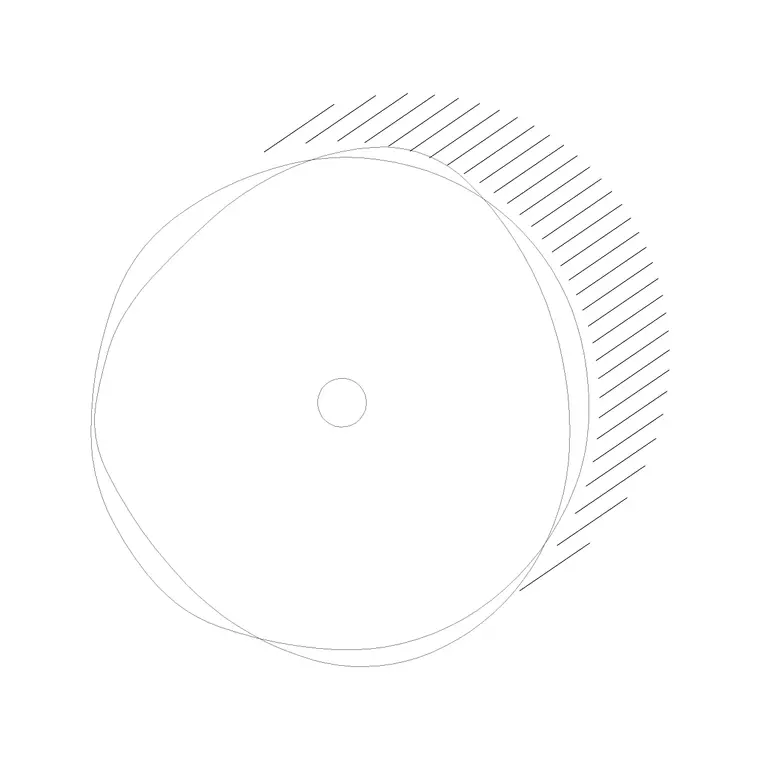
That footprint is the single most useful piece of information for space planning. A chair's plan shows its base diameter, a car's plan shows its parking envelope, a tree's plan shows its canopy spread. Keeping these together in one pack means that when you are laying out a room or a site, every block you grab is already the right kind of drawing for the job, and nothing has to be rotated, projected or reinterpreted before it earns its place on the plan.
What's in the plan view pack
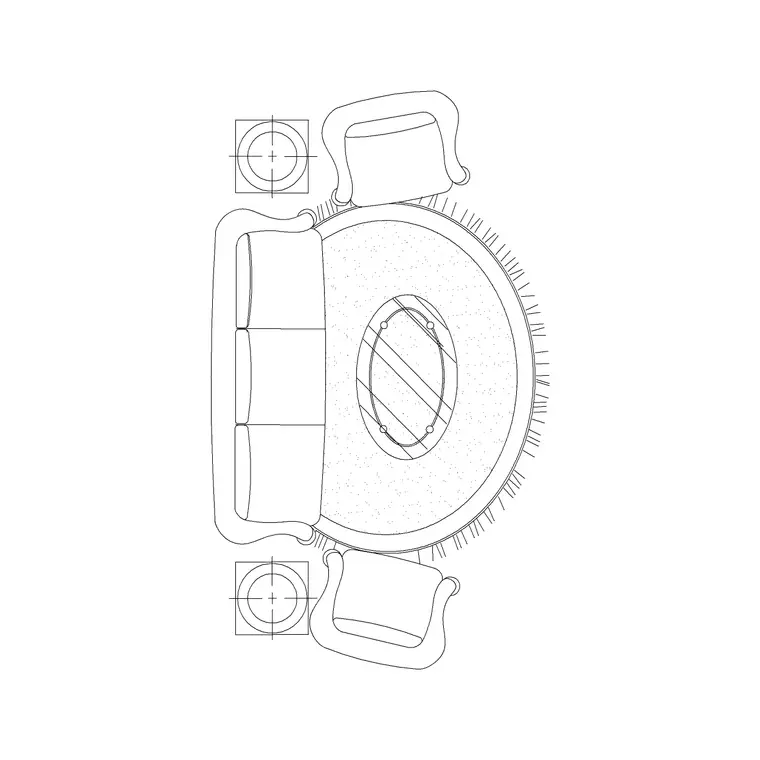
The pack spans the families you populate a plan with. Furniture footprints: sofas and seating groups, beds, tables, desks and workstations, drawn so their outline and any soft furnishings like rugs read clearly from above. Planting: tree canopies and shrub symbols seen from the top for site and landscape plans. People: human figures in plan, used as scale markers and to study how a space is occupied. Vehicles: cars and other vehicle outlines for parking layouts and garages. Fixtures: WCs, basins and kitchen appliances drawn in plan for bathroom and kitchen layouts.
Because the set is deliberately cross-category, a single download covers a furnished residential plan from the living room sofa to the bathroom WC, the trees in the garden and the car on the drive — every symbol in the same view, at the same scale convention.
How to use the set in a floor plan
Start with the architectural shell — walls, doors and windows — then build up the plan in layers. Drop the large furniture footprints first, because they set the circulation: a sofa group and a dining table fix where the walkways run. Place the plan-view people figures next as living scale markers; if a figure can't pass between two pieces of furniture, the gap is too tight and the plan tells you immediately.
Keep each family on its own layer — furniture, planting, vehicles, fixtures — so you can freeze any of them to produce a clean structural plan or thaw them for a fully dressed presentation drawing. Because the blocks are scaled, arraying and mirroring them is honest: copy a parking bay with its car block down a row and the spacing stays real, mirror an en-suite and the fixtures keep their true footprints.
Per-item notes for plan-view blocks
A few items behave in ways worth knowing. Furniture footprints sometimes include the soft items around them — a sofa set may ship with its rug — so check whether you want the rug on the furniture layer or a separate finishes layer before you place it. Tree canopies in plan are the block people most often need to scale on insertion, because a single symbol has to stand in for anything from a 3 m ornamental to a 12 m shade tree; size each one to the species you are specifying.
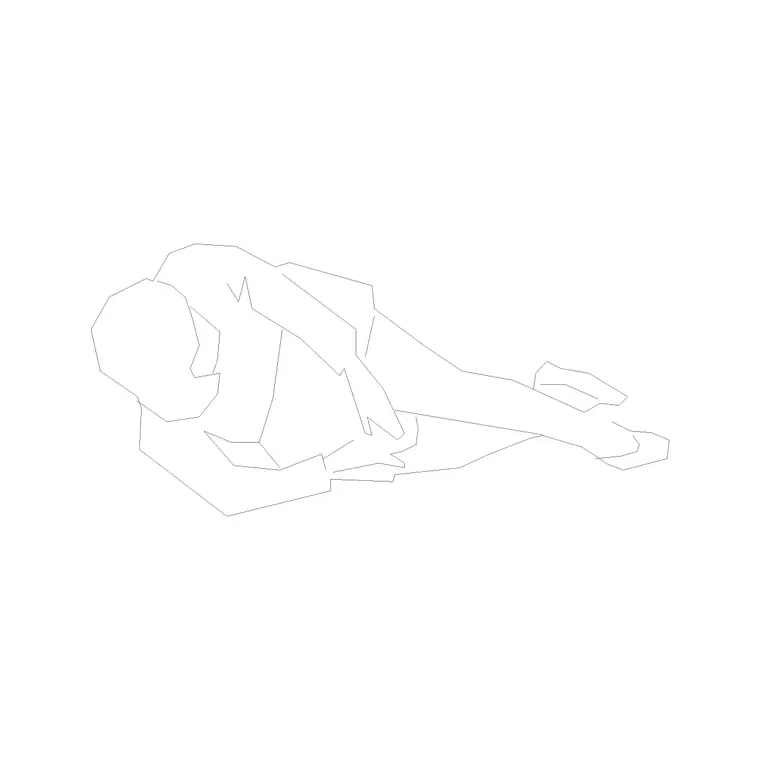
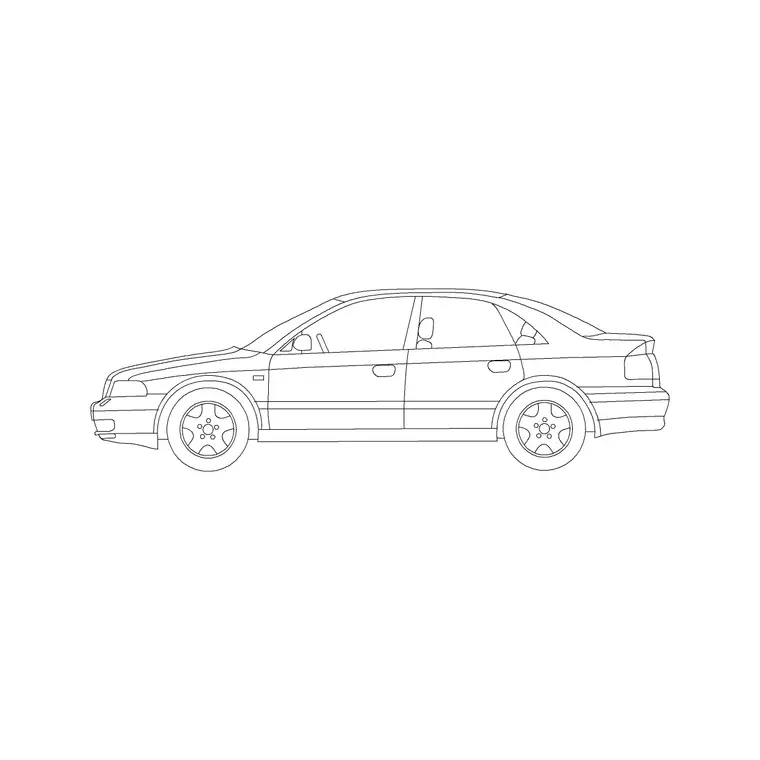
Human figures in plan are intentionally simple outlines — they are scale and occupancy markers, not portraits — so they read cleanly even on a busy plan. Vehicle plans are drawn to a real parking envelope, which makes them ideal for setting out bays and checking turning space rather than just decorating a drive. Kitchen and bathroom fixtures in plan sit on standard module sizes so they snap into runs and against walls without leaving awkward gaps.
Plan view versus other views
It helps to know when a plan block is the wrong tool. For interior elevations, sections and presentation perspectives you need elevation or side-view blocks, which show height information a plan can never carry — the back of a sofa, the height of a tree, the line of a car's roof. Many blocks on this site ship both a plan and an elevation view in the same DWG precisely so you can switch as the drawing demands.
For the layout stage, though, plan is almost always right, and trying to space-plan from elevations is a common beginner mistake. A plan answers the questions that matter when you are deciding where things go: does it fit, can you walk around it, does the door still swing. Save the elevations for when you are explaining how the finished space will look.
Who reaches for a plan-view pack
Architects and architectural technicians use it to populate floor plans fast, from a single flat to a multi-unit scheme. Interior designers use the furniture and fixture footprints to study layouts and circulation before committing to a scheme. Space planners and facilities teams use the furniture and people blocks to test occupancy and desk density. Landscape and urban designers use the tree canopies and vehicle plans for site layouts and parking.
Because every block is free and licence-clear, the same pack carries a project from a quick concept plan through to a coordinated drawing set, and it is just as suitable for a student's studio layout or competition board as for a live commission. Pair it with the furniture, trees-and-plants and doors categories to round out the plan with the rest of the kit.
Free download
Browse the full library — DWG & DXF, no signup.
Questions
Frequently asked
What is a plan view CAD block?+
It is a block drawn as the object seen from directly above — its footprint. Plan-view blocks are what you assemble a floor plan from, because the footprint is what governs whether something fits and leaves walkable space around it.
Is a plan view the same as a top view?+
In everyday use they overlap, but strictly a plan is the horizontal view a building drawing uses, while top view is one of the six standard orthographic views. For block libraries the practical meaning is the same: the object seen from above.
Are the plan view blocks free for commercial use?+
Yes. Every block in the pack downloads free in DWG and DXF with no signup, no watermark and no attribution requirement, and they are cleared for commercial project use.
Do I get elevation views too, or only plans?+
This pack focuses on plan-view geometry for layouts. Many individual blocks on the site also ship an elevation view in the same DWG, so when you move from layout to presentation you can insert the matching face-on view.
Related downloads
Blocks for this guide
Related categories
Related guides
Curated pack
Free Elevation CAD Block Pack — DWG & DXF
Free elevation CAD block pack in DWG and DXF — trees, doors, furniture and figures drawn face-on at real heights for AutoCAD elevations. No signup.
Curated pack
Free 2D CAD Block Pack — DWG & DXF Download
Free 2D CAD block pack in DWG and DXF — furniture, trees, people and doors as clean 2D symbols for AutoCAD plans and elevations. No signup, commercial OK.
Curated pack
Free DXF Block Pack for Laser Cutting & CNC
A free DXF block pack for laser cutting and CNC — clean 2D outlines in DXF, ready for laser, plasma and router CAM software. No signup, free for commercial use.