Standing vs sitting human figure blocks: which reads better
How to choose between standing and sitting human figure CAD blocks by view, room type and what the space is actually doing.
Sumana KumarUpdated 14 June 20265 min read
The question that comes up every single time
Every time I hand someone the People folder on this site and tell them to go populate a plan, the first question that comes back is basically always the same one, and it's whether to drop in a standing figure or a sitting one, and the honest answer is that it depends entirely on what the furniture around that figure is doing, right. A standing human figure CAD block reads as someone passing through, someone waiting, someone about to do something, while a sitting figure reads as someone who has already arrived and settled in, and if you swap those two roles the plan starts lying to the person reading it.
I've pulled hundreds of these into live drawings over the years and the ones that trip people up are almost never the blocks themselves, they're always the placement logic, so that's really what this post is about, not just which block looks nicer but which one tells the truth about the space.
Standing figures in plan view
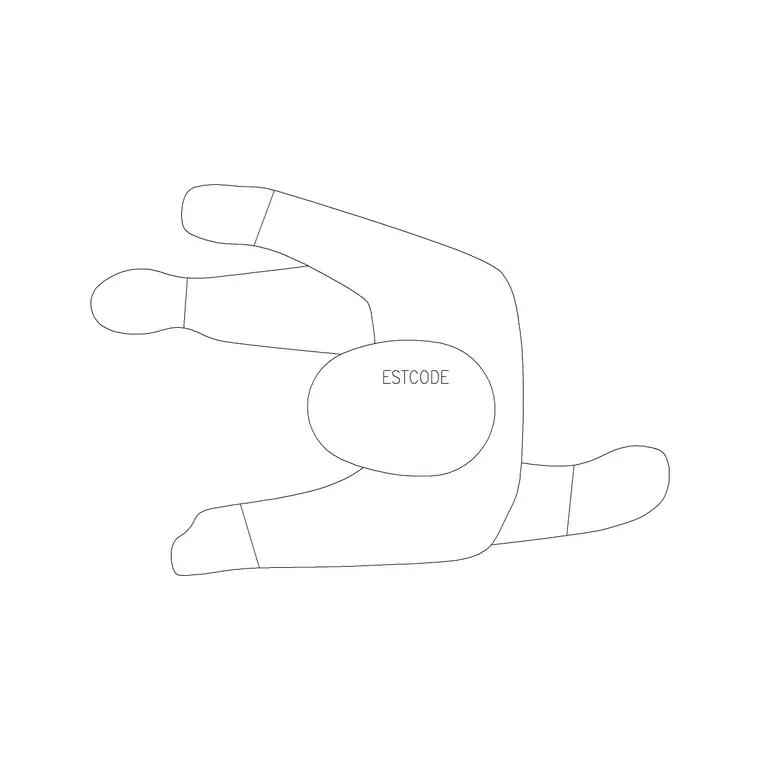
In plan view a standing human figure block is usually drawn as a simple circular or oval footprint with shoulder lines and sometimes a head circle on top, sized to a believable adult shoulder width, and it's meant to be read from directly above, the same orthographic convention used for every other symbol on a floor plan. You want standing figures in corridors, at reception counters, in doorways, at a kitchen island, anywhere someone is moving through or standing to do a task rather than parking themselves for a while.
The standard adult standing figure in most libraries, including the human-figure-plan-1 block on this site, is drawn at a footprint that reads correctly against a typical 900mm to 1000mm doorway or a 600mm deep counter, so when you drop it in at a scale of 1, it should already look right next to your furniture without any manual resizing. If it looks oversized or tiny next to a door block, that's your first clue the drawing units are mismatched, not that the figure itself is wrong.
Sitting figures in plan view
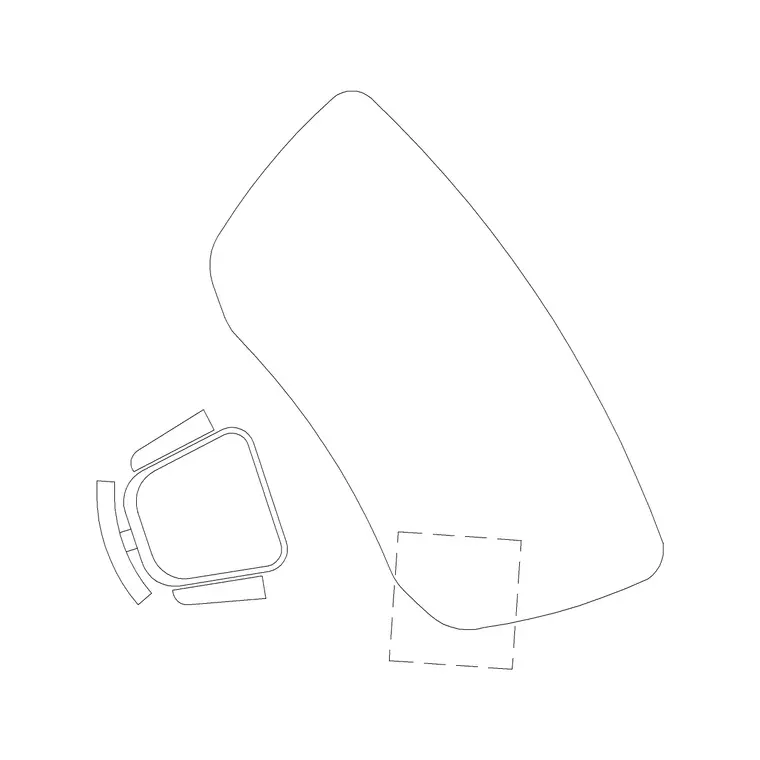
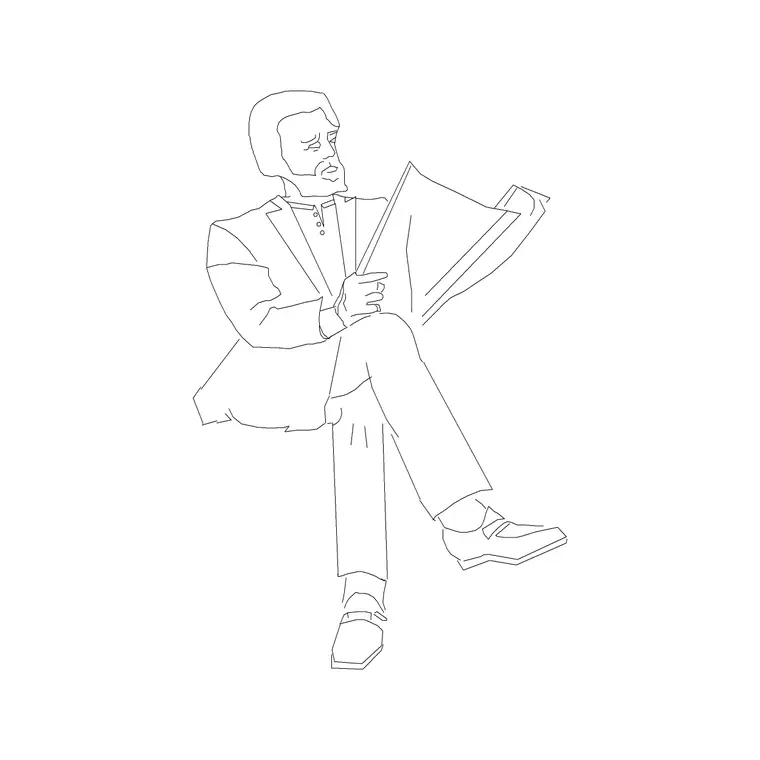
A sitting figure in plan is a completely different footprint, wider and lower relative to a standing one because you're now reading the chair or stool underneath the person as much as the person, and this is where the human-figure-sitting-1 block earns its keep. Dining tables, waiting room chairs, lounge seating, a reception sofa, a cafe table on a terrace, all of these want a sitting figure, not a standing one, because a standing figure parked at a dining chair reads as someone who forgot to sit down.
What I actually do when I'm laying out a kitchen or a cafe is place the sitting figures first, at every seat that's genuinely going to be occupied in the hero view of the render, and then leave the rest of the chairs empty, because a plan where every single chair has a person in it starts to look like a stock photo rather than a real space, and it actually makes the furniture harder to read.
How the same choice plays out in elevation
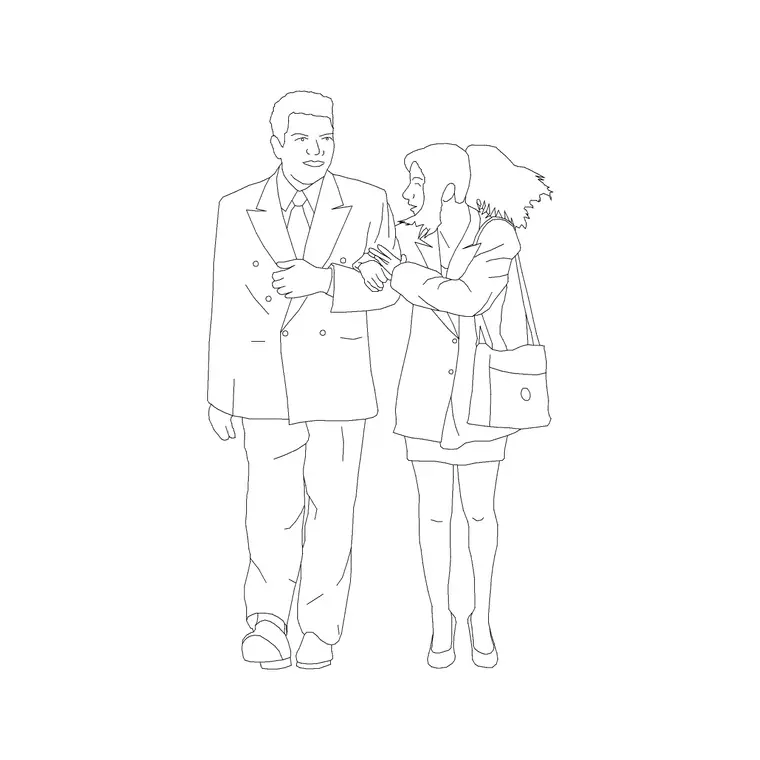
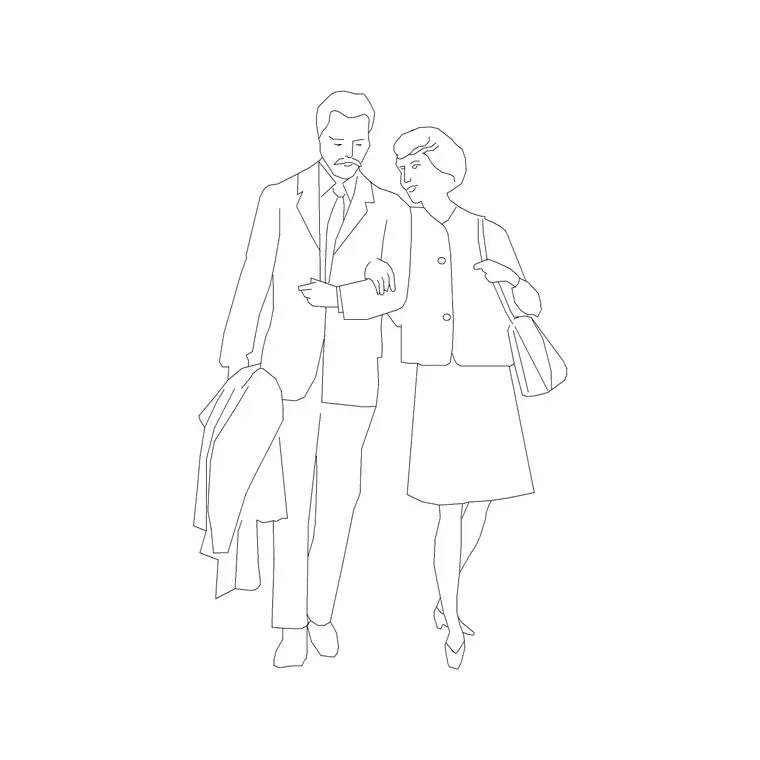
Elevation blocks are a different animal because now you're reading the figure from the side or front rather than from above, so a standing elevation figure shows full height, roughly in the range of 1.7 to 1.8 meters for an average adult male figure and a bit shorter, more like 1.55 to 1.65 meters, for a lot of the female standing blocks, and that height is exactly what makes elevation figures useful for scale reference against a wall, a window head, or a kitchen cabinet run.
Sitting figures in elevation compress that height down substantially, since you're now measuring seat height plus torso rather than full standing height, and they're the block you reach for when you need to show someone at a desk, at a dining table, or on a sofa in a section or elevation drawing. Mixing a standing elevation figure into a scene meant to show seated dining height will throw off anyone eyeballing your counter heights, so keep the two in their own lanes.
A quick decision rule I actually use
If the furniture under the figure has legs and a seat pan, use a sitting block. If the figure is next to a door, a counter, a circulation path, or nothing at all, use a standing block. It sounds almost too simple to write down, but I've caught this mistake in enough drawing sets that it's worth stating plainly, because the fix takes ten seconds and the mistake, left in a client deliverable, makes the whole sheet look rushed.
The other rule of thumb, for anyone still deciding, is to match the figure to the shot: a hero perspective render benefits from a mix, since real rooms have some people standing and some sitting, but a straight technical floor plan usually reads cleaner with fewer figures overall and a clearer split between the two poses.
Bringing the blocks in without wrecking your layers
Both the standing and sitting blocks download as clean DWG files with the geometry on sensible layers, so the workflow is the same either way: INSERT the block, confirm the insertion point, leave scale at 1 unless your drawing units genuinely differ from the block's native units, and drop it onto a dedicated people or entourage layer so you can freeze or hide the whole crowd with one click when you're mid-edit on the actual architecture. That last habit alone saves a lot of frustration on a busy floor plan, since entourage figures are exactly the kind of geometry you want out of the way while you're drafting walls and back in for the final print.
Where to find both on the site and what's included
Both blocks live in the People category alongside the rest of the human figure library, and each product page tells you upfront which views are included, plan, elevation, or side view, so you're not guessing before you download. The standing figure and the sitting figure come as separate DWG downloads, free for commercial use with no signup required, and the listing also notes the approximate file size, which is worth a glance if you're already working in a heavy project drawing and don't want to drag in more geometry than you need.
If you're building out a full entourage set for a project, it's worth grabbing a small handful of standing and sitting figures in one sitting rather than coming back one block at a time mid deadline, since having two or three of each on hand covers most residential and light commercial floor plans without needing to search again.
Further reading
Questions
Frequently asked
Should I use standing or sitting figures for a reception area?+
Mostly standing, since reception is a circulation and waiting-to-be-served zone, but it's reasonable to add one or two sitting figures on a waiting bench if the plan includes one.
Can I resize a standing figure to make it a child instead of scaling down an adult?+
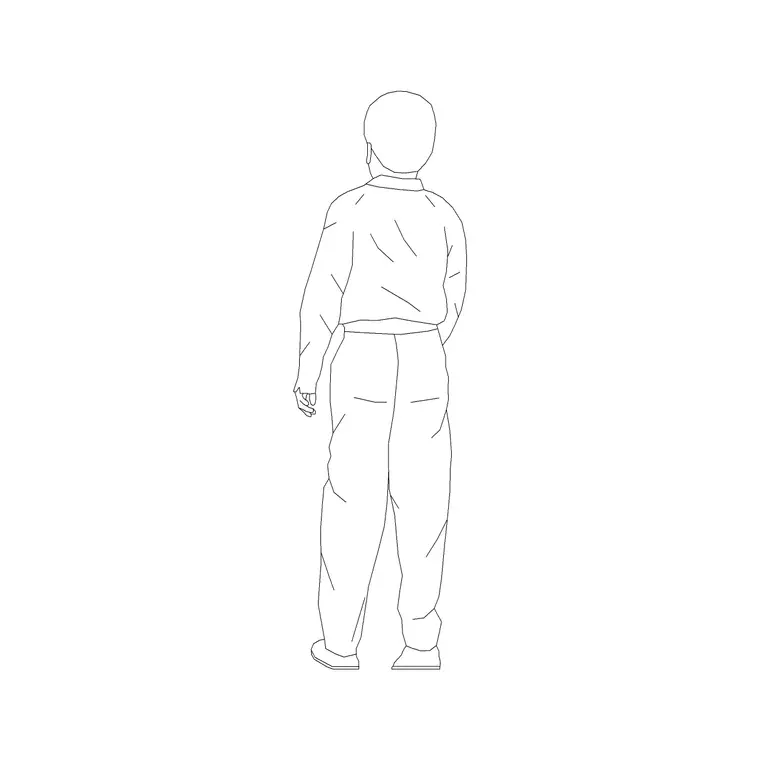
You can, but it will look off, since a scaled-down adult keeps adult proportions. Use a dedicated kid figure block like kid-1 instead for anything meant to read as a child.
Do sitting figures come in both plan and elevation formats?+
Yes, most sitting blocks in the people library ship in both a plan view footprint and a separate elevation or side view version, so check the product page for the views included before downloading.
Free downloads from this article
Free CAD block library
Download the blocks from this article — free, no signup