Small file size vs high-detail block for a big site plan
On a large site plan with hundreds of repeated blocks, light file size usually beats extra detail. Here's how to judge it.
Sumana KumarUpdated 22 April 20266 min read

A problem that only shows up once you scale it up
A single detailed block never feels heavy on its own, you insert one nicely drawn tree or one nicely drawn figure and the file barely notices, so the mistake is easy to make, assuming that same block will be just as harmless once you have placed a couple hundred of them across a large site plan. It will not be, and the moment a plan full of repeated entourage starts lagging every time you pan or regenerate, the choice between a small light block and a highly detailed one stops being a style preference and starts being a real performance question.
Masterplans and large landscape sets are where I have seen this bite hardest, a plan covering several buildings and a full planting scheme easily needs hundreds of tree and figure instances, and the difference between a well chosen light block and an overly detailed one at that count is the difference between a file that opens instantly and one that makes everyone on the team wait every time they open it.
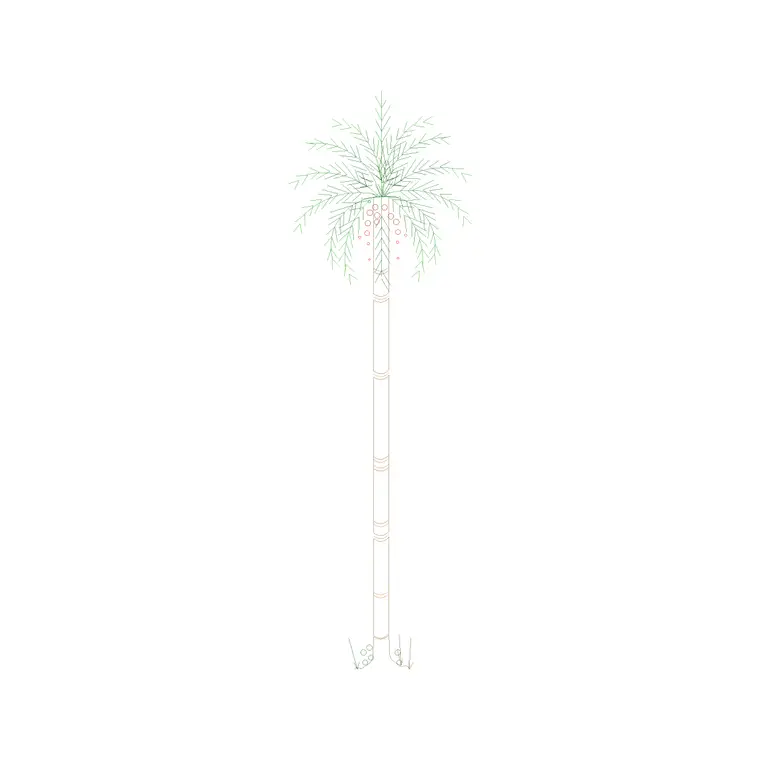
I remember one masterplan specifically, a mixed use scheme with four buildings and a landscaped courtyard between them, where an earlier pass at the planting layer had been built using a single ornately detailed tree block, canopy texture, individual branch lines, root flare detail, repeated close to three hundred times across the site. Every pan on that layer took a visible beat to catch up, and turning that same layer's regen time from a genuine annoyance into something instant was as simple as swapping the block for a lighter version at the same footprint.
Why repetition changes the math
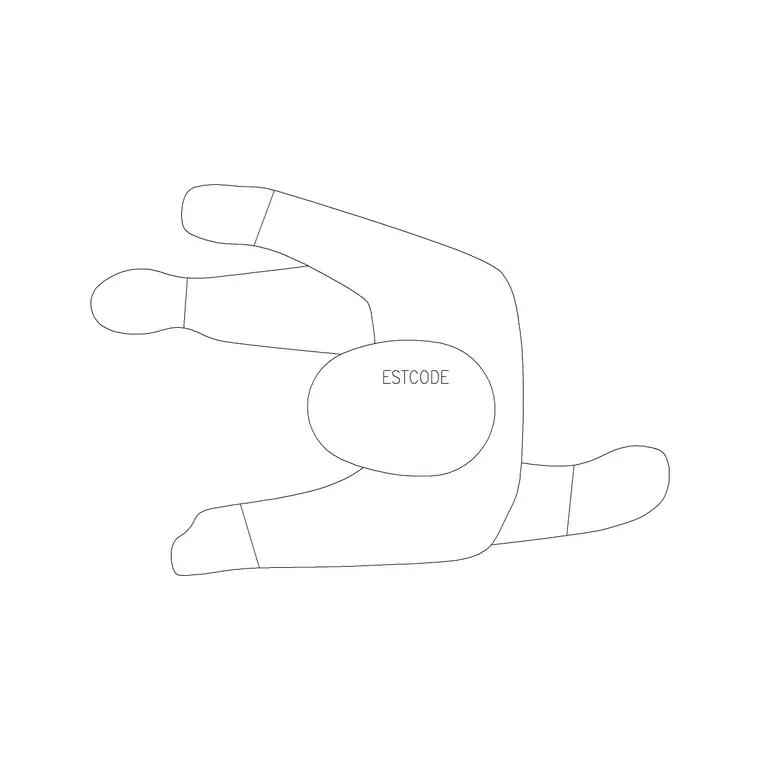
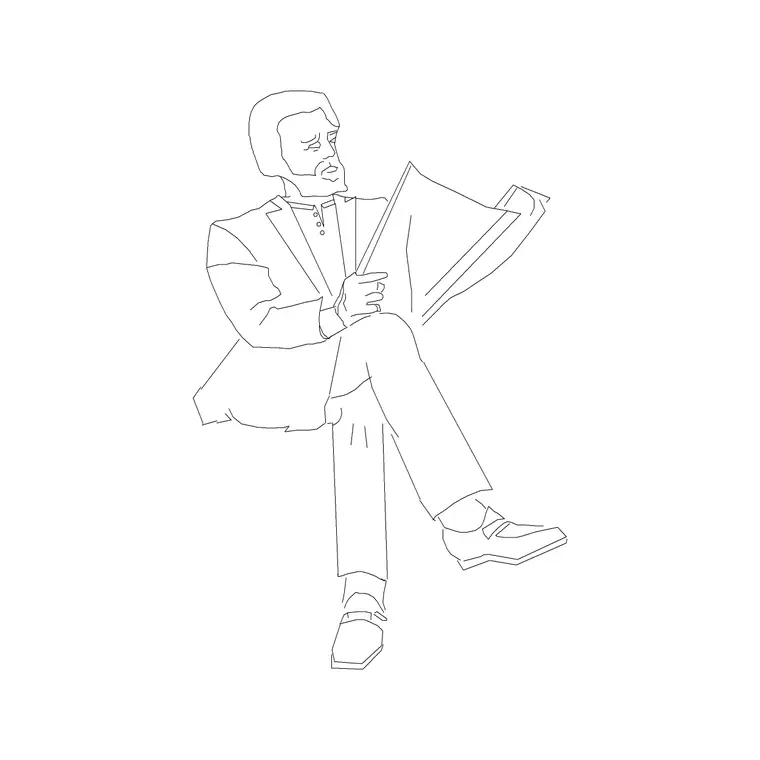
Blocks are efficient specifically because every instance references one shared definition rather than storing its own full copy of the geometry, which is exactly why a drawing with two hundred identical trees stays far smaller than the same trees drawn as two hundred sets of raw, unblocked lines would. But that efficiency has limits, a block definition itself still carries some weight, more polylines, more hatch fills, more internal complexity per instance means more total data even when it is being referenced rather than duplicated, and on a site plan where a Pine Elevation 1 style tree or a Human Figure Plan 1 might legitimately need to appear over a hundred times, that per-instance weight multiplies fast.
Regeneration time is where this actually becomes felt rather than theoretical, since every REGEN has to process every visible instance of every block on screen, and a plan with hundreds of unnecessarily heavy entourage blocks can turn a routine regen into a genuinely noticeable pause, which compounds into real lost time across a full day of panning, zooming and editing a large site drawing.
Hatch fills are worth calling out specifically here, since a densely hatched canopy or a heavily cross hatched paving pattern inside a repeated block is often the single biggest contributor to file weight, more than raw line count by itself. A solid fill or a simple two tone canopy reads just as clearly at site plan scale as an elaborate stippled hatch does, so if you're auditing a heavy block, check the hatch pattern first, that's usually where the savings are hiding.
What a big site plan actually needs from its blocks
At the typical scale a site plan gets printed at, 1 to 200, 1 to 500, sometimes wider, an enormous amount of internal detail in a single tree or figure block is simply invisible anyway, it disappears into a handful of pixels on the printed sheet regardless of how much geometry is behind it. So the honest priority on a large site plan is a light, simple, well-proportioned block, correct canopy diameter for a tree, correct rough silhouette for a human figure, repeated as many times as the site actually needs, rather than one heavily detailed version used sparingly. Detail that nobody can see at that scale is pure file weight with no payoff.
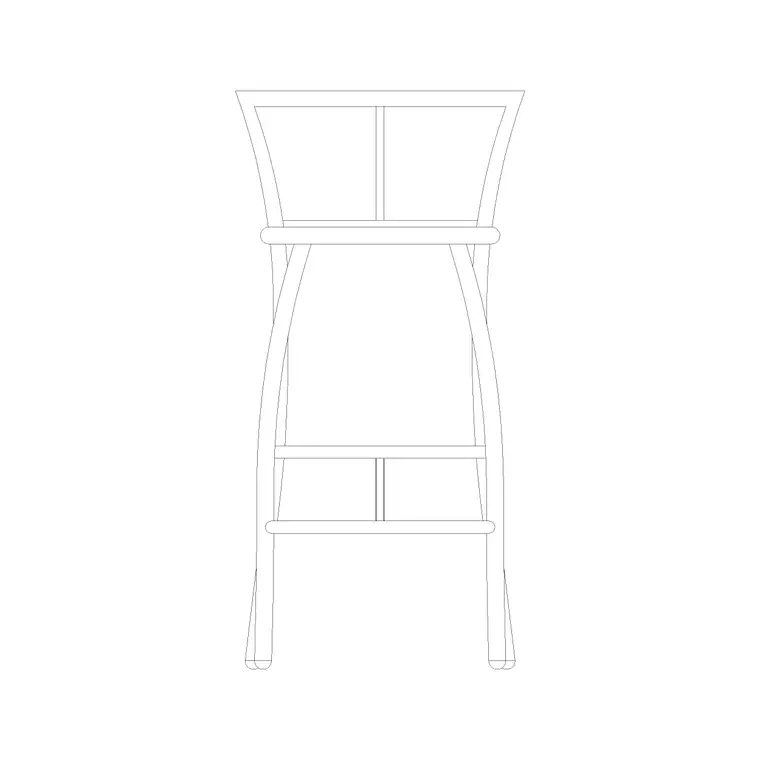
Furniture follows this same curve on a large scale plan too, a Sofa Set Plan 1 placed inside a small ground floor unit on an otherwise huge multi building site plan can usually be a much simpler version of itself, since nobody reviewing the overall site layout is going to zoom in far enough to care about cushion lines on a sofa that occupies a few millimeters of the printed sheet.
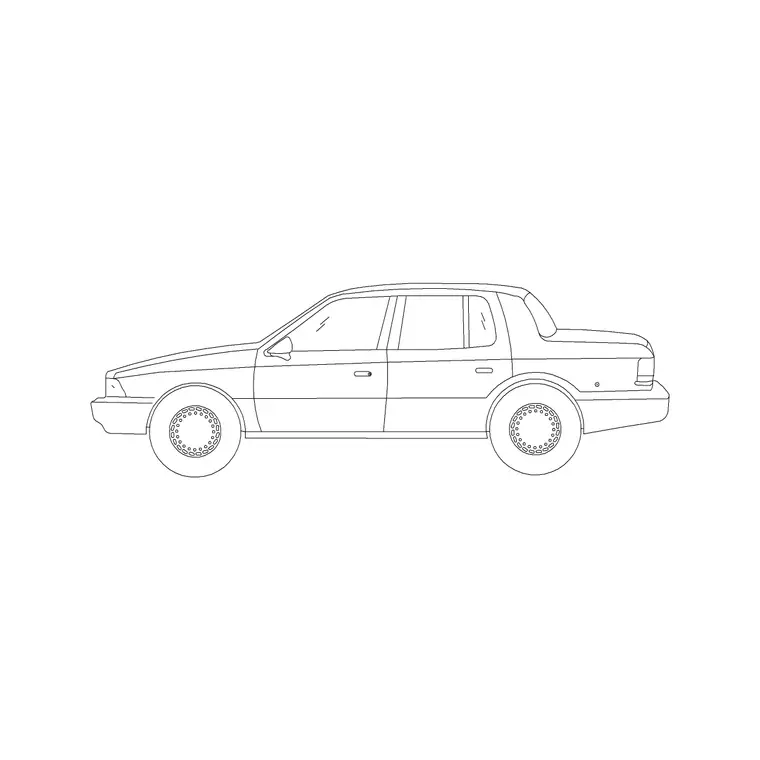
The same logic extends to vehicles, people, and site furniture blocks, not just trees, a parking layout with sixty car blocks or a plaza scene with forty scattered figures benefits from the same light block repeated often approach rather than a handful of highly rendered ones. At 1 to 200 or wider, a car block genuinely just needs to read as a car, roughly 4.5 to 5 metres long and about 1.8 metres wide for a typical passenger vehicle silhouette, correct proportion and nothing more, since nobody reviewing a site plan at that scale is checking for wheel rim detail.
Where high detail is still worth it
The exception is anywhere on the same site plan that gets a genuine close-up, a detail callout, an enlarged plan of the entry sequence or a courtyard, where that scale opens back up closer to 1 to 50 or larger and individual pieces of entourage suddenly are visible enough for their detail to matter. On those specific callouts, swap in a more detailed version of the same tree or figure, since the payoff for detail is real there in a way it simply is not across the broad sweep of the main site plan.
A practical way to check before you commit to a block
Before populating a large site plan with dozens or hundreds of a given block, check its file size and rough polyline count, most library sites list a file size, and if it looks unusually heavy for what it is, several hundred kilobytes for a single tree silhouette is worth a second look, that is a sign it is carrying more detail than a site plan at that scale can actually use. A lighter version of the same category of object, even if visually a little less rich up close, will serve the plan better once multiplied across the number of instances a real site actually needs.
A quick trick that saves real time on a genuinely large landscape plan is inserting one instance of the tree or figure block first, running a rough regeneration and pan test, and only then committing to placing it a hundred more times. It takes thirty seconds and it catches a heavier than expected block before it has been multiplied across the whole site rather than after.
It's also worth running a PURGE pass once a large landscape layer is finished, since swapping out a heavy block partway through a project can leave the old, unused block definition sitting in the drawing database even after every visible instance has been replaced, quietly adding weight back that you thought you'd already removed. A clean AUDIT and PURGE cycle at the end of a big site plan catches this reliably and is worth the thirty seconds it takes before the file goes out.
Further reading
Questions
Frequently asked
Does repeating the same block hundreds of times actually slow AutoCAD down?+
Less than you would think if the block itself is reasonably light, since AutoCAD references one shared definition per insertion rather than duplicating the full geometry. A genuinely heavy, overly detailed block repeated hundreds of times is where real slowdown shows up.
How can I tell if a block is too detailed for a large site plan?+
Check its file size relative to how simple the object actually is, and consider the print scale, if the site plan will be printed at 1 to 200 or smaller, fine internal detail in a tree or figure block will be invisible anyway and is just added weight.
Should I use different blocks for the same tree species in different parts of one drawing?+
Yes, this is common practice, a lighter version for the broad site plan and a more detailed version reserved for any enlarged detail callouts or close-up views within the same set, since the two views are genuinely serving different purposes even though they show the same species.
Free downloads from this article

Free CAD block library
Download the blocks from this article — free, no signup