25 best free furniture CAD blocks to download in 2026
A curated roundup of 25 free furniture DWG blocks worth downloading in 2026 — sofas, beds, tables, desks and storage, with the real dimensions to check on each.
Saumyajit MaityUpdated 22 May 20264 min read

How we picked these 25
Furniture is the most-used block family on any residential or commercial drawing, so the bar for a roundup is simple: every block here is free, downloads as DWG (most as DXF too), needs no account, and is licensed for commercial work. Beyond that we looked for the things that actually decide whether a block is worth keeping — drawn to real-world size, built so the geometry inherits your layer when you insert it, and a sensible base point you can snap to.
The 25 below are grouped by what they do in a plan rather than listed flat, because that is how you reach for them: seating, tables, beds, work surfaces and storage. Every one lives in the furniture category on this site, where you can browse the plan-view thumbnail before you commit to a download. Treat the dimensions in each section as a checklist: open the block, throw a quick DIST across it, and confirm it matches before you trust it for clearances.
Seating — sofas, armchairs and accent chairs (1–8)
Seating is where a living space reads as a home rather than a box. Reach for a sofa set first: a two-seater is roughly 1500 by 900mm, a three-seater around 2100 by 900mm, and an L-shape or U-shape arrangement anchors a larger lounge. Add armchairs near 850 by 850mm and a couple of slimmer accent chairs around 600 by 650mm to fill a reading corner without crowding the route through the room.
The sofa-set plan block is the workhorse here — it gives you a coordinated three- or four-piece arrangement in one insertion, so you furnish the social heart of a layout in seconds instead of placing each piece. Drop it onto your furniture layer, rotate it to face the focal wall, and you immediately see whether the coffee table and circulation still fit. Eight seating blocks — two sofas, an L-shape, two armchairs, two accent chairs and an ottoman — cover almost every residential living-room brief you will meet.
Tables and work surfaces (9–17)
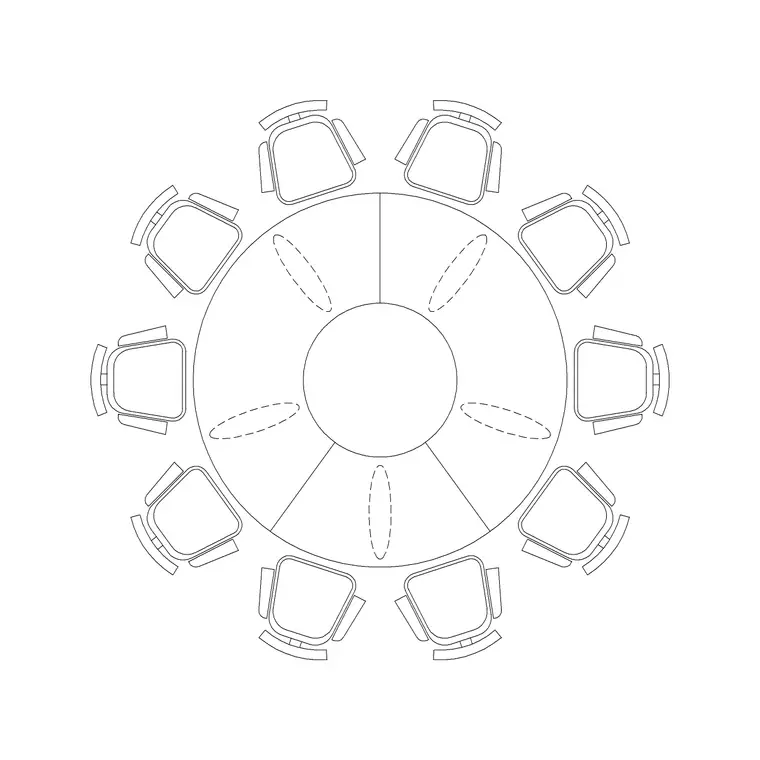
Tables set the rhythm of a room and decide its circulation. A four-person dining table runs about 1200 by 800mm, a six-person around 1800 by 900mm, and round versions sit near 1100 to 1200mm across. Pair them with coffee tables around 1100 by 600mm and slim console or side tables for the edges of a plan. The non-negotiable rule with any dining set is to leave at least 900mm of clear space on every side so chairs pull out and people pass behind seated diners — a furnished block makes that gap visible at a glance.
For work surfaces, a desk is typically 1200 to 1600mm wide by 600 to 800mm deep, and an office chair needs roughly 600mm of swing behind it. Nine table and desk blocks — two dining tables, a round table, two coffee tables, a console, a side table and two desks — let you fit out dining, lounge and study zones from a single trusted set rather than redrawing surfaces by hand on every project.
Beds and bedroom pieces (18–22)
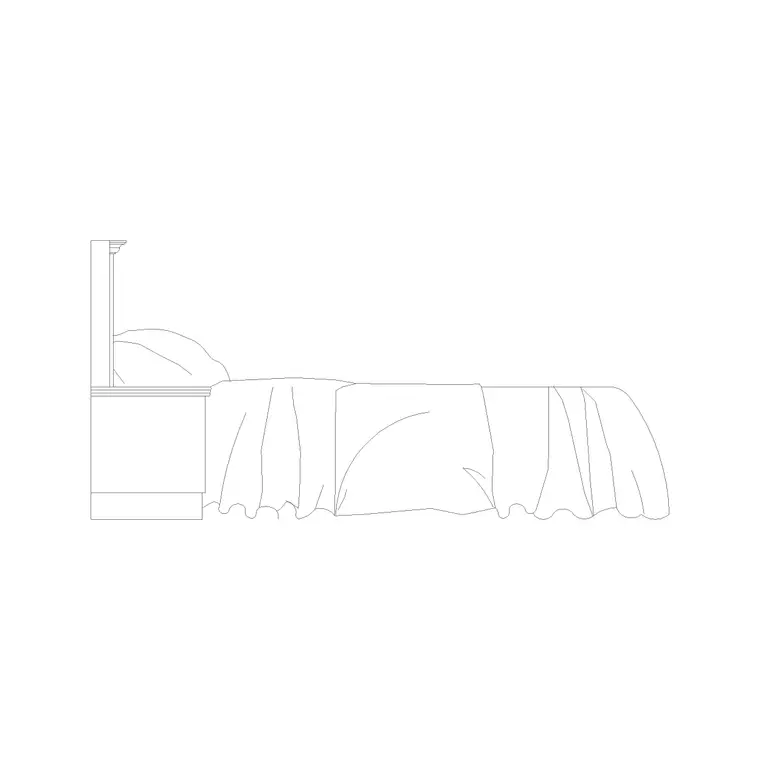
Bedrooms live or die on clearances, so accurate bed blocks earn their place. A single bed is 900 by 1900mm, a double 1350 by 1900mm, a queen 1500 by 2000mm and a king 1800 by 2000mm. Allow about 600mm down at least one long side for access and a bedside table; two-sided access is better where the room allows. A good bed block draws the pillows and a turned-down throw line so the plan reads as a bedroom instantly rather than as a plain rectangle.
Round the bedroom out with a wardrobe (commonly 600mm deep in 600mm-wide modules) and a dressing table. Five blocks — single, double and king beds plus a wardrobe and a dressing unit — furnish any bedroom on the drawing and force the useful check of whether the bed, the wardrobe doors and the room door swing can all coexist without colliding.
Storage and the catch-all pieces (23–25)
Storage is the family people forget, and it is exactly where layouts quietly fail. A 600mm-deep wardrobe or a bookshelf placed without thought can eat the clearance a doorway needs, and you only catch it if the storage is actually drawn. Finish your kit with a tall storage unit, a low TV unit around 1500 by 400mm, and a bookshelf at roughly 300mm deep. With those three in place you can furnish a complete residential plan — seating, tables, beds, work surfaces and storage — entirely from this 25-block set.
To download any of them, open the furniture category, click the block you want, and hit the DWG (or DXF) button — no signup, no ad maze. Then insert with the INSERT command at scale 1, snap the base point to a wall corner or grid line, and it lands at real size if your INSUNITS match. Build a small tool palette from the eight or ten you use most and placing them drops to a single click for the rest of the project.
Questions
Frequently asked
Are these furniture CAD blocks really free for commercial use?+
Yes. Every furniture block on CADBlockDWG is free to download in DWG and DXF with no signup and no attribution, and you can use them in client and commercial drawings.
What size should a sofa block be in plan?+
A two-seater is about 1500x900mm and a three-seater about 2100x900mm. Measure the block with DIST after downloading to confirm it is drawn to real-world scale before relying on it for clearances.
How do I insert a downloaded furniture block in AutoCAD?+
Run INSERT, browse to the DWG, keep scale 1 and rotation 0, and snap the base point to a wall corner or grid line. If it comes in the wrong size, it is a units mismatch — match INSUNITS or scale by 0.001 or 1000.
Free downloads from this article

Free CAD block library
Download the blocks from this article — free, no signup


