Photo cutout vs vector entourage figure in a render
When a photo figure sells a rendered scene, and when a clean vector person or tree reads better in a line drawing.
Saumyajit MaityUpdated 17 June 20266 min read
Entourage is doing more work than it looks like
Entourage, the people, trees, cars and general life you scatter through a drawing to make it feel inhabited rather than sterile, is often treated as an afterthought, something you drop in at the very end just to fill empty space, but it is actually doing real communicative work, especially scale. A figure standing next to a doorway tells a viewer instantly how tall that doorway actually is in a way a dimension string never quite does emotionally, and the choice between a photographic cutout and a clean vector figure changes how convincingly that message lands depending on what kind of drawing it is sitting in.
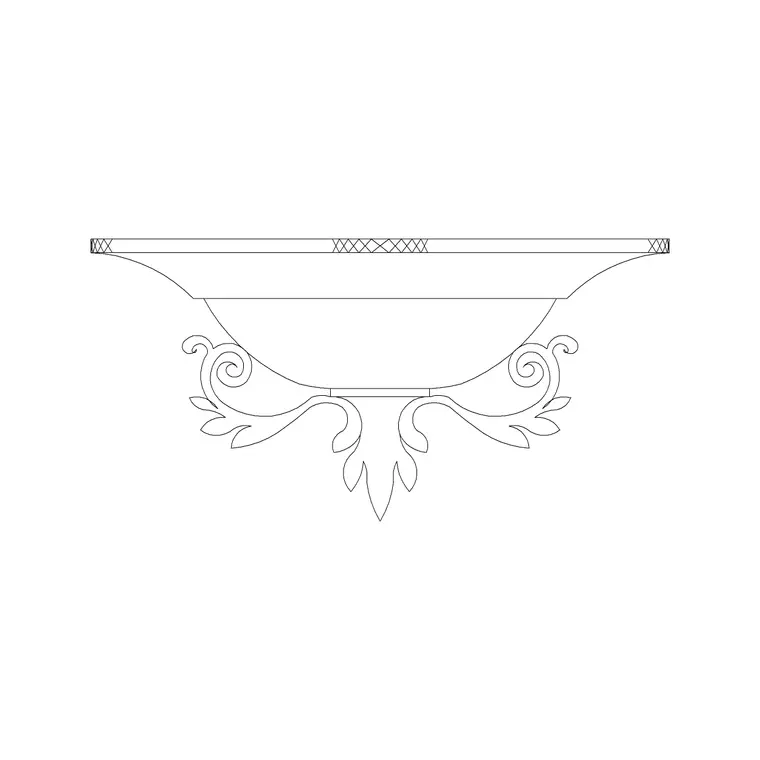
Lighting fixtures get pulled into this same decision more often than people expect, since a render usually wants a fixture that actually glows and casts light, a rendered ceiling lamp with some tonal depth built in, while the exact same room in line elevation wants the flat vector version instead. Treating a light fixture as entourage rather than just structure is a useful mental shift, it needs the same realism matching as a person or a tree does.
Where a photo cutout genuinely wins
In a fully rendered scene, one with real materials, real lighting, real shadows falling across a floor, a photographic person or a photo-textured tree reads as part of the same visual world as everything else around it, because it shares the same kind of visual complexity and lighting cues as the rendered geometry. Dropping a flat vector silhouette into a photorealistic render tends to look pasted on, almost like a sticker, because the eye immediately registers the mismatch in visual language even if it cannot articulate why. So for marketing renders, walkthroughs, anything meant to look close to a photograph of a real finished space, photo cutout entourage earns its place, right, since the whole goal of that deliverable is convincing someone it looks close to a real photograph in the first place.
Where a vector figure genuinely wins
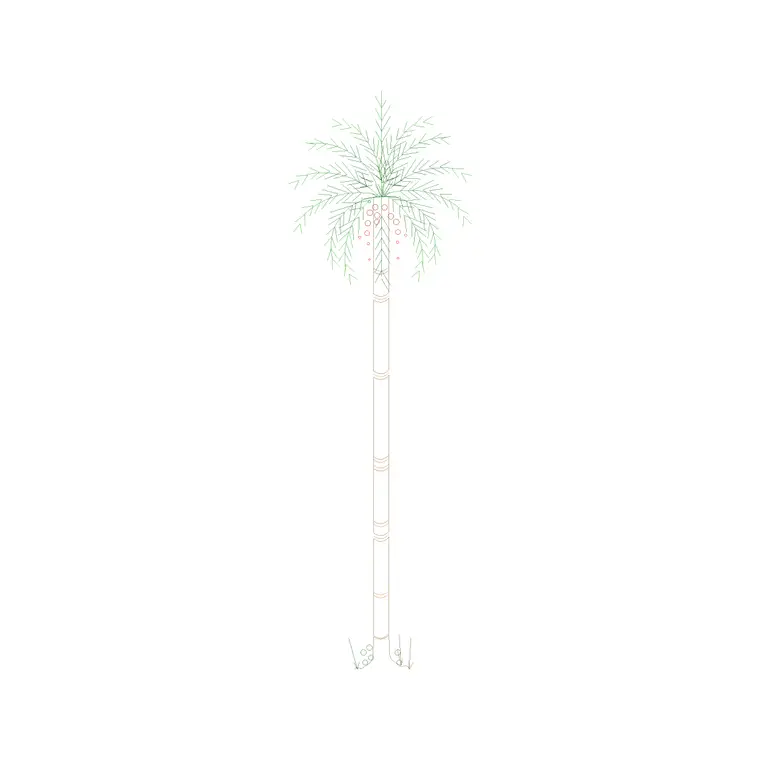
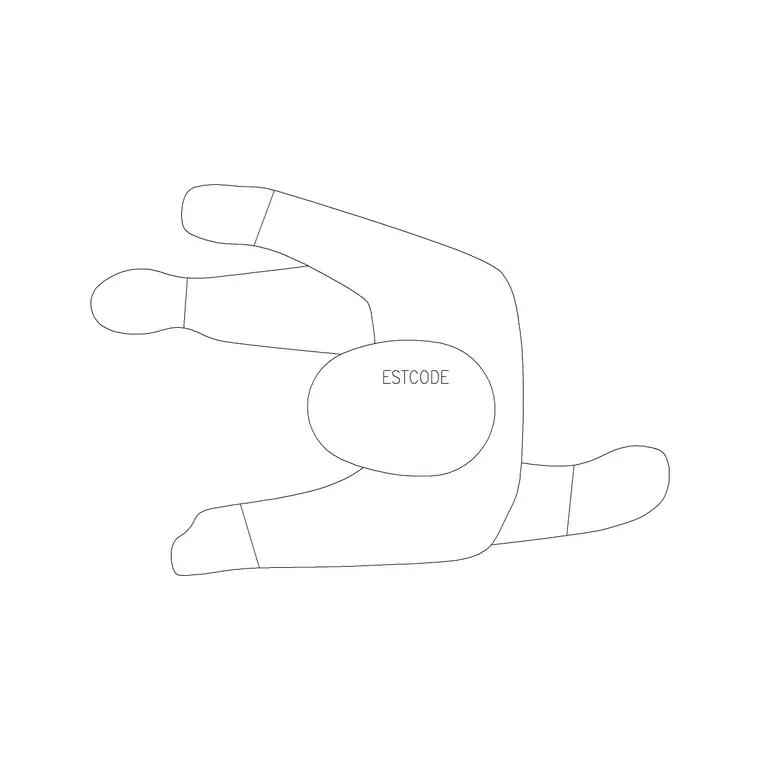
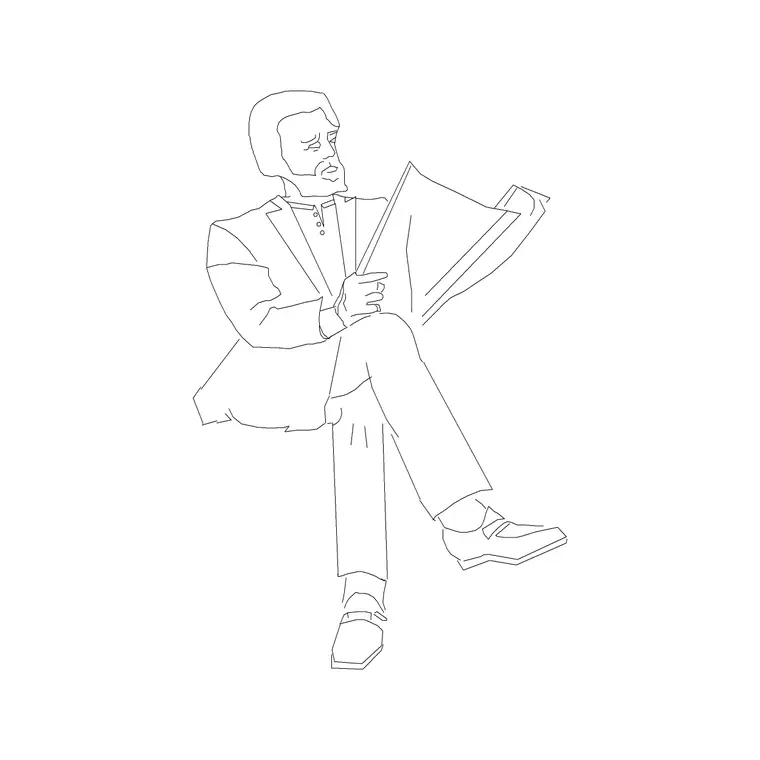
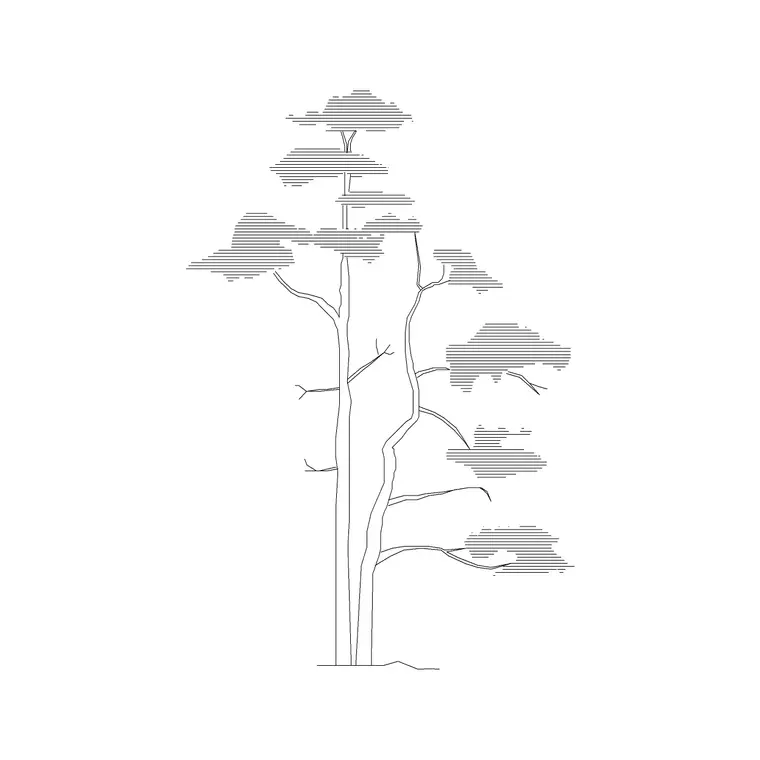
The moment you are in a line drawing, a plan, an elevation, a section, or even a clean isometric, a vector figure like a Human Figure Plan 1 or Human Figure Sitting block is the correct choice and a photo cutout would look completely out of place, because it would be the only photographic element sitting inside an entirely vector drawing. Vector figures also print cleanly at any scale and stay small in file size no matter how many you place, which matters a lot on a landscape or site plan where you might be scattering dozens of people and a pine tree elevation or two across a large area. A vector entourage tree reads consistently whether the sheet is printed at 1 to 100 or 1 to 500, where a raster photo cutout can turn blurry or pixelated fast once it is scaled down that far.
Black and white plotting reinforces this the same way it does for furniture blocks, a photo cutout printed in monochrome on a plotter often loses most of its visual value and can even read as a muddy gray rectangle, while a vector figure was designed from the outset to hold up with nothing but a clean outline, so it survives that translation to print without losing anything.
The middle case, isometric and axonometric presentation views
These stylized pseudo 3D views are usually still built from vector line work, and vector entourage generally suits them better than photo cutouts do, because the whole point of that drawing style is a consistent, slightly abstracted visual language across the entire scene, walls, furniture and people included. Mixing in a photographic figure here tends to break the same illusion it would break in a plan, just for a slightly different reason, the level of realism suddenly jumps in one spot and the eye catches it immediately.
This stylized middle ground is genuinely useful for firms that produce a lot of client facing material without the time budget for full photorealistic rendering on every deliverable, since a well built isometric with consistent vector entourage throughout can carry a surprising amount of the same persuasive weight a full render would, at a fraction of the production time.
A quick note on file weight and consistency at scale
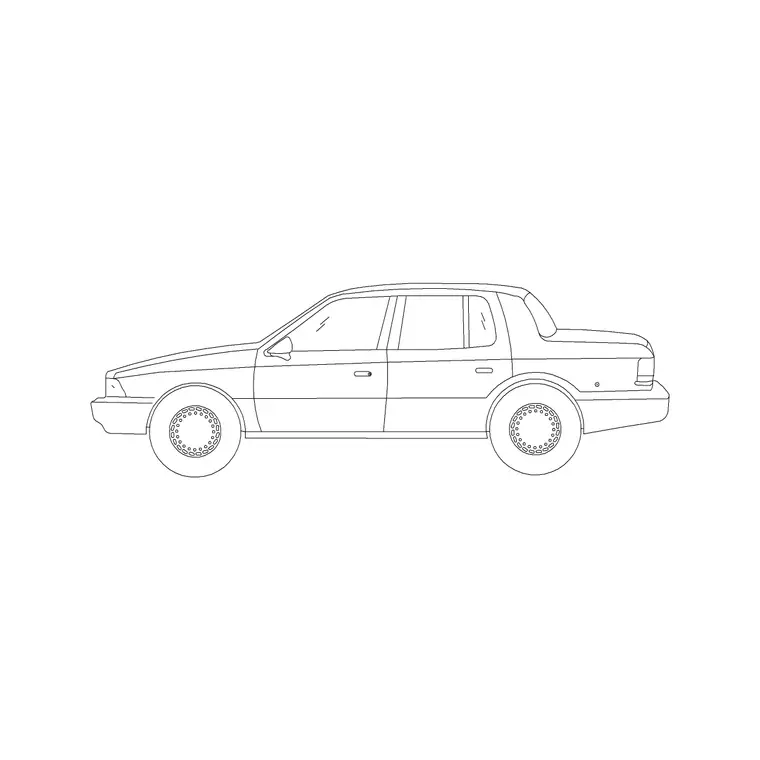
File weight is worth flagging too, since a raster photo cutout, even a well compressed one, adds real megabytes to a drawing in a way a vector figure simply does not, and scattering a few dozen photo cutout people and trees across a large site render can turn a file that should open in a couple of seconds into one that takes a genuinely noticeable pause every time you pan or zoom. Vector entourage has essentially no weight cost by comparison, a hundred instances of the same Human Figure Plan 1 block add barely anything to a file's size since AutoCAD is just referencing one shared block definition repeatedly rather than storing a hundred separate images. Cars and vehicles follow the identical logic to people and trees here, a photo-realistic car belongs parked in a rendered driveway scene and a simple vector car silhouette belongs on a site plan or a parking layout, and reaching for the wrong one causes the same kind of visual mismatch either direction.
A practical rule I use
Match the entourage's realism level to the drawing's realism level, not to how good the entourage itself looks in isolation. A stunning photo cutout of a person is still the wrong choice in a black and white line drawing, and a beautifully clean vector figure is still the wrong choice sitting inside a photorealistic render. Trees follow the same logic, a Pine Elevation 1 block belongs in a line elevation or section, and a photo textured tree belongs in a render, and swapping them creates the exact same visual mismatch as swapping the figures does.
When I am genuinely unsure which way to go, usually on a hybrid deliverable that is somewhere between a technical drawing and a marketing piece, I default to vector. A vector figure never looks actively wrong, it just looks a little plainer than a photo cutout would in a fully rendered scene, whereas a photo cutout in the wrong context looks like an outright mistake, so the safer default when the drawing's final treatment is not yet settled is to lean vector and add photographic entourage later once the deliverable's direction is confirmed.
One more test worth running, zoom the drawing out to the scale it will actually be viewed or printed at before deciding, since a photo cutout that looks convincing zoomed in close on screen can turn muddy and pixelated the moment a large site plan gets zoomed back out to fit a full sheet, while a vector figure holds its clarity at any zoom level because it was never raster to begin with.
Further reading
Questions
Frequently asked
Can I use the same entourage figure across both my line drawings and my renders?+
Generally no, keep a vector version for line drawings, plans, elevations, sections and a separate photo or rendered version for photorealistic scenes. Using one across both usually looks wrong in at least one of the two contexts.
Why do photo cutouts sometimes look pixelated in a printed drawing?+
Photo cutouts are raster images, so scaling them down significantly, especially on a large site plan, can push their resolution below what prints cleanly. Vector figures do not have this problem since they scale without any loss of quality.
Do vector entourage trees and people work in isometric presentation drawings?+
Yes, generally better than photo cutouts do, since isometric and axonometric views are usually built from consistent vector line work, and a photographic figure tends to visually clash with that style, keeping the whole scene reading as one consistent visual system.
Free downloads from this article
Free CAD block library
Download the blocks from this article — free, no signup