Car elevation blocks: front, back and side views explained
Front, back and side car elevation blocks aren't interchangeable. Here's what each view is actually for and how to tell them apart.
Saumyajit MaityUpdated 25 May 20265 min read
Not every 'elevation' block is drawn from the same angle
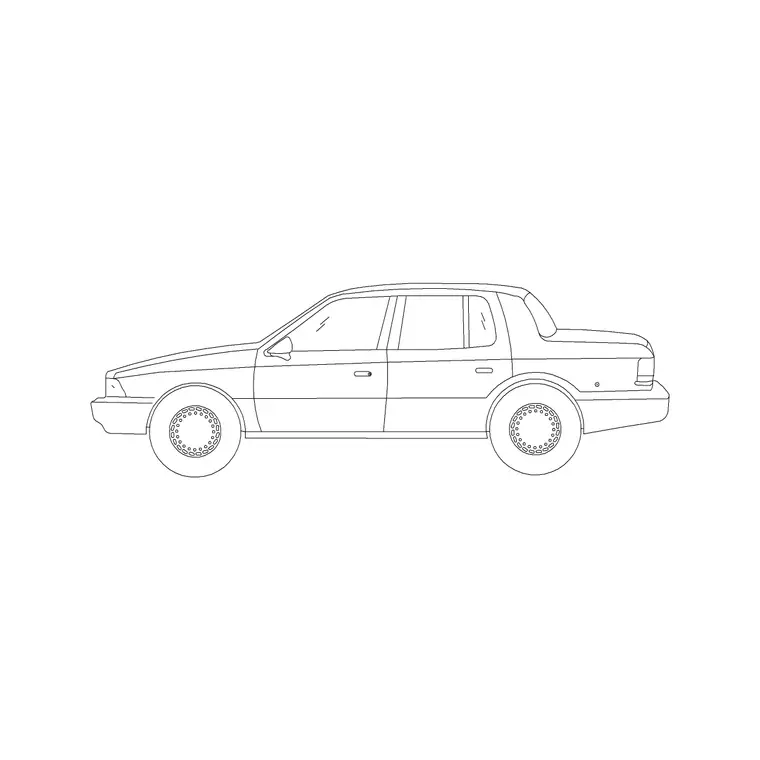
I get asked fairly often why a downloaded car block doesn't look right in a particular drawing, and nine times out of ten the answer is that it's the wrong viewing angle, not a broken file. 'Car elevation' as a category name covers three genuinely different drawing types, side profile, front-facing, and rear-facing, and they are not interchangeable even though they all technically qualify as elevations under orthographic projection.
The side-profile elevation, the default workhorse
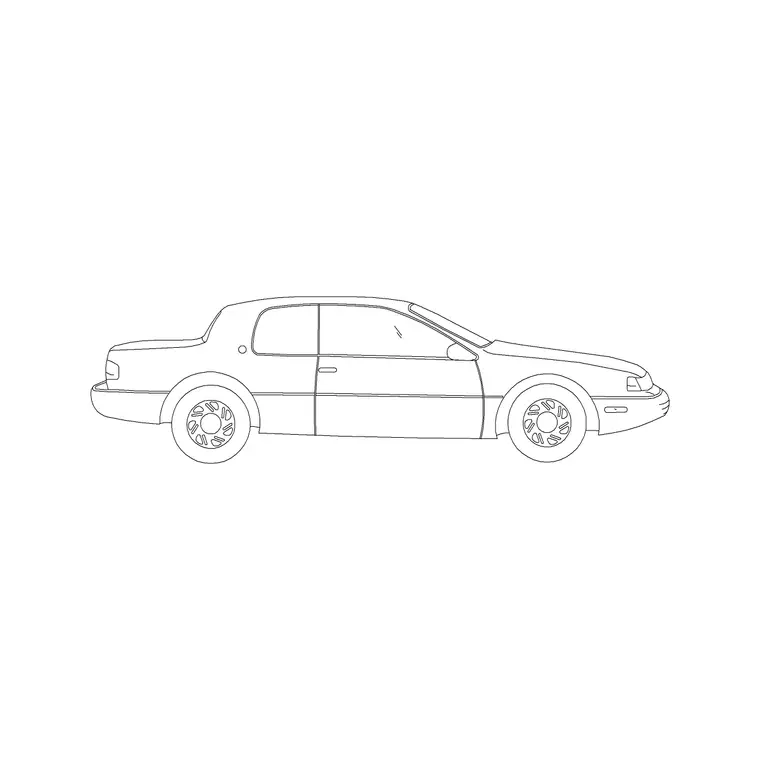
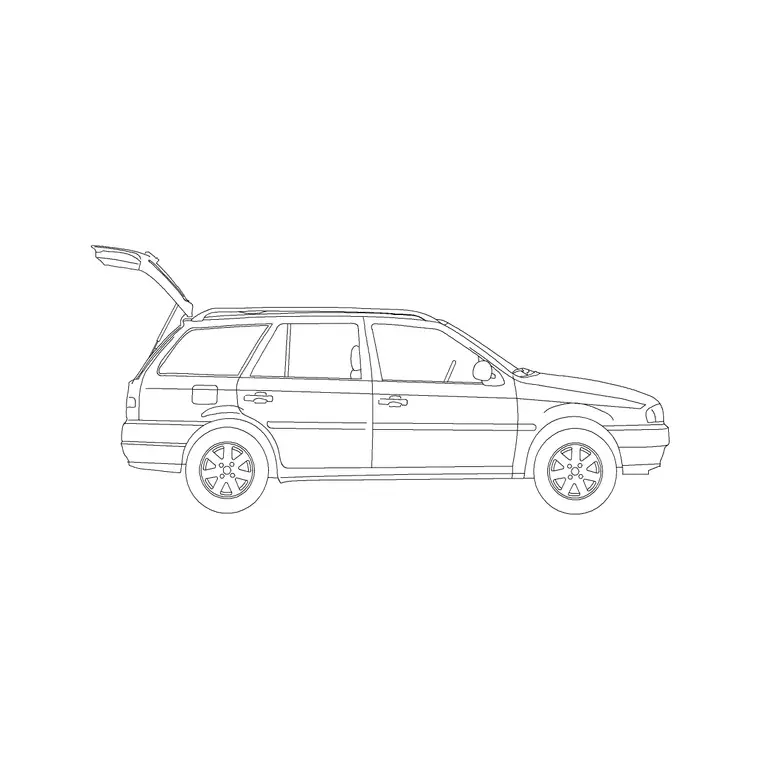
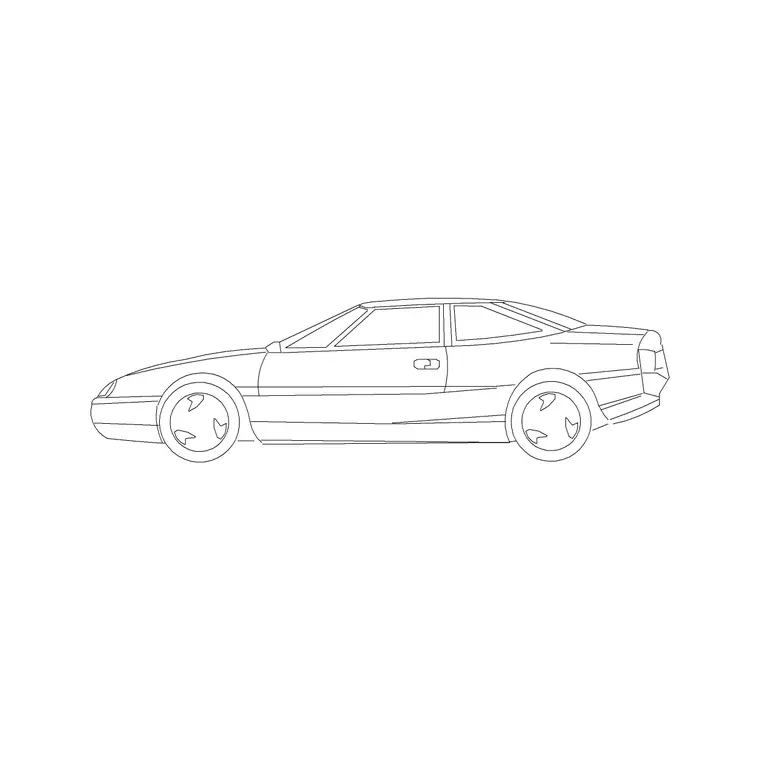
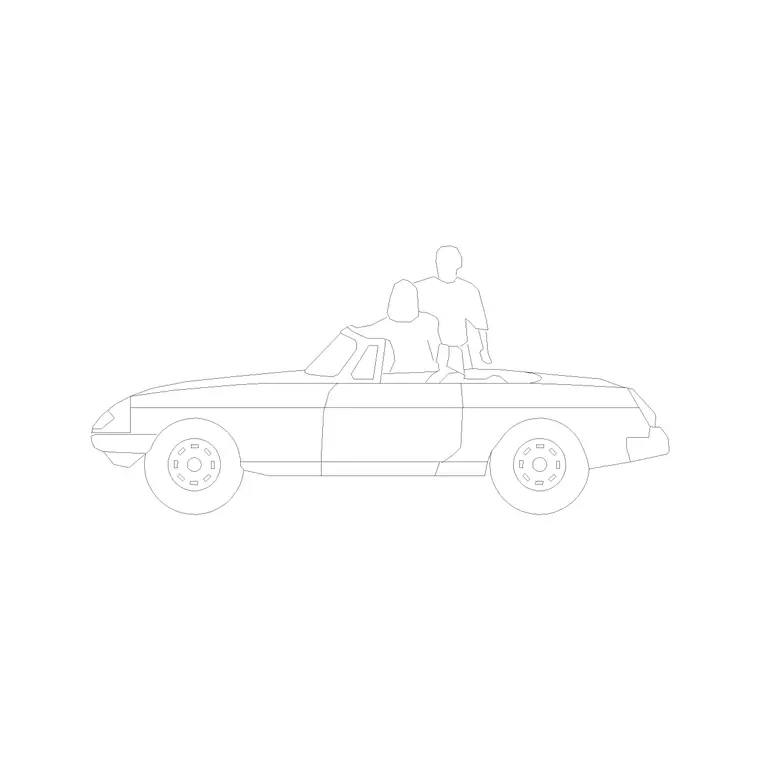
Most of the standard-named blocks in the vehicles category, the Sedan Car, SUV Car, 2 Door Sedan Car, Sports Car and Convertible Car among them, are drawn as side-profile silhouettes, the classic view you'd see looking at a parked car from the pavement. This is the view you want for building elevations, streetscape sections, and anywhere a car needs to sit convincingly along a facade or a kerb line, because it's the angle that reads instantly as 'a car parked here' without needing any further context.
The front and rear elevations, for a different job entirely
Separately, the library also carries dedicated front-facing and rear-facing car elevation blocks, distinct from the side-profile ones, built for situations where the car is meant to be seen head-on or from behind, a car approaching a boom barrier, a vehicle backed into a loading bay, or a front-on view for a dealership forecourt render. These views show the width and headlight or taillight detailing that a side profile simply doesn't capture, and using a side-profile block where a front elevation is called for will look visibly wrong to anyone who checks the drawing carefully.
So the rule I follow, side profile for anything running along or across the sheet, front or rear elevation for anything driving directly toward or away from the viewer.
Rear elevations specifically earn their keep on any drawing involving a reversing manoeuvre, a bin store access lane, a loading dock apron, or a compact car park's turning head, since checking tail light height and rear overhang against a wall or bollard is exactly the kind of clearance question a side profile can't answer either.
Why this distinction matters for accuracy
Orthographic projection, the drawing convention this whole system is built on, works precisely because each view is drawn from a fixed, consistent angle, and mixing a side-profile silhouette into a scene that calls for a front view breaks that internal logic even if nobody can immediately say why the drawing feels off. It's a small thing, but it's the kind of small thing that separates a drawing that reads as professionally considered from one that feels assembled from mismatched parts.
I'd also add that this isn't just an aesthetic nitpick, it genuinely affects legibility for anyone reviewing the set later. A structural engineer or a planning officer flicking quickly through a stack of elevations relies on that visual consistency to orient themselves at a glance, and a mismatched viewing angle, even a subtle one, is exactly the kind of thing that slows a reviewer down or makes them question the rest of the drawing's accuracy by association.
This same logic extends to pairing vehicle blocks with human figure blocks in the same scene, since a mismatched angle between a side-profile car and a front-facing person, or vice versa, creates the same subtle inconsistency as mixing viewing angles between two vehicles, and a drawing that's been careful about vehicle angle but careless about figure angle ends up with the same credibility problem it was trying to avoid.
How to tell which one you've downloaded
Before inserting, open the block preview and check the silhouette shape, a wide, low, elongated outline with visible wheel arches front and back is a side profile, while a narrower, taller outline showing the windshield and grille face-on is a front or rear elevation. All of them come down as DWG files and insert the same way with the INSERT command, the difference is purely in which angle was drawn, not in the file format or how you bring it into your drawing.
If you're building a scene that needs both, say a streetscape with cars parked along the kerb and one car turning into a driveway toward the viewer, you genuinely need both a side-profile block and a front-elevation block, don't try to fake the turning car by rotating a side-profile silhouette, since rotating it in plan doesn't change which angle it was drawn from.
Some libraries also carry an isometric or three-quarter view car block, a third category distinct from both straight elevation and plan, useful specifically for perspective sketches or informal concept drawings where a fully orthographic view would look stiff, and it's worth knowing that category exists separately so you're not trying to force a straight side-profile block into a perspective sketch where it will visibly not sit right against the vanishing points of the rest of the scene.
Where each view earns its place across a typical drawing set
On a full architectural package I'll usually end up using all three angles across different sheets, and it helps to think of them as having distinct jobs rather than one being generally 'better' than the others. Side-profile blocks dominate the building elevations and the long streetscape sections, since most of a car's presence in those drawings is about establishing scale and human context along a facade. Front elevations earn their place at entrances, gatehouses, boom barriers and drop-off canopies, anywhere the drawing is specifically about a vehicle arriving and being seen head-on by whoever's checking clearances or sightlines. Rear elevations are the quiet specialist of the three, mostly useful for loading bays, reversing manoeuvres and any drawing where a vehicle is shown backed into position.
For instance, a hospital drop-off canopy drawing benefits enormously from a front-elevation car block positioned under the canopy, since that's the actual moment the drawing is trying to communicate, a vehicle pulling up and a passenger getting out under cover, and a side-profile silhouette in that exact spot wouldn't tell that story nearly as clearly.
Basically, before reaching for whichever car block is quickest to hand, it's worth pausing for a second to ask which direction the vehicle in this specific view is actually meant to be facing, and letting that answer drive which block you download rather than defaulting to the same side-profile silhouette on every sheet out of habit.
Parking structure entrance and exit drawings are a good example of where getting this wrong is expensive to fix later, since a ramp elevation showing a car approaching the boom barrier needs the front-facing block specifically to check headlight height against the barrier arm and sightline triangle, a check that a side-profile silhouette simply can't perform no matter how carefully it's positioned in the drawing.
Further reading
Questions
Frequently asked
How do I know if a car block is a side profile or a front elevation?+
Check the preview image before inserting. A wide, elongated silhouette with wheel arches on both ends is a side profile; a narrower, taller outline showing the windshield face-on is a front or rear elevation.
Can I rotate a side-profile car block to make it look like a front view?+
No. Rotating changes the block's orientation in the drawing plane, not the angle it was originally drawn from, so a rotated side profile still reads as a side profile, just pointed a different direction.
Which view should I use for a standard building elevation with cars along the street?+
The side-profile blocks, like the Sedan Car or SUV Car, are the correct choice for cars running along a facade or kerb line in a building elevation.
Free downloads from this article
Free CAD block library
Download the blocks from this article — free, no signup