Curated pack · landscape cad blocks
Free landscape CAD block pack for AutoCAD
By Sumana Kumar · Published 18 Feb 2026 · Updated 28 Mar 2026
A landscape drawing is only as fast as the blocks behind it, and a general external-works plan reaches across half a dozen categories at once: planting, fencing, paving, lighting, furniture and the people who give a scheme scale. This free landscape CAD block pack gathers that whole spread into one place — trees and shrubs, boundary fences and gates, paving textures, a street light and a scale figure — in DWG and DXF, drawn to true millimetre dimensions and ready to insert into AutoCAD 2004 or later. Everything is free for personal and commercial work, with no signup and no watermark.
Use the pack as the starting kit for a residential garden, a site masterplan, a public realm scheme or a presentation board. Because every block is scaled, the moment you drop a tree against a fence line or a paving texture against a path, you are checking the design against real dimensions rather than eyeballing it.
Where the narrower packs on this site focus on one discipline, this one is deliberately broad. It is the pack to grab when you do not yet know exactly what the drawing needs and want a believable external scheme on the page quickly, then swap in the specialist blocks — a particular palm, a specific paving module — as the design firms up.
What's in the landscape pack
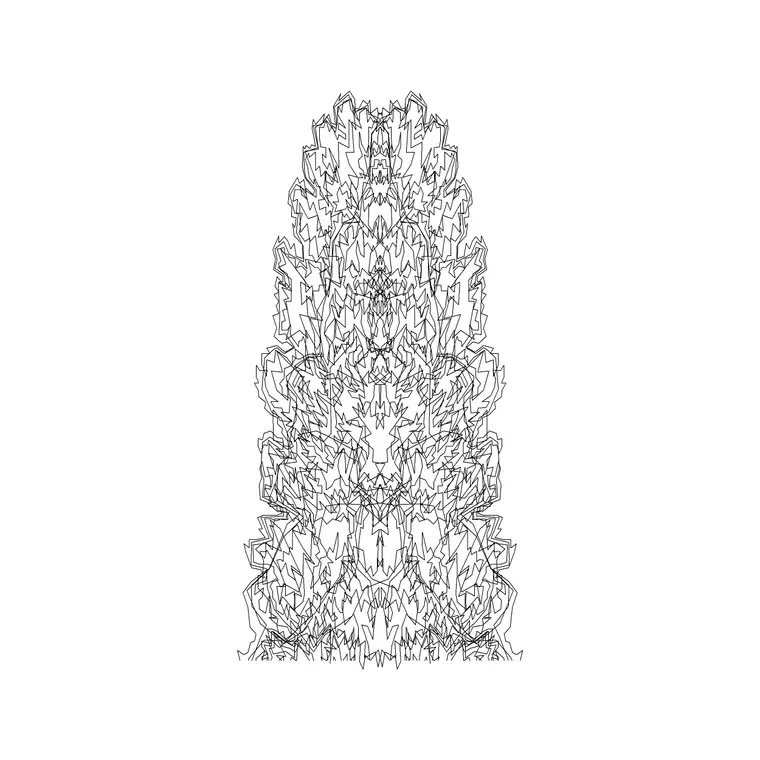
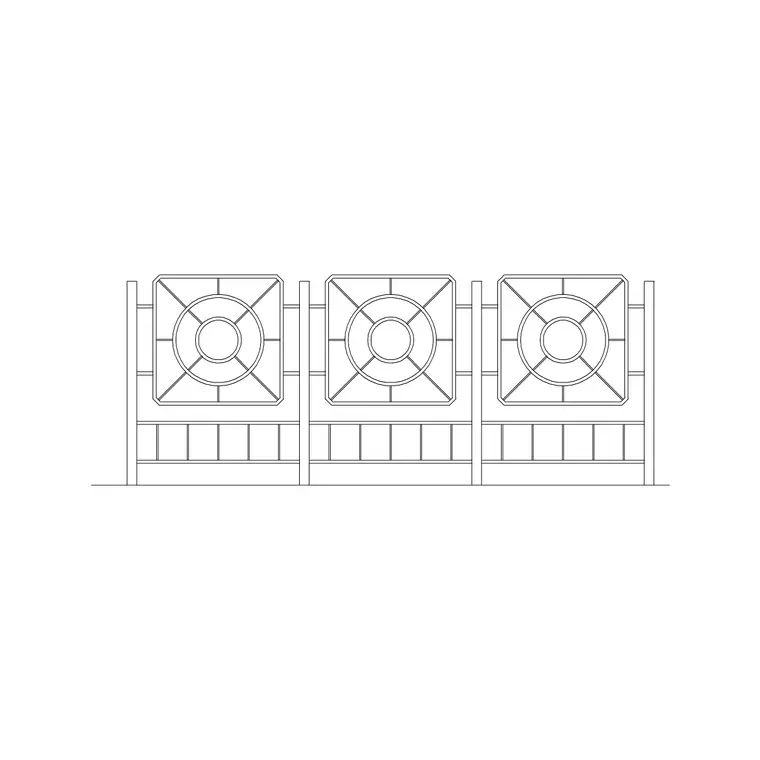
The pack pulls one or two of each thing a general landscape plan needs rather than a deep set of any single item. Planting: a broadleaf tree in elevation, a palm and a clump of shrubs so you can place structure, accent and ground-level greenery. Boundaries: a contemporary fence run and a wrought-iron gate for the edges and entrances. Hard landscape: two paving block textures for paths and terraces. Vertical interest and detail: a tall street light for lighting the scheme and a swing for a garden or play corner. Scale: a human figure in plan so the drawing reads at true size.
Think of it as a sampler. Each item links through to its own category — trees-and-plants, outdoor, paving, vehicles and so on — where you can pull the full range once you know what the scheme wants.
How the blocks work together on a plan
Start with the survey or site outline, then build the scheme in layers. Lay the paving textures first to set the hard landscape — paths, a terrace, a driveway — because the planting and furniture read against them. Drop the boundary fence around the edges and place the gate at the entrance so circulation is clear from the outset.
With the bones in place, add the trees and shrubs to soften and structure the space, then the street light where the scheme needs to work after dark, and the swing or other furniture in the activity zones. Finish by placing a scale figure or two near the entrance and a seating area — they instantly tell a reviewer the drawing is at true size and that the spaces are usable, not cramped.
Keeping the disciplines on separate layers
A landscape plan carries several layers of information that different drawings want to show separately, so put each discipline on its own layer from the start. A common convention runs L-PLANT for trees and shrubs, L-HARD for paving and surfaces, L-FENCE for boundaries and gates, L-FURN for benches and play equipment, and L-LITE for lighting. Inserting each block onto the matching layer means you can freeze planting for a clean setting-out plan, or freeze everything but the hard landscape for a paving drawing.
The scale figures are worth their own layer too, so you can thaw them for presentation drawings and freeze them on technical issues. Set this layer structure up once, save it into a template, and every new landscape file starts consistent.
Sizing notes for the key items
Reach for these ranges when placing the blocks. Trees: small ornamental 2–4 m spread, medium 5–8 m, large shade tree 8–12 m — scale each to the species' mature or design-year canopy. Fence: domestic boundary fences typically run 1.2–1.8 m high; scale the elevation block to the specified height. Gate: pedestrian gates around 0.9–1.0 m wide, vehicle gates 3.0–4.0 m. Paving: residential path widths from 900 mm up, with the texture arrayed to fill the area. Street light: column heights commonly 4–6 m for amenity lighting, 8–10 m for roads.
None of these are fixed — scale every block to the real dimension your scheme specifies. The point of starting from scaled blocks is that the clearances, the path widths and the planting spreads are all honest from the first sketch.
Who uses the landscape pack
Landscape architects and garden designers use it to get a believable scheme on the page fast, then refine it with specialist blocks. Architects use it to add external-works context to a site plan or a planning submission. Civil and infrastructure drafters use the paving, fencing and lighting to dress engineering layouts. Students reach for it because every block is scaled and licence-clear, which matters for studio crits and portfolio boards.
Pair the pack with the trees-and-plants, outdoor, paving and vehicles categories to deepen any one area — a richer planting palette, more boundary types, additional paving modules or parked cars to show a driveway in use.
From the starter pack to a finished scheme
The pack is designed to be outgrown gracefully. A typical workflow starts broad: drop in the sampler blocks, get the masterplan reading at the right scale, and use it to test the big moves — where the terrace sits, how the paths run, where the trees frame a view. At that stage a single representative tree block stood in for the whole planting palette and one paving texture stood in for all the surfaces, which is exactly what you want for a concept.
As the design develops you replace the placeholders with specifics: the right species from the trees-and-plants category, the actual paving module from paving, the chosen fence and gate from outdoor. Because everything was on tidy, discipline-based layers from the start, those swaps are local — you change the blocks without disturbing the rest of the drawing. That progression, from a fast believable concept to a coordinated technical set built on the same file, is the whole reason to start from a broad, scaled, licence-clear pack rather than a blank sheet.
Free download
Browse the full library — DWG & DXF, no signup.
Questions
Frequently asked
What does the landscape pack include?+
A representative sampler across the external-works disciplines: trees, a palm and shrubs for planting; a fence and gate for boundaries; two paving textures for hard landscape; a street light; a swing; and a scale figure. Each links to its full category for more.
Is the landscape pack free for commercial projects?+
Yes. Every block downloads free in DWG and, where available, DXF, with no signup, no watermark and no attribution requirement, and all are cleared for commercial use.
What scale and units are the blocks drawn at?+
Full size in millimetres. Insert at scale 1 in a millimetre drawing, or set INSUNITS to millimetres so AutoCAD rescales automatically. Scale individual blocks — trees especially — to the real dimension your scheme specifies.
Can I use the pack for a planning or presentation drawing?+
Yes. The blocks are clean enough for technical setting-out and detailed enough for presentation. Keep planting, hard landscape, boundaries and figures on separate layers so you can produce both a clean technical plan and a dressed presentation view from one file.
Related downloads
Blocks for this guide


Related categories
Related guides
Curated pack
Free Site Plan CAD Block Pack — DWG Download
A free site plan CAD block pack in DWG and DXF — trees, vehicles, paving, fencing, lighting and figures to dress site and block plans. No signup, commercial OK.
Curated pack
Free Urban & Streetscape CAD Block Pack — DWG
A free urban and streetscape CAD block pack in DWG and DXF — street trees, cars, paving, lighting, railings and figures for street design. No signup.
Curated pack
Free Landscape & Tree DWG Pack — Plan & Elevation
A free landscape and tree DWG pack — trees, palms, shrubs and potted plants in plan and elevation for AutoCAD site plans. DWG and DXF, no signup, commercial-use OK.