Curated pack · street furniture cad blocks
Free street furniture CAD block pack for AutoCAD
By Saumyajit Maity · Published 14 Mar 2026 · Updated 13 Jun 2026
Street furniture is the kit that turns a bare pavement into a usable public space: the lighting, the boundary railings, the surfaces underfoot and the scale figures that prove a footway is wide enough to walk down. This free street furniture CAD block pack gathers those elements — a street light, fencing and gates, paving textures and a human figure — in DWG and DXF, drawn to true millimetre dimensions and ready to insert into AutoCAD 2004 or later. Everything is free for personal and commercial work, with no signup and no watermark.
Use the pack to dress public realm drawings, footway and pavement layouts, plaza schemes, transport interchanges and the external areas around commercial and civic buildings. Because the blocks are scaled, you can check the things public space lives by — the clear width of a footway past a lighting column, the gap a wheelchair needs at a railing, the swept path around a piece of furniture.
Street furniture also has a coordination job that garden furniture does not: it shares the footway with utilities, kerb lines, crossings and the swept paths of vehicles. Working from scaled blocks lets you place a column or a bollard and immediately see whether it leaves the required clear width, rather than discovering a pinch point on site.
What's in the street furniture pack
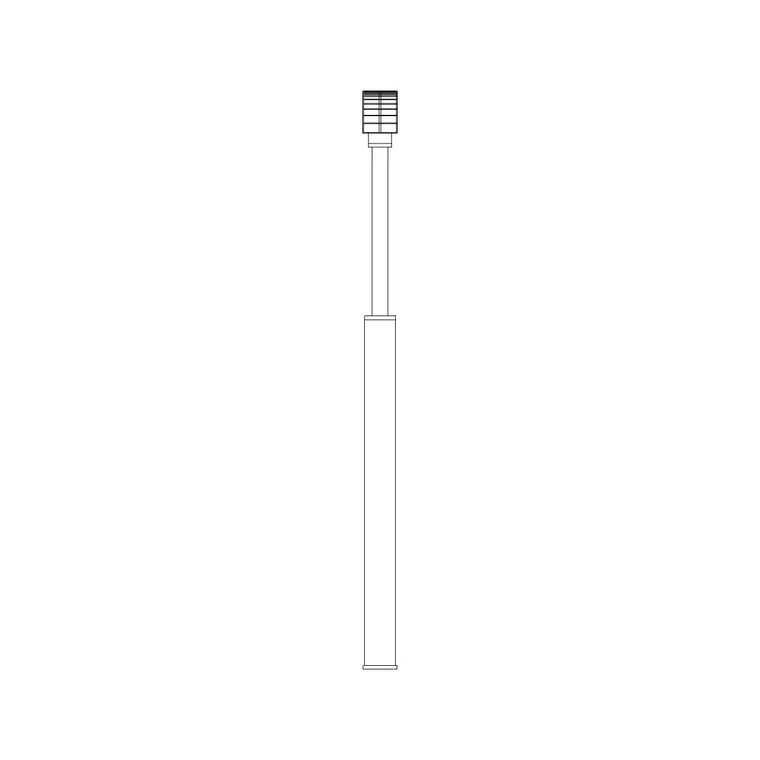
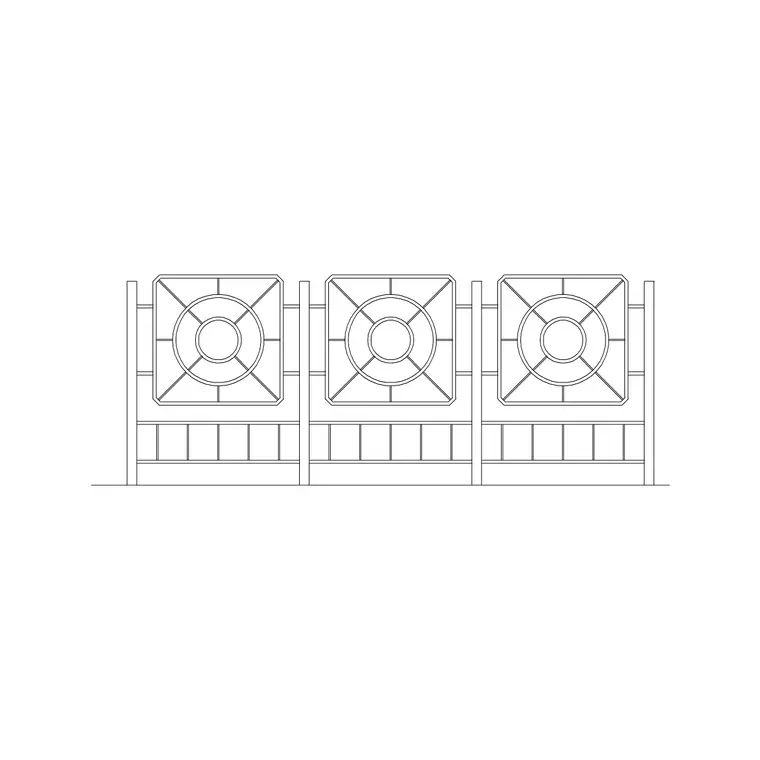
The pack assembles the core public-realm kit. Lighting: a tall street light in elevation for the lighting layout. Boundaries and guarding: a contemporary fence run and a gate for railings, pedestrian guardrail and access points. Surfaces: paving textures for footways, plazas and crossings. Scale and activity: a human figure in plan to set out clear widths and show the space in use.
It is a starter kit rather than a full furniture catalogue. For more boundary and guarding types, the outdoor category extends the set; for additional paving modules and surface textures, the paving category carries the range; and the lighting family offers columns at other heights.
Clear width: the rule everything serves
The single most important check on a footway plan is the clear width — the unobstructed band a pedestrian can actually walk down past the furniture. Place the lighting column, then measure from the back of kerb and the building line to the column to confirm the remaining clear footway. As a working reference, a footway should keep a generous clear width past obstructions, with a recognised minimum below which two people or a wheelchair cannot comfortably pass; check your local design standard for the figure that applies.
The scale figure earns its place here. Drop a figure into the clear band and it instantly shows whether the footway works — far more persuasive on a plan than a dimension alone. Keep columns, signs and other furniture aligned in a consistent 'furniture zone' near the kerb so the clear walking band stays unbroken.
Lighting layout basics
The street light block drives the lighting layer. Lighting columns are spaced along a footway or carriageway at intervals governed by the column height and the lantern's output — amenity lighting columns commonly run 4–6 m tall, road lighting 8–12 m, with spacing set by the lighting design rather than guessed. Use a path array along the kerb or footway centreline to set out a run of columns at even spacing, then adjust at junctions, crossings and entrances where a column would obstruct.
Keep the lighting on its own layer (L-LITE or similar) so it can be issued as a separate lighting drawing and coordinated against the planting — a common clash is a tree canopy growing into a lantern's light, which a layered plan makes easy to spot and resolve.
Railings, guarding and access
The fence and gate blocks cover the guarding and access side of a public scheme. Pedestrian guardrail runs along the back of kerb at crossings and busy frontages to manage where people step into the carriageway; boundary railings enclose planted areas, plazas and the edges of civic buildings. Scale the fence elevation to the specified railing height and array it along the line it guards.
Use the gate block at maintenance access points, service entrances and the openings in a railed boundary. Keep guarding and boundary lines on a dedicated layer so the safety guarding reads clearly and can be checked against the swept paths and the clear footway widths it is meant to protect.
Who uses the street furniture pack
Public realm and urban designers use it to dress plaza and streetscape drawings quickly. Highway and infrastructure drafters use the lighting, guarding and paving to populate footway and junction layouts. Architects use it for the external areas around civic, commercial and transport buildings. Students use it for urban-design studio work where scaled, licence-clear furniture matters.
Pair the pack with the paving category for more surface and crossing textures, outdoor for additional guarding and structures, and vehicles to show the carriageway in use and check swept paths against the furniture positions.
Coordinating furniture with the wider scheme
Street furniture rarely sits in isolation — it has to coexist with kerbs, drainage gullies, tree pits, crossings, signs and buried services, and the layered plan is where that coordination happens. Place each element on its discipline layer — lighting, guarding, paving, planting, figures — and the drawing becomes a tool for spotting conflicts: a column landing on a gully, a railing blocking a crossing's tactile paving, a tree pit clashing with a duct run.
The scale figures double as a coordination check as well as a presentation device. Walking a figure along the footway in your mind, past each column and sign, is the quickest way to confirm the clear width holds the whole length of the street rather than just at the points you happened to dimension. Build the streetscape from scaled blocks on tidy layers and you get a drawing that serves the technical setting-out, the lighting design and the presentation board without redrawing any of it.
Free download
Browse the full library — DWG & DXF, no signup.
Questions
Frequently asked
What's in the street furniture pack?+
A public-realm starter kit: a street light for the lighting layout, a fence and gate for railings and guarding, paving textures for footways and plazas, and a human figure to set out clear widths. Each links to its full category for more options.
Are the street furniture blocks free for commercial use?+
Yes. Every block downloads free in DWG and, where available, DXF, with no signup, no watermark and no attribution requirement, and all are cleared for commercial project use.
How do I check footway clear width on the plan?+
Place the furniture, then measure the unobstructed band between the building line, the column and the back of kerb. Drop the scale figure into that band to confirm a pedestrian or wheelchair can pass. Check the minimum clear width in your local design standard.
How are lighting columns spaced?+
Spacing is set by the lighting design, driven by column height and lantern output — not a fixed number. Use a path array along the footway or kerb centreline to set out an even run, then adjust at junctions, crossings and entrances where a column would obstruct.
Related downloads
Blocks for this guide


Related categories
Related guides
Curated pack
Free Landscape CAD Block Pack — DWG & DXF
A free landscape CAD block pack in DWG and DXF — trees, shrubs, fences, paving, lighting and figures for AutoCAD landscape plans. No signup, commercial-use OK.
Curated pack
Free Parking Layout CAD Block Pack — DWG
A free parking layout CAD block pack in DWG and DXF — cars in plan, paving, lighting and figures for car park and bay layouts. No signup, commercial OK.
Curated pack
Free Site Plan CAD Block Pack — DWG Download
A free site plan CAD block pack in DWG and DXF — trees, vehicles, paving, fencing, lighting and figures to dress site and block plans. No signup, commercial OK.