Bundle download vs picking blocks one by one: when each wins
When to grab a full block set in one go versus hand-picking single blocks, and how each choice affects layers and file size.
Sumana KumarUpdated 15 June 20266 min read

Two very different ways to stock a drawing
There are basically two ways people fill out a drawing with blocks, and I switch between both depending on the project. One is grabbing a bundled set, something like a full kitchen layout or a bathroom fixture block set, all in one download so the whole room shows up dimensionally coordinated in a single pass. The other is going block by block, picking exactly the sofa, exactly the lamp, exactly the tree you want, one download at a time, building the room up piece by piece. Neither is objectively better, they solve different problems, and knowing which one you are actually solving for at the start of a project saves a lot of wasted downloading later.
When a bundle wins
Bundles win when you need a room to read as coherent fast, and honestly this is most early stage work. A grouped block like Sofa Set Plan 1 already gives you a sofa, matching chairs and probably a coffee table sized and arranged the way a real living room would be laid out, so dropping it into a floor plan gets you most of a finished furniture layout in one insertion. Concept plans, client presentation drawings, and anywhere you are moving fast through multiple room options are all bundle territory, because the alternative, sourcing several individual pieces that all need to be scaled and arranged relative to each other, eats time you do not have at that stage of a project.
When picking blocks one by one wins
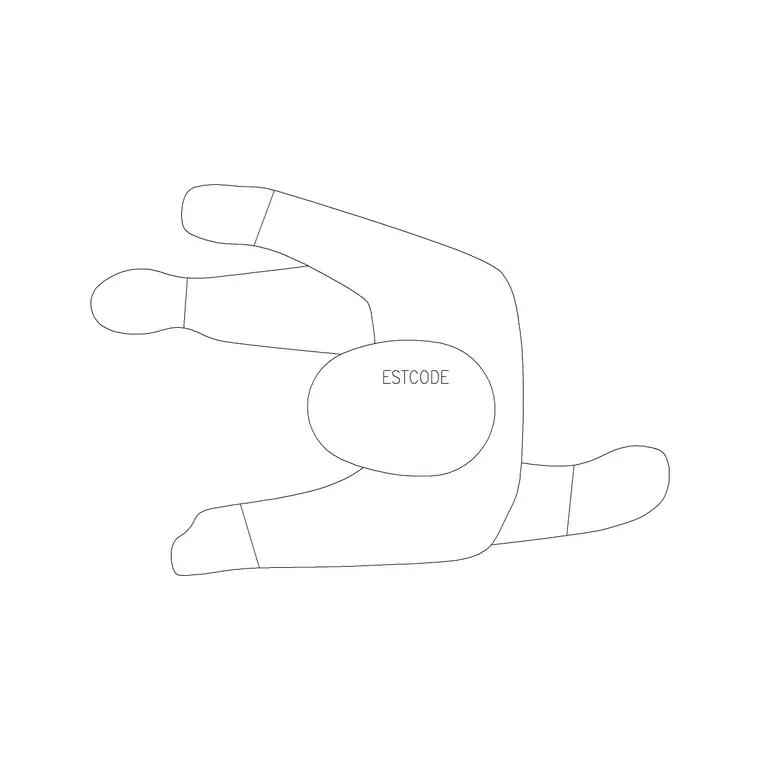
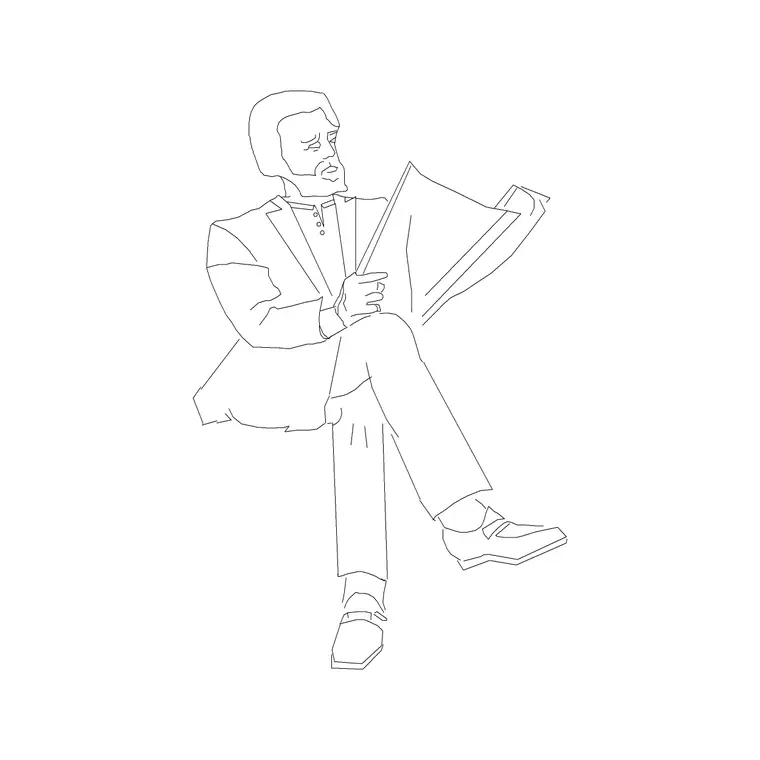
The moment a project moves into construction documentation, or the client has a specific furniture package in mind, individual selection starts winning. You might need exactly one human figure block for a scale reference near an entrance, not a whole crowd, so a single Human Figure Plan 1 or Human Figure Sitting block does the job without dragging in geometry you will just delete. Same with lighting, if a reflected ceiling plan needs one particular wall lamp and one particular ceiling fixture rather than a full lighting package, picking them individually keeps the drawing exactly as heavy as it needs to be and no heavier.
Individual selection also wins whenever the room being furnished is genuinely unusual, an irregular shaped lounge, a mixed use space with several distinct seating zones that do not resemble a standard bundle's built-in arrangement at all. Forcing a generic bundle into a layout it was never proportioned for usually means more time spent breaking it apart and repositioning pieces than it would have taken to just source the individual furniture you actually needed from the start.
A worked example: two living rooms, two approaches
To make this concrete, picture two living rooms on the same floor plan, one furnished from Sofa Set Plan 1 straight out of the box, sofa, chairs and coffee table all in one insertion, positioned and rotated once, done in under a minute. The other furnished individually because the client specification calls for a very particular arrangement, a single three seater against one wall, a separate armchair angled toward a window on an adjacent wall, a side table rather than a coffee table because the room is narrow enough that a full coffee table would block circulation. The bundle wins the first room easily, one insertion versus four or five separate ones, and at concept stage when three different furniture options are being tested across six different room shapes for a client presentation, that time difference compounds into hours saved across the whole exercise. The individually sourced room takes noticeably longer to build, maybe ten to fifteen minutes of positioning versus one, but it is the only approach that actually satisfies what the client specified, and trying to force the bundle's built-in arrangement to match would mean exploding it and repositioning the pieces anyway, which erases most of the bundle's speed advantage the moment the layout stops matching what it ships with.
What each approach does to your file
A bundle brings in everything at once, which is efficient to place but means you are carrying geometry for pieces you might never actually need for that specific sheet, and if it arrives as one nested block rather than separate named blocks, editing or removing just one piece inside it can be more fiddly than expected. Picking blocks individually keeps the drawing lean and gives you full control over layers and naming from the start, but it is slower up front, and if you are not careful about consistent scale and style across pieces sourced one at a time, the room can end up looking like it was furnished by several different people, because in a sense it was.
There is also a naming consideration that catches people out later, a bundle usually gets inserted under one block name covering the whole grouping, while individually picked pieces each keep their own name. That matters the moment you try to run a furniture schedule or a quantity takeoff off the drawing, since a schedule built with DATAEXTRACTION counts by block name, and a bundled set counted as one instance will not tell you it actually contains a sofa, two chairs and a table unless you explode it first or the set was built with attributes for exactly that purpose.
A practical middle path
What I actually do is start a new room with a relevant bundle to get proportions and layout roughly right fast, then swap in individually picked pieces for whatever the client or the brief actually specifies, deleting whatever from the original bundle I did not end up using. That gets the speed of the bundle at the concept stage and the precision of individual selection once the design firms up, and at the end of the day it means I am never staring at a blank plan trying to remember roughly how big a three seater sofa needs to be relative to a coffee table, the bundle already got that relationship right.
One thing to check either way
Whichever route you take, purge unused blocks before you hand the drawing off. Bundles especially can leave behind nested definitions for pieces you deleted off the canvas but that are still sitting in the block table bloating the file, so a quick PURGE pass, run it twice since AutoCAD sometimes needs a second pass to clear nested references, keeps the drawing honest about what it actually contains. It is a thirty second habit that saves the next person opening the file from wondering why a fairly simple looking plan has an oddly large file size behind it.
On a genuinely large furniture heavy floor plan, I have seen a second PURGE pass clear out nested block definitions that the first pass missed entirely, particularly when several bundles have been inserted, exploded, and partially deleted across the life of a drawing, so treat one pass as a starting point rather than a guarantee the block table is actually clean.
Further reading
Questions
Frequently asked
Are bundled block sets slower to insert than individual blocks?+
No, a bundle is usually one insertion for a whole grouped arrangement, so it is actually faster to place than sourcing and positioning several individual blocks. The tradeoff is less control over exactly which pieces you get.
Will mixing bundled and individually picked blocks look inconsistent?+
It can if the pieces come from different libraries with different line weights or drawing styles. Sticking to one source for both the bundle and the individual pieces you add afterward keeps the look consistent.
How do I remove one piece from a bundled block without breaking the rest?+
Select the bundle and use EXPLODE if it is a simple block, or open it in the Block Editor with BEDIT if it is more complex, delete the piece you do not need, then either leave the rest as loose geometry or redefine it as a new block.
Free downloads from this article

Free CAD block library
Download the blocks from this article — free, no signup