Back-view human figure blocks: when a rear view reads better
When a back-view or rear-silhouette human figure CAD block actually communicates a scene better than a front-facing one.
Sumana KumarUpdated 7 July 20265 min read
The orientation question nobody asks until it's wrong
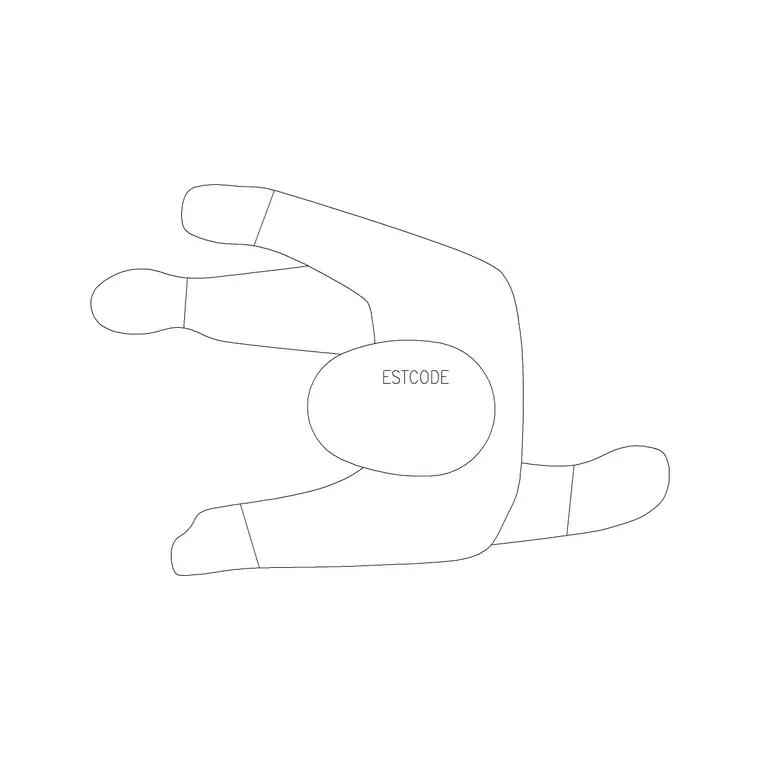
Most of the time when people pick a human figure block they're thinking about pose, standing or sitting, adult or kid, and almost nobody thinks about which way the figure is facing until a reviewer points out that a whole row of standing figures is staring straight out of the drawing at the viewer, which, once you notice it, looks genuinely strange. A back-view or rear-silhouette figure solves a specific version of that problem, and it's worth understanding when it's actually the better choice rather than just the default when a front-facing figure happens to be facing the wrong way.
Why a rear view sometimes reads more naturally
In a lot of real photography and rendering, a figure shown from behind, looking into the scene rather than out at the camera, reads as more natural precisely because it doesn't break the fourth wall, the viewer's eye follows the figure's implied gaze into the space rather than meeting the figure's gaze and being pulled out of the scene. This is exactly why back-view figures show up constantly in kitchen and living room renders looking toward a view, a fireplace, or a feature wall, since the figure becomes a device that leads the viewer's eye deeper into the composition instead of competing with it for attention.
Where a back view genuinely outperforms a front view
A figure standing at a kitchen island facing the range or the window beyond it, a figure at a reception counter facing away from the camera and toward whoever they're speaking with, a figure walking away down a corridor or into a garden, all of these read better from behind than from the front, because in each case the front-facing version would either be staring at the viewer unnaturally or would have to be positioned awkwardly just to avoid it. In elevation work specifically, a back-view figure at a workstation or a kitchen counter shows posture and scale just as clearly as a front-facing one would, while avoiding the slightly stiff, posed look a front-on standing figure can sometimes have in a technical elevation.
A figure shown from behind partway up a stair run or standing at a landing looking out through a window is another spot where the back view does more work than a front view would, since it implies the figure is actually using the space, moving through it or pausing to take in a view, rather than posing for the drawing, and that implied narrative is exactly what separates a rendered elevation that feels observed from one that feels staged.
Where a front-facing or side figure is still the right call
That said, a back view isn't universally better, on a floor plan viewed from directly above, front versus back orientation barely reads at all since you're looking at a footprint, not a face, so this whole consideration mostly matters for elevation, section, and rendered perspective views rather than plan view. And anywhere the drawing is specifically trying to show a person interacting face-on with something, a reception desk from the visitor's side, a person at a service counter being served, a front or three-quarter view actually communicates the interaction more clearly than a back view would, since you lose the sense of who's engaging with what if everyone's facing away.
Mixing orientations across a scene
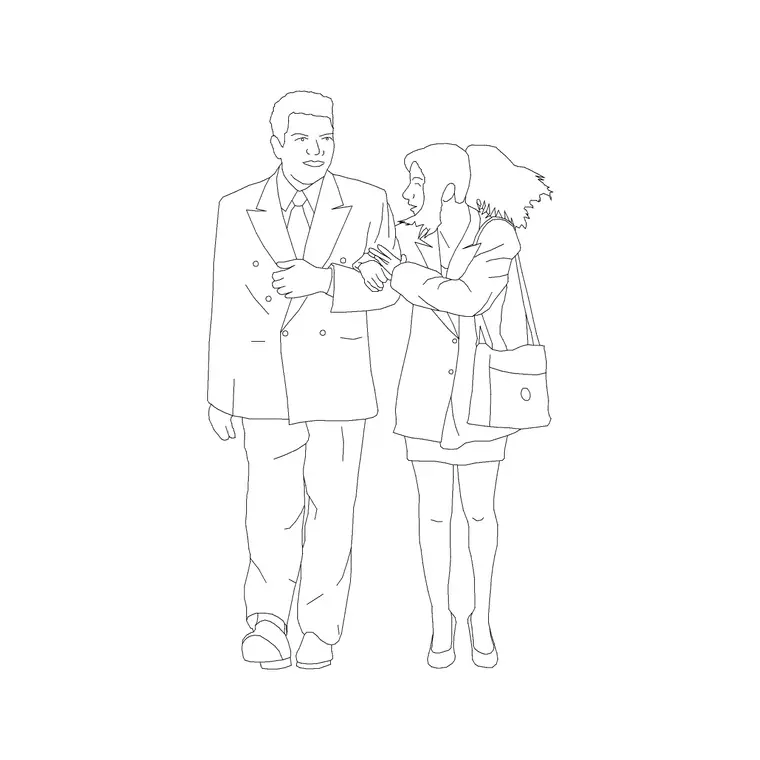
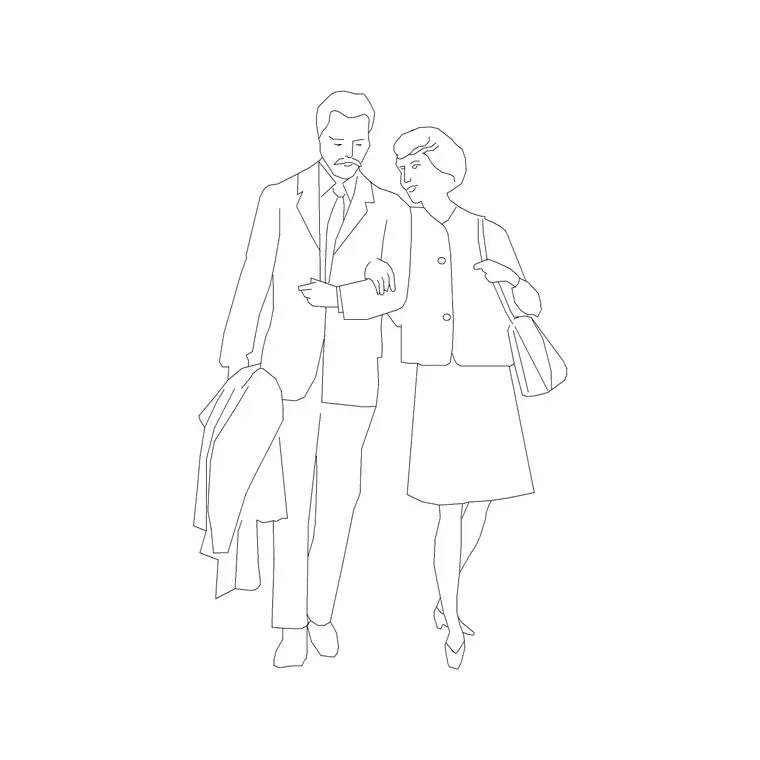
The best populated renders and elevations I've worked on mix orientations deliberately, one or two figures facing away into the scene to lead the eye, a couple facing more toward the viewer or toward each other to anchor the composition, rather than every figure facing the same direction, which, again, reads as templated rather than observed. If you're using a couple block like couple or couple-human-figure, the pairing already implies the two figures facing each other rather than out at the viewer, which is part of why paired figures tend to read as more natural than a lineup of identical single figures all facing forward.
That said, a scene where every single figure faces away from the viewer has the opposite problem to an all front facing crowd, it can start to feel oddly impersonal, like nobody in the render is aware of being looked at, so the mix genuinely matters in both directions, a majority facing or angled into the scene with one or two figures turned enough toward the viewer, a three quarter angle rather than a full front view, to keep the composition from feeling like it's deliberately hiding every face in the room.
Practical notes on mirroring and rotation
If your library's back-view option is limited, you can sometimes achieve a similar effect by rotating a standing figure to face into the scene rather than out of it, though a genuinely modeled rear-view block will have better proportions from that angle than a front-view block just spun around, since the level of surface detail differs by orientation on some figures. Insert as usual with INSERT, scale at 1 for matching drawing units, and check the figure's default facing direction before you commit to a final placement, since correcting orientation after you've built a composition around it is more disruptive than checking it up front.
Also check whether the block you're rotating is genuinely symmetrical front to back, some figures have asymmetric details, a bag over one shoulder, a slightly turned head, that don't rotate convincingly into a believable rear view, and in those cases sourcing a purpose built back-view block is worth the extra few minutes over forcing a rotated front-view figure to do a job it wasn't modeled for.
Finding the right orientation on this site
The people category lists the view for each figure, plan, elevation or side view, on the product page, and where a block has a distinct facing direction it's usually visible in the preview image before you download, so you can check orientation up front rather than discovering it after the block is already sitting in your composition. Formats are DWG as standard with DXF file format available on many listings, every download is free with no signup, and licensing covers commercial use, which matters for a render heading into a client-facing deck.
If you're building a scene that leans on this technique, pull a couple of standing figures from human-figure-plan-1, a couple block for the paired, face to face moments, and check each one's default orientation against the composition you have in mind before final placement, since a five second check here saves a rebuild later once the rest of the scene is locked in around it.
Further reading
Questions
Frequently asked
Does figure orientation matter in plan view the way it does in elevation?+
Not much, since plan view reads a footprint from directly above rather than a face, orientation mainly matters for elevation, section, and rendered perspective views.
When should I avoid a back-view figure?+
Avoid it anywhere the drawing needs to show a face-on interaction clearly, like a person being served at a counter, where a front or three-quarter view communicates the interaction better.
Can I just rotate a front-facing figure instead of using a dedicated back-view block?+
You can in a pinch, but a genuinely modeled rear-view block usually has better proportions from behind than a front-view block spun around, since surface detail can differ by orientation.
Free downloads from this article
Free CAD block library
Download the blocks from this article — free, no signup