Blocks for a punch-list walkthrough before handover
The block set that turns a punch-list walkthrough drawing into something a contractor can actually close out quickly before handover.
Sumana KumarUpdated 16 April 20266 min read

A punch-list drawing exists to end arguments, not start them
Handover week is when every unresolved small thing surfaces at once, a fixture in the wrong spot, a door that doesn't close right, an accessible clearance that got eaten by a change nobody flagged, and a punch-list drawing's only job is to document each of those clearly enough that closing it out doesn't require another debate about what was actually meant. I build these as a marked up copy of the final approved drawing, one issue per callout, and I keep the symbol set small and consistent on purpose, because a punch list with fifteen different ad hoc markup styles is genuinely harder for a contractor to work through than one with three.
I also date and initial each callout as it gets added during the walkthrough itself, on site, in real time, rather than compiling the list afterward from memory or scattered notes, because a punch list assembled after the fact from memory reliably misses two or three smaller items that were obvious in the room but forgettable an hour later at a desk.
Furniture and loose FF&E items
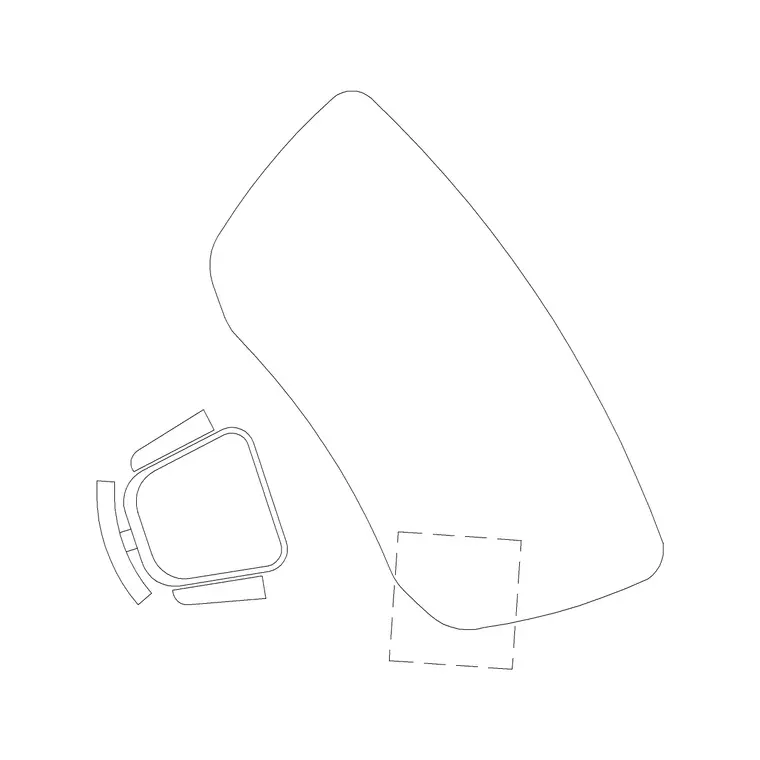
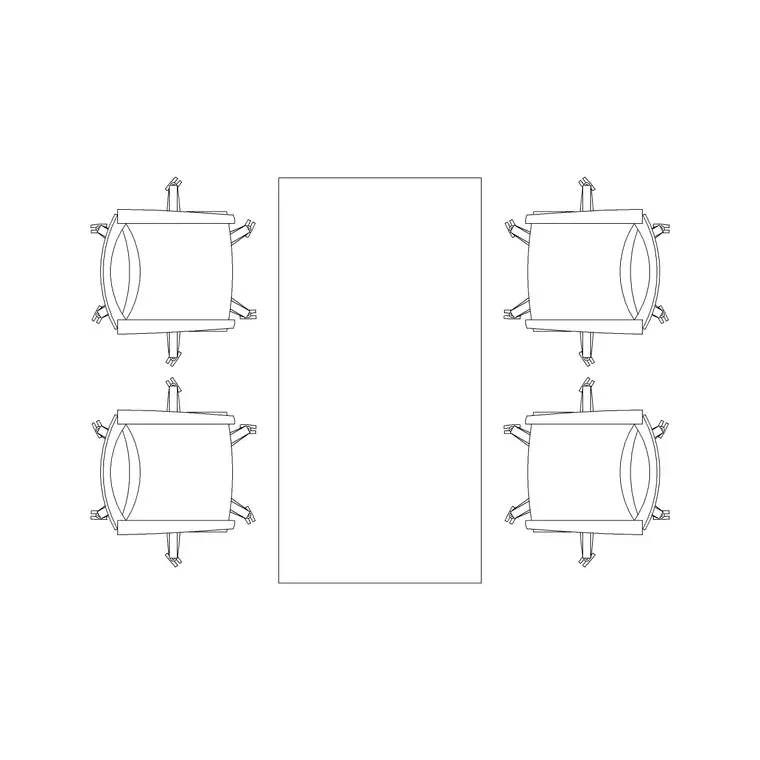
For projects where furniture is part of the handover scope, mark any loose furniture item, a sofa set plan block for instance, that's missing, damaged, or positioned wrong against the approved layout, with a clear callout number linking to the punch list document rather than a long note crammed onto the drawing itself. Keep the callout numbering sequential and don't reuse a number even if an earlier item gets resolved mid walkthrough, since a renumbered punch list mid process is a fast way to create confusion about which item is which.
Assign each item a rough responsible party at the time it's logged, not just at closeout, general contractor, specific trade, furniture vendor, since a punch list that only sorts responsibility after the fact tends to generate a round of finger pointing before anyone actually starts fixing anything, and that back and forth is time better spent closing items than debating who owns them.
Fixture and lighting closeout
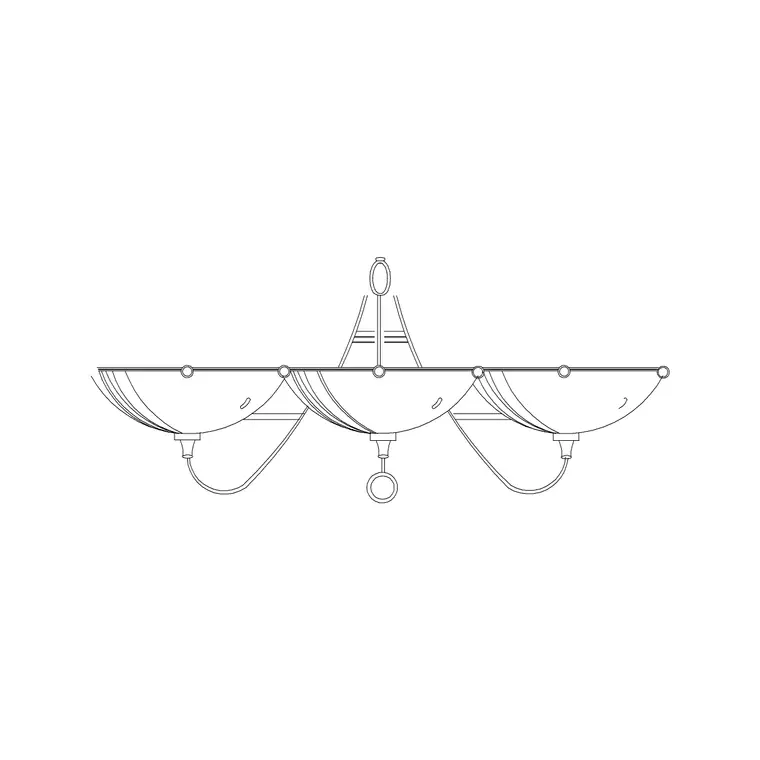
Lighting is one of the most common punch categories, a wall lamp installed at the wrong height, wired to the wrong switch, or simply missing a specified finish, so pull the original elevation block back up for comparison the same way you would on a fitting inspection, and note the specific deviation, not just 'wrong', measured height, correct switching, or whatever the actual issue is, so the electrician closing it out doesn't need to guess.
Photograph each flagged item alongside its callout number on the drawing, and keep those photos organised by the same numbering system, since a contractor closing out a list weeks later benefits enormously from a photo that confirms exactly what was seen at the time, rather than relying purely on a written description that can read as more ambiguous in isolation than it felt standing in the room.
Functional testing matters as much as visual inspection during this pass, since a fixture can look exactly right, correct height, correct finish, and still fail on a detail that only shows up when you actually operate it, a dimmer that doesn't dim smoothly, a switch that controls the wrong zone, a fixture that flickers on a particular circuit. I flip every switch and test every dimmer during the walkthrough rather than relying on a visual check alone, because a lighting punch item caught this way is a same day fix for an electrician still on site, while the same issue discovered by an occupant weeks after handover turns into a service call nobody budgeted for.
Door, gate, and hardware items
Doors and gates generate a disproportionate share of punch items relative to how simple they seem, an iron gate that doesn't latch cleanly, a door that binds on the frame, hardware finish that doesn't match spec, so give each one its own callout even if several items cluster around the same opening, because a contractor closing out hardware works through a punch list item by item and a combined note covering three separate problems tends to get partially fixed and then closed prematurely.
I also do a second, quieter pass a day or two after the main walkthrough if the schedule allows it, walking the space alone without the contractor present, because a handful of smaller items tend to surface once the pressure of a group walkthrough meeting is gone and there's time to actually notice a slightly uneven finish or a hardware detail that got missed in the first pass.
Accessibility items get flagged, not folded in
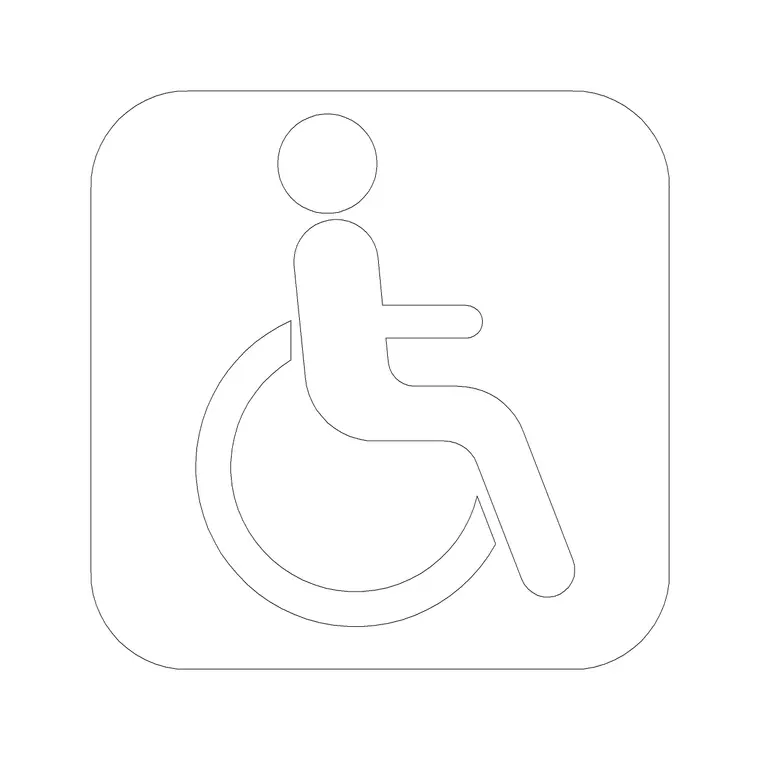
Any accessibility related punch item, a clearance that's short, a route obstructed by furniture that shifted during final fit out, deserves its own visual flag with a wheelchair accessible symbol rather than being folded into the general punch list as just another item, because accessibility deviations often carry compliance weight beyond aesthetics and a reviewer or inspector coming back to verify closeout should be able to find them on the drawing without hunting through unrelated items.
Common accessibility punch items worth specifically checking for include door closer force that's been set too aggressively for an accessible entrance, hardware that requires a tight grip or twisting motion rather than the lever style specified, and threshold transitions that were built slightly proud of the surrounding floor finish, none of which show up as obviously wrong on a casual walkthrough the way a missing sofa or a scuffed wall does, which is exactly why they deserve deliberate, itemised checking rather than being left to catch a reviewer's eye by chance.
Closing the list out cleanly
As items get resolved, mark them directly on the drawing, not just in a separate spreadsheet, a simple strikethrough or colour change on the callout, so anyone picking up the drawing mid process can see progress at a glance without cross referencing two documents. A punch list drawing that stays visually in sync with the actual state of closeout is what lets a final handover walkthrough take an hour instead of a full day of re-explaining what's already been fixed.
Set a realistic closeout timeline for each item category rather than one blanket deadline for the whole list, since a missing furniture piece might be a same day fix while a custom finish repair could genuinely need a week or more, and holding every item to the same deadline just creates false urgency around items that were never going to move that fast regardless of how the punch list was written up.
A short final sign off meeting, walking the closed items together with the contractor rather than just exchanging an updated spreadsheet, tends to surface the last handful of disputed items faster than an email back and forth ever does, since a genuine disagreement about whether an item was resolved to spec is usually settled in about thirty seconds standing in front of it together, compared to the days it can take to resolve the same disagreement over a written description alone.
Further reading
Questions
Frequently asked
How is a punch-list drawing different from the original construction drawing?+
It's a marked up copy of the final approved drawing with numbered callouts for each unresolved issue, furniture, fixtures, doors, clearances, rather than a fresh drawing, so it stays directly comparable to what was actually approved and delivered.
Should accessibility issues be mixed in with general punch items?+
No, flag them separately with a distinct symbol like a wheelchair accessible marker. Accessibility deviations often carry compliance weight beyond a general finish or fit issue, and they should be easy for a reviewer to find without searching through unrelated items.
How do you keep a punch list drawing in sync as items get closed out?+
Mark resolved items directly on the drawing itself, a strikethrough or colour change on the callout, rather than only tracking status in a separate spreadsheet, so the drawing's visual state always matches the real progress of closeout.
Free downloads from this article


Free CAD block library
Download the blocks from this article — free, no signup