Blocks for a furniture procurement checklist
Turning a furniture layout into a procurement-ready checklist, with the block dimensions and tagging that keep purchase orders accurate.
Sumana KumarUpdated 29 June 20265 min read

Procurement doesn't care how the drawing looks, it cares if the numbers are right
I learned this the annoying way early on, a beautifully rendered furniture plan handed to a procurement team that then had to manually re-measure everything off screen because nothing on the drawing was tagged or counted cleanly, and every re-measurement is a chance to introduce an error into a purchase order that costs real money to fix once the wrong item ships. A procurement checklist drawing is the least glamorous document in this entire workflow and probably the most expensive one to get wrong, so the block choices here are about accuracy and traceability, not presentation.
Share the checklist in a format procurement can actually work from directly, a plain spreadsheet export alongside the tagged drawing rather than the drawing alone, since a procurement team re-typing item details out of a PDF drawing is exactly the kind of manual re-entry step that introduces the errors this whole checklist discipline is meant to prevent in the first place.
Furniture blocks tagged for ordering, not just placement
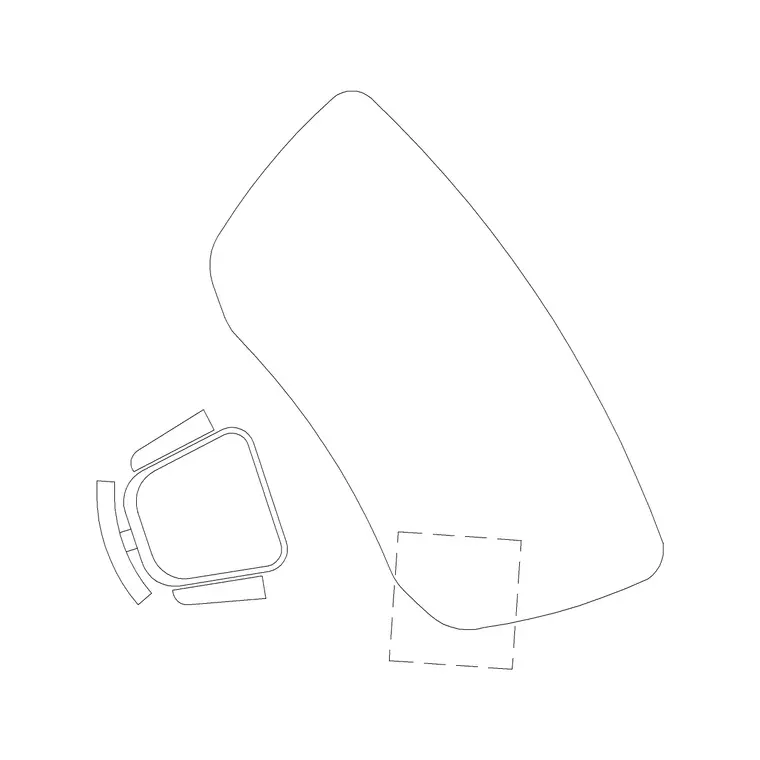
Take your approved furniture layout, a sofa set plan block and everything else in the room, and add an order tag to every single instance, item code, quantity, and a direct reference to the vendor spec sheet, because a furniture layout without order tags is a design document, not a procurement document, and treating the two as the same thing is exactly how mismatched counts happen between what's drawn and what gets purchased. Confirm the block's actual footprint against the vendor's real dimensions before finalising the tag, since seating in particular varies enough between manufacturers, a compact two seater might sit closer to 140 cm while a deep lounge sofa runs well past 200 cm, that a generic block needs checking against the specific product being ordered.
Lead time is worth tagging alongside quantity even at this early stage, since a procurement checklist that only tracks what and how many, without any sense of when each item needs to be ordered by, tends to surface timing conflicts far too late, an item with a sixteen week lead time discovered three weeks before install date is a problem the drawing could have flagged months earlier if the lead time column had been filled in from the start.
Delivery access is worth a note on the tag for any genuinely large piece, a sectional sofa or a substantial case good, since a procurement checklist can be dimensionally perfect and still run into a real problem on delivery day if nobody checked that the item actually fits through the building's loading route, corridor turns, lift dimensions, and the final doorway into the room it's destined for. I flag anything over a certain rough size threshold with a quick note to verify delivery route before the order ships, because a piece that arrives and doesn't fit through the door is a far more expensive problem to solve on site than it would have been to catch on the drawing.
Lighting fixtures as their own procurement line
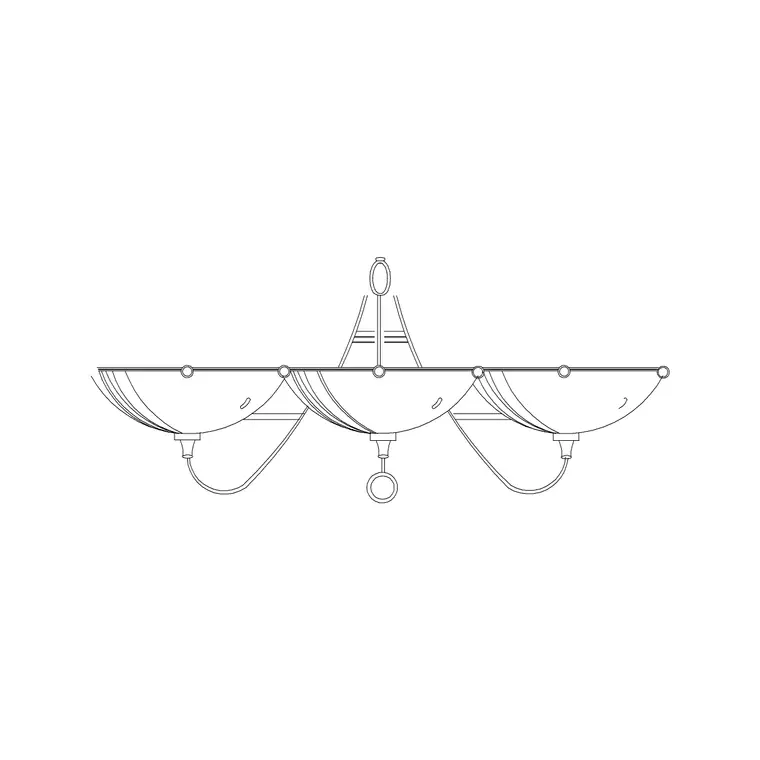
Wall mounted fixtures, a wall lamp for instance, should get their own tagged category separate from general furniture, since lighting often comes from a different vendor and sometimes a different budget line entirely, and mounting height belongs on the tag too, not just the fixture type, because an electrician ordering conduit and boxes ahead of fixture delivery needs that height locked in early, well before the actual fixtures show up on site.
Exterior and site furnishings, easy to forget in the count
If the project scope includes exterior furnishings or hardware, a gate, an iron gate for instance, or any planting tied to a procurement budget like a pine elevation reference for landscape material, make sure those get tagged with the same discipline as interior furniture, since exterior items are the category most likely to fall through the cracks on a procurement checklist simply because they're drawn on a different sheet from the interior furniture plan.
I keep a short separate line on the checklist specifically for items sourced outside the main furniture vendor, a custom gate fabricated locally for instance rather than ordered from a catalogue, since these one off items don't fit neatly into a standard vendor and SKU format and are exactly the kind of thing that gets forgotten when a procurement list is built by simply exporting a furniture vendor's order form.
Building the actual checklist document
Once every item on the layout is tagged, export a straight list, item code, description, quantity, vendor reference, and lead time if you have it, and cross check that count against the tagged instances on the drawing one more time before it goes to procurement, the same discipline as checking an FF&E schedule, because this is the document a purchase order actually gets built from and an error here is the most expensive kind to catch late.
I also flag any item where the specified block on the drawing and the actual vendor SKU aren't a perfect match, even a minor finish or fabric variation, with its own note, because procurement teams working quickly can otherwise assume the drawing and the order are perfectly aligned when in practice a substitution was quietly made somewhere upstream in the design process and never fully reconciled back onto the drawing itself.
A budget code or cost centre column alongside quantity and vendor reference is worth adding too if the project has multiple funding sources or phases, since procurement teams working across a large project often need to know not just what to order but which budget it draws against, and a checklist that only tracks item and quantity without that financial tag tends to generate a second round of manual cross referencing against a separate budget document before an order can actually be released.
Version control as items get substituted
Furniture procurement rarely stays static, a specified item goes out of stock, a client changes their mind on a finish, so keep the checklist drawing under clear version control, date stamped, with superseded tags struck through rather than deleted, because procurement teams working from an outdated printout of an earlier version is a surprisingly common way for a wrong item to get ordered even when the current drawing is perfectly accurate.
Nominate a single owner for the master checklist file too, one person whose copy is the source of truth, rather than letting the design team and procurement team each maintain their own working version, since the moment two people are independently editing what's supposed to be the same document, the two versions drift apart within days, and reconciling which version is actually current becomes its own small project right when the team can least afford the distraction.
Further reading
Questions
Frequently asked
How is a procurement checklist different from a regular furniture layout drawing?+
Every item on it carries an order tag, item code, quantity, and vendor reference, rather than just being placed for design purposes. It's built to be the source document for an actual purchase order, so accuracy and traceability matter more than presentation.
Should furniture block dimensions match the exact vendor product being ordered?+
As closely as possible. Seating dimensions especially vary a lot between manufacturers, so check a block like a sofa set plan against the real product's spec sheet before finalising the procurement tag, rather than assuming a generic block is close enough.
What's the most common mistake on a furniture procurement checklist?+
Working from an outdated printed version after items have been substituted or quantities changed. Keep the checklist under clear version control with dated revisions and struck through superseded tags so procurement always orders from the current version.
Free downloads from this article



Free CAD block library
Download the blocks from this article — free, no signup