An xref-based coordination model for multiple disciplines
How to structure an xref based coordination model so architecture, interiors and site content stay aligned across multiple disciplines.
Sumana KumarUpdated 16 April 20265 min read

Why xrefs are still the backbone of most multidiscipline coordination
Before every office ran BIM natively, and honestly still on a huge share of real projects today, external references, xrefs, were and are the mechanism that lets multiple disciplines work against a shared base without constantly emailing files back and forth. Architecture maintains the base building file, interiors references it and adds furniture layout content built from blocks, workstations, conference tables, seating, landscape references the same base and adds site content, gates, planting, hardscape, and each discipline sees the others' current work without owning it.
This isn't a legacy technique waiting to be replaced by BIM, it's a genuinely different tool solving a genuinely different problem, and I still reach for a clean xref structure on plenty of projects specifically because it's fast, transparent, and doesn't require everyone on the team to be fluent in a heavier modeling platform.
Structuring the reference hierarchy so it doesn't collapse under its own weight
The failure mode with xref based coordination almost always comes from a messy reference structure, nested xrefs referencing other xrefs referencing the base file, until nobody can trace where a piece of geometry actually originated or why a file takes forever to open. Keep the hierarchy flat where possible, one base building file that every discipline references directly, rather than architecture referencing interiors referencing landscape in a chain, since a flat structure is dramatically easier to troubleshoot when something doesn't line up.
Attach references rather than overlay them in almost every case, since attach carries nested references through correctly when your file itself gets referenced by someone else downstream, which overlay deliberately does not do, and that difference genuinely matters once you have three or more disciplines all working off the same base.
Where downloaded blocks fit into a multidiscipline reference structure
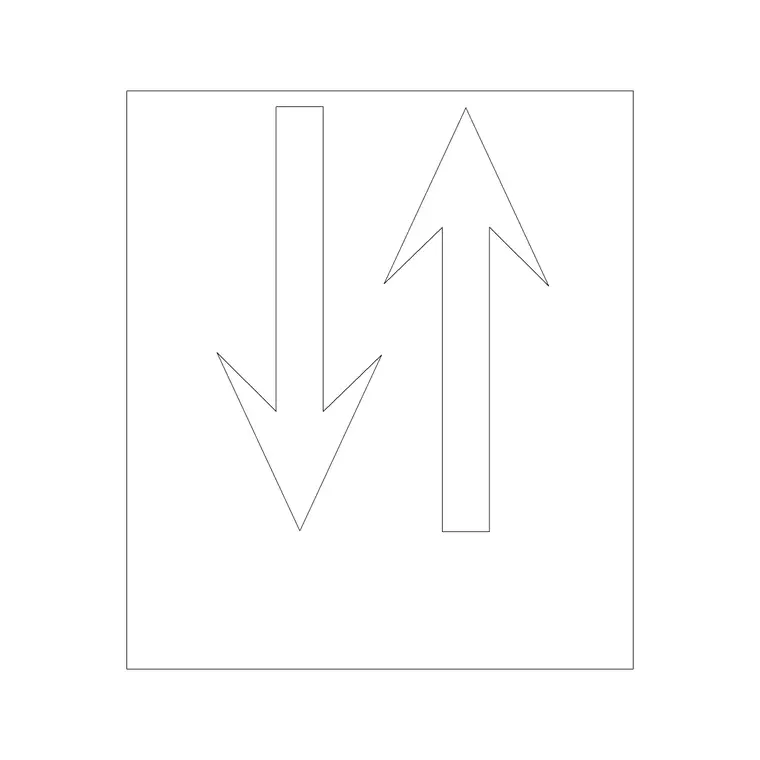
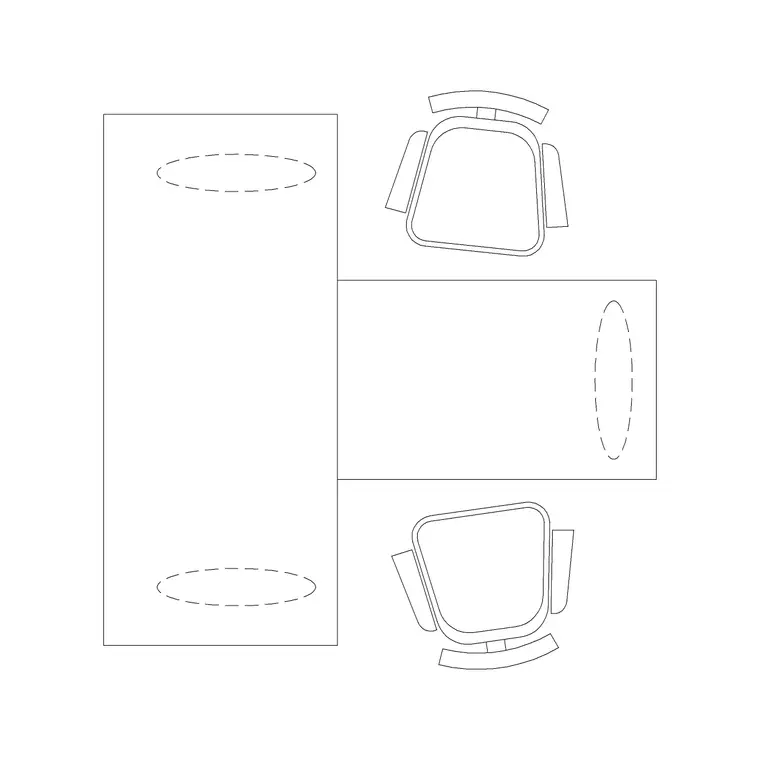
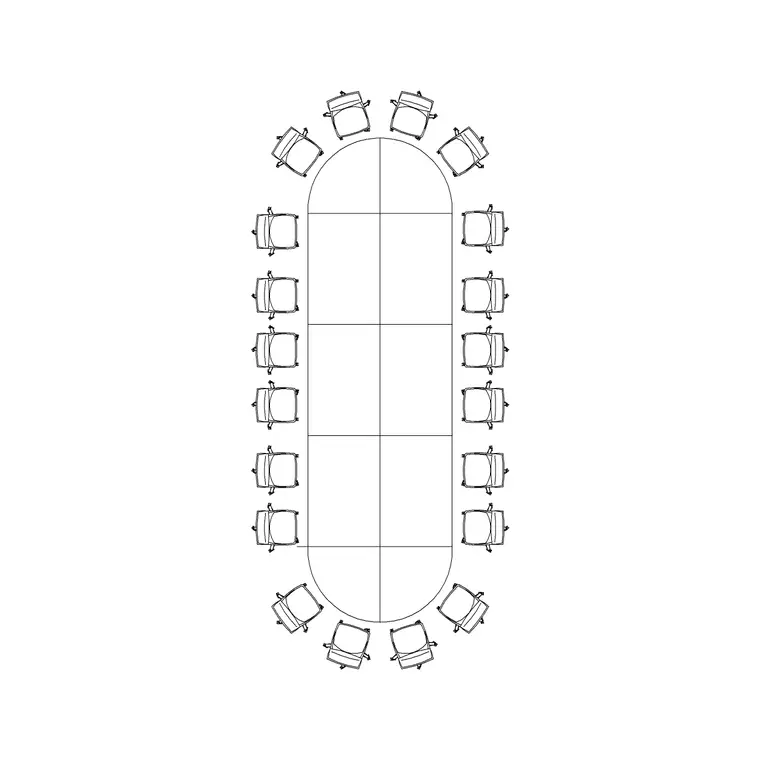
Content pulled from a block library, an iron gate for a site boundary feature, an arrow for orientation, workstation and conference table blocks for an interiors layout, generally lives inside each discipline's own file, not in the shared base, and gets referenced by the base only if another discipline genuinely needs to see it. This keeps the base file lean and keeps each discipline's added content clearly attributable to whoever's actually responsible for it.
For instance, a two seater workstation layout belongs in the interiors file, referenced into the architectural base for coordination review, not drawn directly into the base itself, because that separation is what lets interiors revise their furniture layout without touching architecture's file and vice versa, which is basically the whole point of using references instead of one shared drawing everyone edits directly.
Reload discipline and the meeting that actually needs to happen
An xref based system only works if everyone reloads their references before any coordination review, and this is the step that quietly breaks down under deadline pressure, someone shows up to a coordination meeting with a base file three revisions behind what architecture actually issued that morning. Build the reload into the meeting itself as the first two minutes, not an assumption everyone did it beforehand, because that small habit catches a surprising number of wait, when did that change moments before they eat into the actual review time.
Bind and detach references only when a file needs to leave the coordinated system entirely, for archiving or client issue for instance, since binding permanently severs the live link and turns your coordinated drawing back into a static snapshot, which is exactly the opposite of what you want during active design.
Managing path issues before they become the whole meeting
Broken reference paths are the single most common practical headache in multidiscipline xref coordination, especially the moment a project folder structure gets reorganized or someone works from a different machine with a different drive mapping. Use relative paths tied to a consistent project folder structure rather than absolute paths pointing at one specific machine, and agree that folder structure across every discipline at kickoff, not after the first broken reference shows up in week three.
I keep a simple habit of checking the External References palette at the start of every working session, not just when something visibly looks wrong, because a reference that's silently unloaded or showing as not found is easy to miss until you're deep into a review and someone asks why the site gate isn't showing up on the combined plan.
A short setup checklist for a new multidiscipline xref structure
Worth agreeing on before the first drawing even gets opened:
- Establish one flat base file every discipline references directly, avoiding nested reference chains - Use attach rather than overlay so nested references carry through correctly - Keep block library content, gates, furniture, symbols, inside each discipline's own file, referenced into the base only as needed - Agree on a consistent project folder structure and use relative paths from day one - Build reference reload into the start of every coordination meeting as a standing habit
Basically none of this requires anything beyond standard AutoCAD functionality, the discipline is entirely procedural, and a team that follows these habits consistently gets most of the coordination benefit people usually assume requires a full BIM platform to achieve.
A short example of the reload habit paying off
On a mixed use project with architecture, interiors and landscape all working off one shared base file, a coordination review was scheduled for a Thursday morning, and the landscape team, working from a base file they'd last reloaded the previous Friday, walked in with a site plan showing an iron gate positioned against a boundary wall that architecture had actually shifted by close to a meter earlier that week to resolve a setback issue with the local authority. Because the meeting opened with everyone reloading their references before the review actually started, the discrepancy showed up immediately, on screen, in real time, rather than being discovered later when someone tried to reconcile two drawings that quietly disagreed.
That two minute reload habit turned what could have been a confusing thirty minute meeting spent figuring out why two drawings didn't match into a five second non issue, the landscape team simply adjusted the gate position on the spot once the current wall location was visible, and the meeting moved on to genuinely new coordination items instead of untangling a stale reference nobody realized was stale. Multiply that across a project with weekly coordination meetings over several months, and the cumulative time saved by a consistent reload habit is genuinely significant, even though each individual instance looks like a trivial two minute step.
Further reading
Questions
Frequently asked
Should downloaded blocks live in the shared base file or each discipline's own file?+
Generally each discipline's own file, referenced into the shared base only when other disciplines need to see it, which keeps responsibility for that content clear and keeps the base file itself lean.
What's the difference between attach and overlay when referencing a file?+
Attach carries nested references through when your file is itself referenced by someone else, overlay does not, which matters once three or more disciplines are all referencing off the same shared base.
How do I stop reference paths from breaking when files move?+
Agree on a consistent project folder structure across every discipline at the start of the project and use relative paths rather than absolute ones tied to a single machine.
Free downloads from this article
Free CAD block library
Download the blocks from this article — free, no signup
