Where to find free swing chair DWG files
Where to source free swing chair and porch-swing DWG blocks, the difference between plan and front views, and how to place a hanging seat.
Sumana KumarUpdated 1 June 20264 min read
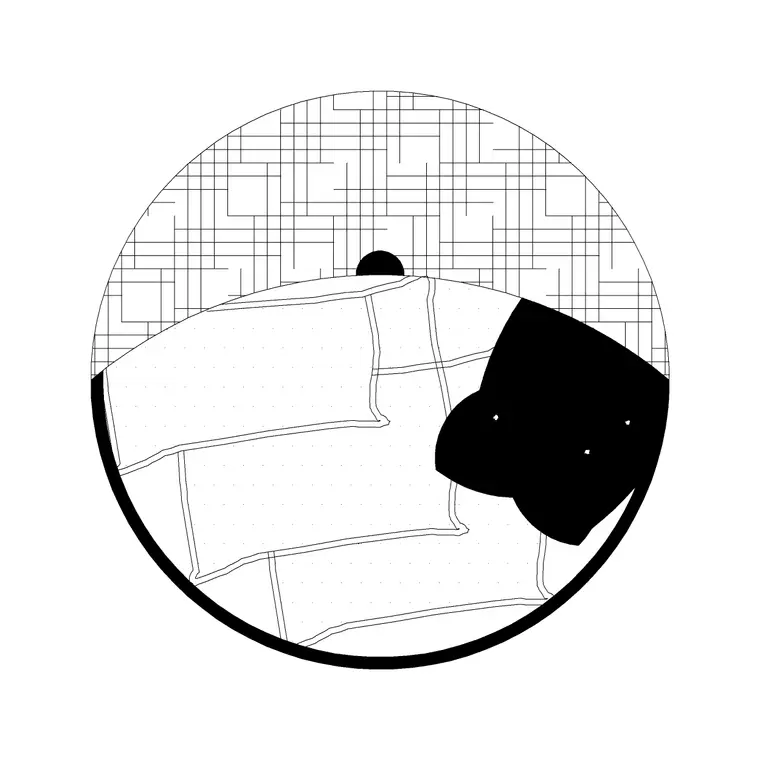
The swing chair as a garden feature
A swing chair — a hanging egg seat, a porch swing, a suspended bench — is a feature piece. On a garden or terrace plan it does more than fill space: it marks a focal point, a spot designed for rest, and it signals the character of an outdoor room. Showing one on the drawing tells a client exactly how a corner of the garden is meant to be used, which a plain bench cannot quite convey.
Because a swing chair hangs from a frame or a beam, its footprint includes the swing arc and the support, not just the seat. A block built for a swing chair captures that — the seat plus the frame or fixing point — so you can place it and immediately see how much room it needs to swing without hitting anything. That is exactly the kind of clearance check a plan should let you make before the feature is built.
Where they live on CADBlockDWG
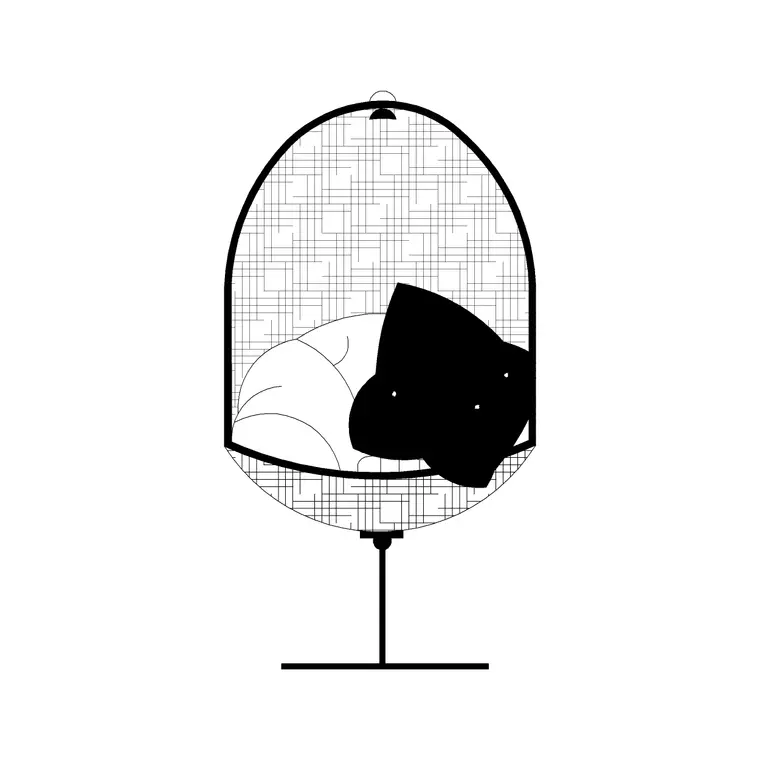
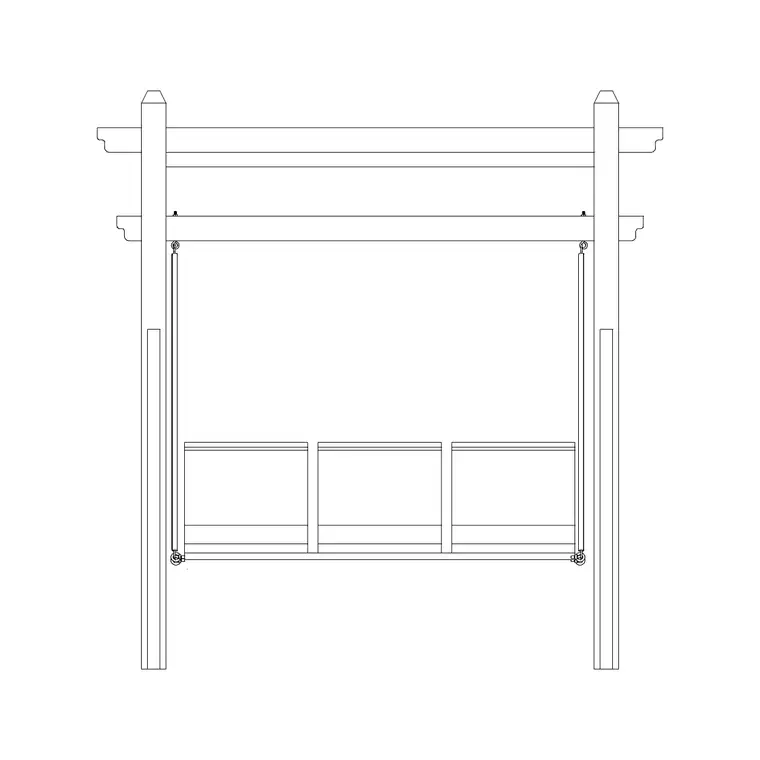
Swing chairs sit in the Outdoor category. The Swing Chair Front and Swing Chair Plan blocks give you the two views you need — the front (elevation) view and the top-down plan view — and searching 'swing', 'swing chair' or 'porch swing' surfaces these and related garden-swing blocks. There are also larger swing seaters (the three-seater swing sofas) if you want a bench-style hanging seat rather than a single chair.
Every file is a free DWG download with no account required, and the licence covers commercial use. Having both a plan and a front block for the swing chair is genuinely useful: you place the plan version on the site layout and the front version on an elevation or a feature detail, and they describe the same piece. The previews let you confirm the style — a rattan egg chair and a timber porch swing look very different — before you download.
Plan vs front — choosing the view
The Swing Chair Plan block is the top-down footprint: the seat and the frame seen from above, which is what a garden plan needs to show where the chair sits and how much space it occupies. The Swing Chair Front block is the face-on view: the seat hanging from its frame or chains, which is what an elevation or a feature panel needs to show the character and height of the piece.
Use the right one for the sheet. On a landscape plan, the plan block lets you position the chair and check the clearance around its swing. On an elevation or a presentation detail, the front block shows the chair as a recognisable object that reads instantly. As with any block, do not mix them — a front-view swing chair lying flat on a plan looks wrong. If you only download one, take the plan view for layout work; add the front view when you need to show the feature face-on.
Placing it in a layout
Insert the plan block with INSERT, snap it to a sensible position — a terrace corner, under a pergola, beside a planting bed — and leave scale at 1 until you have measured it with DIST. Fix any units mismatch with INSUNITS or a SCALE of 0.001 / 1000. Then check the swing clearance: a hanging seat needs room to move, so leave space in front and behind the seat and keep it clear of walls, planters and circulation routes.
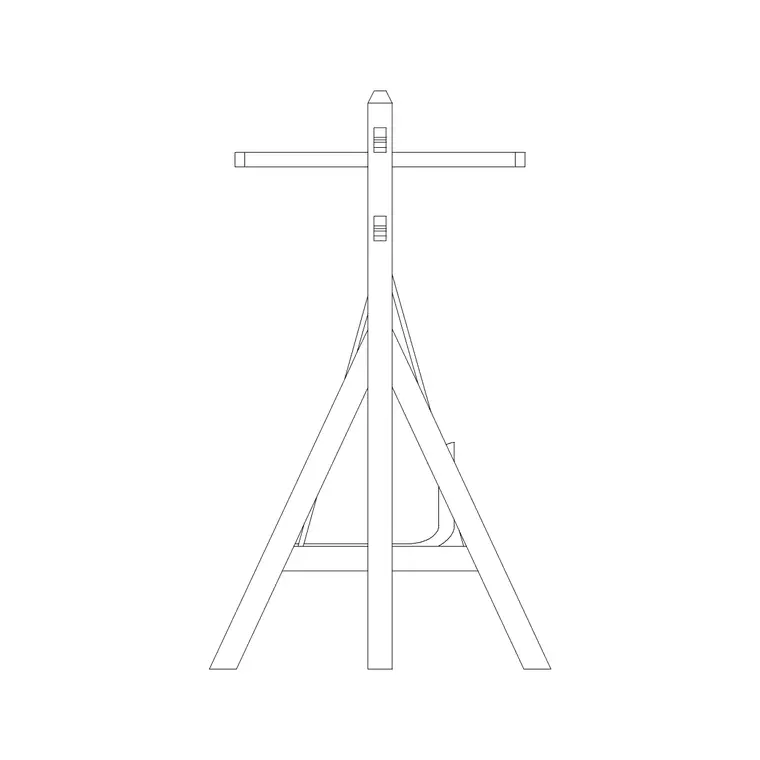
Rotate the chair to face the view or the focal point of the garden, rather than leaving it square to the grid — a swing chair is a feature, and orienting it deliberately makes the plan read as designed. If the swing hangs from its own A-frame, remember the frame's feet need floor space too, so place the whole footprint clear of bed edges and steps, not just the seat. Keep it on a furniture or landscape layer so you can manage it independently. Because it is a block, you can copy a successful swing-chair-and-planter arrangement to repeat the feature elsewhere, or mirror it to suit a different corner.
Composing the feature
A swing chair earns its place when it sits within a considered little scene rather than floating alone. Pair it with the other Outdoor blocks — a flower bed or planter beside it, a fence or screen behind it, a paved patch beneath it — so the drawing shows a destination, not an isolated object. The supporting blocks also give the swing chair scale and context, which makes the whole composition believable.
After importing, run AUDIT and PURGE to keep the drawing clean, and confirm the block sits on a controllable layer. If you are producing both a plan and an elevation of the same garden corner, use the plan and front swing-chair blocks together so the two drawings stay consistent. Sourced from the Outdoor category, placed with real swing clearance, and composed with planting and screening around it, a free swing chair DWG turns a quiet corner of a garden plan into an obvious, sellable feature.
Questions
Frequently asked
Where can I find free swing chair DWG files?+
In the Outdoor category on CADBlockDWG — Swing Chair Plan and Swing Chair Front blocks, both free DWG downloads with no signup, free for commercial use.
Is there a plan and a front view of the swing chair?+
Yes — the Swing Chair Plan block is the top-down footprint for layouts and the Swing Chair Front block is the face-on view for elevations and feature details.
How much space does a swing chair need on a plan?+
Enough for the seat to swing — leave clearance in front of and behind the seat and keep it clear of walls, planters and circulation. Measure the block with DIST to confirm its footprint.
Free downloads from this article
Free CAD block library
Download the blocks from this article — free, no signup


