Where to find free medical equipment DWG files
Free medical equipment DWG blocks for clinic and ward plans — where to download them, what the top-view footprints cover, and how to lay out a medical space.
Sumana KumarUpdated 27 May 20264 min read
Where the medical blocks live
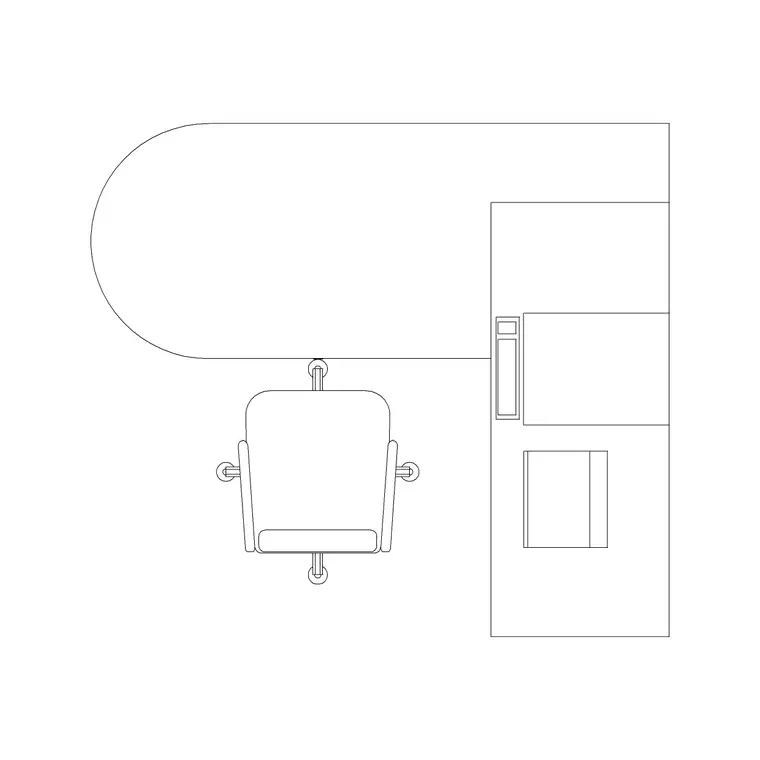
The Medical category on CADBlockDWG is the home for healthcare equipment — patient beds, examination and doctor tables, a dental chair, an imaging or cath-lab machine, and more. You can reach it from the top navigation or by searching the specific item you need, such as 'doctor table' or 'machine'. Every download is free and instant: no account, no email wall, no waiting timer. Open the block and click download.
The category is built from generic, unbranded equipment, which is exactly what healthcare planning needs at the layout stage. You are setting out where the bed, the exam couch, the imaging unit and the trolleys go, with realistic footprints and clearances, not specifying particular catalogue products. When a specific manufacturer's unit is confirmed, you swap in their CAD download. Until then, the generic blocks let you plan the room honestly and fast.
What you get across the category
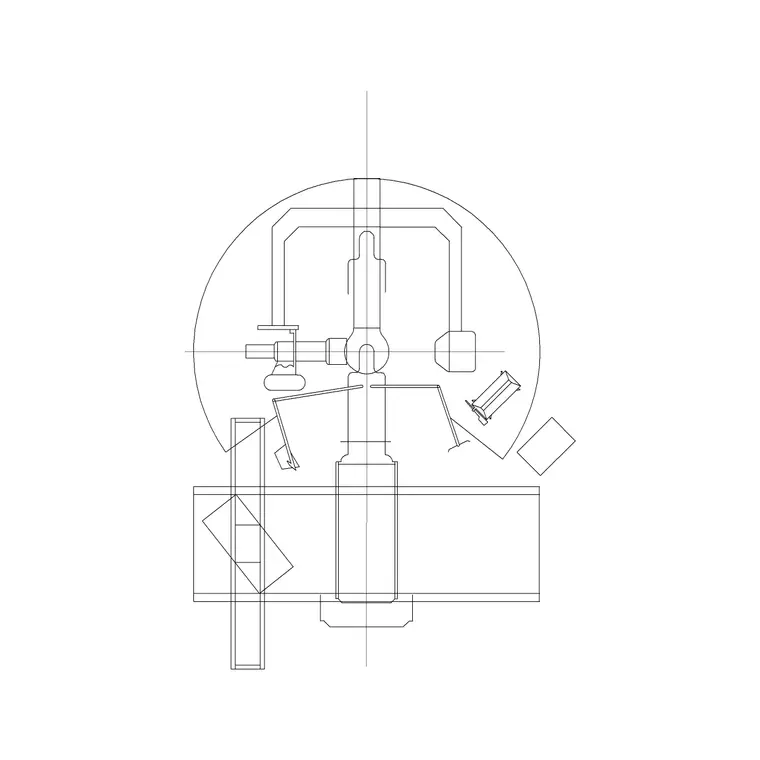
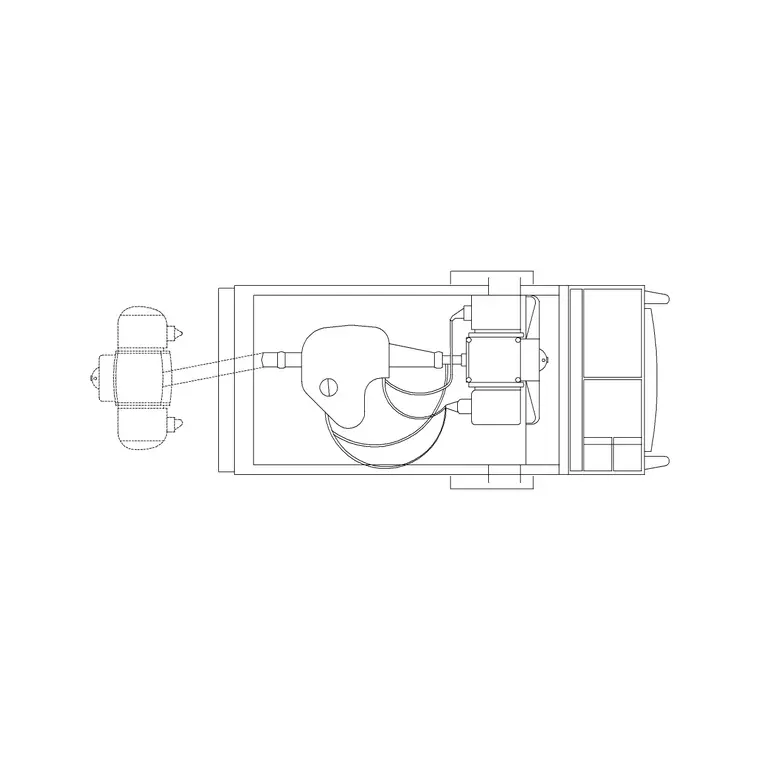
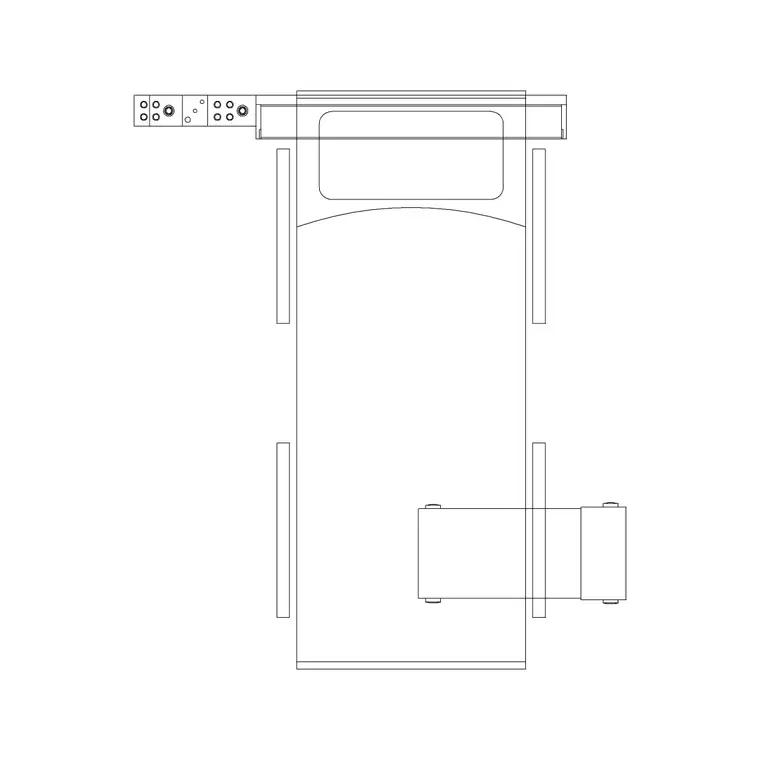
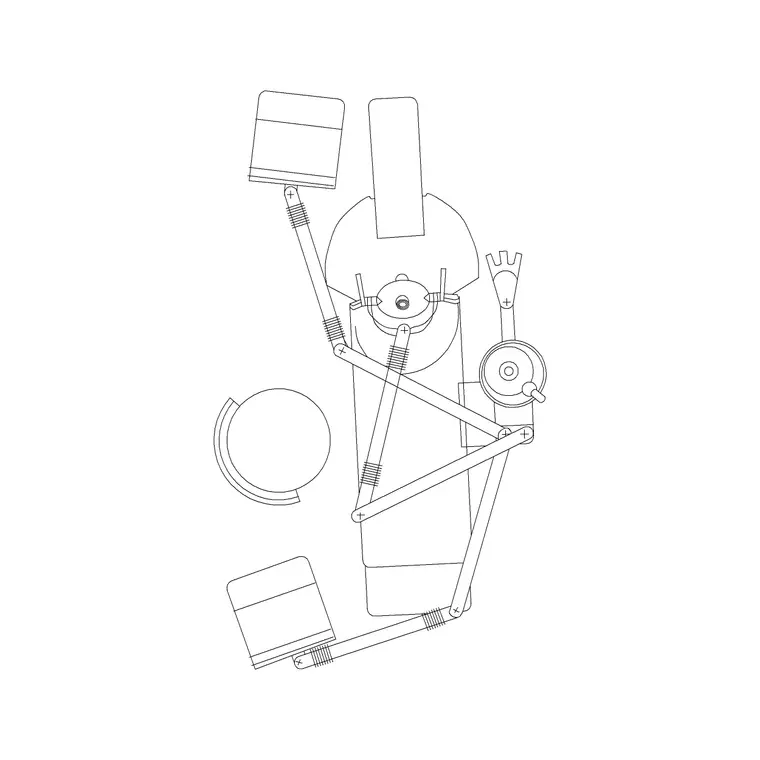
Each download is a small DWG with the equipment drawn as clean 2D linework in top view, because clinic and ward layouts are plan drawings. The doctor or examination table is the couch footprint; the cath or imaging machine block is the larger equipment footprint that dominates a procedure room; the patient beds show the bed and bedhead. Together they cover the bulky items that actually drive a medical room's layout.
The files open in any modern CAD program thanks to a widely compatible AutoCAD format, with DXF offered where available. There is no 3D and no hidden bloat inside, so the blocks insert cleanly and a fully furnished department stays light. Because every block is drawn to a realistic footprint, you can use them to test access and equipment clearance rather than guessing at the space each item needs.
Building a treatment room from the blocks
Start with the dominant item — the bed, the couch or the imaging machine — and insert it first with INSERT, placing it with object snaps against the wall or in the room centre where it belongs. Keep scale at 1 and rotation at 0, then rotate to orient it correctly, and fix any units mismatch the usual way (INSUNITS in both files, or scale by 0.001 or 1000). Once the main item is anchored, add the supporting equipment — trolleys, tables, monitors — around it.
For a department of similar rooms, lay out one room fully and then copy the arrangement, so every treatment room or bay is consistent rather than individually drawn. That is faster and produces a more coordinated set of drawings. The scaled blocks mean each copied room is guaranteed to have the same real clearances, which is exactly what a healthcare layout needs to be trusted.
When to swap in manufacturer CAD
Generic blocks are ideal for planning, but some healthcare items eventually need exact dimensions. Once a specific imaging unit, surgical table or specialist machine is confirmed for a project, replace the generic block with the manufacturer's own CAD download, which carries the real catalogue footprint, the swing of any moving parts and the service clearances the maker specifies. Many medical equipment manufacturers publish free DWG content for exactly this reason.
The practical workflow is to plan and coordinate with the generic blocks while the design is fluid, then substitute the precise manufacturer block at the point where the exact size becomes contractual — for a coordination model, a clinical commissioning review, or a tight technical room. Keeping the generic and the manufacturer versions as interchangeable blocks means the swap is a single redefinition, and the surrounding layout you built around the footprint stays intact.
Clearances that matter in healthcare
Medical spaces are governed by access — for staff, for patients, for wheelchairs and trolleys, and around equipment that needs servicing. As a working habit, keep clear access on at least one side of every bed and couch, a route past the foot, and generous space around large equipment like an imaging or cath machine where staff move and a patient transfers on and off. The procedure-room machine block makes that bulky footprint visible so you do not under-budget the floor it eats.
Because the blocks are to scale, you can drop the equipment into a room and immediately read whether the access routes and transfer spaces survive, or whether the room is too tight. That honest read is the reason to furnish the plan with real footprints: the clearance issues show up as drawing problems now, while there is still time to widen the room or relocate the equipment.
Layer and reuse the medical kit
Put all the medical equipment on a dedicated equipment layer — separate from the medical furniture if it helps — so you can freeze, dim or recolour it independently of the architecture, the services and the plumbing. That lets you isolate a clean equipment plan for the healthcare fit-out, or grey the kit back while coordinating partitions and ductwork. The blocks inherit the layer you insert them onto, so set the right layer current first.
Once the items you use most are in your library, save them to a tool palette so furnishing a clinic or ward becomes a quick, repeatable job. Combine that with the access clearances above and you can lay out a believable, workable medical space from this free category efficiently, then restyle the equipment layer whenever a coordination or presentation drawing requires it.
Questions
Frequently asked
Where do I download free medical equipment DWG files?+
From the Medical category on CADBlockDWG, which covers beds, exam and doctor tables, a dental chair and imaging equipment. Search the item you need and download the DWG free with no signup.
What view are the medical equipment blocks?+
Top view (plan), since clinic and ward layouts are plan drawings and the top-down footprint is what determines access and equipment clearance.
Can I use these medical blocks in commercial healthcare projects?+
Yes. Every block is free for personal and commercial use with no attribution required. For a specific manufacturer's exact dimensions, supplement with that maker's own CAD download.
Free downloads from this article
Free CAD block library
Download the blocks from this article — free, no signup


