Curated pack · hospital cad blocks
Free hospital and clinic CAD block pack
By Sumana Kumar · Published 9 Aug 2024 · Updated 21 May 2026
Healthcare planning is unusually demanding because the clearances are not just about comfort — they are about a trolley turning, a hoist reaching a bed, and a clinical team working around a patient. This free hospital and clinic CAD block pack gathers the blocks those rooms are built from — patient beds, examination and dental chairs, reception and waiting furniture, and scale figures — drawn to scale in DWG and DXF for AutoCAD 2004 or later. Everything is free for personal and commercial use, with no signup and no watermark.
Clinical layouts are driven by access to the patient. A ward bed needs space on both sides and at the foot for staff, equipment and a hoist; an examination couch needs a clinician's working side; a dental chair needs the operator and assistant positions around the patient's head. Because every block here is drawn at true dimensions, you can place the bed or the chair and draw the clinical clearances around it, then check the bed bay, the consulting room or the waiting area actually works.
Use the pack for hospital wards and bays, GP and dental surgeries, outpatient clinics, and the reception and waiting areas that front them. Start from the bed or chair, draw the working zones, then add the support furniture and the public waiting space.
What's in the medical pack
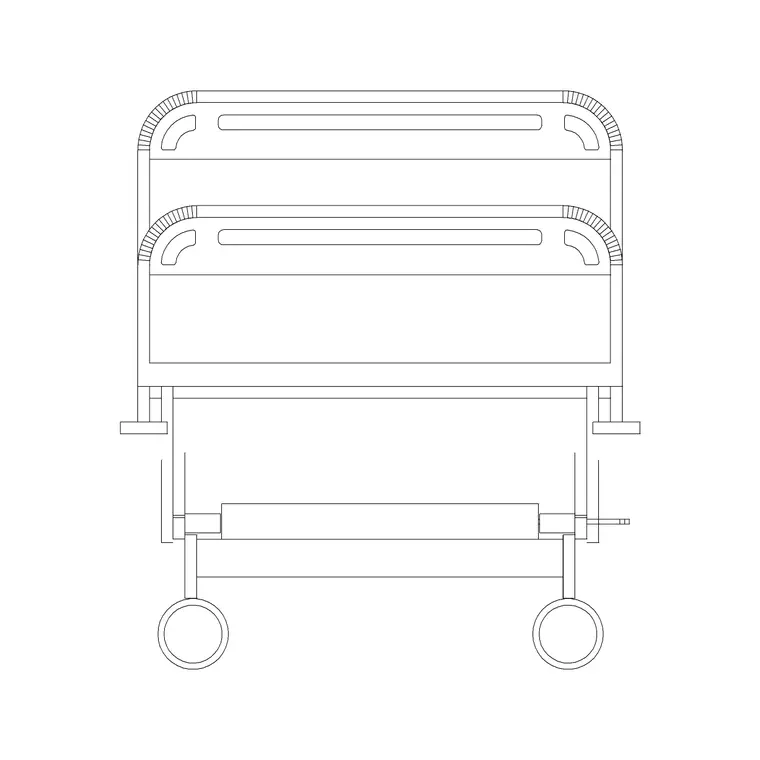
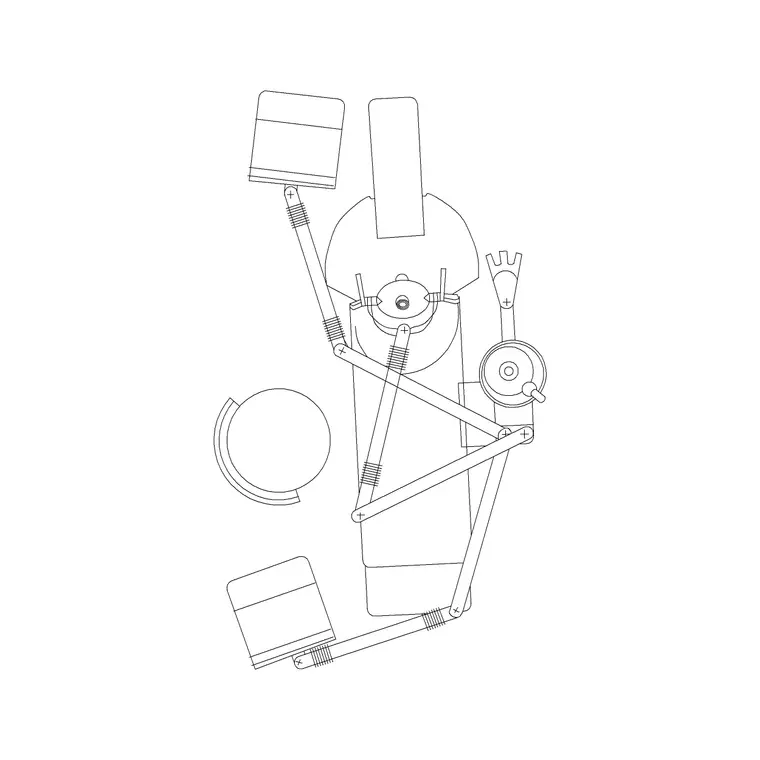
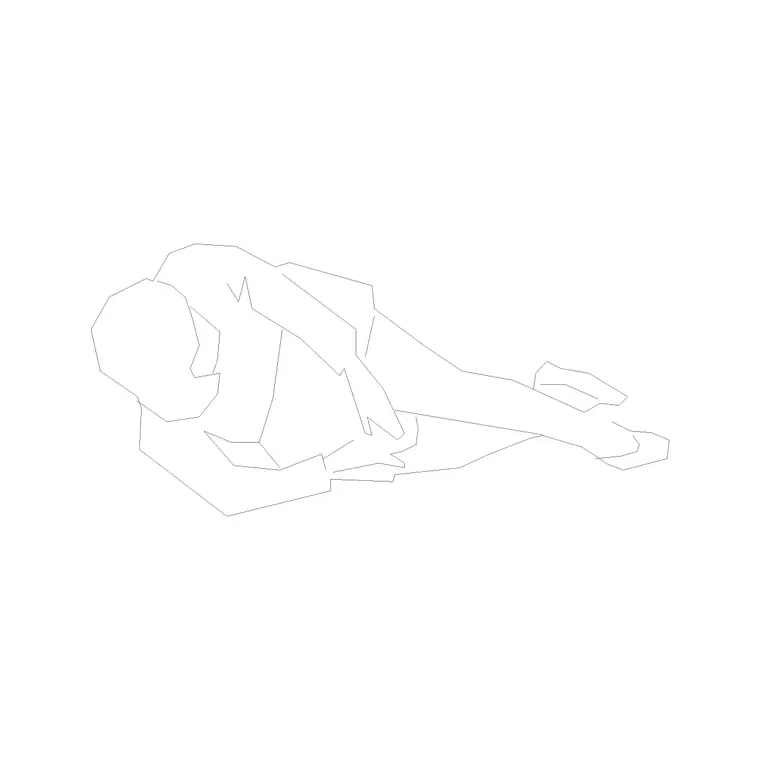
The pack covers the clinical and front-of-house furniture a healthcare space repeats. Wards and bays: a patient bed drawn in plan and elevation for bed-bay and ward layouts. Treatment: a dental/examination chair for the surgery and clinic room. Front of house: reception and waiting furniture for the patient arrival and wait. Scale figures to test the clinical working space and the patient and staff access.
Because the patient bed ships an elevation and a top view, you can both lay out the bed bay in plan and set out the bed and over-bed services in elevation. The dental chair is drawn so you can position the operator and assistant zones around it. The reception and waiting blocks reuse the front-of-house furniture every clinic needs.
Healthcare dimensions to design around
Keep these ranges close. Patient bed: roughly 900–1050 mm wide and 2000–2300 mm long including the headboard; allow clinical access of about 1000–1100 mm on each side and at the foot for staff, equipment and a hoist — this all-round access is what governs the bed bay, not the bed alone. Bed-to-bed spacing in a multi-bed bay is set by that access plus any bedside furniture.
Examination/dental chair: allow the operator and, for dentistry, the assistant working positions around the patient's head, plus space for the cabinetry and the patient to get in and out. Reception and waiting: a counter face around 1100 mm with a staff worktop at 720–750 mm, and roughly 1.2–1.5 m² per waiting seat including access for patients who may use mobility aids. Drop the scaled blocks in and these clinical zones become things you draw.
How to use the set
In a ward or bay, place the patient bed against its headwall, then draw the clinical access zone — both sides and the foot — before you space the next bed. That access, plus the bedside furniture, sets the bay dimension. In a consulting or treatment room, place the couch or dental chair and draw the clinician (and assistant) working positions and the patient entry route around it.
For the front of house, set the reception counter on the arrival sightline with an accessible lowered section, and lay the waiting seating with generous access for mobility aids and a clear route to the consulting rooms. Use the scale figures to prove the clinical clearances and the patient access. Keep clinical furniture, support furniture, reception and waiting on separate layers so each room issues as a clean plan from one coordinated drawing.
Plan for clearances, elevation for services
Healthcare layouts are worked in plan: the bed bay, the clinical access zones, the consulting-room working space and the waiting capacity all read from above, and that is the view a room data sheet and a clearance check need. Array and mirror the beds and chairs in plan to set out a ward or a clinic suite.
Elevation matters more here than in most building types, because the services live on the wall: the patient bed elevation sets out the headboard, the over-bed light and the medical-gas and nurse-call positions; the dental chair elevation sets the operating light and delivery unit; the reception elevation sets the accessible counter. The bed ships an elevation view, so you can build the headwall services drawing from the same scaled block.
Per-item notes
Patient bed (elevation + top view) — the ward workhorse. Lay the bay in plan from the top view, drawing the all-round clinical access, then set out the headwall services from the elevation. Space beds by access plus bedside furniture, not by the bed width alone.
Dental/examination chair — position the operator and assistant zones around the patient's head and leave room for the cabinetry and patient entry. Check the chair reclines into a clear envelope.
Reception and waiting furniture — set the counter on the arrival sightline with a lowered accessible section, and lay waiting seats with extra access for mobility aids.
Human figure (plan) — place it beside the bed and at the chair to prove the clinical working space, and in the waiting area to confirm the access for a patient using an aid.
Who uses the medical pack
Healthcare and interior designers use it to lay out wards, surgeries and clinics to the clinical clearances that access and equipment demand. Architects use it to populate hospital and clinic plans with scaled, believable clinical furniture for feasibility and planning drawings. Medical planners and estates teams use it to test bed bays, consulting-room standards and waiting capacity against a real room area.
Because the blocks are free and licence-clear, the pack suits a single GP or dental surgery or a large hospital department. Pair it with the medical category for more clinical equipment, the office and furniture categories for admin and reception furniture, and the people category for the scale figures that prove the clinical clearances and patient access work at human size from one consistent library.
Free download
Browse the full library — DWG & DXF, no signup.
Questions
Frequently asked
How much clearance should I leave around a patient bed?+
Allow about 1000–1100 mm of clinical access on each side of the bed and at the foot for staff, equipment and a hoist. That all-round access, plus bedside furniture, sets the bed-bay dimension — not the bed width alone.
Does the patient bed block include an elevation view?+
Yes. The patient bed ships an elevation and a top view, so you can lay out the bed bay in plan from the top view and set out the headwall services — light, gas, nurse-call — from the elevation, all from one DWG.
Are the hospital and clinic blocks free for commercial use?+
Yes. Every block downloads free in DWG and DXF with no signup, no watermark and no attribution requirement, and they are cleared for commercial and healthcare project use.
What's included for a dental or examination room?+
A dental/examination chair drawn so you can position the operator and, for dentistry, the assistant working zones around the patient's head, plus reception and waiting furniture for the clinic front of house and scale figures to test access.
Related downloads
Blocks for this guide

Related categories
Related guides
Curated pack
Free Pharmacy CAD Block Pack — DWG Download
Free pharmacy CAD block pack in DWG — dispensing counters, dispensary shelving, OTC gondolas, a consultation room and fridge in plan for AutoCAD. No signup.
Curated pack
Free Dental Clinic CAD Block Pack — DWG
Free dental clinic CAD block pack in DWG — dental chairs, surgery cabinet, X-ray unit, sterilisation bench and waiting seating in plan for AutoCAD. No signup.
Curated pack
Free Office CAD Block Pack — DWG & DXF
Free office CAD block pack in DWG and DXF — desks, workstations, conference tables and reception furniture in plan view. No signup, commercial-use OK.