Block landing · hospital bed cad block
Free hospital bed CAD block in DWG and DXF
By Saumyajit Maity · Published 14 Dec 2024 · Updated 31 May 2026
The hospital bed is the unit a ward is planned around. Every other clearance in a patient bay — the space for staff to work both sides, the room for a hoist, the swing of the privacy curtain — is set relative to the bed. A scaled hospital bed CAD block lets you lay a bay out to those clearances rather than guessing. This page offers a free hospital bed block in DWG and DXF, drawn to true millimetre dimensions in plan and elevation, ready for AutoCAD 2004 or later — free for personal and commercial work, no signup, no watermark.
Healthcare planning is unusually clearance-driven because the bed is rarely accessed from one side: clinical staff need to work both sides and the foot, and a bed often has to be wheeled out in an emergency. Drawing the bed to its real footprint, with the bedside zones it implies, is what makes a ward layout defensible to an infection-control or clinical-planning reviewer.
What's in the hospital bed block
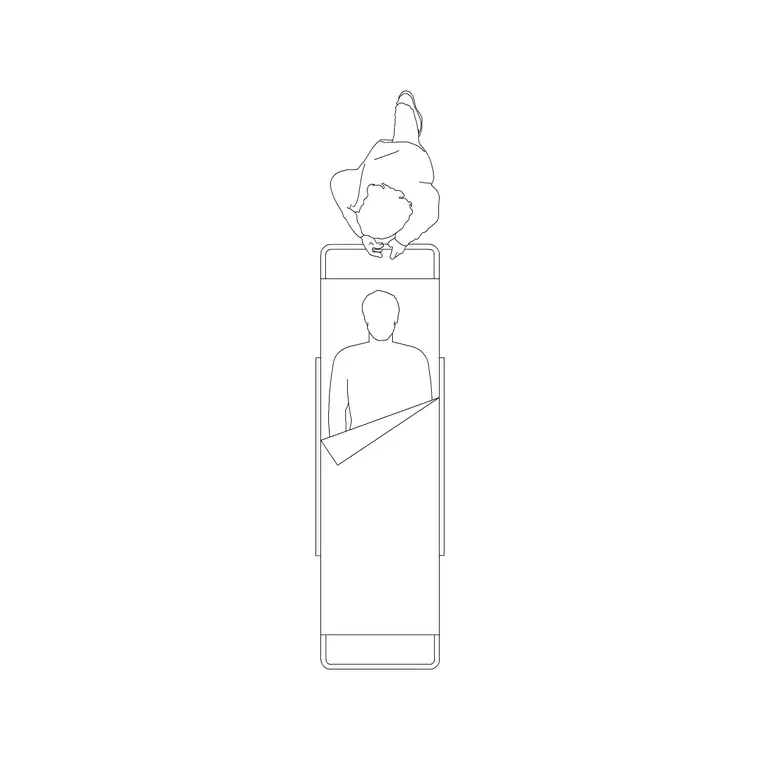
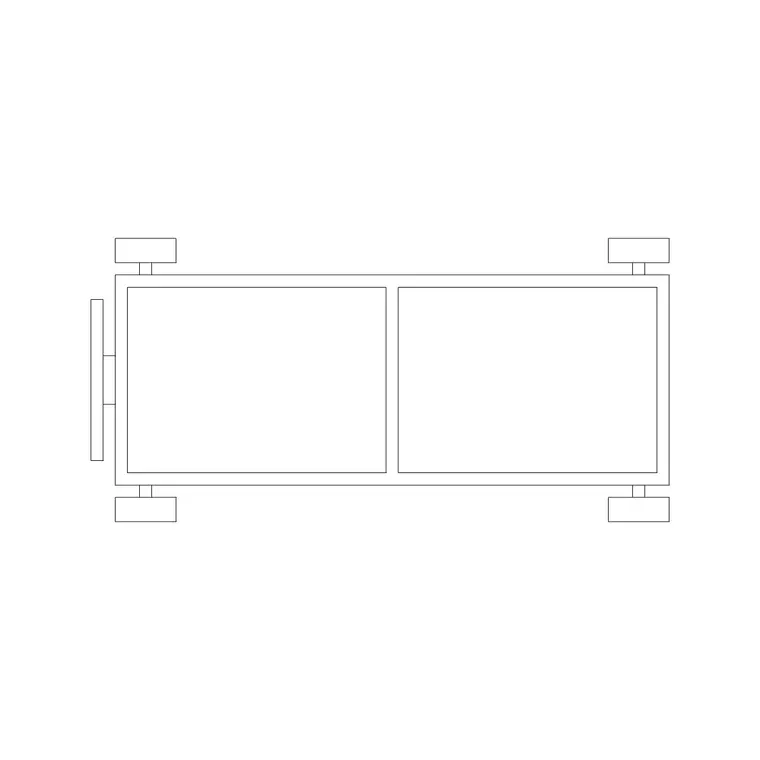
The plan view shows the bed frame with the mattress, the head and foot boards, and — on a profiling bed — the indication that the backrest and knee break articulate. The castors are shown because the bed is mobile and its swept path when wheeled out matters. The best blocks also indicate the bedside working zones, since the space each side is the clinical reason the bed is spaced as it is.
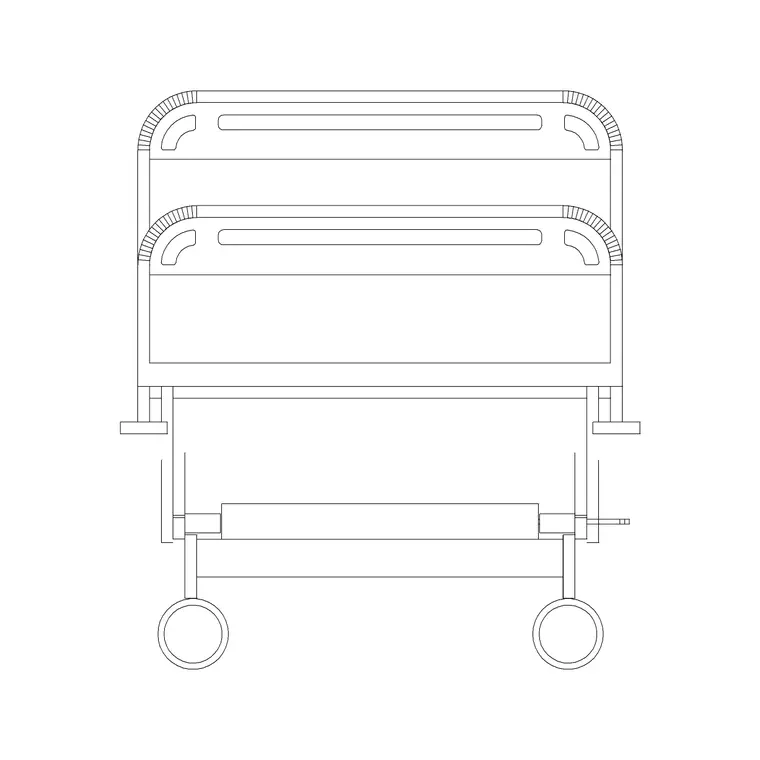
The elevation shows the variable bed height (these beds raise and lower for care and transfers) and the raised backrest position, which matters for the headwall behind — the medical gas outlets, sockets and nurse-call point all relate to the bed head. Frame, mattress, working zones and castors sit on separate layers.
Typical hospital bed dimensions and clearances
Design around these ranges. A standard adult hospital bed frame is roughly 2000–2200 mm long by 900–1050 mm wide, with bariatric beds wider. Mattress height varies because the bed is height-adjustable, commonly within a 400–800 mm band.
The clearances are where healthcare planning lives. Bedside space for staff to work and for equipment is typically generous — guidance commonly calls for clear working space each side and at the foot, plus room to bring in a mobile hoist or to wheel the bed out. Curtain tracks and the privacy curtain define the bed space. Always design to the relevant health-building guidance for the project, but the scaled block lets you test the bay against those zones immediately.
Plan for the ward, elevation for the headwall
Ward and bay layouts are drawn in plan: beds arranged along the bed-head wall, each with its bedside working zones and curtain track, spaced so a bed can be wheeled out without moving its neighbours. The plan block is what you array down a multi-bed bay and mirror across a corridor.
The elevation is essential for the bed-head wall, where the medical gas outlets, electrical sockets, nurse-call and lighting all sit at heights related to the bed. Drawing the bed in elevation against the headwall lets you set those services at the right level relative to a patient sitting up in bed.
How to insert and lay out beds
The bed is drawn full size in millimetres. Insert at scale 1 in a millimetre drawing, 0.001 in a metre drawing, or set INSUNITS to millimetres so AutoCAD converts on insertion. Run INSERT, snap the base point to the centre of the bed head, and rotate so the head sits against the bed-head wall.
Use ARRAY to lay out a multi-bed bay, spacing beds to the bedside working zones rather than the frame so staff access is real. Keep the beds on a furniture or equipment layer separate from the curtain tracks and the headwall services, so the clinical planner, the architect and the services engineer each get a clean drawing from the same file.
Where hospital bed blocks are used
Hospital bed blocks belong in ward and bay layouts, single patient rooms, intensive-care and high-dependency units, recovery and day-surgery areas, and care-home and rehabilitation bedrooms. Healthcare planners use them to test bed numbers against the clearances guidance demands; architects use them to size bays and single rooms; services engineers use the elevation to set the bed-head services.
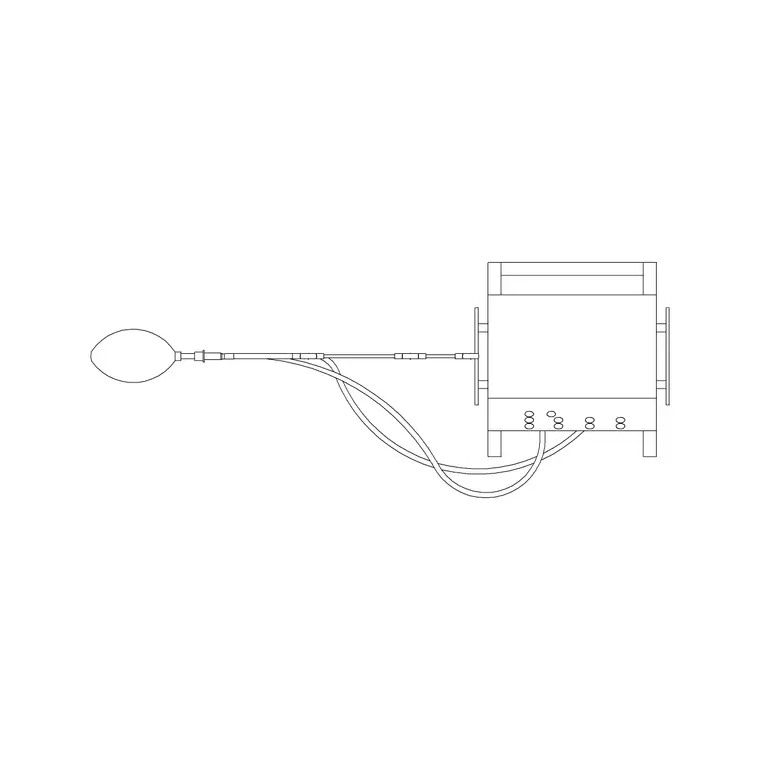
Because the bed drives so many coordinated decisions — gas, power, nurse-call, hoist provision, infection-control spacing — the tagged block is central to the whole healthcare drawing set, not just the GA. Pair it with the wider medical category for the trolleys, stretchers and equipment that share the ward.
Planning the bed space and the privacy curtain
In a multi-bed bay, the unit of design is the 'bed space' — the bed plus its working zones plus the curtain track that screens it. The curtain track is easy to overlook on a furniture plan, but it defines the patient's private area and has to enclose the bed and enough of the bedside that staff can draw the curtain and still work. Drawing the track around each bed, on its own layer, lets you confirm the curtains do not clash and that a drawn curtain leaves room for care.
Access for a mobile hoist is the other quiet driver. Many patients are moved by hoist, so a bed space needs clear floor for a hoist to come alongside and for its legs to slide under the bed. Keeping the bed, its working zones, the curtain track and the hoist space as separate layered elements means one drawing can prove the clinical clearances, the curtain coverage and the hoist access all at once — which is exactly what an infection-control and clinical-planning review will look for.
Free download
Browse the full library — DWG & DXF, no signup.
Questions
Frequently asked
Does the block show the bedside working clearances?+
The best hospital bed blocks indicate the bedside working zones on their own layer, since the clearance each side is the clinical reason a bay is spaced as it is. Always design to the relevant health-building guidance for your project.
Is the hospital bed drawn in elevation for the headwall?+
Yes. The elevation shows the variable bed height and the raised backrest, which lets you set the bed-head services — medical gas outlets, sockets, nurse-call and lighting — at the right levels relative to a patient sitting up.
What scale is the hospital bed drawn at?+
Full size in millimetres. Insert at scale 1 in a millimetre drawing, 0.001 in a metre drawing, or set INSUNITS to millimetres so AutoCAD rescales automatically on insertion.
Is the hospital bed block free for commercial healthcare projects?+
Yes. It downloads free in DWG and DXF with no signup, no watermark and no attribution, and it is cleared for commercial project use.
Related downloads
Blocks for this guide
Related categories
Related guides
Block landing
Free Patient Stretcher CAD Block — DWG Download
Download a free patient stretcher CAD block in DWG and DXF — wheeled trolley/gurney in plan and elevation for A&E and recovery layouts. No signup.
Block landing
Free Medical Trolley CAD Block — DWG Download
Download a free medical trolley CAD block in DWG and DXF — dressing, treatment and crash carts in plan and elevation for clinical layouts. No signup.
Block landing
Free Medical Equipment CAD Blocks — DWG Download
Download free medical equipment CAD blocks in DWG and DXF — diagnostic machines and clinical devices in plan and elevation for healthcare layouts. No signup.