Where to find free garden seating DWG files
Where to source free garden seating DWG blocks — benches, outdoor sofas and swing seats — and how to arrange them into convincing outdoor rooms.
Saumyajit MaityUpdated 28 June 20264 min read
Garden seating as outdoor rooms
Good garden design thinks in outdoor rooms — a dining terrace, a lounge corner, a quiet reading nook — and seating is what defines each one. On a landscape plan, the way you arrange benches, outdoor sofas and swing seats tells the whole story of how a garden is meant to be lived in. A scatter of identical benches reads as municipal; a considered grouping of a sofa, a swing seat and a low table reads as a place someone designed for people to enjoy.
Garden seating is a distinct family from indoor furniture: it is weatherproof, often chunkier, and includes pieces you only find outdoors, like hanging swing seats and built-in benches. Having the right blocks means you can lay out an outdoor room in minutes, test that the terrace has room for both furniture and circulation, and show a client a garden rather than a paved rectangle.
Where they live on CADBlockDWG
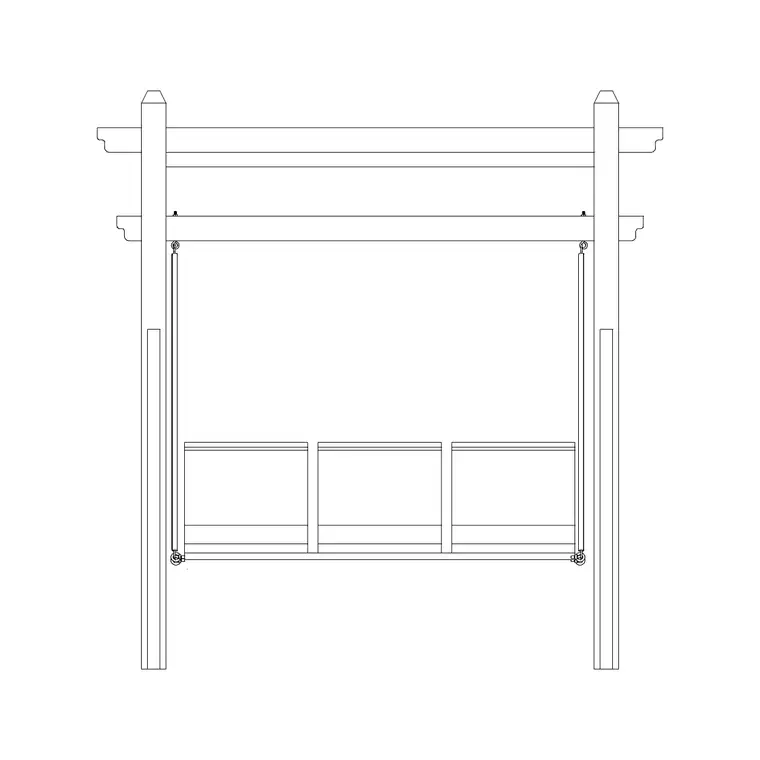
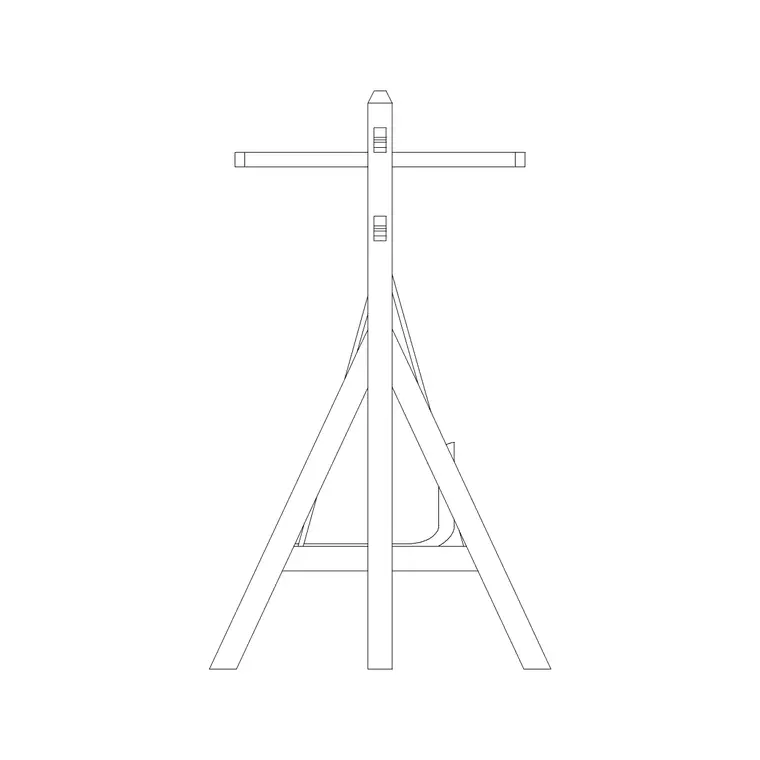
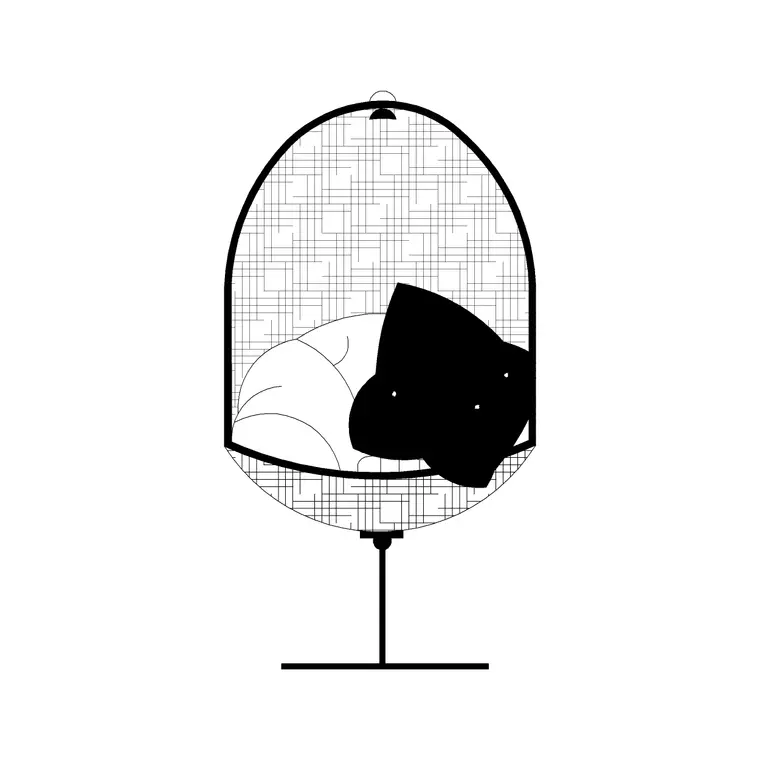
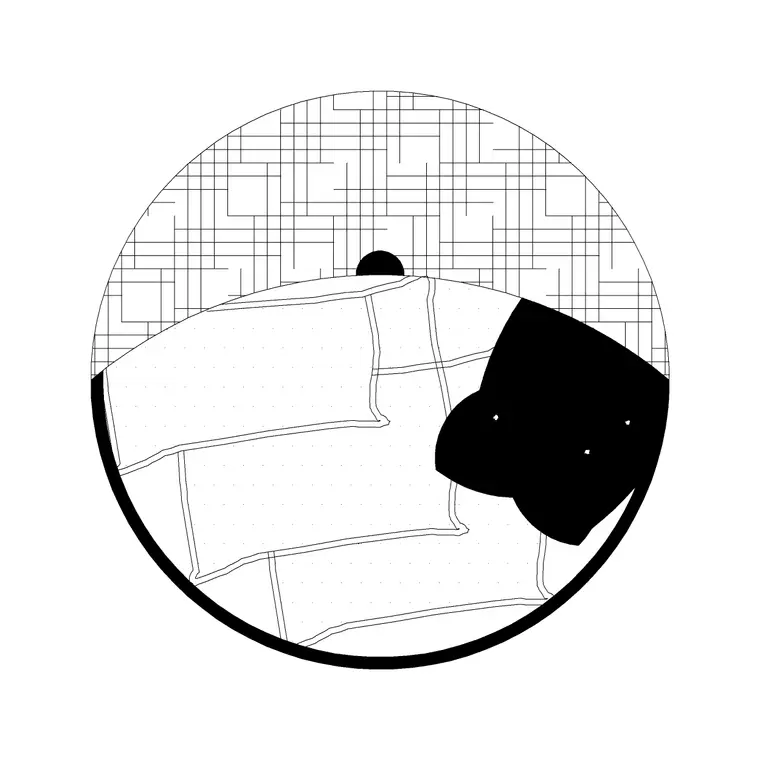
Garden seating sits in the Outdoor category. You will find multi-seater outdoor sofas there — the 3 Seater Ls and 3 Seater Fr blocks are three-person outdoor seaters and swing sofas — plus swing chairs (Swing Chair Plan and Swing Chair Front) and other benches and seats when you browse or search. Useful search terms are 'seater', 'bench', 'outdoor sofa', 'garden seating' and 'swing'.
Every block is a free DWG download with no account required, and the licence covers commercial use, so seating you place in a paid scheme carries no strings. The Outdoor category also holds the supporting cast — fences, planters, flower beds — that turns isolated seating into a believable outdoor room. The previews help you judge footprint and style before downloading: a three-seater bench, a swing sofa and an egg chair occupy very different spaces, and the thumbnail tells you which is which.
Mixing seating types
The fastest way to make a garden plan read as designed is to vary the seating rather than repeat one piece. A lounge corner might combine a three-seater outdoor sofa with a swing chair and a side table; a dining terrace pairs a bench with chairs around a table; a quiet nook might be a single swing seat against planting. Each grouping reads as a purpose, and together they give the garden a sequence of spaces.
The Outdoor category gives you enough variety to do this without drawing anything by hand — pull a three-seater, a swing seat and a couple of supporting pieces, and you have the makings of two or three distinct outdoor rooms. Because the files are free, audition combinations in the actual layout and keep the ones that work. Avoid the temptation to stamp the same bench repeatedly; even small variation in seating type and orientation is what separates a designed garden from a furniture catalogue.
Arranging with honest clearances
Insert each seating block with INSERT, snapping it to a terrace edge or paving joint, and confirm the size with DIST before relying on it — fix any units mismatch with INSUNITS or a SCALE of 0.001 / 1000. Then arrange for real use: leave a comfortable route through each outdoor room (around 900mm or more of clear circulation past seated people), keep space in front of benches for legs, and give swing seats room to move.
Orient seating toward the view, the focal point, or each other for conversation, rather than leaving everything square to the grid. A conversational grouping — two seats angled toward a low table — instantly reads as a lounge, where the same seats in a rigid row read as waiting-room. A useful rule of thumb for a lounge grouping is to keep the seats within about 2.5m of each other, close enough that people can talk comfortably across the table, since a grouping spread too wide stops reading as a single room. Keep all the seating on a furniture or landscape layer so you can dim or recolour it independently when you produce a hardscape-only or planting-only sheet.
Completing the scene
An outdoor room is convincing when the seating sits among the things that make a garden — so pair each grouping with planting, paving and screening from the rest of the Outdoor and Paving categories. A flower bed beside the sofa, a paved patch beneath the dining set, a fence or hedge giving the corner enclosure: these supporting elements give the seating context and scale and make the plan read as a real, inhabitable space.
After importing, run AUDIT and PURGE to keep the drawing clean, and confirm each block sits on a controllable layer. Because the seating pieces are blocks, you can copy a successful outdoor-room grouping to repeat it elsewhere on a larger site, or mirror it for a symmetrical terrace. Sourced from the Outdoor category, mixed for variety, and arranged with honest clearances among planting and paving, free garden seating DWGs let you lay out believable outdoor rooms quickly — and prove they work at the same time.
Questions
Frequently asked
Where can I find free garden seating DWG files?+
In the Outdoor category on CADBlockDWG — three-seater outdoor sofas, swing seats and benches, all free DWG downloads with no signup, free for commercial use.
How do I make a garden seating layout look designed?+
Mix seating types — a sofa, a swing seat, a bench — orient them toward views or each other, and pair them with planting and paving rather than stamping identical benches in a row.
How much circulation should a garden seating area have?+
Allow around 900mm or more of clear route past seated people, room in front of benches for legs, and space for swing seats to move.
Free downloads from this article
Free CAD block library
Download the blocks from this article — free, no signup


