How to insert a downloaded gym-equipment block in AutoCAD
Insert free gym-equipment DWGs and lay out a fitness room — placing machines with proper clearances, grouping by zone, and arraying cardio rows.
Saumyajit MaityUpdated 13 June 20265 min read
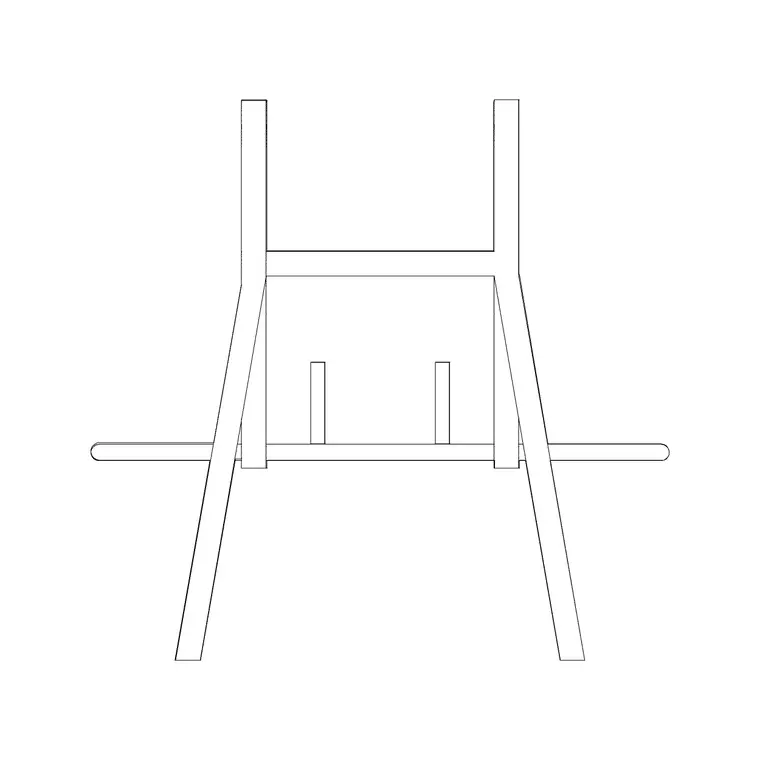
Download gym-equipment blocks
Laying out a gym or fitness room means placing a lot of different machines — treadmills, bikes, weight stations, benches, racks — and a block library saves you drawing each one. The Fitness & Sports category has gym-equipment blocks drawn in plan, the top-down footprint of each machine. Open the pieces you need and download the DWGs: free, no signup, commercial-cleared, ready to lay out a real fitness space.
A plan gym-equipment block shows the machine's footprint as you would see it from above — the deck of a treadmill, the frame of a multi-gym, the outline of a bench. What matters for layout is the footprint plus the user space around it: a treadmill is not just the machine but the run-off behind it and the access in front. Knowing both the equipment footprint and the clearance each piece needs is what lets you lay out a gym that is safe and usable rather than just packed with machines.
Insert and place each machine
Open your gym plan, type I, Enter, Browse to a gym-equipment DWG and select it. Turn on snaps (F3) and place the machine in its zone — cardio along one area, resistance machines in another, free weights near the racks and mirrors. Snap to gridlines or wall faces so machines align tidily rather than scattering at odd angles. Leave scale at 1; the equipment is drawn at real size.
Click to place each piece, rotating with ROTATE so it faces a sensible direction — treadmills often face a wall, window or screen; resistance machines face their working direction. Insert each different machine in turn, building up the room zone by zone. Because each is a block, you can move and copy them freely as you test arrangements, so it is easy to try a layout, see how it reads, and adjust before committing to the positions.
Leave the clearances that make it usable
Gym layout is really about clearances and safety, not just fitting machines in. Give cardio machines run-off space — commonly around 600mm or more behind a treadmill belt, and access in front to mount and dismount. Resistance machines need space for the moving parts and for the user to get on and off, often around 600 to 900mm of working space around them. Free-weight areas need generous clear floor for lifting and dropping safely.
Circulation between rows of equipment should stay clear — aim for walkways of at least about 900mm to 1200mm so people can pass behind someone using a machine. A good check is to draw the user-space zone around each machine and confirm these zones do not overlap dangerously and that the walkways stay open. A gym that looks full on paper but has treadmills running off into a wall or benches with no room to lift is a layout that fails the moment it is used.
Group zones and array cardio rows
Gyms are organised into zones, and blocks make that quick. For a row of identical cardio machines — say six treadmills side by side — place one with its correct clearance, then ARRAY (rectangular) at the machine-width-plus-gap spacing so the whole row lines up evenly. The same works for a bank of bikes or a row of lockers. Because they are blocks, the row stays consistent and you can adjust the spacing in one operation.
For mixed zones — a free-weights area, a stretching mat zone, a functional-training rig — group the relevant blocks together and lay them out as a cluster, leaving clear transitions between zones. Keep the heavy free weights near a solid wall and the mirrors, the cardio near ventilation or a view, and the circulation flowing logically from the entrance through the zones. This zoning, built from correctly-scaled equipment blocks, is what turns a room full of machines into a gym that works for the people using it.
Layer it and check the scale
Put gym equipment on its own layer — a fitness or equipment layer — so it can be controlled separately from the architecture and the services. Blocks built on layer 0 inherit the current layer, so set that layer current before inserting and the machines adopt it. This lets you produce a clean equipment plan for the supplier and a separate floor plan for the builder.
If a machine inserts at a wild size, it is the usual units mismatch — set INSUNITS consistently or run SCALE with 0.001 or 1000, then sanity-check against a known footprint (a treadmill is roughly 2m long by 0.9m wide). Getting the scale honest is essential here because gym safety depends on real clearances; an under-scaled layout will look fine on paper and fail on the floor. With correctly-scaled equipment, honest clearances and logical zoning, your fitness-room plan will read as a genuinely workable, safe space.
Add people to test the space
A gym layout that looks generous in plan can still feel cramped in use, and the quickest way to check is to drop in scale figures at the machines. A standing or exercising figure at about 1.7 to 1.8m placed on a treadmill, at a bench or in the free-weight zone shows immediately whether there is real room to use the equipment — to swing a barbell, to step off a machine, to stretch on a mat without colliding with the next person.
People also reveal whether the circulation genuinely works: place a couple of figures walking the main route through the gym and you can see if two people can pass behind someone mid-exercise. Keep the figures on their own entourage layer so you can turn them off for the technical equipment plan and on for a presentation, where they also help a client picture the space in use. Testing the layout with real-sized people, on top of the equipment clearances, is the final check that turns a plausible-looking gym into one that is confirmed to work for the bodies moving through it.
Questions
Frequently asked
How much clearance should I leave around gym equipment?+
Around 600mm or more of run-off behind a treadmill, roughly 600 to 900mm of working space around resistance machines, generous clear floor in free-weight areas, and walkways of at least 900 to 1200mm between rows.
What is the footprint of a treadmill block?+
Roughly 2m long by 0.9m wide, plus run-off space behind. If a block inserts at a strange size it is a units mismatch — set INSUNITS or scale by 0.001 / 1000, then check against that real footprint.
What is the quickest way to lay out a row of cardio machines?+
Place one machine with its correct clearance, then use rectangular ARRAY at the machine-width-plus-gap spacing so the whole row lines up evenly. As blocks they stay consistent and the spacing can be adjusted in one step.
Free downloads from this article

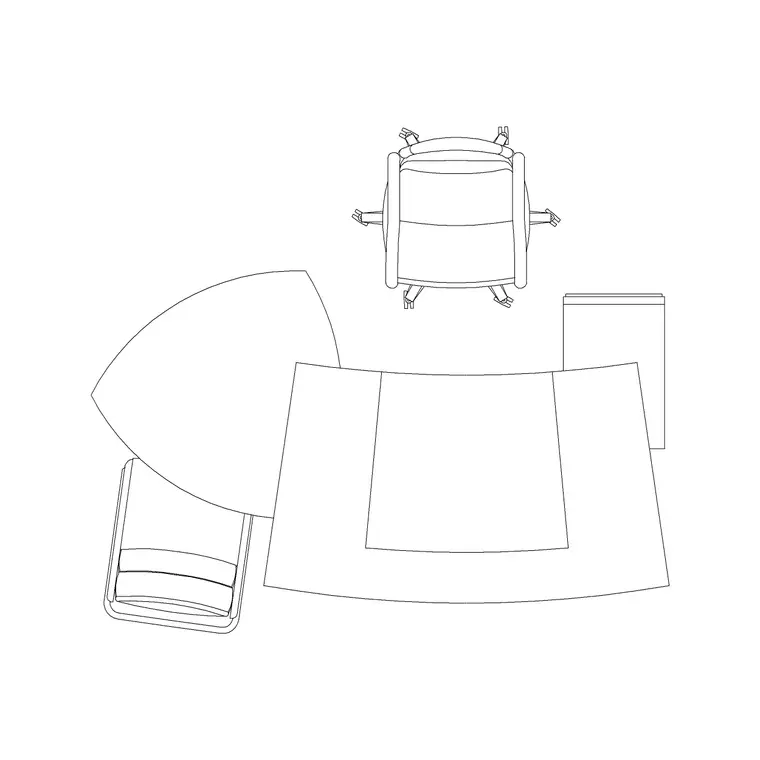
Free CAD block library
Download the blocks from this article — free, no signup