Where to find free WC commode side-elevation DWG
Free WC commode side-elevation DWG blocks for AutoCAD — why an elevation shows what a plan can't, the pan heights, and how to build a bathroom elevation.
Saumyajit MaityUpdated 17 June 20265 min read

Why you need a WC in elevation
A plan view tells you where the toilet goes; only an elevation tells you how tall it is, where the cistern sits on the wall, and how the pan reads from the side — which is exactly what you need for a bathroom elevation, a setting-out drawing, or a tiling layout. A side or front elevation of a WC commode shows the pan profile, the seat, and the cistern stacked behind and above, against the wall. On this site the toilet commode blocks live in the Bathroom category, and you would use the elevation view of a commode when the drawing is a wall face rather than a floor plan.
They are free DWG downloads, no signup, free for commercial use. The distinction between plan and elevation is the thing to get right: a plan commode dropped into an elevation, or vice versa, reads as a mistake to anyone trained. When your drawing is showing the height and the wall — for tiling, for fixing heights, for a client-facing bathroom elevation — the elevation commode is the block you want, because it answers the vertical questions the plan simply cannot.
Pan heights and what the elevation shows
A WC elevation carries the dimensions a plan hides. A standard close-coupled pan sits with the seat at around 400 to 420mm above finished floor; a comfort-height or accessible WC raises the seat to roughly 450 to 480mm. The cistern sits behind and above the pan, with a close-coupled cistern reaching around 750 to 800mm up the wall, while a concealed or wall-hung arrangement hides the cistern in the wall and shows only the pan and the flush plate.
The elevation block shows this vertical arrangement — the pan, seat and cistern in side or front profile — so you can place it at the correct seat height above your floor line and read the cistern position against the wall and any tiling. The files are DWG at a broadly compatible AutoCAD version. Drawing the WC at its true heights is what makes a bathroom elevation buildable: the tiler knows where the cistern lands, the fixer knows the pan height, and the client sees the wall as it will really look, rather than a floating symbol at an arbitrary height.
Building a bathroom elevation with it
Start the elevation with your reference lines: the finished floor line and the wall outline, with any tiling course lines if you are showing them. Insert the commode elevation block — run INSERT, browse to the DWG, place with scale 1 — and move it so the seat sits at your chosen height above the floor line (around 400mm for standard) and the cistern reads correctly against the wall. Snap it horizontally to its position along the wall, matching where the WC sits on the plan.
With the WC placed, add the other elevation fixtures on the same wall — a basin at 800 to 850mm to the rim, the bath or shower screen, the mixers and the tiling — and the bathroom elevation comes together as a coordinated wall. Keep the elevation consistent with the plan: the WC on the elevation should sit at the same position along the wall as on the plan, so the two drawings agree. This is where an elevation earns its place, resolving the vertical reality that a plan leaves unanswered.
Insert, scale and layer
Download the commode block, run INSERT in your elevation drawing, browse to the file, and place with scale 1 and rotation 0, aligning it to your floor and wall lines. Units are the usual culprit if it comes in wrong-sized: set INSUNITS to match your drawing (4 for mm, 6 for m) before inserting so it auto-scales, or correct it with SCALE — 0.001 for millimetres into a metre drawing, 1000 the other way. Verify with DIST that the cistern height reads around 750 to 800mm.
Keep the WC on your sanitary or fixtures layer, which it inherits automatically if drawn on layer 0, so the elevation plots cleanly with the basin, bath and tiling. With the commode placed at its true seat height, the cistern reading correctly against the wall, and the elevation consistent with the plan, your bathroom elevation communicates the wall the way it will really be built — the drawing that turns a layout into something a tiler and a fixer can set out from, rather than a plan that stops at the floor.
Cistern types and the flush plate
The cistern is the part of a WC elevation that varies most, so choose the block that matches the specification. A close-coupled cistern sits directly on the back of the pan and is the familiar domestic arrangement, reading on the elevation as a tank rising to around 750 to 800mm. A low-level cistern hangs slightly higher on the wall with a short flush pipe to the pan, a more traditional look. A concealed cistern hides inside a duct or a stud wall, so the elevation shows only the pan and a flush plate set into the wall above — the clean, modern arrangement that pairs with wall-hung pans.
If you are drawing the concealed or wall-hung type, remember the elevation also implies a wall depth: the concealed cistern needs a duct or thickened wall behind the pan, typically around 150 to 200mm deep, which your plan and your tiling setting-out must allow for. Showing the flush plate at the right height — usually a little above the pan, within easy reach — finishes the elevation honestly. Matching the cistern block to the real fixture is what lets the elevation drive the wall build-up, the tiling and the fixing heights, rather than just sketching a generic toilet on the wall.
Questions
Frequently asked
What height does a WC pan sit at in elevation?+
A standard close-coupled seat sits around 400–420mm above finished floor; a comfort-height or accessible WC raises it to roughly 450–480mm. Place the elevation block at that height above your floor line.
Why use a WC elevation instead of a plan?+
An elevation shows the height of the pan and the cistern on the wall — information a plan cannot carry. You need it for bathroom elevations, tiling layouts and setting-out drawings.
Where do I find WC commode elevation blocks?+
In the Bathroom category on CADBlockDWG, where the toilet commodes are filed. They are free DWG downloads with no signup, free for commercial use.
Free downloads from this article
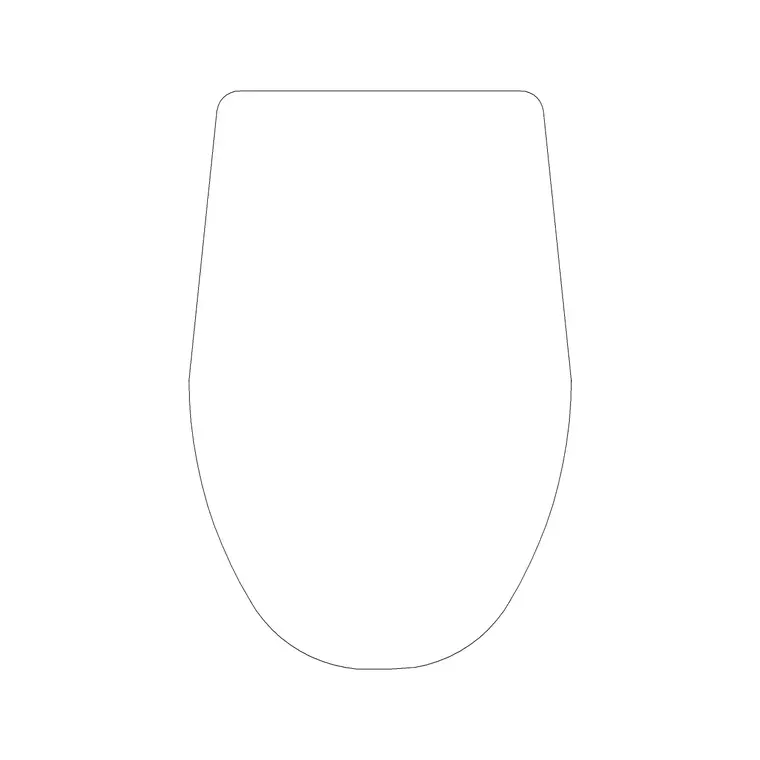
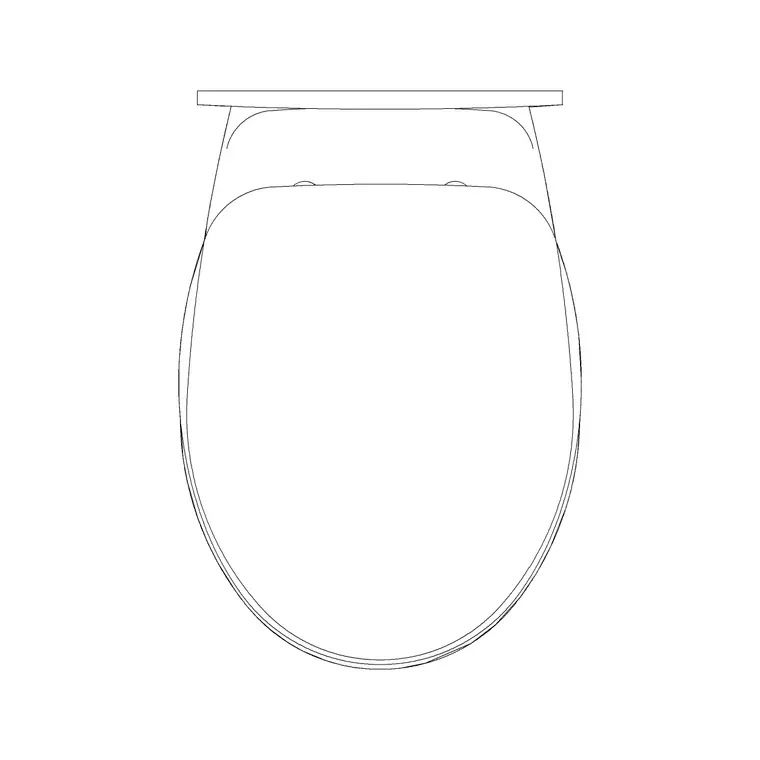
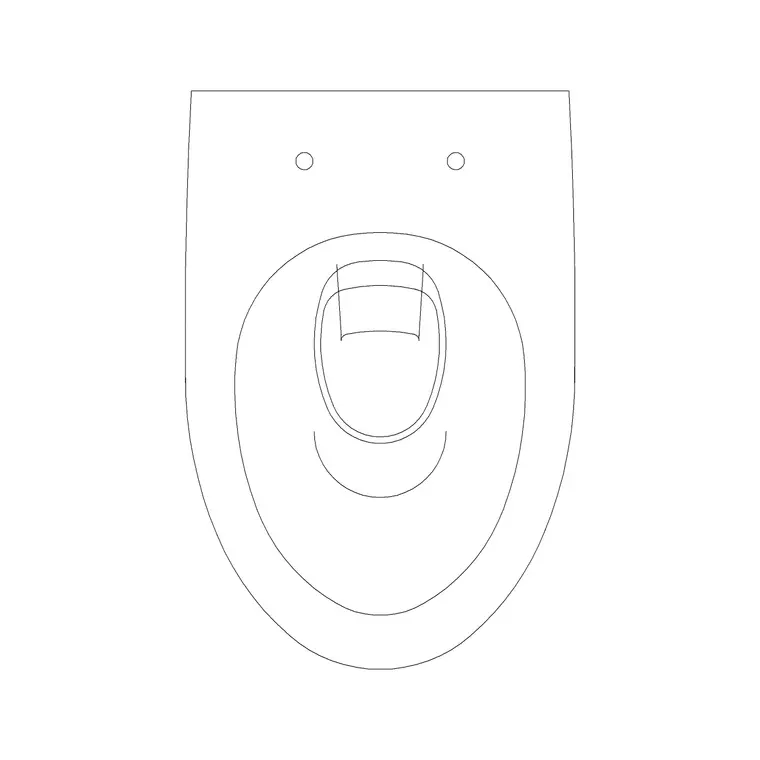
Free CAD block library
Download the blocks from this article — free, no signup


