Curated pack · kitchen cad blocks
Free kitchen CAD block pack for AutoCAD
By Sumana Kumar · Published 10 Mar 2026 · Updated 13 Jun 2026
Designing a kitchen layout in AutoCAD goes faster when the appliances are already drawn to scale. This free kitchen CAD block pack gathers the blocks you reach for most — cookers and hobs, ovens, range hoods, sinks, dishwashers and cabinet runs — in DWG and DXF, drawn at true millimetre dimensions and ready to insert into AutoCAD 2004 or later. Everything is free for personal and commercial work, with no signup and no watermark.
Use the pack to lay out residential kitchens, apartment fit-outs and small commercial kitchenettes. Because the blocks are correctly scaled, they let you test the classic work triangle, check worktop clearances and confirm appliance gaps the moment they hit the plan.
A kitchen is one of the most dimensionally-demanding rooms in any home: appliances come in fixed module sizes, worktops have standard depths, and the gaps between runs are governed by how a person actually moves and opens doors. Starting from scaled blocks built on that module means your layout is correct by construction, not by guesswork, and the plan you hand to a joiner or installer holds together.
What the kitchen pack covers
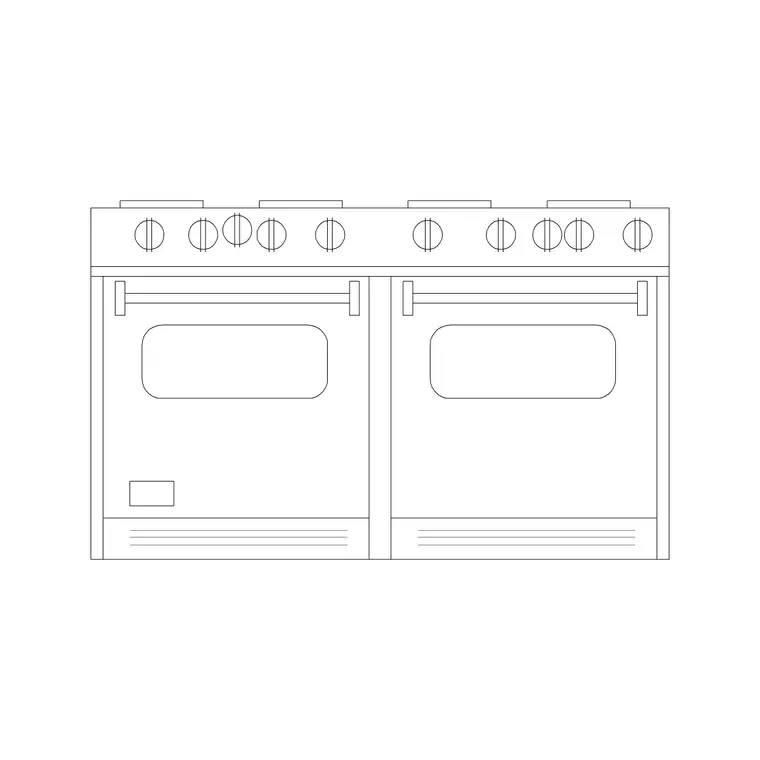
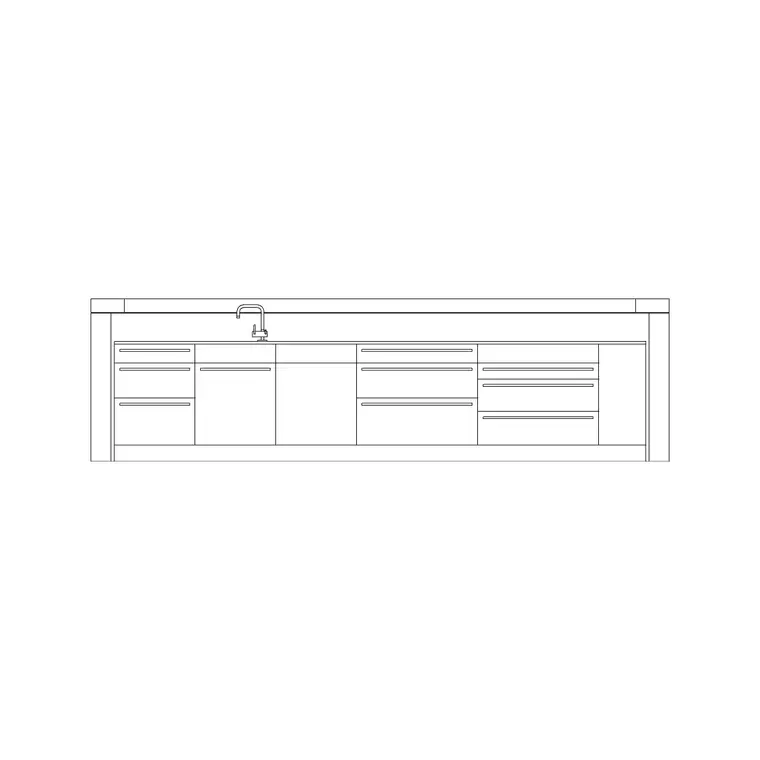
The pack spans the standard kitchen kit. Cooking: 600 mm and 900 mm hobs, freestanding cookers, built-in single and double ovens, and range hoods sized to match. Wet zone: single, double and 1.5-bowl sinks with drainers, plus dishwasher and washing-machine footprints at the standard 600 mm module. Storage: base and wall cabinet runs, tall units and island blocks you can stretch to length.
Because kitchens are built on a 600 mm module, the appliances and cabinets here share that grid, so they snap together cleanly into a continuous run without leaving awkward gaps.
Standard kitchen dimensions to design around
Keep these reference figures close. Base cabinet depth: 600 mm. Worktop height: 900 mm. Wall cabinet height above worktop: 450–600 mm clearance. Standard appliance width: 600 mm (hob, oven, dishwasher, washing machine), with 900 mm and 1000 mm options for larger ranges. Sink modules: 600 mm single, 800–1000 mm double.
For circulation, allow at least 1000 mm between opposing runs in a galley kitchen, and 1200 mm where the gap is also a walkway. Around an island, keep 1000 mm of clear floor on each working side. Drop the scaled blocks in and these checks become visual rather than arithmetic.
Building a kitchen layout from the blocks
Start by drawing the room outline and the cabinet run baselines along the walls. Insert the sink block first — its position is usually fixed by the window or the plumbing — then place the hob and oven to form a sensible work triangle with the fridge. Fill the gaps with base-cabinet blocks, stretching or arraying them to close the run.
Add the wall cabinets on their own layer above, then drop in the worktop outline. Keeping appliances, base units, wall units and worktops on separate layers means you can produce a clean plan, a wall-cabinet plan and an elevation set from the same drawing without re-drawing anything.
Plan and elevation views
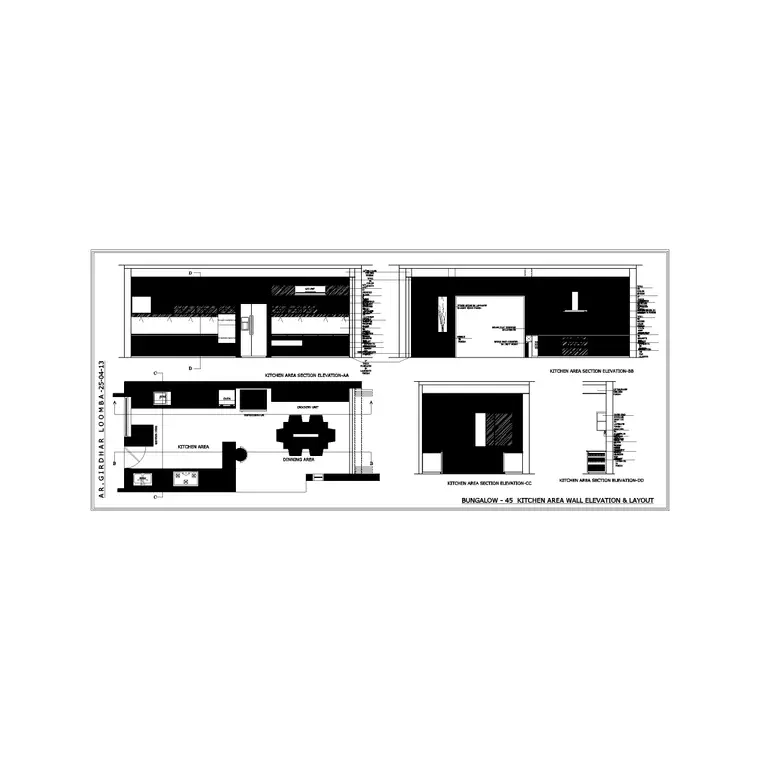
For the layout you work in plan: appliances and cabinets seen from above, arrayed along the run. For client presentations and joinery drawings you switch to elevation, where the cooker, hood, sink and cabinet fronts are drawn face-on. Many blocks in this pack ship both views in the same DWG, so you can build the plan and the matching elevation from one download.
When you draw the elevation, the appliance heights matter: a built-under oven sits within the 900 mm worktop run, while a range hood typically hangs 650–750 mm above the hob. The elevation blocks carry these heights so the drawing reads correctly.
Who uses the kitchen pack
Interior designers and kitchen specialists use it to turn around concept layouts quickly. Architects use it to populate residential plans with believable, scaled appliances. Students use it for studio projects and portfolio boards where licence-clear furniture matters. Because the blocks are free and unrestricted, the same pack works for a one-off flat refurbishment or a multi-unit residential scheme.
Pair it with the bathroom, sinks-and-faucets and furniture categories to fit out an entire dwelling from a single, consistent block library.
Common kitchen layouts the pack supports
The blocks suit every standard kitchen layout. A galley kitchen runs two parallel runs facing each other — keep at least 1000 mm between them and place the sink and hob on opposite or the same run depending on plumbing. A single-wall kitchen lines everything along one run, ideal for apartments and studios. An L-shaped kitchen wraps two adjacent walls and gives a natural work triangle. A U-shaped kitchen wraps three walls for maximum storage and worktop. An island or peninsula layout adds a freestanding or attached run, often carrying the hob or sink.
Because the appliance and cabinet blocks all sit on the 600 mm module, you can switch between these layouts by re-arranging the same blocks rather than redrawing. Drop the sink and hob first to fix the plumbing and ventilation, lay the work triangle, then close the runs with cabinet modules and add the island if the room allows the 1000 mm clearance on each side.
Free download
Browse the full library — DWG & DXF, no signup.
Questions
Frequently asked
What appliances are included in the kitchen pack?+
Hobs and cookers, single and double ovens, range hoods, single/double/1.5-bowl sinks, dishwashers, washing machines and base, wall, tall and island cabinet blocks — all on the standard 600 mm kitchen module.
Are the kitchen blocks free for commercial projects?+
Yes. Every block downloads free in DWG and DXF with no signup, no watermark and no attribution requirement, and they are cleared for commercial use.
What units are the kitchen blocks drawn in?+
Millimetres, full size. Insert at scale 1 in a millimetre drawing, or set INSUNITS to millimetres so AutoCAD rescales automatically if your template uses different units.
Do the cabinet blocks stretch to any length?+
Base and wall cabinet runs are drawn on the 600 mm module and can be arrayed or stretched to fill a run. Insert the module repeatedly, or use STRETCH to close a non-modular gap.
Related downloads
Blocks for this guide
Related categories
Related guides
Block landing
Free Bathroom Fixtures CAD Blocks — DWG Download
Download free bathroom fixtures CAD blocks in DWG and DXF — toilets, wash basins, bathtubs, showers and vanities drawn in plan and elevation. No signup, commercial OK.
Curated pack
Free Plumbing Fixtures CAD Block Pack — DWG
Free plumbing fixtures CAD block pack in DWG and DXF — WCs, basins, sinks, valves, gullies and pipework symbols for AutoCAD layouts. No signup.
Curated pack
Free Accessibility / Part M CAD Block Pack — DWG
Free accessibility / Part M CAD block pack in DWG — wheelchair symbols, turning circles, accessible WCs and clearances for AutoCAD inclusive-design plans.