Block landing · bathroom cad blocks
Free bathroom fixtures CAD blocks for AutoCAD
By Saumyajit Maity · Published 3 May 2024 · Updated 25 Jan 2026
Fitting out a bathroom in AutoCAD means placing the same family of fixtures again and again, so a clean set of bathroom CAD blocks pays for itself immediately. This page collects free bathroom fixtures CAD blocks in DWG and DXF — WCs, wash basins, bathtubs, showers, bidets and vanity units — each drawn at true millimetre dimensions and ready to insert into AutoCAD 2004 or later. Everything is free for personal and commercial work, with no signup and no watermark.
Use these blocks to lay out en-suites, family bathrooms, cloakrooms and accessible WCs. Because they are correctly scaled, they let you check the clearances that bathroom design lives or dies by — the space in front of a WC, the swing of the door, the reach to the basin.
Bathrooms are small, tightly-serviced rooms where a few millimetres decide whether a layout works, so working with scaled blocks rather than rough boxes is not a nicety — it is the difference between a plan that builds and one that does not. The fixtures below are drawn to standard sanitaryware sizes, so the moment you place them you are designing against real-world dimensions. Whether you are detailing a compact en-suite, a generous family bathroom or a fully accessible WC, the same scaled blocks carry you from the first layout sketch to the setting-out drawing the installer works from.
Which bathroom fixtures are covered
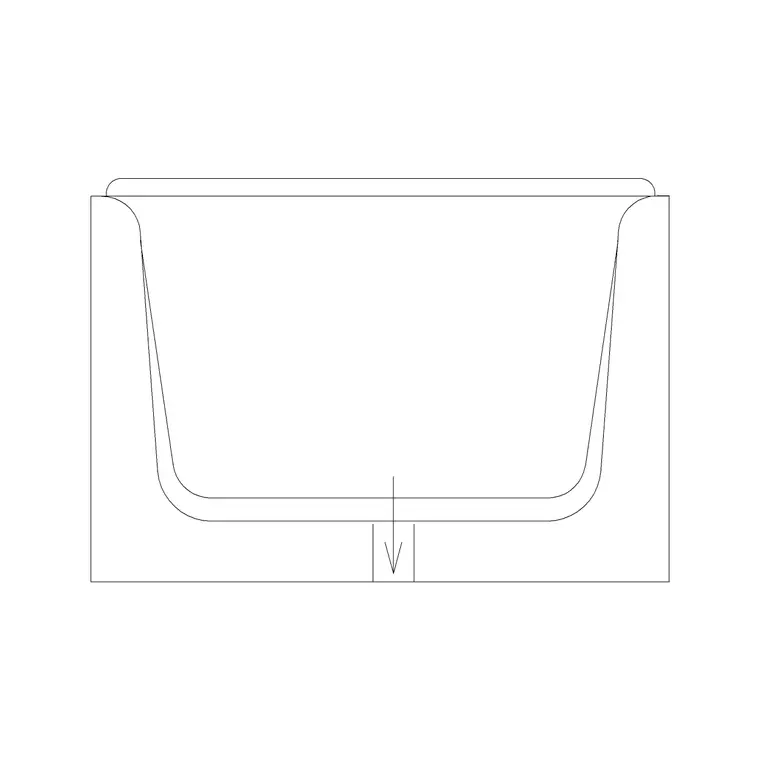
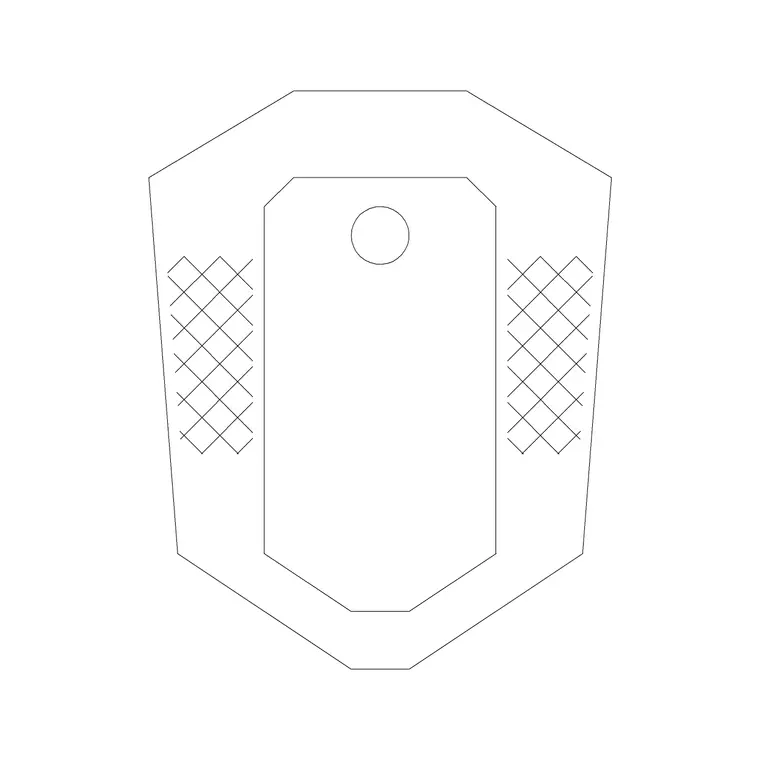
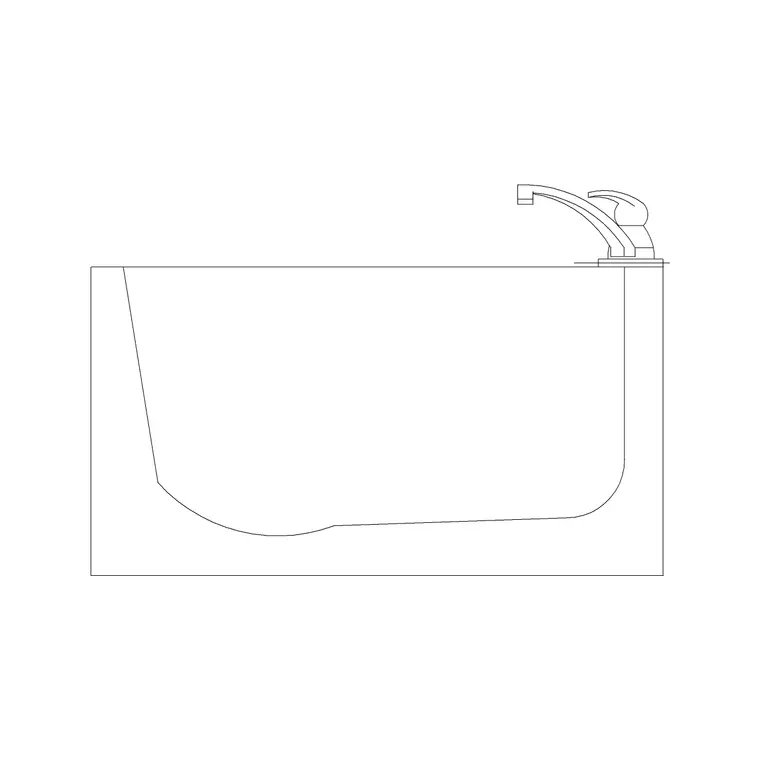
The set spans the standard sanitaryware: close-coupled and wall-hung WCs, pedestal and countertop wash basins, vanity units, bathtubs (standard, corner and freestanding), shower trays and enclosures, bidets and squat toilets. Each is drawn as a clean block reference you can copy around a layout and rotate to the wall it serves.
The fixtures share sensible layering so the porcelain outline, the centreline and any setting-out dimensions sit on separate layers. That lets you produce a clean architectural plan and a detailed sanitary-setting-out plan from the same blocks.
Standard bathroom fixture dimensions
Design around these figures. WC: roughly 360–400 mm wide and 600–700 mm deep, with 600 mm of clear space needed in front. Wash basin: 500–600 mm wide for a standard basin, 400 mm for a cloakroom basin, mounted around 800–850 mm to the rim. Bathtub: the classic is 1700 × 700 mm; compact baths run 1500 × 700 mm. Shower tray: 800 × 800 mm to 1200 × 800 mm. Bidet: similar footprint to a WC.
For accessible (Part M / ADA-style) WCs the clearances grow considerably, with a 1500 mm turning circle and transfer space beside the pan — drop the scaled block in and the required zone is easy to draw around.
Plan view for layouts, elevation for tiling
For the bathroom layout you work in plan: fixtures seen from above, positioned against the walls with their clearances checked. The plan blocks are what you array and mirror to lay out a row of basins in a public washroom, or to flip an en-suite layout.
For tiling drawings, sanitary elevations and client presentations you switch to elevation, where the basin, WC cistern, bath and shower are drawn face-on at their real heights. Many blocks here ship both views in one DWG, so a single download covers both the layout and the elevation.
Setting out a bathroom from the blocks
Begin with the room outline and the soil-pipe position, since the WC location is usually driven by the drainage. Place the WC first, then the basin within easy reach of it, then the bath or shower along the longest wall. Keep checking the 600 mm activity zone in front of each fixture and the door swing — the scaled blocks make these clashes obvious.
When the layout works, add a fixtures schedule by tagging each block, and split the porcelain, the setting-out dimensions and the tiling onto separate layers so each drawing in the set reads cleanly.
Who uses bathroom blocks
Architects and interior designers use them to fit out residential and hospitality bathrooms quickly. Plumbing and services designers use them to coordinate sanitary positions with drainage. Students use them for studio and portfolio work where scaled, licence-clear fixtures matter.
Pair the bathroom set with the sinks-and-faucets and kitchen categories to fit out the whole wet-services side of a building from one consistent, free block library.
Coordinating fixtures with the drainage
Bathrooms are one of the few rooms where the services drive the layout as much as the design does, so the blocks earn their keep during coordination. The WC almost always sits against the wall carrying the soil stack, because a long horizontal run of large-bore drainage is something to avoid. Place the WC block first against that wall, then position the basin, bath and shower so their wastes can reach the same drainage zone with sensible falls.
Keeping the fixtures as scaled blocks lets you snap a centreline to each one and dimension the setting-out — the distance from a finished wall to the centre of the WC, the height of the basin rim, the position of the shower drain. Those setting-out dimensions are what the installer actually works to, so producing them from the same blocks that drive the architectural plan keeps the drawing set coordinated and avoids the classic clash where the tiling, the fixtures and the drainage were each drawn to slightly different positions.
Free download
Browse the full library — DWG & DXF, no signup.
Questions
Frequently asked
What bathroom fixtures are included?+
WCs (close-coupled and wall-hung), wash basins, vanity units, bathtubs (standard, corner and freestanding), shower trays and enclosures, bidets and squat toilets — drawn in plan and, in many cases, elevation.
Are the bathroom CAD blocks free to use commercially?+
Yes. Every block downloads free in DWG and DXF with no signup, no watermark and no attribution requirement, and they are cleared for commercial project use.
Do the blocks include accessible WC dimensions?+
The fixtures are drawn at true size so you can lay out an accessible WC and draw the required turning circle and transfer space around the block. The fixture footprint matches standard sanitaryware sizes.
What scale are bathroom blocks drawn at?+
Full size in millimetres. Insert at scale 1 in a millimetre drawing, or set INSUNITS to millimetres so AutoCAD rescales automatically if your template uses different units.
Related downloads
Blocks for this guide
Related categories
Related guides
Curated pack
Free Kitchen CAD Block Pack — DWG & DXF
A free kitchen CAD block pack in DWG and DXF — cookers, hobs, ovens, sinks, hoods and cabinets drawn in plan and elevation for AutoCAD. No signup, commercial-use OK.
Block landing
Free Sanitary Fixtures CAD Blocks — DWG Download
Download free sanitary fixtures CAD blocks in DWG and DXF — WCs, wash basins, urinals and sinks in plan and section for AutoCAD sanitary plans.
Block landing
Free Toilet / WC CAD Blocks — DWG Download
Download free toilet / WC CAD blocks in DWG and DXF — close-coupled, back-to-wall and commode pans in plan and elevation for AutoCAD. No signup, commercial OK.