Where to find free wash basin DWG files (and how to use)
Free wash basin DWG blocks for AutoCAD in plan and elevation — where they sit, the 370/450/500mm sizes, and how to set basin height in an elevation.
Saumyajit MaityUpdated 29 January 20264 min read
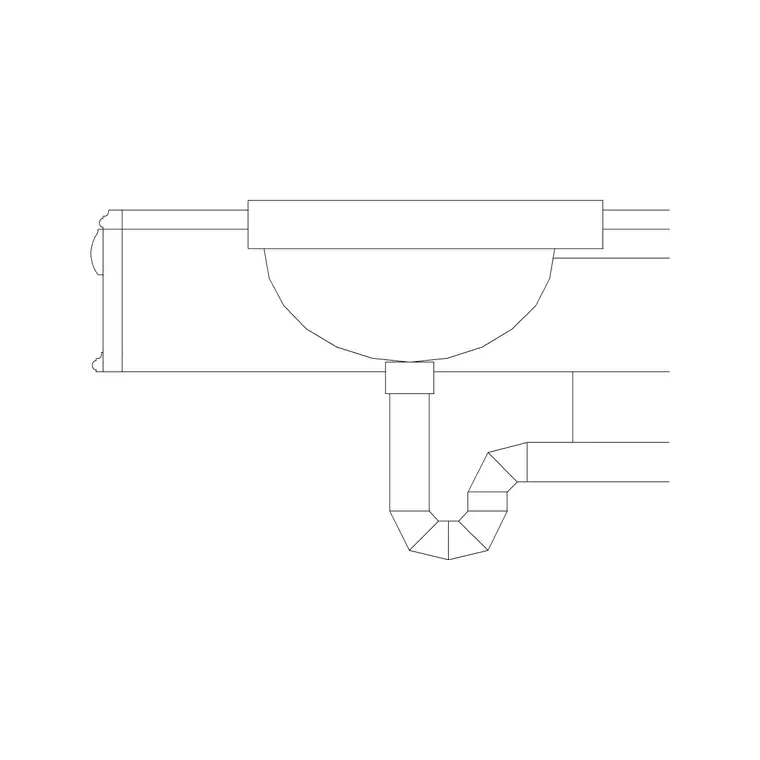
Two homes for basins on the site
Wash basins live across two categories here, and knowing which to open saves a hunt. The Sinks & Faucets category holds the basin and sink blocks proper, including the sized basin elevations — 370mm, 450mm and 500mm — that you reach for when you need a basin shown from the front at a known width. The Bathroom category carries basins in the context of full sanitary layouts. Search 'basin' or 'sink' from either and the list filters down quickly.
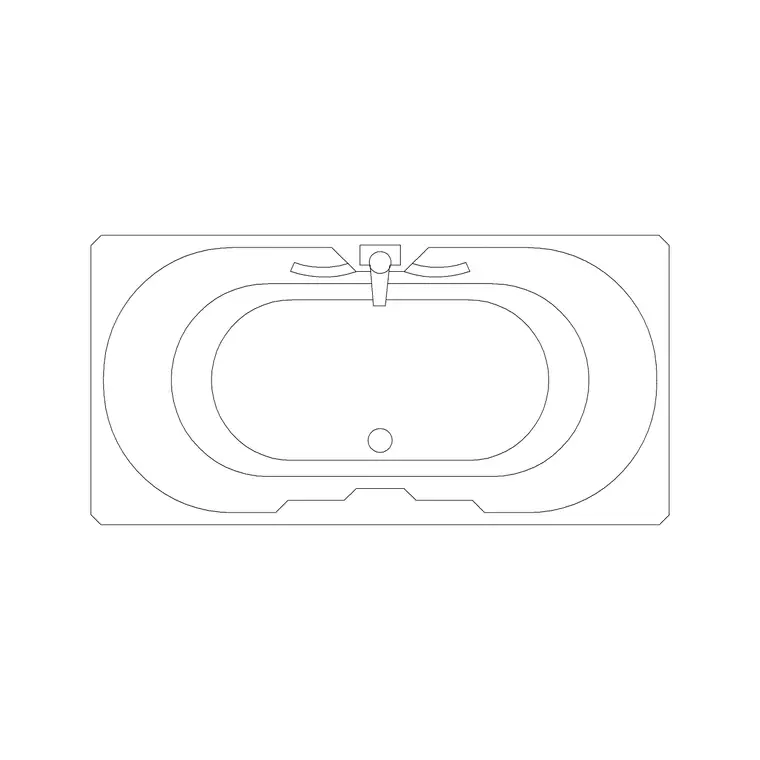
Everything is a free DWG, no signup, free for commercial use. Whether your drawing calls it a wash basin, a washbasin, a hand basin, a lavatory or simply a sink, you are after the same fixture, and the library covers the common shapes — round, oval, rectangular, counter-top and pedestal — so you can match the block to the actual specification rather than dropping in one generic bowl everywhere. That variety is what lets a bathroom drawing read as a real, specified room.
Plan view versus elevation — pick the right one
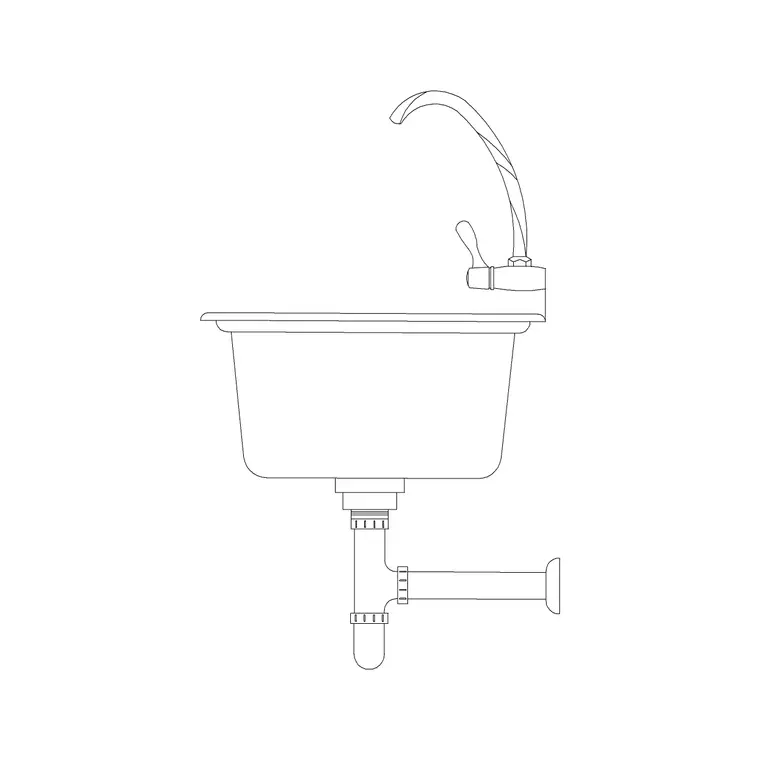
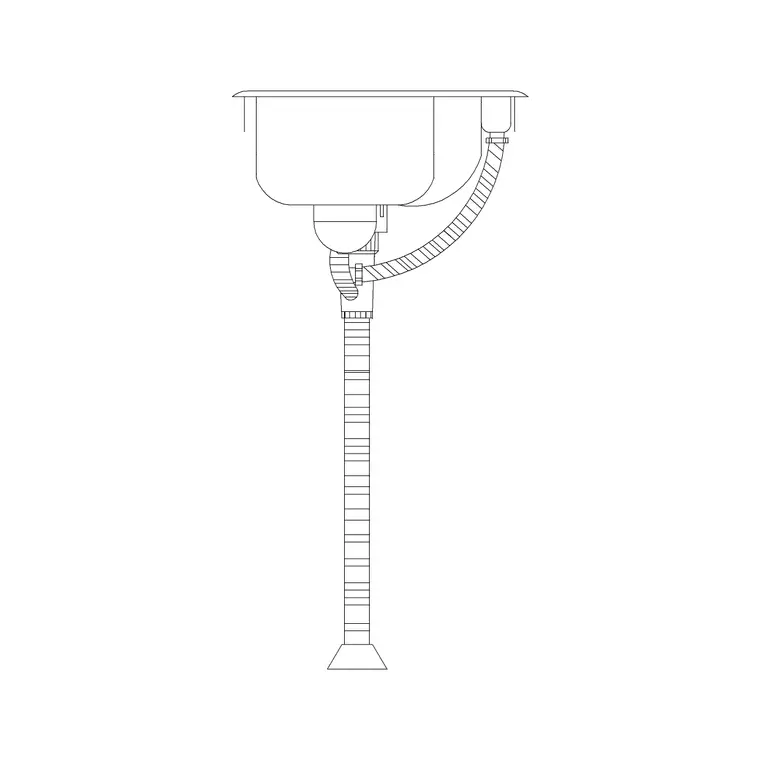
Basins are a textbook case for matching the block view to the drawing. On a floor plan you want the plan-view basin — the top-down outline of the bowl and the counter or pedestal it sits on. On a bathroom elevation, where you are showing the wall face and the height of things, you want the elevation basin — and that is exactly what the 370mm, 450mm and 500mm sink elevation blocks are: the front view of the basin at those widths.
The sizes refer to the basin width, so the number tells you which to grab: a compact cloakroom basin around 370mm, a standard basin near 450mm, a more generous one at 500mm. Use them on elevations to show the basin sitting at the right height on the wall. Dropping an elevation basin flat onto a plan, or a plan bowl into an elevation, reads as a mistake to anyone trained — so confirm the view label before you place, every time.
Setting basin height in an elevation
The whole point of an elevation basin is to communicate height, so set it deliberately. A standard wash basin rim sits around 800 to 850mm above finished floor level for adult use; a basin in a children's bathroom or a nursery drops to roughly 600mm. Insert the elevation block, then move it vertically so the rim lands at your chosen height above the floor line on your elevation.
This is where the sized blocks earn their keep — because the width is fixed and known (370, 450 or 500mm), the basin is correctly proportioned the moment it is in, and you only have to set the vertical position. Add the tap or mixer above it and the wall tiling behind, and the elevation reads as a properly considered bathroom wall rather than a floating symbol. If you also need the basin on the plan, grab a plan-view basin separately rather than trying to lay the elevation flat.
Download, insert, scale
Click the basin block you need and the DWG saves to Downloads. In AutoCAD run INSERT, browse to the file, place it with scale 1 and rotation 0, and snap it to the wall (plan) or the floor and wall lines (elevation) using object snaps. For a plan basin, snap the back edge to the inside face of the wall; for an elevation, align the bottom of the pedestal or the rim to your reference lines.
If the basin comes in wrong-sized, it is a units mismatch — set INSUNITS to match your drawing before inserting so it auto-scales, or run SCALE afterwards with 0.001 or 1000 to convert. Verify with DIST: a 450mm basin should measure 450 in a millimetre drawing or 0.45 in a metre one. Keep basins on your sanitary or fixtures layer so the whole bathroom plots cleanly, and they will inherit that layer automatically if they were drawn on layer 0.
Matching the basin type to the design
Wash basins come in several mounting types, and choosing the right one is part of drawing a bathroom that reflects the real specification. A pedestal basin stands on a column that hides the pipework, suiting traditional and mid-range bathrooms. A wall-hung basin cantilevers off the wall with the plumbing concealed or exposed below, giving a lighter, more modern look and freeing floor space. A counter-top or vessel basin sits on top of a vanity unit, while a semi-recessed basin part-sinks into a narrow counter where depth is tight.
The shape matters too: round and oval basins soften a scheme, rectangular basins read as contemporary, and a compact corner basin squeezes a handwash into a cloakroom too small for anything else. Grab the basin block whose shape and mounting match the design rather than dropping one generic bowl everywhere, and the drawing communicates the actual intent. On an elevation, the sized blocks (370, 450, 500mm) anchor the width; on a plan, pick the outline that matches the chosen type. That small attention is what makes a bathroom drawing read as specified rather than sketched.
Questions
Frequently asked
What do the 370mm, 450mm and 500mm basin blocks refer to?+
The number is the basin width. 370mm suits a compact cloakroom, 450mm is a standard basin, and 500mm is more generous. They are elevation blocks — the front view — for use on bathroom elevations.
Should I use a plan or elevation basin block?+
Use a plan-view basin on floor plans and an elevation basin on bathroom elevations. The sized sink elevation blocks are front views, ideal for showing the basin at the correct height on a wall.
What height should a wash basin sit at?+
Around 800–850mm to the rim above finished floor for adults, dropping to roughly 600mm for a children's basin. Set the elevation block to that height above your floor line.
Free downloads from this article
Free CAD block library
Download the blocks from this article — free, no signup


