Block landing · sanitary fixtures cad blocks
Free sanitary fixtures CAD blocks for AutoCAD
By Sumana Kumar · Published 1 Jun 2025 · Updated 13 Mar 2026
Sanitary fixtures are the porcelain a sanitary plan is built from — the WCs, wash basins, urinals and sinks that every bathroom, washroom and utility area needs set out correctly. This page collects free sanitary fixtures CAD blocks in DWG and DXF, drawn to standard sanitaryware sizes in plan and, where relevant, section, ready to insert into AutoCAD 2004 or later. Everything is free for personal and commercial work, with no signup, no watermark and no attribution.
Use these blocks to lay out domestic bathrooms, public and commercial washrooms, accessible WCs and utility rooms. Because they are drawn at true fixture footprints, the moment a WC or a basin lands you can check the activity space in front of it, the wall it serves and the route its waste takes to the stack — the dimensional checks that decide whether a sanitary layout actually works.
A sanitary fixture block is more than an outline of porcelain. The blocks here are drawn so the fixture footprint, its centreline and any setting-out reference sit on layers you can control independently, because a sanitary plan has to do two jobs: show the architect's layout cleanly, and give the installer the dimensioned setting-out they pipe and fix to. Drawing from scaled, layered fixtures rather than rough boxes is what lets a single block carry from the first layout sketch through to the setting-out drawing on site.
What's in a good sanitary fixture block
A usable sanitary fixture block shows more than the visible porcelain. The plan view should carry the fixture outline, the centreline (which the installer sets out to), and the wall face it mounts against, because the relationship between the fixture and the wall governs both the look and the plumbing. A WC drawn this way lets you dimension the pan centre from a finished wall in one step, which is precisely the dimension the fixer needs.
The section view, where supplied, carries the heights: the rim of a basin, the seat height of a WC, the projection of a wall-hung pan. Those heights matter for the sanitary elevations and the tiling setting-out. The blocks are drawn on sensible layers so the porcelain, the centreline and the setting-out dimensions can be shown or hidden to suit the drawing in hand.
Views and what's included
Most sanitary blocks ship in plan, because the layout is where you spend the most time — fixtures seen from above, set against the walls with their clearances checked. The plan block is what you copy, mirror and array to lay out a row of basins in a public washroom or to flip an en-suite arrangement.
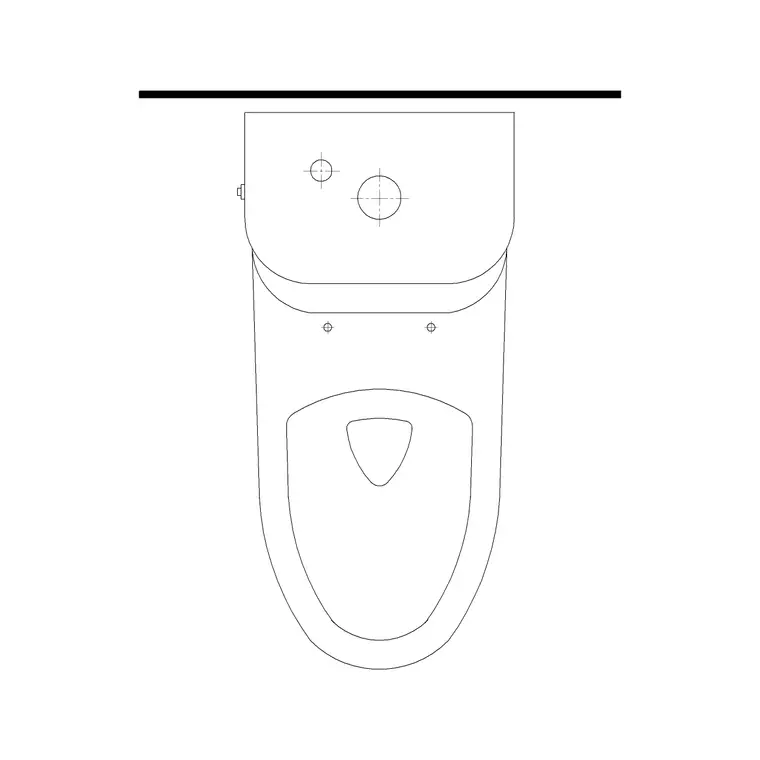
Where a fixture also ships a section, that view is in the same DWG so a single download covers both the layout and the sanitary elevation or tiling drawing. A double-piece (close-coupled) WC, for example, reads as a pan-and-cistern footprint in plan and as a seat-and-cistern profile in section. Insert whichever view the drawing needs and freeze or explode the rest — the views share an insertion point so they line up cleanly.
Typical sanitary fixture sizes to design around
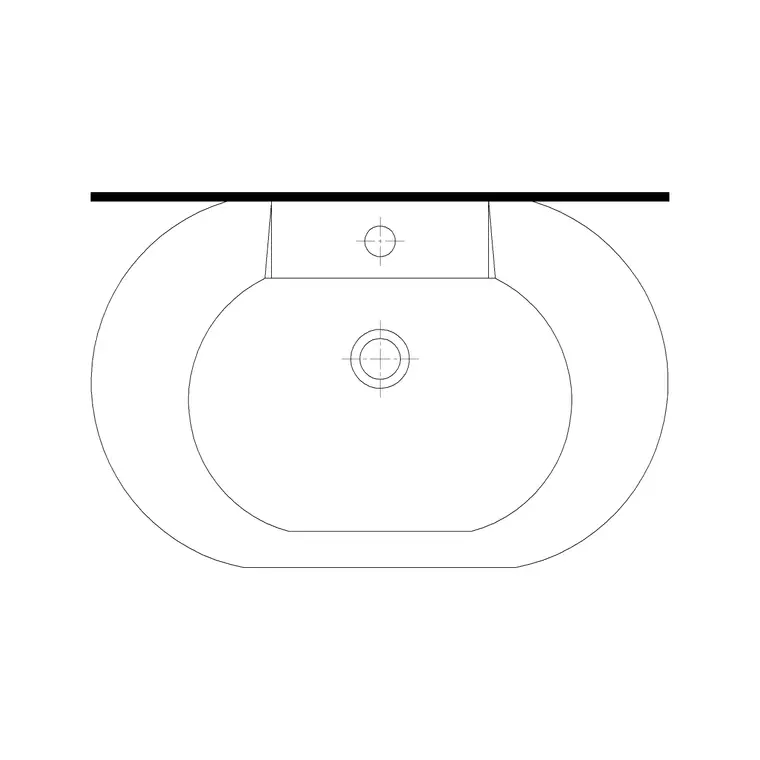
Reach for these footprints when you check a sanitary layout. WC pan: roughly 360 to 400 mm wide and 600 to 700 mm deep, with about 600 mm of clear activity space needed in front. Wash basin: 500 to 600 mm wide for a standard basin, around 400 mm for a compact cloakroom basin, set with the rim near 800 to 850 mm above the floor. Urinal bowl: roughly 350 to 400 mm wide, spaced along a wall with clear use-space between.
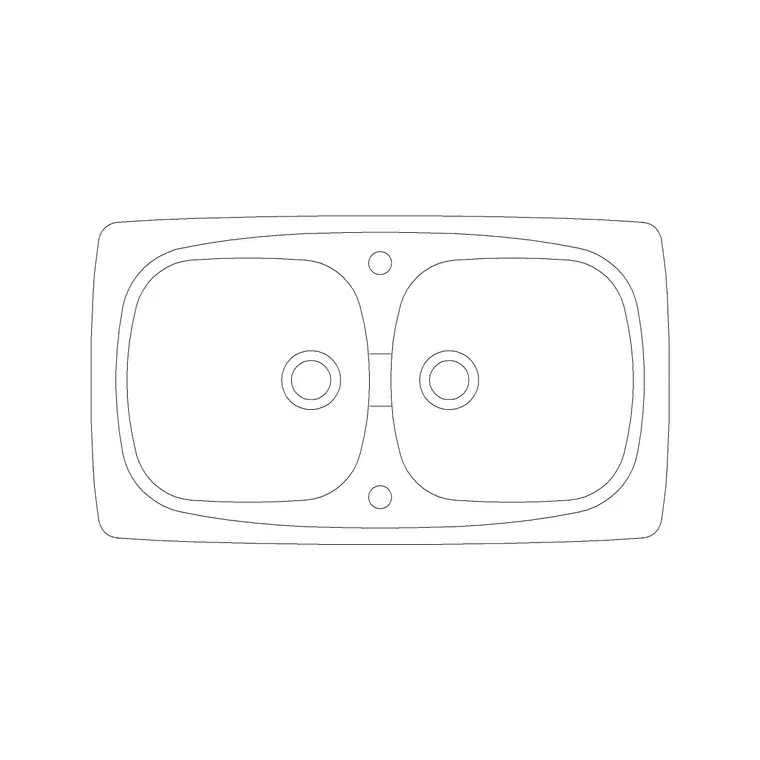
Utility and Belfast-style sinks run wider, often 500 to 600 mm. For an accessible WC the clearances grow considerably — a turning space and a transfer zone beside the pan — so set the scaled fixture in and draw the required zones around it. These are typical ranges; always confirm against the actual sanitaryware specified and the applicable code.
How to insert and set out the block
These sanitary blocks are drawn full size in millimetres. In a millimetre drawing, insert at scale 1 and the fixture lands at real size; in a metre template insert at 0.001, or simply set INSUNITS to millimetres so AutoCAD rescales on insertion. Use INSERT (or drag the DWG from a tool palette), snap the insertion point to the back wall or the centreline, and rotate to face the fixture into the room.
Once placed, snap a centreline to the fixture and dimension its setting-out — the pan centre from a finished wall, the basin position, the rim height in section. Because each fixture is a block reference, you can copy it along a washroom run, mirror it for a handed layout, and edit the block definition once to update every instance. Keep the fixtures on a sanitary layer so the porcelain can be frozen for a clean architectural plan.
Where sanitary fixture blocks are used
Sanitary fixtures appear across almost every building type: domestic bathrooms and en-suites, hotel and hospitality washrooms, office and commercial toilets, school and healthcare sanitary areas, and the accessible WCs every public building needs. They drive the architectural sanitary plan, the plumbing setting-out and the tiling and elevation drawings.
Architects and interior designers use them to fit out wet areas quickly; plumbing and public-health engineers use them to coordinate fixture positions with drainage and water services; contractors use them to set out and fix the fittings on site. Pair these blocks with the bathroom, sinks-and-faucets and building-symbols categories to assemble the fixtures, the taps and the services symbols a complete sanitary drawing needs.
Free download
Browse the full library — DWG & DXF, no signup.
Questions
Frequently asked
What sanitary fixtures are available as CAD blocks?+
WCs (close-coupled and wall-hung), wash basins (pedestal, countertop and cloakroom), urinals, bidets and utility sinks — drawn at true sanitaryware footprints in plan and, in many cases, section for sanitary elevations and tiling drawings.
What views do the sanitary blocks come in?+
Most ship in plan view for the layout, and many also include a section in the same DWG for sanitary elevations and tiling setting-out. The views share an insertion point so they line up; insert the one you need and freeze or explode the rest.
What scale are the sanitary fixtures drawn at?+
Full size in millimetres. Insert at scale 1 in a millimetre drawing, 0.001 in a metre template, or set INSUNITS to millimetres so AutoCAD rescales automatically. The true footprints let you dimension the setting-out the installer fixes to.
Are the sanitary fixture CAD blocks free for commercial use?+
Yes. Every fixture downloads free in DWG and DXF with no signup, no watermark and no attribution requirement, and they are cleared for commercial sanitary, plumbing and architectural drawings.
Related downloads
Blocks for this guide
Related categories
Related guides
Curated pack
Free Plumbing Fixtures CAD Block Pack — DWG
Free plumbing fixtures CAD block pack in DWG and DXF — WCs, basins, sinks, valves, gullies and pipework symbols for AutoCAD layouts. No signup.
Curated pack
15 Free Wash Basin CAD Blocks — DWG & DXF in 2026
Download 15 free wash basin CAD blocks in DWG and DXF — pedestal, wall-hung, countertop, vanity and corner basins in plan and elevation. No signup needed.
How-to guide
How to Insert a Wash Basin Block in AutoCAD
How to insert a wash basin block in AutoCAD — download the basin DWG, set units, run INSERT, place it near the WC and set the rim height in elevation.