Free kitchen cabinet DWG files (and how to use them)
Find free kitchen cabinet DWG blocks, learn the base, wall and tall unit modules, and build a full cabinet run that snaps together in AutoCAD.
Sumana KumarUpdated 29 May 20264 min read

Finding cabinet blocks on the site
Cabinet blocks live in the Kitchen category. Type 'cabinet' into the search and you will reach the cabinetry block directly, or browse the Kitchen hub and look under the casework. As with everything here, there is no login and no email wall — click the file and the DWG downloads, free for personal and commercial use.
Cabinets are the backbone of any kitchen drawing, so it is worth thinking about them as a kit of modules rather than a single object. A real kitchen is assembled from base units, wall units and tall units in standard widths, and a CAD cabinet block is most useful when you treat one downloaded unit as a tile you copy, mirror and butt together to build the whole run. That mindset turns one block into an entire fitted kitchen, and it keeps every unit identical and dimensionally honest instead of subtly different rectangles drawn by hand. The same approach scales from a one-wall kitchenette to a full U-shaped layout — you are always just placing and repeating the same trusted module.
Cabinet modules and the dimensions that matter
Base cabinets are the units that sit on the floor and carry the worktop. They are almost always 600mm deep and 900mm high to the worktop (about 720mm for the carcass plus a 150mm kickplate plus the worktop thickness). Widths come in modules: 300, 400, 500, 600, 800 and 1000mm, with 600mm being the workhorse. Wall cabinets are shallower at around 300–350mm deep, hung so their underside sits roughly 450–500mm above the worktop, leaving headroom over the counter.
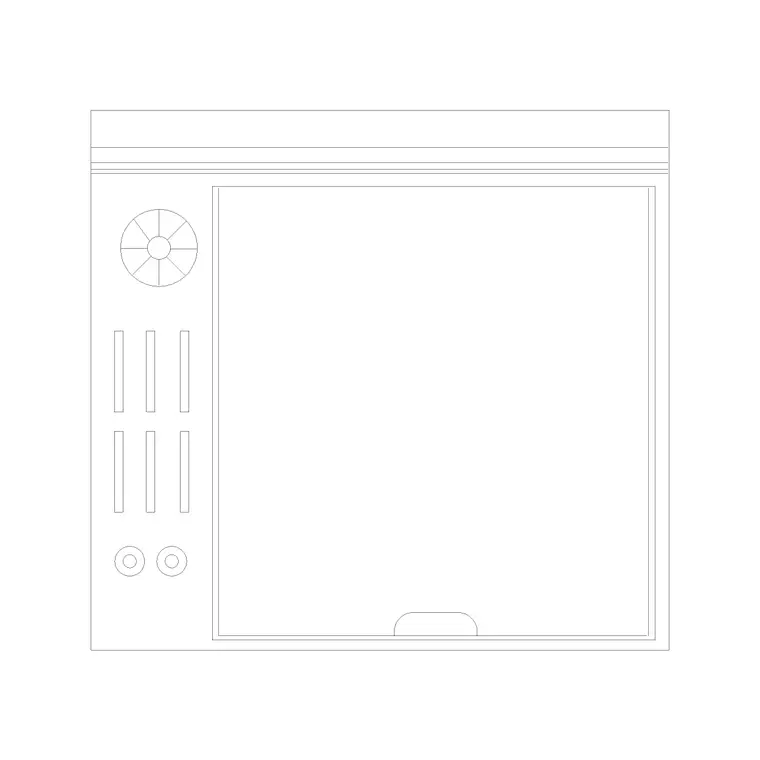
Tall units — larder cabinets and the housings for built-in ovens and fridges — run the full height, commonly around 2000–2100mm. When you draw in plan, every cabinet reads as a simple depth-by-width rectangle, often with a diagonal line or an arc indicating the door hinge side. Knowing the depths is what keeps a plan honest: a 600mm base against a 300mm wall unit should show the wall unit set back, not flush. A kickplate recess of around 100mm at the floor and a 20–40mm worktop overhang are the other small dimensions worth drawing, because they are what make the run read as real joinery rather than plain blocks.
Building a cabinet run from one block
Insert the cabinet block with I, Browse, scale 1, rotation 0, snapping the back corner to the wall line. Then build outward by copying. Select the placed unit, run COPY, and snap the copy's corner to the previous unit's edge so they butt together with no gap. Turn on Ortho (F8) so the copies stay in a straight line along the wall, and repeat — you have a base run in seconds. If you want exact module widths, type the distance rather than clicking, so a 600mm unit lands precisely 600 from the last.
For an L-shaped or U-shaped kitchen, rotate the block 90 degrees at the corner and add a corner unit; a blind corner or a carousel unit is the usual way to keep the corner usable rather than dead. Mirror cabinets where the hinge side needs to flip so doors open sensibly away from the corner and toward the worktop. Keep all of this on a dedicated 'kitchen-cabinets' or 'joinery' layer so you can later dim it back behind appliances and worktops, or isolate it for a joinery drawing. Because the blocks here are built on layer 0, they inherit whichever layer you make current before inserting.
Worktops, wall units and stacking the views
Once the base run is in, draw the worktop as a single polyline along the front face of the cabinets with a 20–40mm overhang past the door fronts, on its own layer. Wall cabinets go in as a second, shallower run drawn over the base units — show them with a dashed linetype if convention in your office is to indicate overhead elements as hidden on the plan.
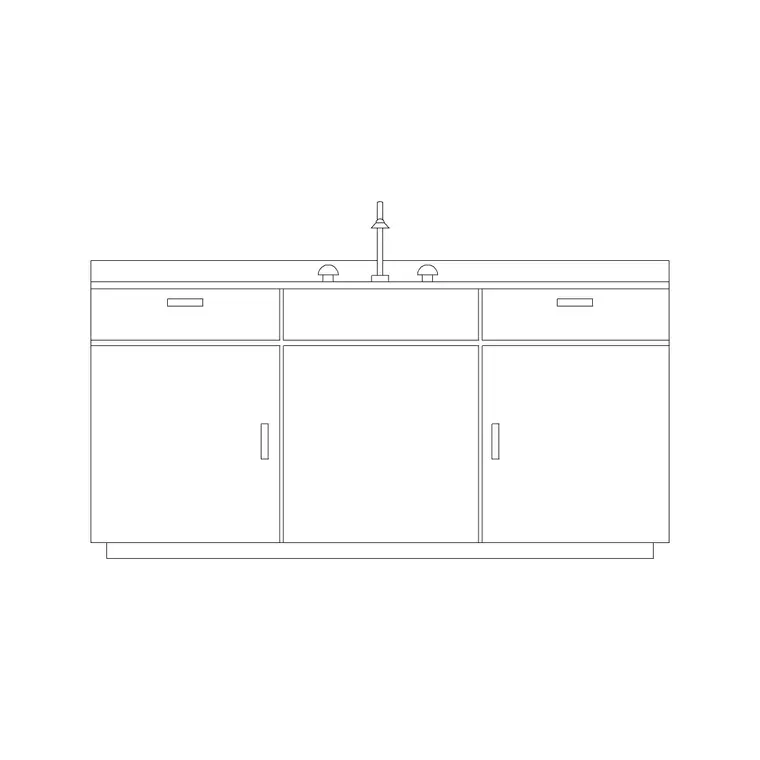
If you are producing an elevation of the kitchen, the cabinet block's front face becomes a flat rectangle with door and drawer divisions and handle positions. Stacking a clean plan with a matching elevation is what makes a kitchen drawing genuinely buildable: the plan proves the units fit the walls, and the elevation proves the door and drawer arrangement works vertically against appliances and the window.
Checks before you rely on the cabinets
Open the downloaded cabinet DWG on its own and measure it. A base unit front should read 600mm deep; if it comes in at 0.6, the file is in metres and your millimetre drawing will shrink it — set INSUNITS consistently or SCALE by 1000. Run AUDIT and PURGE to keep the block clean before it joins your drawing.
Finally, sanity-check clearances as you build. A galley kitchen needs at least 1000–1200mm of clear floor between opposing cabinet runs so two people can pass and appliance doors can open; a single run wants a person's standing space in front. Drawing the cabinets accurately is what lets you catch a too-narrow gangway on paper, where moving a wall is free, rather than on site where it is not.
Questions
Frequently asked
What are the standard kitchen cabinet dimensions in CAD?+
Base units are 600mm deep and 900mm high to the worktop; wall units are about 300mm deep; tall units run roughly 2000–2100mm. Widths come in 300–1000mm modules, 600mm being most common.
Can I build a whole kitchen from one cabinet block?+
Yes. Treat one downloaded unit as a module and use COPY, MIRROR and ROTATE to butt cabinets together along the wall, adding corner units for L- and U-shaped layouts.
Should wall cabinets be shown dashed on a plan?+
Many offices show overhead wall units with a hidden (dashed) linetype to distinguish them from the base cabinets below. Follow your drawing standard, but keep them on their own layer either way.
Free downloads from this article
Free CAD block library
Download the blocks from this article — free, no signup


