Where to find free bathroom vanity DWG files
Free bathroom vanity DWG blocks for AutoCAD — vanity units, basin-and-counter combos and the sized sink elevations, plus how to set vanity depth and height.
Sumana KumarUpdated 16 May 20264 min read
What a vanity block covers
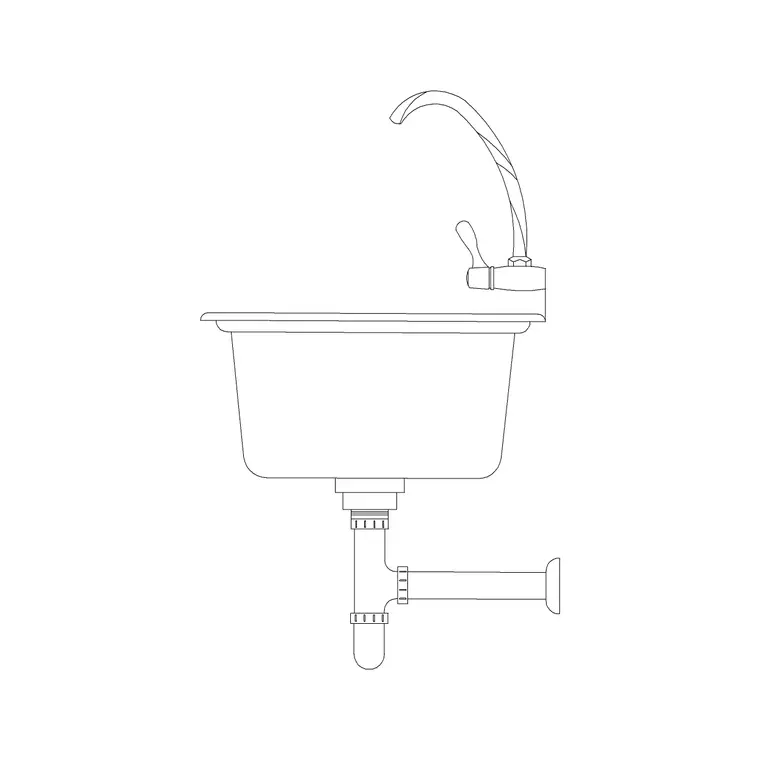
A bathroom vanity is the basin plus the cabinet or counter it sits in — the unit that combines a wash basin with storage below. On this site you will find vanity and basin blocks across the Bathroom and Sinks & Faucets categories. For the basin element shown from the front at a known width, the 370mm, 450mm and 500mm sink elevation blocks are the pieces you reach for, sitting them on top of a drawn counter to build the vanity in elevation. Search 'basin', 'sink' or 'vanity' to filter.
All of it is free DWG, no login, free for commercial use. Whether you call it a vanity unit, a vanity, a basin unit or a washstand, you are drawing the same thing: a counter-mounted basin with a cabinet beneath. Because a vanity is as much joinery as sanitary ware, you will often combine a basin block with your own drawn cabinet and counter rather than expecting a single block to carry the whole unit — and the sized basin elevations are built precisely for that combination.
Vanity dimensions to design to
A bathroom vanity counter typically sits at 800 to 900mm above finished floor — a touch higher than a kitchen worktop, because a bathroom basin is comfortable slightly higher. Depth is usually 450 to 550mm front to back, and width is whatever the room and the number of basins call for: a single-basin vanity might be 600 to 900mm wide, a double-basin unit 1200mm or more. The basin itself, dropped into or onto the counter, follows the sized blocks — 370mm for compact, 450mm standard, 500mm generous.
Those numbers are what make the sized sink elevations so useful: pick the basin width that suits the counter, and the proportions are right immediately. On an elevation you set the counter height, place the basin elevation on it, add the mixer above and the cabinet doors below, and the vanity reads as a real, buildable unit. On a plan, you draw the counter rectangle and drop a plan-view basin into it. Getting the height and depth right is what stops a vanity from looking like a kitchen unit pasted into a bathroom.
Building the vanity in elevation
The elevation is where a vanity comes together, because height is the whole story. Draw the counter as a rectangle at your chosen height — say 850mm to the top — and depth. Insert the appropriate sized sink elevation block (run INSERT, browse to the file, scale 1) and move it so the basin sits correctly on or in the counter line. Snap it horizontally to centre it on the counter or align it to your tap position.
Add the mixer or taps above the basin, draw the cabinet doors and plinth below the counter, and the vanity is complete as an elevation. Because the basin block is a fixed, known width, it anchors the proportions and you only set its position. For a double vanity, place two basin elevations along the counter with even spacing. This layered approach — drawn counter plus library basin block — is faster and more flexible than hunting for a single block that happens to match your exact cabinet, and it keeps the basin at a correct, real width.
Insert, scale and layer it
Download the basin elevation you need, run INSERT in your drawing, browse to the file, and place with scale 1 and rotation 0. Units are the usual culprit if it comes in wrong-sized: set INSUNITS to match your drawing (4 for mm, 6 for m) before inserting so it auto-scales, or run SCALE afterwards with 0.001 or 1000 to convert. Confirm with DIST — a 450mm basin should read 450 in a millimetre drawing.
Keep the basin, the counter and the cabinet on sensible layers — sanitary or fixtures for the basin, joinery for the cabinet — so the elevation plots with clear hierarchy. The basin block inherits whichever layer you insert it onto if it was built on layer 0. With the counter at the right height, the correctly sized basin sitting on it, the mixer above and the cabinet below, your vanity elevation communicates a properly proportioned unit a joiner could actually build from, rather than a vague box with a bowl drawn on it.
Planning a double vanity and the storage below
When the bathroom is generous, a double vanity — two basins on one long counter — is a popular move worth drawing properly. Allow at least 1200mm of counter for two basins, and ideally 1500mm or more so the bowls are not crammed together; space the two basin elevations evenly along the counter with a comfortable gap, and give each its own mixer and mirror above. Each user then gets their own basin, which is the whole reason for a double.
The cabinet below is real storage, so it deserves thought rather than being drawn as a blank box. Show the door or drawer divisions, and remember the basin waste and the trap eat into the cabinet behind, so the usable storage is the space around the plumbing, not the full cabinet volume. On the plan, draw the counter as a rectangle to its full depth and drop plan-view basins into it at the same spacing as the elevation. Keeping the two views consistent — same counter length, same basin positions — is what lets a joiner build the vanity to match the drawing exactly.
Questions
Frequently asked
How do I draw a bathroom vanity in AutoCAD?+
Draw the counter at 800–900mm height and 450–550mm depth, then drop a sized sink elevation block (370, 450 or 500mm) onto it for the basin, add the mixer above and cabinet doors below.
What height should a bathroom vanity counter be?+
Typically 800–900mm above finished floor — slightly higher than a kitchen worktop, because a bathroom basin is more comfortable a little higher. Depth is usually 450–550mm front to back.
Is there a single vanity-unit block, or do I combine pieces?+
A vanity is part joinery, so you usually draw the counter and cabinet yourself and drop a library basin block into it. The sized sink elevation blocks are built for exactly that combination.
Free downloads from this article
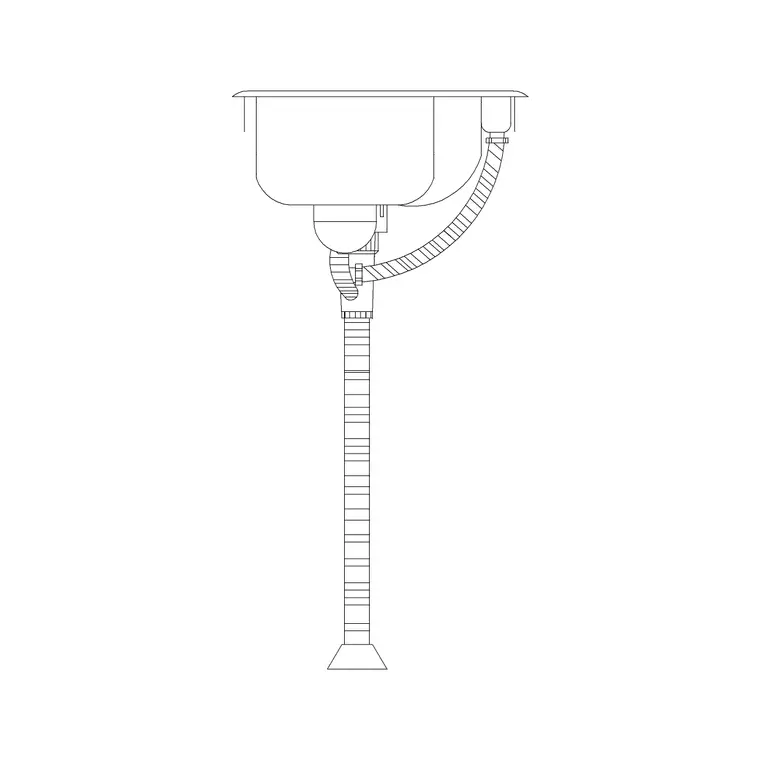
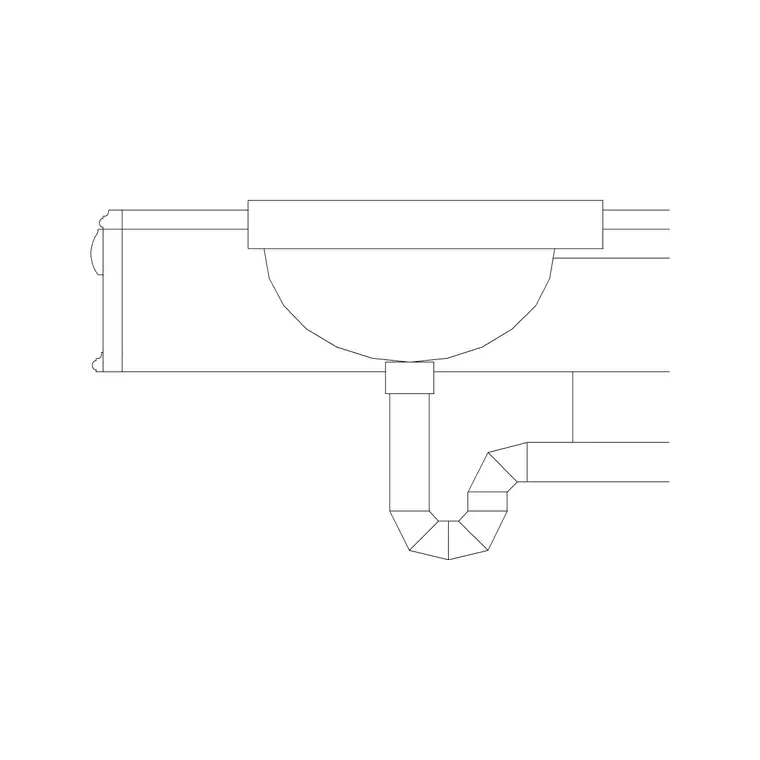
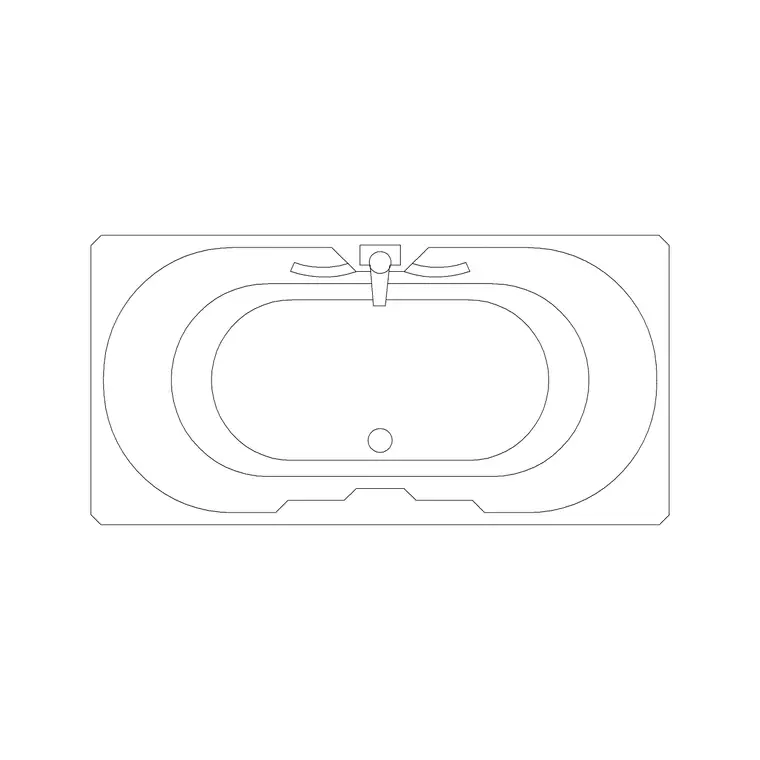
Free CAD block library
Download the blocks from this article — free, no signup


