Which DWG Version Should You Save To? A Compatibility Guide
A practical guide to DWG version families from 2000 through 2018, and how to pick the right save version so a file opens for everyone who needs it.
Sumana KumarUpdated 10 May 202611 min read
The version mismatch that ruins an otherwise fine file
I have had a file bounce straight back to me undone, with a note saying it would not open, and the drawing itself was completely fine, the problem was purely that whoever received it was running a release several years older than whatever saved the file last. It is one of the most avoidable frustrations in a CAD workflow, and it happens constantly because most people never think about DWG as having versions at all, they just think of it as one file type.
It is not one file type, not really. DWG has gone through several internal format revisions since AutoCAD first shipped, and understanding roughly where those revision boundaries sit is the difference between a file that opens instantly for a collaborator and one that generates a confusing error message right when you need it not to.
The frustrating part is that the error message itself is rarely helpful, a generic file could not be opened or drawing file is not valid notice tells you nothing about why, so most people spend time checking file corruption, permissions, and network paths before ever suspecting a version mismatch, when the version check should really be the very first thing tried, since it takes seconds and rules out the single most common cause outright.
How the version families actually break down
The format does not change every single year. Instead, Autodesk has historically held a given internal DWG format steady across a run of consecutive yearly releases before moving to the next one, which is why people talk about version families rather than individual years. Broadly, AutoCAD 2000 through 2002 shared one format generation, 2004 through 2006 shared the next, 2007 through 2009 another, 2010 through 2012 another, and 2013 carried forward across a notably long run of years before the most recent jump around 2018, which itself has held for a long stretch of subsequent releases.
The exact boundary years matter less than the general shape, a handful of major format generations spanning multiple yearly product releases each. If you know the rough family a file belongs to, you know approximately what era of software can open it without any conversion step at all.
This pattern also explains why two people can both claim to be running current software and still hit a compatibility wall, someone on a release from early in a format generation and someone on a release from late in the next generation are genuinely on different formats even though both consider their software current for their own purposes, particularly common in offices that upgrade on a slower internal cycle than Autodesk's own yearly release schedule.
Reading forward is easy, reading backward is not
Here is the one rule that matters more than any specific version number, any current release of AutoCAD opens every older DWG format without complaint, that direction has always worked and always will, because newer software is built to understand everything that came before it. The friction only ever appears going the other way, when an older installation is asked to open a file saved in a format generation newer than it understands.
So the practical question is never really what is the newest format, it is what is the oldest format still in active use among the people who will need to open this specific file. If you are sending a file to a contractor, a client, or a collaborator whose software setup you do not know for certain, this is the actual variable to solve for, not whatever version happens to be your own default.
It is worth remembering this applies to more than just AutoCAD itself, plenty of adjacent software, cost estimating tools, CNC and CAM packages used in computer aided manufacturing workflows, and various plugin based viewers, reads DWG through their own implementation of the format, and those implementations often lag behind Autodesk's very latest format generation by design, prioritising stability over immediate support for a brand new version. That is another reason a slightly older save version tends to be the safer default when you are not certain exactly what is on the receiving end.
How to check what version a file was actually saved in
Before guessing, check. Open the file in DWG TrueView or AutoCAD and look at the drawing properties, or attempt a SAVEAS and look at the file type dropdown, which lists the current version at the top followed by a run of older versions available to save down to. That dropdown is genuinely informative even if you are not planning to change anything, since it tells you both the file's current format and exactly how far back you are able to convert it.
If you regularly receive files from a wide mix of sources, clients, contractors, downloaded libraries, it is worth building the habit of checking this before opening rather than after something goes wrong, since it takes seconds and removes any guesswork about whether an open failure is a version issue or something else entirely.
AutoCAD's own SYSVAR DWGCODEPAGE and the file's internal header carry this version information too, for anyone comfortable poking at a file more directly, though for nearly everyone the SAVEAS dropdown or a viewer's properties panel is the far simpler, entirely sufficient way to get the same answer without needing to know an obscure system variable at all.
Picking a version when you are sending files out
When you are the one saving and sending, and you do not know exactly what your recipient runs, the safer move is to save down to an older, more broadly compatible format rather than defaulting to whatever your own software currently uses. You lose access to whatever features are exclusive to newer format generations, though for a large share of ordinary architectural and drafting content, plain lines, blocks, hatches, text, there is essentially nothing to lose by saving down.
Many offices that regularly exchange files externally standardise on a fixed older version as their outbound default for exactly this reason, treating it as a lowest common denominator choice rather than trying to guess each recipient's setup individually. It is a small discipline that removes an entire category of avoidable back and forth.
Where this gets slightly more nuanced is on a project with a genuinely mixed audience, some recipients running current software, others deliberately kept on an older release for licencing or stability reasons. In that situation it is worth simply asking rather than guessing, a quick message confirming what version a key collaborator runs settles the question definitively and takes far less time than troubleshooting a failed open after the fact.
What actually breaks across a version downgrade
Plain geometry, lines, arcs, polylines, hatches, straightforward text, survives a version change essentially without issue, that core has stayed stable for a very long time. What occasionally causes real trouble is dynamic block behaviour built using parameter or action types introduced in a newer release than the one you are downgrading to, along with certain annotation scale setups and any custom object created by a third party plugin the receiving version does not have installed, which tends to show up as a proxy graphic warning rather than the geometry simply vanishing.
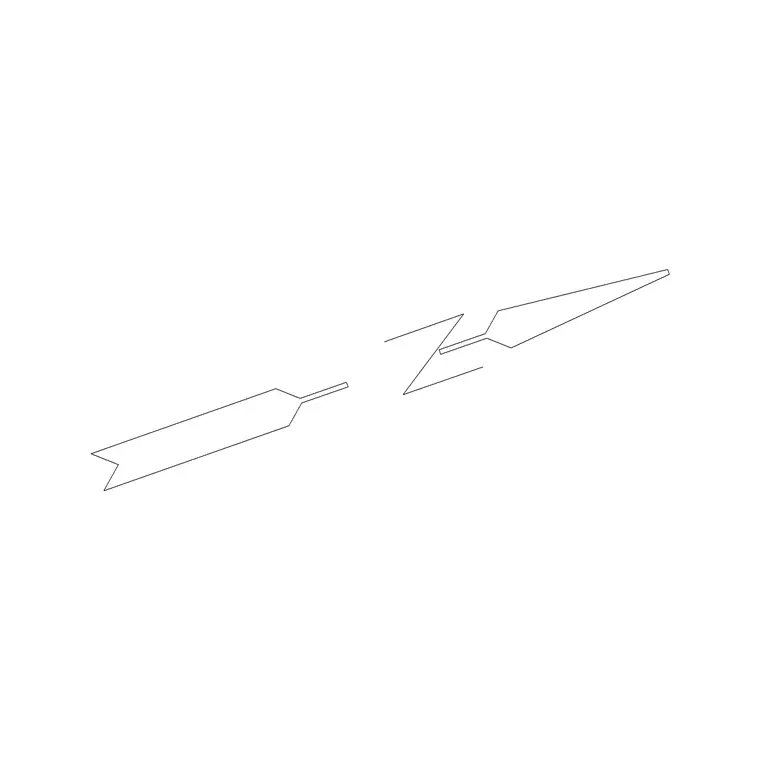
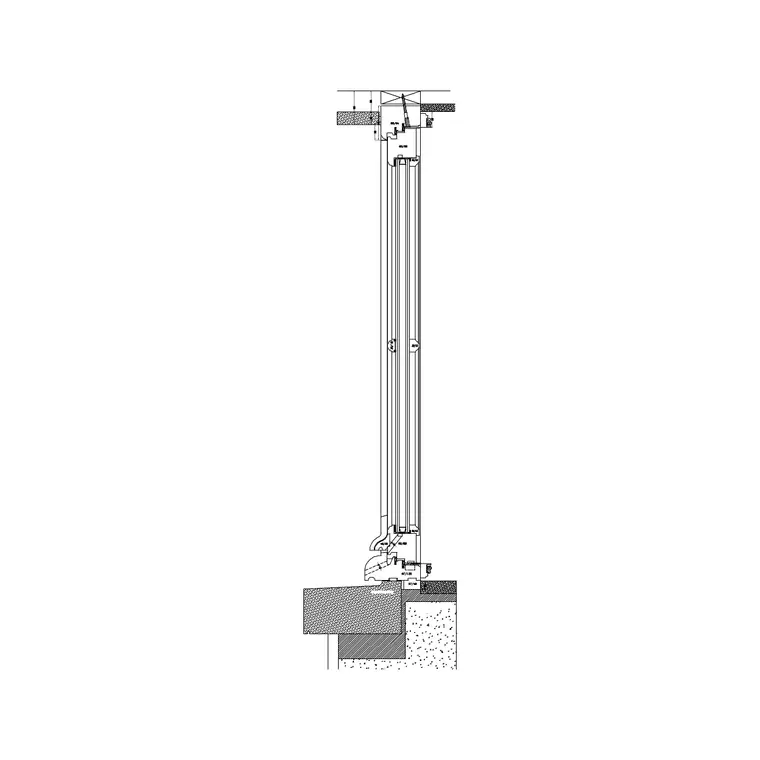
A batch of simple static blocks, the kind you would download from a free library, a door, a window, a stair elevation, a north arrow, is about as low risk a downgrade candidate as exists, since it is typically plain geometry on a small number of layers with no dynamic parameters or third party objects attached at all.
If your office does maintain a library with dynamic blocks built in, ones carrying visibility states, stretch actions, or lookup tables, treat any version change to that library as worth a dedicated spot check rather than an assumption, open the two or three most complex dynamic blocks after the change and step through their parameters in the block editor, since a stretch action that behaved perfectly before a downgrade has occasionally shown subtly different grip behaviour afterward in my own experience, particularly on blocks built across a wide version gap.
Why free block downloads carry almost none of this risk
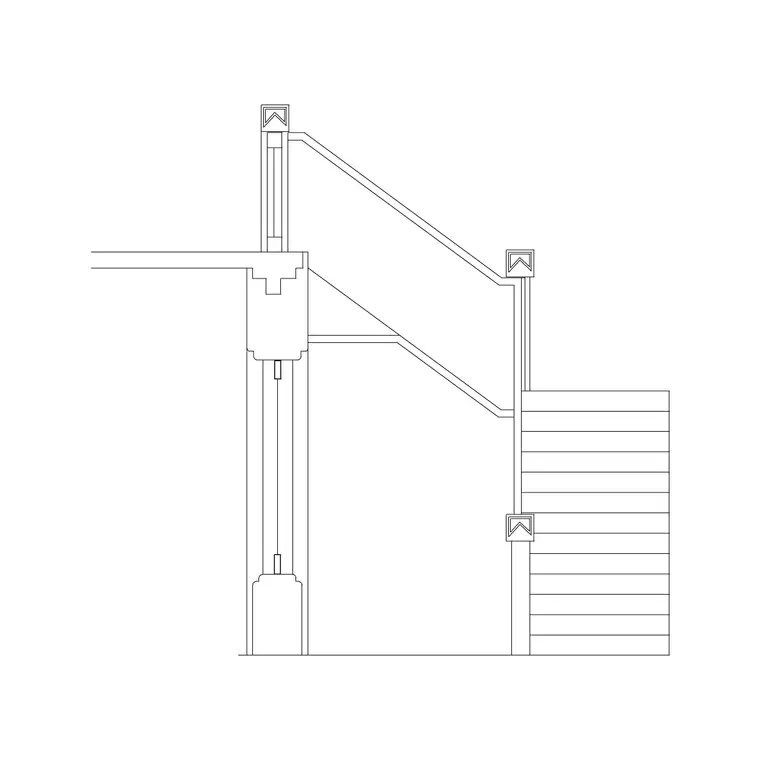
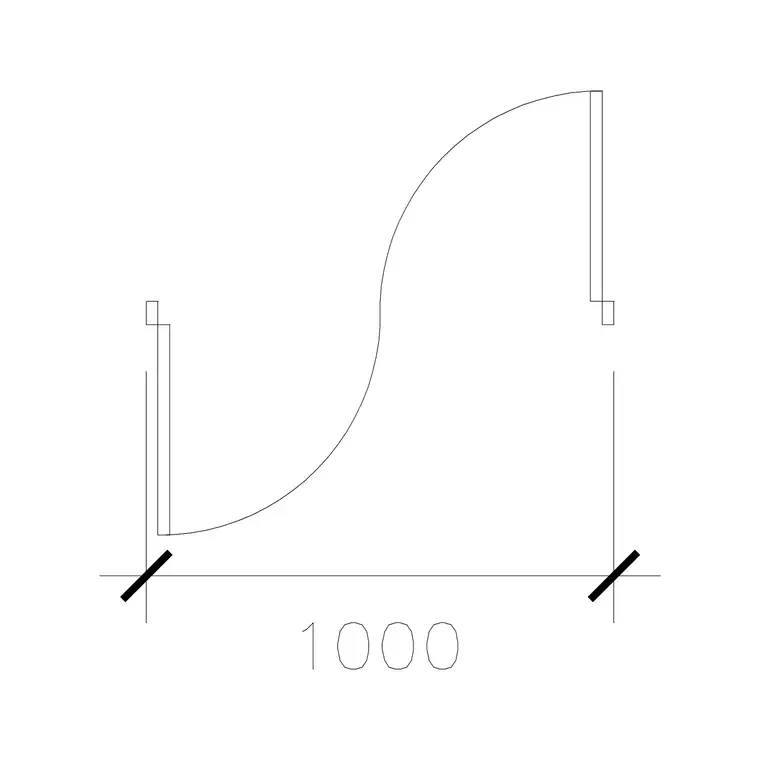
This is worth calling out plainly because it removes a worry a lot of people carry unnecessarily. A block like Circular Stairs Type 1, a 1000 mm Door Type 1, or a North Arrow symbol from a free library is, by its nature, simple static drafting geometry, not a dynamic block with stretch parameters or a custom object relying on a specific plugin. Files like that migrate cleanly across version boundaries in either direction with essentially no rework required.
So if you are hesitating to download a free block purely because you are unsure whether it will open in your specific AutoCAD version, that hesitation is usually unfounded, the geometry itself is about as version agnostic as a DWG file gets, and any of the free viewers or your own installed AutoCAD will open it without a fuss regardless of exactly which format generation it happens to carry.
If you genuinely want to remove all doubt before inserting a downloaded block into a live project file, opening it once in DWG TrueView and glancing at the properties takes ten seconds and tells you exactly what version it carries, which is a small habit worth building whenever a block is going into something that actually matters, even though in practice it almost always confirms there was nothing to worry about in the first place.
A quick example of how this actually plays out on a real project
A good way to make this concrete rather than abstract, here's roughly how it played out the last time I actually hit this problem on a live job. A structural engineer's office sent over a set of DWG files for me to reference into an architectural set, and every single one refused to open, throwing the same generic could not be opened error regardless of which file in the batch I tried. My first instinct, before touching anything else, was to ask what version they were running rather than start troubleshooting file paths or permissions, and it turned out their whole office was still two format generations behind because of an internal IT policy that only refreshes CAD seats every several years rather than annually.
Once I knew that, the fix took about two minutes rather than an afternoon, I opened each file in DWG TrueView instead of my own current AutoCAD install, since TrueView reads virtually every version regardless of how old or new, confirmed the files were genuinely fine and not corrupted, and used SAVEAS to push a copy of each one down to a format their older release could actually open, then sent that batch back rather than the originals. From their side it looked like the files just started working, when really the only thing that changed was which format generation the copies were saved in.
The lesson I took from that, and the reason I now ask about version upfront on any external file exchange rather than waiting for a failure, is that the actual troubleshooting cost of a version mismatch is close to zero once you know that's the problem, the expensive part is always the time spent assuming it must be something else, corruption, a bad download, a permissions issue, before eventually circling back to the one check that should have come first. If a batch of files from an external source all fail to open in exactly the same generic way, that consistency is itself a strong signal, real corruption tends to hit files inconsistently, one bad file here and there, while a version mismatch fails every single file from that source in identical fashion, since it is not really a file problem at all, it is a reading problem on the receiving end.
A simple decision checklist
- Check the file's current version before assuming anything, via SAVEAS or Properties. - If sending externally to an unknown setup, save down rather than up, an older format opens in more places. - If receiving and it will not open, assume a version mismatch first and try opening in DWG TrueView, which reads virtually every version, before troubleshooting anything else. - For dynamic blocks specifically, spot check behaviour after any version change rather than assuming static rules apply. - For plain static content like most free downloaded blocks, do not overthink it, version compatibility is close to a non issue.
Treat version choice as a small, deliberate decision rather than an accident of whatever your software defaults to, and this entire category of file that will not open disappears from your workflow almost entirely.
One final habit worth adopting at an office level rather than an individual one, write your chosen outbound default version down somewhere every new hire actually reads, a CAD standards document, a template readme, rather than leaving it as tribal knowledge that only the most senior drafter remembers correctly. Version compatibility problems that recur across a team are very rarely a technology problem at that point, they are a documentation gap, and closing that gap costs far less than the repeated back and forth of files that will not open.
Further reading
Questions
Frequently asked
Can I open a file saved in a newer DWG version with an older AutoCAD release?+
Not directly. Someone with the newer software needs to use SAVEAS to convert it down to a version your older release supports before you can open it.
What DWG version should I save to for the widest possible compatibility?+
An older, well established format generation opens in the widest range of software, at the cost of losing access to whatever features are exclusive to newer versions. Many offices standardise on an older outbound default for exactly this reason.
Do free downloaded blocks carry version compatibility risk?+
Very little. Blocks like the doors, windows, and stairs on this site are plain static geometry with no dynamic parameters, so they open cleanly across essentially any DWG version generation.
Does converting to DXF avoid version problems entirely?+
Mostly, though DXF has its own version history too. It tends to be read more broadly across different CAD platforms since it is a documented, text based exchange format rather than a proprietary binary one.
Free downloads from this article


Free CAD block library
Download the blocks from this article — free, no signup