Download a full free kitchen layout block set for AutoCAD
Assemble a complete free kitchen layout from DWG blocks — cabinets, sink, hob, appliances and hood — with the order, clearances and work triangle.
Sumana KumarUpdated 3 April 20264 min read

Building a kitchen from a kit of blocks
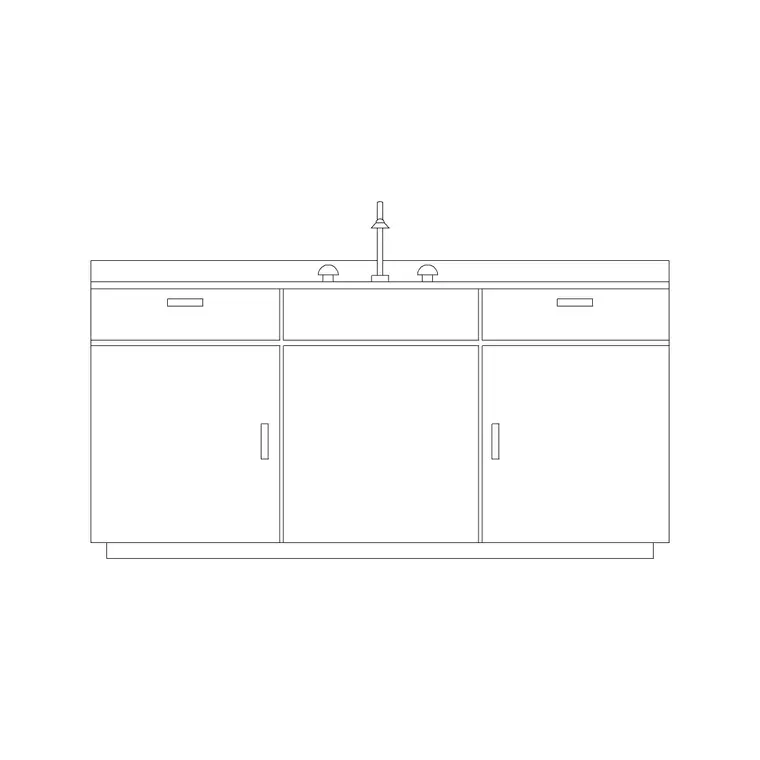
There is no single 'whole kitchen' file to download, and assembling one yourself from the individual blocks is how professionals actually draw a kitchen — it keeps every part dimensionally honest and lets you adapt the layout to the room. The Kitchen and Sinks & Faucets categories hold everything you need: cabinets, a sink-and-counter unit, a cooktop, the big appliances (fridge, dishwasher, oven), a range hood and the small accessories. All free to download as DWG, no account and free for commercial use.
This guide is the assembly sequence. Rather than covering one block, it shows the order to place them in, the clearances to respect, and the checks that turn a pile of appliance blocks into a kitchen that genuinely works. Gather the blocks first — cabinet, sink-counter, a cooktop, fridge and dishwasher blocks, a hood, and the accessories — and you have your kit. Drop them all into one scratch drawing as you download them, so they are ready to copy into the layout without browsing for files mid-flow.
Start with the walls, then the cabinet runs
Draw the room first: walls, the door, and the window (the sink usually wants to be under it). Then lay the base cabinet run along the working walls. Insert the cabinet block, scale 1, snap its back to the wall line, and COPY units along the wall butting them together, exactly as in a standalone cabinet drawing — 600mm modules, on a dedicated cabinets layer.
Work around the room in an L, U or galley arrangement to suit the space, adding corner units where runs meet. Then draw the worktop as a single polyline along the front of the cabinets with a small overhang, on its own layer. With the carcasses and worktop in, you have the skeleton of the kitchen; everything else drops into or onto this framework. Getting the runs and the worktop right first means the appliances have a coherent run to slot into, and it forces you to confirm the cabinets actually fit the walls before you commit to where the sink and hob go.
Drop in the sink, hob and appliances
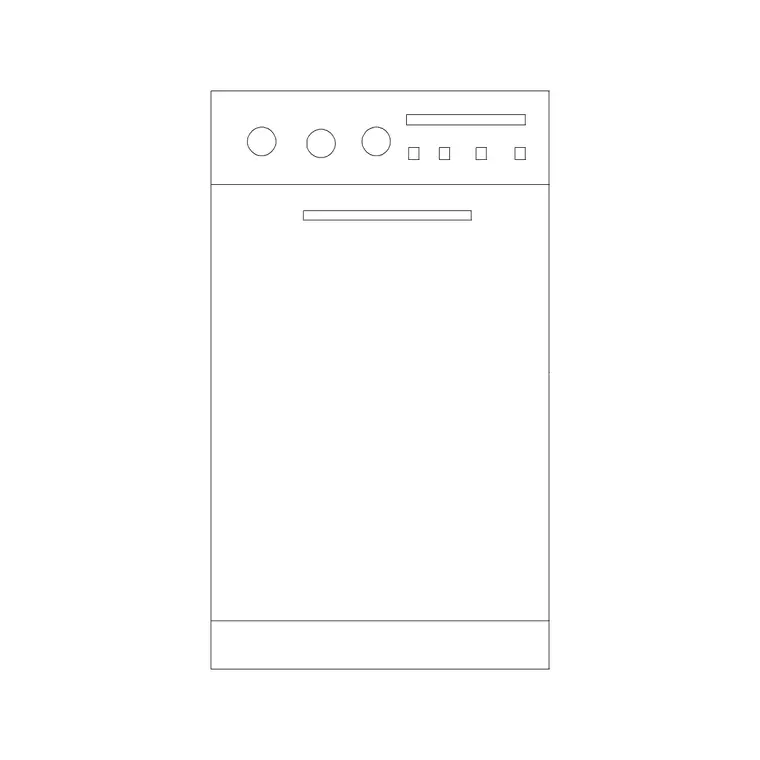
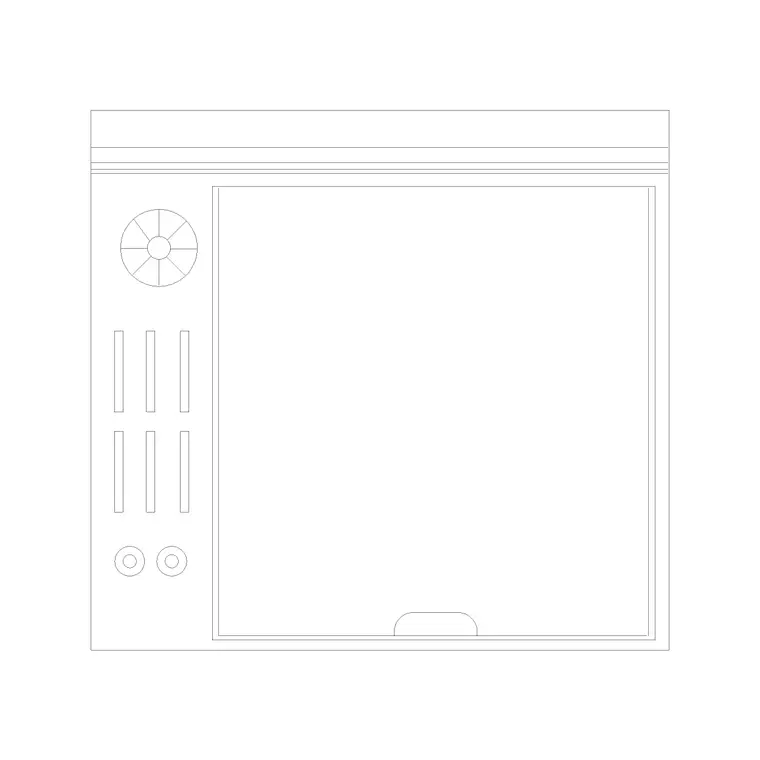
Now place the three anchors. Set the sink-counter block into the run under the window. Place the cooktop in the run, separated from the sink by a stretch of worktop (wet apart from hot). Position the fridge near the end of a run or beside a tall unit, drawing its door swing. Slot the dishwasher in beside the sink so they share plumbing, and the oven into a tall housing or under the counter.
As you place each appliance, respect its module and clearance: the 600mm dishwasher aligns with the cabinets, the fridge needs ~1000mm of standing space in front, the hob wants landing worktop each side. Put appliances on the appliances layer. The blocks here are built on layer 0, so set the right layer current before each insertion and they adopt it — keeping cabinets, worktop, appliances and services cleanly separated for later.
Add the hood, then test the work triangle
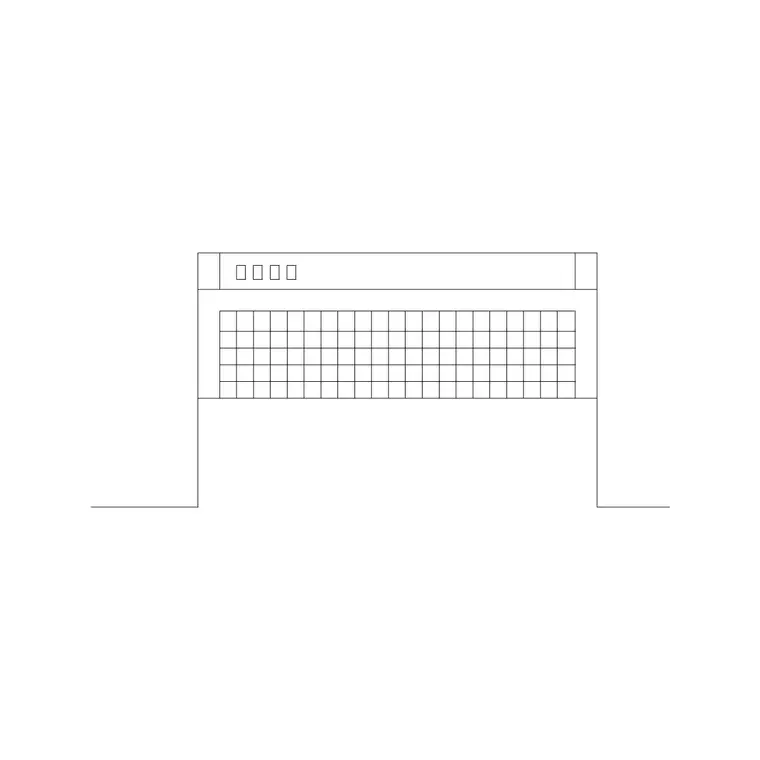
Crown the hob with a range hood, centred on the cooktop's centreline and at least as wide as the hob, drawn dashed on the plan because it is overhead. That single addition is what most forgotten kitchen drawings are missing. Then add the small accessories — a couple of pans, a chopping board, a dish rack, a fruit bowl — on a props layer, sparingly, to bring the plan to life.
Now test the design. Trace the work triangle between the sink, the hob and the fridge: each leg should be a comfortable distance with none too long, and the triangle should not be cut by the main route through the room. Check the gangways — at least 1000mm clear, more between opposing runs or around an island. Confirm every appliance door (fridge, dishwasher, oven) can open without colliding with anything. This is the stage where you catch the problems that are free to fix on paper.
Stack a plan with an elevation, and check the scale
A complete kitchen drawing is more than a plan. Once the plan works, draw at least one elevation of the main run — the cabinet fronts, the worktop line, the hob and hood, the sink and tap, the appliance doors. The elevation proves the vertical arrangement works: that wall cabinets clear the worktop, the oven sits at a usable height, the hood is at the right mounting clearance, and everything coexists with the window. Plan and elevation together are what make the kitchen buildable.
Throughout, keep scale honest. Each block should measure its real size — cabinets 600mm deep, hob and dishwasher 600mm wide. If anything imports wrong it is a units mismatch: set INSUNITS to millimetres in both files or SCALE by 1000, and AUDIT and PURGE imported blocks. Assembled in this order, with clearances respected and the triangle tested, a handful of free DWG blocks becomes a full, coordinated kitchen layout ready to dimension and hand over.
Questions
Frequently asked
Is there a single download for a whole kitchen layout?+
No — and assembling one from individual cabinet, sink, hob, appliance and hood blocks is how it is really done. It keeps every part dimensionally honest and adaptable to the room.
What order should I place kitchen blocks in?+
Walls and window first, then base cabinets and worktop, then the sink, hob and big appliances, then the hood, and finally the accessories on a props layer.
What is the kitchen work triangle?+
The path between sink, hob and fridge. Place them so the three form a comfortable triangle with no leg too long and the main circulation route not cutting through it.
Free downloads from this article
Free CAD block library
Download the blocks from this article — free, no signup


