How to download free urinal CAD blocks for AutoCAD
Free urinal DWG blocks for AutoCAD for commercial washrooms — where to find sanitary blocks, the spacing between urinals, and how to set out a run.
Saumyajit MaityUpdated 27 April 20264 min read

Urinals and the commercial washroom
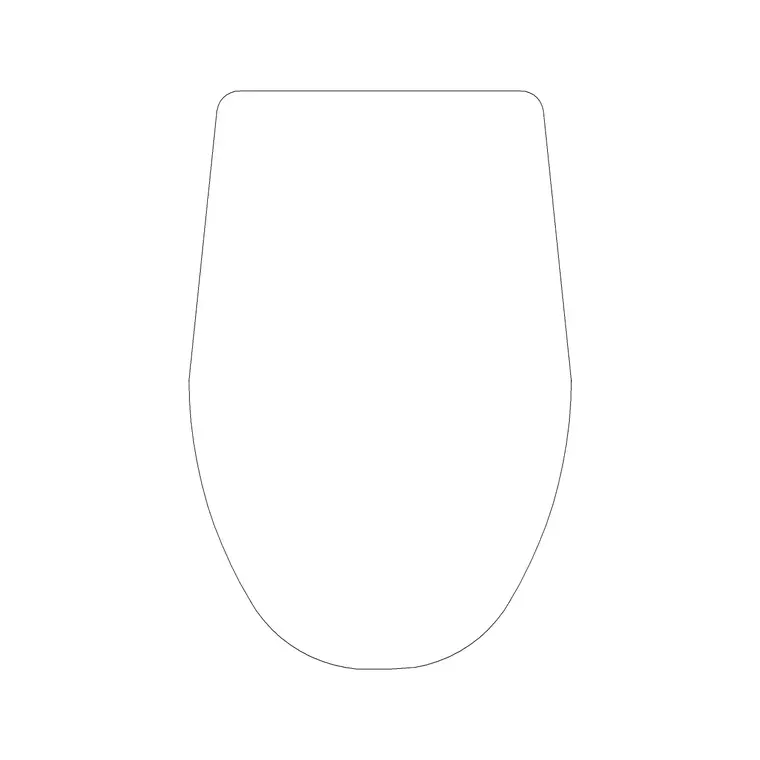
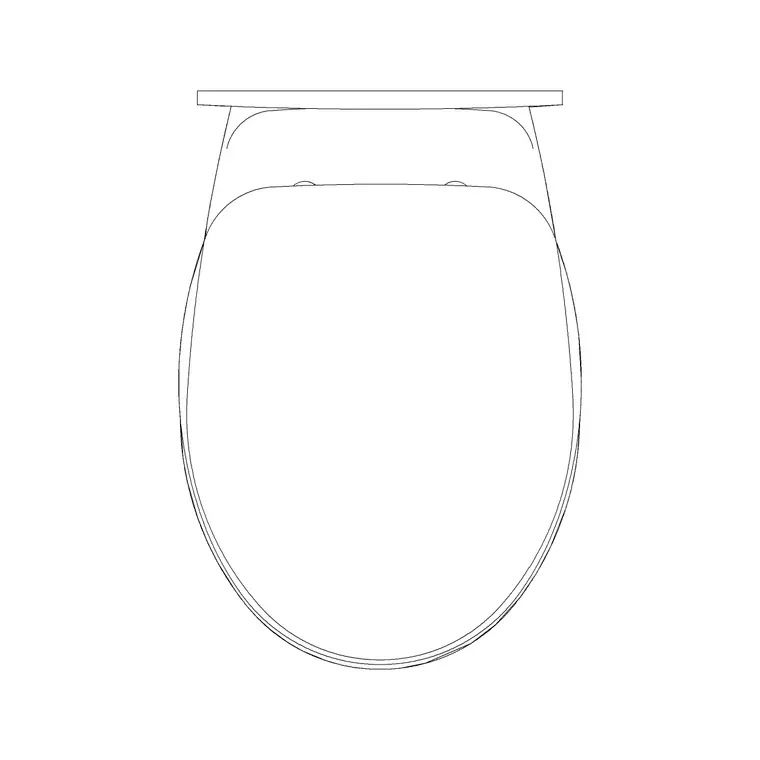
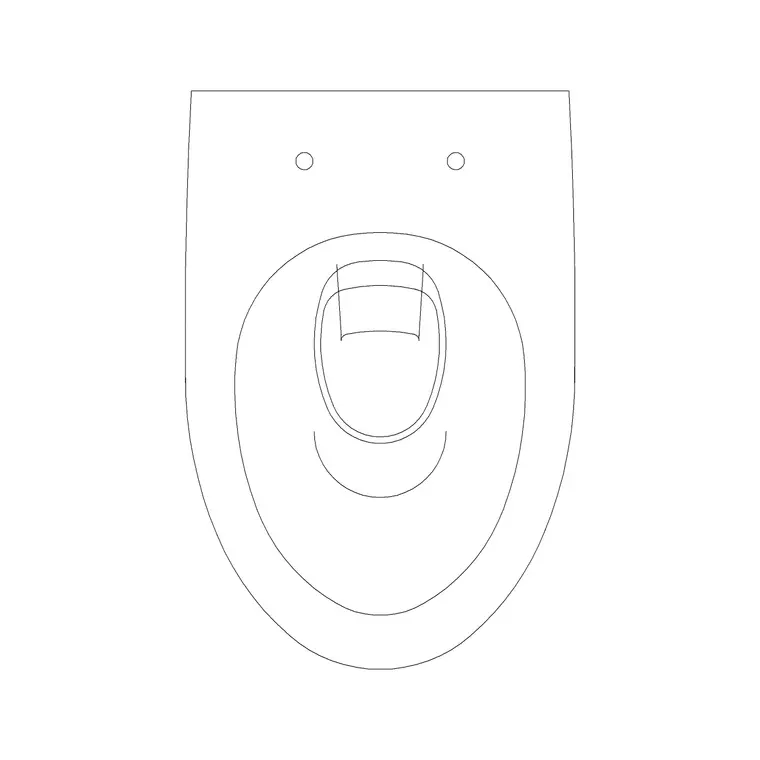
Urinals belong to commercial and public washroom drawings — offices, schools, restaurants, stadiums — rather than the domestic bathroom, so they are drawn alongside rows of WCs and basins in a sanitary layout. On this site the sanitary ware lives in the Bathroom category, and where a dedicated wall-hung urinal block is not the exact match, the wall-hung toilet commode blocks share the wall-mounted footprint logic and set out the same way along a wall. Search 'urinal', 'toilet' or 'commode' to filter the sanitary blocks.
Everything is a free DWG, no signup, free for commercial use — which is exactly what you want for the commercial and institutional projects where urinals appear. A washroom is a repetitive layout: a run of urinals, a row of WC cubicles, a bank of basins, all set out to a regular module. Having clean sanitary blocks to repeat down a wall is what makes laying out a washroom fast, and getting the spacing right is the part that actually has to be correct.
Urinal footprint and spacing
A wall-hung urinal is compact — roughly 350 to 400mm wide and projecting around 350mm from the wall. The number that really matters is the spacing between centres: urinals are typically set out at around 700mm centre to centre, which gives each user reasonable space and suits the standard divider spacing. In schools and some public settings the mounting height varies by user age, but the plan spacing is the dimension you set out first.
The block is a plan-view drawing of the bowl and its mounting, drawn to that compact footprint, as a DWG at a broadly compatible AutoCAD version. Because a urinal run is so regular, the workflow is to place one, then array or copy it along the wall at the centres dimension. Dividers, where specified, sit between them. Drawing the real footprint and the correct centres means the plan honestly shows how many urinals the wall can take, which is often the governing factor in a washroom layout where space is tight.
Setting out a urinal run
Insert the first urinal with INSERT, snap its back to the wall with object snaps (F3), and square it with orthogonal rotation. Then repeat it along the wall at the centres spacing — the fastest way is the ARRAY command (a rectangular array of one row), or simply COPY with a measured distance of around 700mm between centres. Working from a setting-out point, such as a wall corner or a grid line, keeps the run aligned to the architecture.
Check the clearance in front: a urinal run needs clear approach space, and where the washroom has an entrance screen or a circulation route, the urinals should not project into it. If dividers are specified, draw them between the bowls. Setting out from a known reference and arraying at a fixed module is what makes the run regular and buildable, and it means the spacing is identical down the line rather than drifting, which a hand-placed row tends to do.
Scale, units and layer
As with every sanitary block, units decide whether it comes in at the right size. Set INSUNITS in your drawing to match the file (4 for millimetres, 6 for metres) before inserting so the urinal auto-scales, or correct it afterwards with SCALE — 0.001 for millimetres into a metre drawing, 1000 the other way. Verify with DIST that the width reads around 350 to 400mm.
Keep the urinals on your sanitary or fixtures layer, which they inherit automatically if built on layer 0, so the whole washroom plots cleanly and you can isolate the sanitary ware for coordination with the drainage. With the urinals at the right footprint, set out at correct centres along the wall, and on a sensible layer, the washroom plan reads as a properly resolved commercial layout — the kind a contractor and a services engineer can both build and coordinate from without guessing at the spacing.
Fitting urinals into the whole washroom
A urinal run is one element of a commercial washroom, and it has to coordinate with the WC cubicles, the basins and the circulation. The usual logic places the WC cubicles along one wall, the urinal run on another, and a bank of basins near the entrance where people wash and leave — with a clear circulation route threading between them and an entrance screen or lobby so no fixture is visible from the corridor. The urinals want their own clear approach, separate from the basin queue, so they do not clash.
This is where having the full set of sanitary blocks to hand makes the layout fast: array the urinals at their centres, drop a row of WC commodes into cubicles at the standard cubicle width, and line up the basins, all from your library. Provision quantities are often set by the project's occupancy and the relevant sanitary-provision guidance, so the number of each fixture is a design input — but once you know the counts, the blocks let you set the whole washroom out quickly and check that the wall lengths and circulation genuinely accommodate them.
Questions
Frequently asked
What spacing should I use between urinals?+
Typically around 700mm centre to centre, which gives each user reasonable space and suits standard divider spacing. Set out from a wall corner or grid line and array at that module.
What size is a urinal block?+
A wall-hung urinal is roughly 350–400mm wide and projects around 350mm from the wall. The blocks are plan view; confirm the footprint with DIST after inserting.
Where do I find urinal and commercial sanitary blocks?+
In the Bathroom category on CADBlockDWG, alongside the wall-hung toilets and basins used in commercial washrooms. All are free DWG downloads with no signup.
Free downloads from this article
Free CAD block library
Download the blocks from this article — free, no signup


