Download free kitchen grill CAD blocks for AutoCAD
Find free grill and barbecue DWG blocks, what a built-in grill or BBQ footprint should measure, and how to place one in an outdoor or indoor kitchen plan.
Saumyajit MaityUpdated 20 March 20264 min read
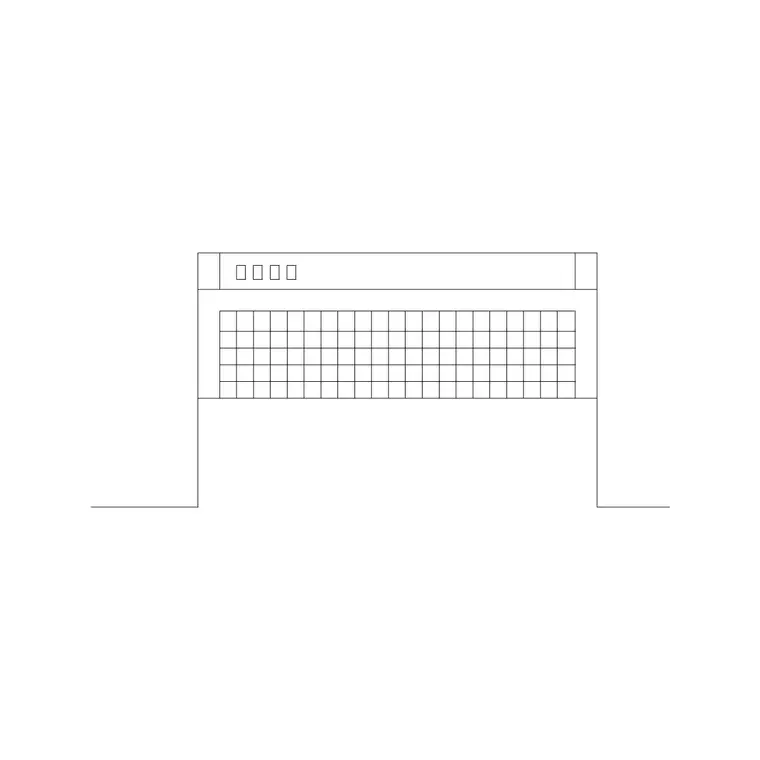
Finding the grill block
The grill block sits in the Kitchen category. Search 'grill' from the top bar to reach it directly, or browse the Kitchen hub. It downloads as a DWG with no account and no email wall — one click and the file is in your Downloads, free for personal and commercial projects.
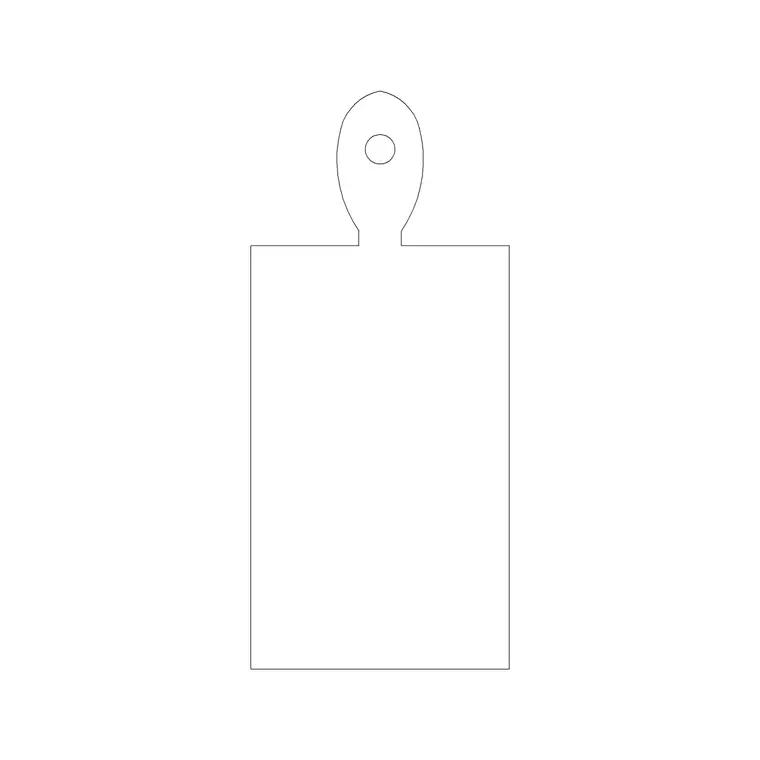
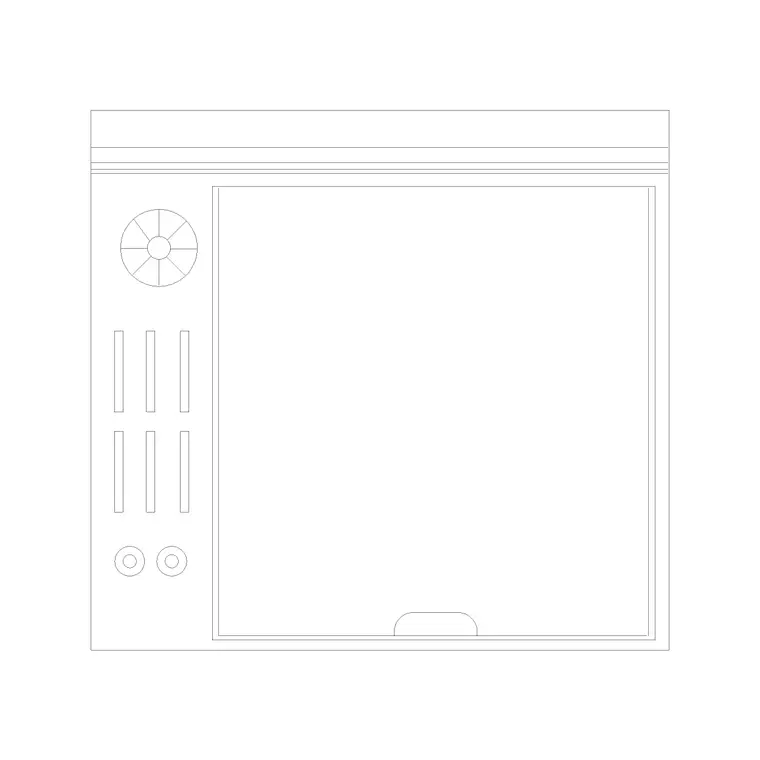
'Grill' covers a few real-world things, so it helps to know what you are drawing. A built-in cooktop grill is part of the hob; a freestanding range can include a grill section; and an outdoor barbecue grill is a unit in its own right for patio and garden kitchens. The block here gives you a clean plan footprint you can use for any of these, scaling and labelling it to suit whether it is sitting in a fitted indoor kitchen or an outdoor cooking island. Because the same outline serves several appliances, the deciding detail is usually the label and the size you set it to rather than the geometry itself — so download it once and adapt it to each job.
What the grill block represents and its size
In plan, a grill reads as a rectangle with a grid or a set of parallel lines across it representing the grill bars or burners — that hatching is what tells anyone reading the drawing it is a cooking surface rather than a plain counter. A built-in grill or griddle module is typically around 300–400mm wide so it can sit beside hob burners; a full built-in BBQ unit for an outdoor kitchen is larger, commonly 700–1000mm wide and 600mm deep to match cabinet depth.
Height, when you need it for an elevation, follows the worktop at 900mm for a built-in unit. For a freestanding patio barbecue the cooking surface usually sits a little higher, around 900–950mm, for comfortable standing use. Draw whichever footprint matches the appliance you are actually specifying, and label it so the contractor knows the rating and fuel type — gas, charcoal or electric — since the block geometry looks similar regardless.
Placing a grill in an outdoor kitchen
Outdoor kitchens are where grill blocks earn their keep. Insert the block with I and Browse, snap it into the masonry or cabinet run, and treat it as the heat anchor of the layout. Convention is to leave clear, non-combustible worktop on both sides of the grill — at least 300mm each side as a landing zone for plates and tools — so place adjacent cabinet or counter blocks with that gap respected.
Keep the grill well clear of any timber, fabric or planting on the plan, and show the required clearances to combustibles if your local code calls for them. Put the grill and the other outdoor appliances on their own layer so the cooking zone can be isolated from the landscape planting and paving layers. Because the block is built on layer 0, it adopts whichever layer you set current before inserting.
Using the grill indoors and adding extraction
For an indoor kitchen, the grill usually forms part of the hob run, so align its 300–400mm module with the adjacent cooktop and base cabinets, snapping edges so the modules butt cleanly. The single most important thing to draw with any indoor cooking appliance is extraction: a grill produces heat, smoke and grease, so it needs a range hood or chimney above it.
Drop the grill in plan, then place a range hood block directly over it, sized at least as wide as the cooking surface below — and ideally a little wider — so the canopy actually captures what rises off the grill. Showing the hood and the grill together, aligned on the centreline, is what turns a hob layout into a properly ventilated kitchen design rather than a drawing that will fail at the services-coordination stage.
Quick checks before you place it
Open the grill DWG on its own first and measure the footprint so you know whether you have the small built-in module or a larger BBQ unit, then scale it to the appliance you are specifying. If it imports at the wrong size, it is a units issue — set INSUNITS to millimetres in both files, or SCALE by 0.001 (metres to millimetres) or 1000 the other way. A reliable trick when the units are a mystery is to measure the footprint and divide the size you want by the size you measured to get the exact scale factor.
Run AUDIT and PURGE to keep the file tidy, confirm it is on a sensible layer that it inherited from layer 0, and add a text label with the appliance type and fuel. A grill block is generic by nature, so a short note doing the work of saying 'gas BBQ, 900mm, charcoal not permitted' is what makes the drawing unambiguous to whoever builds from it. For an outdoor unit, it is also worth noting the gas or fuel supply on the services layer, since a built-in BBQ needs a bottle housing or a gas run just as an indoor hob does.
Questions
Frequently asked
How wide is a grill block in CAD?+
A built-in grill or griddle module is roughly 300–400mm wide to sit beside hob burners; a full outdoor BBQ unit is larger, commonly 700–1000mm wide and 600mm deep.
Do I need a range hood above an indoor grill?+
Yes. An indoor grill produces heat, smoke and grease, so place a range hood at least as wide as the cooking surface directly above it, centred on the grill.
Are the grill CAD blocks suitable for outdoor kitchen plans?+
Yes. Scale the footprint to a built-in BBQ size and leave at least 300mm of non-combustible landing counter on each side; keep it clear of timber and planting on the plan.
Free downloads from this article
Free CAD block library
Download the blocks from this article — free, no signup


