Download free kitchen accessories CAD blocks for AutoCAD
Find free kitchen accessory DWG blocks — pots, utensils, dish racks and worktop props — and how to use them to dress a kitchen plan without cluttering it.
Saumyajit MaityUpdated 18 February 20264 min read
Finding the accessories block
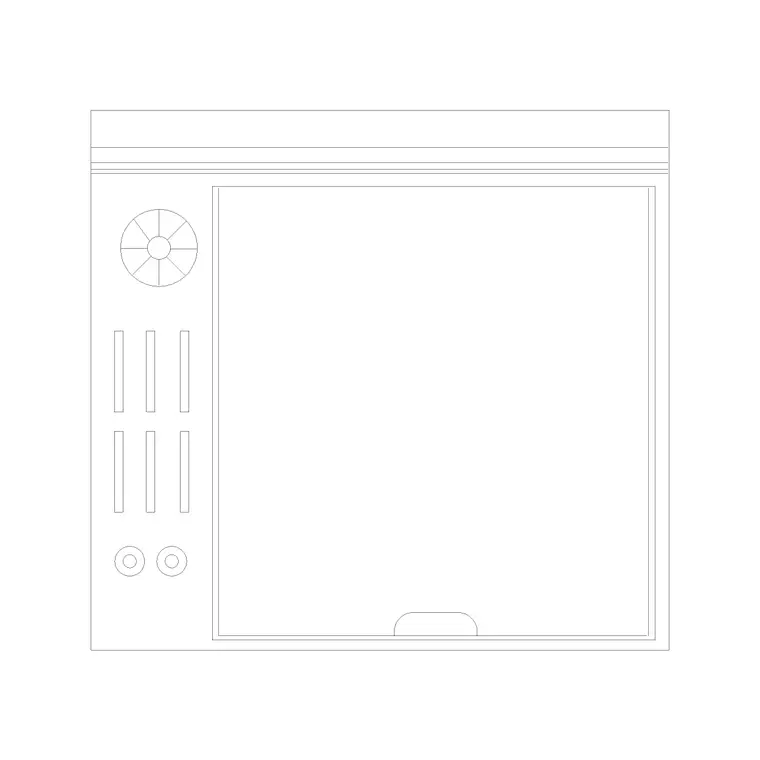
Kitchen accessory blocks live in the Kitchen category. Search 'accessories' and you will reach the kitchen accessories file, which downloads as a DWG with no signup and no email gate, free for personal and commercial work. It bundles the small bits and pieces of a working kitchen — the kind of detail that, used sparingly, lifts a drawing from a bare technical layout to something that reads as a real room.
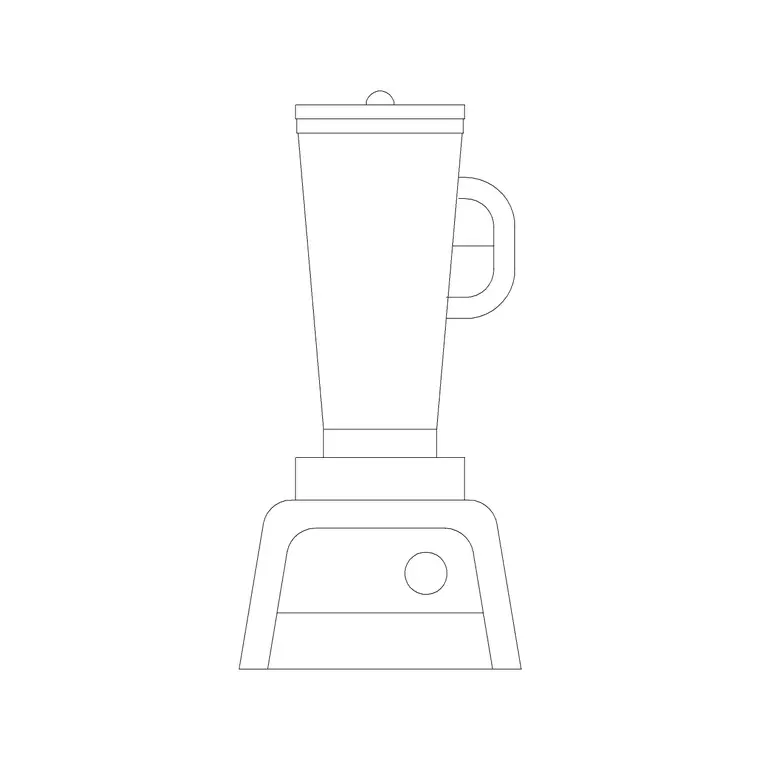
Accessories are deliberately a mixed bag: utensils, pots and pans, a chopping board, a dish rack, small worktop items. You will rarely dimension any of them. Their job is to add a layer of realism and human scale to a kitchen plan or elevation, the same way scale figures and planting do for an architectural drawing, so a client looking at the plan immediately reads 'kitchen' rather than 'arrangement of rectangles'. They pair naturally with the juicer and dishes blocks from the same category, so you can build up a small props library and reach for it on every kitchen you draw.
What is in an accessories block
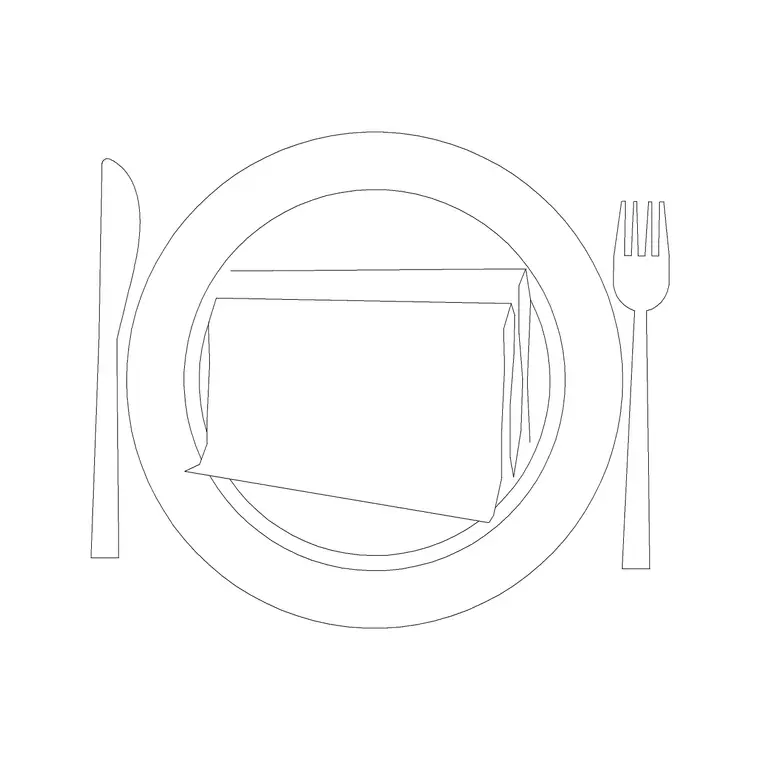
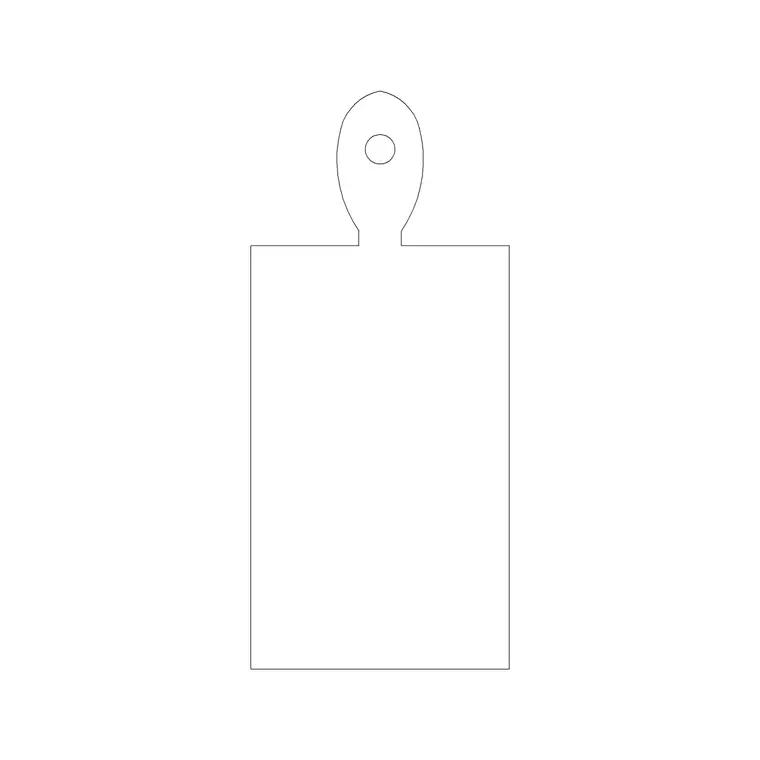
Expect compact outlines of everyday items: a set of pans of different diameters (a saucepan is around 180–200mm across, a stockpot a little larger), a chopping board roughly 300 by 400mm, a knife block, a dish-drying rack about 400 by 300mm, mugs and bowls as small circles, and utensil shapes. Because these are tiny relative to the kitchen, they are drawn as simple, recognisable silhouettes — enough to read for what they are at plan scale, no more. If you only need one item, you can explode the block after inserting and keep just the pan or the board, though it is usually tidier to leave it intact and simply not place the pieces you do not want.
The value is in suggestion. A pan on the hob and a chopping board with a knife by the sink tells a story about how the kitchen works — prep here, cook there — far more economically than any note could. That narrative quality is exactly why a few accessories, well chosen, do disproportionate work on a presentation drawing.
Dressing a kitchen without cluttering it
The golden rule with accessories is less is more. A couple of pans on the cooktop, a chopping board and knife by the sink, a dish rack on the drainer, a fruit bowl on the island — that is plenty. Stop there. A worktop buried under utensils reads as mess and actively cheapens the drawing, the opposite of what you are trying to achieve.
Place each item where it logically belongs. Cookware goes on or near the hob, prep tools by the sink and the main worktop, the dish rack beside the sink on the drainer side, serving items on the island or dining table. Insert with I and Browse, set them back slightly from the worktop edge so they sit believably on the surface, and rotate them to face the way a user would stand. Logic of placement is what sells the realism — a chopping board angled toward where the cook stands reads as in use, while the same board floating in the middle of the counter reads as decoration that nobody has touched.
Keeping accessories on their own layer
Like all props, accessories belong on a dedicated layer — 'kitchen-accessories' or 'props' — so you can freeze them for a technical, setting-out or services drawing and thaw them for the client presentation. Nobody wants a saucepan cluttering a dimensioned construction plan, but the same saucepan helps a marketing render-reference plan enormously.
The blocks here are built on layer 0, so they inherit the current layer on insertion — make your props layer current first and the whole accessory set lands on it automatically. This single discipline means switching between a dressed presentation drawing and a clean technical one is one layer toggle, not a tedious hunt to select and hide a scattering of tiny objects across the sheet.
Combining accessories with the bigger blocks
Accessories are the final layer you add once the kitchen is built. Lay in the cabinets, the worktop, the sink, the hob and the appliances first; only then dress the surfaces with a restrained handful of accessory items. Adding them too early just gets in the way while you are still resolving the layout and clearances.
Think of the order as architecture, then appliances, then props. The cabinets and worktop prove the kitchen fits and works; the appliances prove it is equipped; the accessories prove it is alive. Used with restraint and kept on their own switchable layer, a single accessories DWG is the cheap finishing touch that makes the difference between a kitchen plan a client glances at and one they can immediately picture themselves standing in. Because the file is free and reusable, you can keep a curated handful of these props on a tool palette and dress every kitchen drawing from the same trusted set in seconds.
Questions
Frequently asked
What is included in a kitchen accessories block?+
Typically pots and pans, a chopping board, a knife block, a dish-drying rack, mugs and bowls, and utensil shapes — small recognisable silhouettes that dress a kitchen plan.
How many accessories should I put on a kitchen plan?+
Few. A couple of pans on the hob, a board and knife by the sink, a dish rack on the drainer and a fruit bowl on the island is plenty. Overloading the worktop reads as clutter.
Should accessories be on a separate layer?+
Yes. Keep them on a dedicated props layer so you can freeze them for technical drawings and thaw them for presentation drawings with a single toggle.
Free downloads from this article
Free CAD block library
Download the blocks from this article — free, no signup


