How to download free fence CAD blocks for AutoCAD
Download free fence and boundary DWG blocks, then run them along a boundary: panel modules, the path array, and keeping the fence on its own layer.
Saumyajit MaityUpdated 23 May 20264 min read
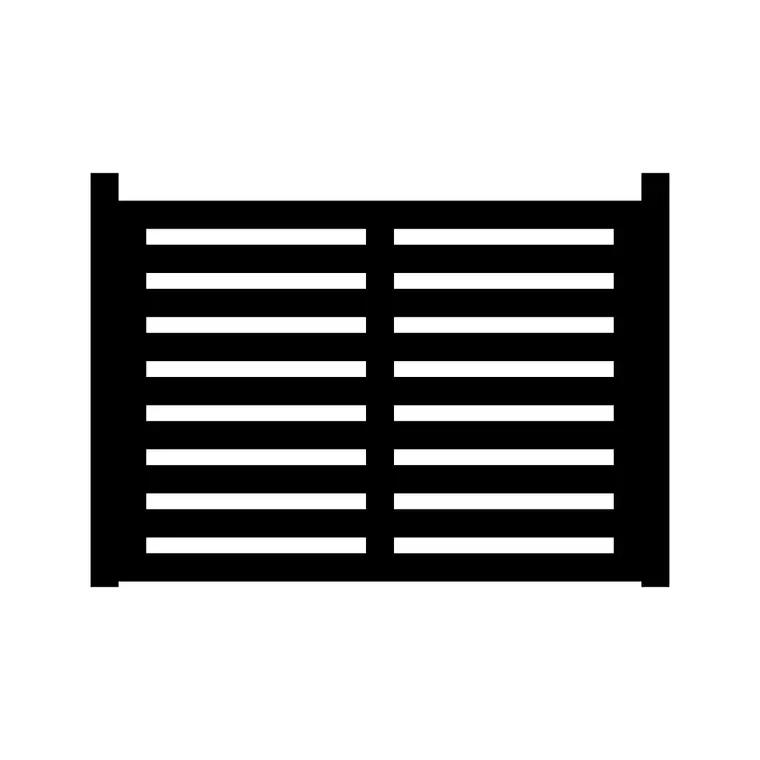
What a fence CAD block contains
A fence CAD block is usually a single repeating bay — one panel between two posts — drawn so you can run it along a boundary by repeating it. Some blocks give you a longer pre-built run; others give you the single module that you array to whatever length the site needs. Either way, the block resolves the post spacing, the rail and infill pattern, and the proportions, so you are not redrawing pickets one at a time.
On CADBlockDWG fences live in the Outdoor category, alongside gates, railings and garden structures. The Fence and Fence Design blocks give you ready boundary geometry, and searching 'fence', 'railing' or 'boundary' surfaces more options including iron, timber and decorative styles. Every file is a free DWG download with no account, and the licence permits commercial use, so a boundary fence you draw for a client job carries no strings.
Choosing the right fence style
Fences carry a lot of character on a drawing, so the style you pick matters. A close-boarded timber fence reads as private and domestic; an iron or steel railing reads as formal or civic; a decorative garden fence reads as ornamental and low. The Fence and Fence Design blocks give you distinct looks, and a quick search broadens the choice further. Match the style to the context — a tall solid fence around a back garden, a low decorative fence to a front boundary, a railing where you want to keep a view open.
The previews let you compare the infill pattern and proportion before downloading. Because the files cost nothing, it is worth pulling two or three styles and trying each along the actual boundary at the real sheet scale — a picket pattern that looks fine in a thumbnail can read too busy when it runs the full length of a long site.
Downloading and measuring the bay
Open the Outdoor category or search 'fence', click the style you want, and download. The DWG saves to your Downloads folder instantly and opens in AutoCAD, LT or any DWG reader.
Before running it along a boundary, open the file and measure one bay with DIST — the post-to-post spacing and the height. Fence panels commonly come in modules around 1800 to 2400mm between posts, and heights vary from a low front boundary to a tall private screen, so confirm the real numbers against the block. Knowing the bay length is essential because that is the exact distance you will array the block along the boundary, so the posts land at regular centres. Measuring also catches a units mismatch before you repeat the panel dozens of times along a long run.
Running it along a boundary
Insert one bay with INSERT, snapping the first post to the start of the boundary line using object snaps so the fence begins exactly on the property line. Leave scale at 1, confirm the bay length with DIST, and fix units with INSUNITS or a SCALE of 0.001 / 1000 if needed. With one bay placed correctly, repeat it: a path array along the boundary polyline is the cleanest method for a fence that turns corners or follows a curve, while a rectangular array in one direction suits a straight run.
Set the array spacing to the bay's post-to-post distance so the posts line up at consistent centres and the panels meet cleanly. Real boundaries rarely divide into a whole number of bays, so expect to finish with a short closing panel; the honest way to handle it is to draw that cut bay deliberately rather than stretching every panel to fudge the length, which would misrepresent the post spacing. At corners and at the gate opening, trim or adjust the last bay to fit rather than leaving a panel oversailing the boundary. If there is a gate, leave the gap in the run and place a gate block in the opening — many fence families include a matching gate.
Layering and cleanup
Keep the whole fence on a dedicated boundary or landscape layer so you can dim, freeze or recolour it independently of the architecture — useful when you produce a planting plan that does not need the fence shouting, or a boundary plan where the fence is the subject. If the block was built on layer 0 it will inherit whichever layer you insert it onto, giving you that control for free.
Because a fence is a single repeated block rather than thousands of loose picket lines, arraying the block keeps the drawing light — every bay points back to one definition. Avoid exploding the run unless you genuinely need to edit one panel. After importing, run AUDIT and PURGE to strip any orphaned data the file brought along. Downloaded from the Outdoor category, measured for its true bay length, and arrayed along the boundary, a free fence block gives you an accurate, lightweight boundary line that holds up from a site plan through to a landscape construction drawing.
Questions
Frequently asked
Where do I download free fence CAD blocks?+
From the Outdoor category on CADBlockDWG. The Fence and Fence Design blocks are free DWG downloads with no signup, free for personal and commercial use.
How do I run a fence along a boundary in AutoCAD?+
Insert one bay snapped to the start of the boundary, then use a path array along the boundary polyline (or a rectangular array for a straight run) at the bay's post-to-post spacing.
What is a typical fence panel module in CAD?+
Panels are commonly 1800–2400mm between posts, but measure the downloaded block with DIST to get the exact bay length before arraying it.
Free downloads from this article
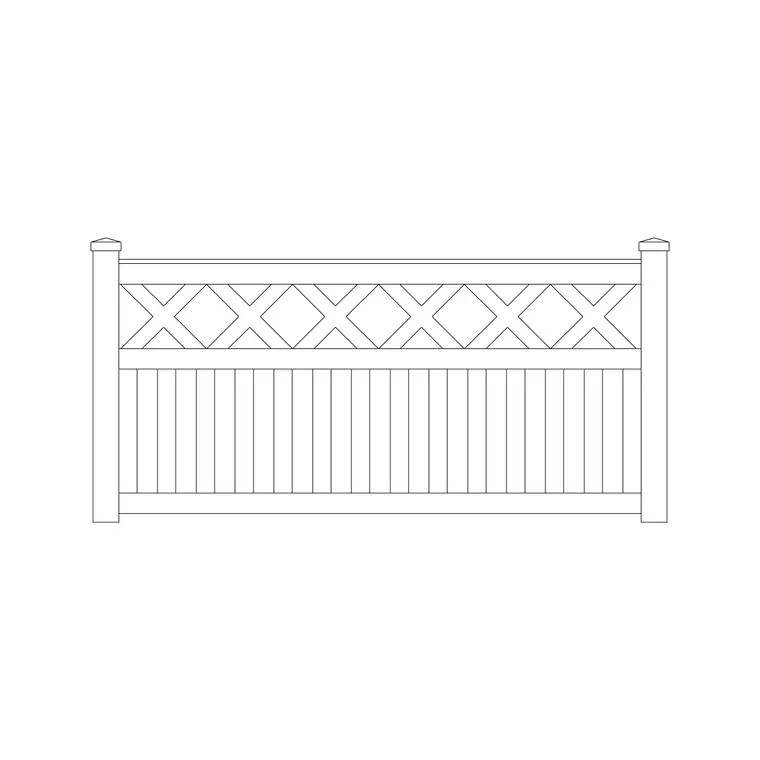
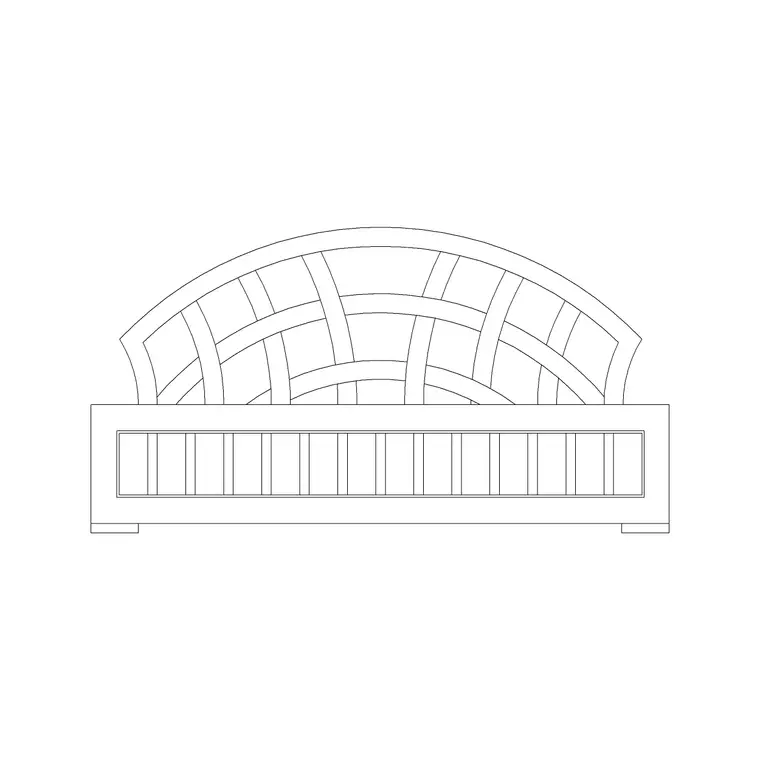
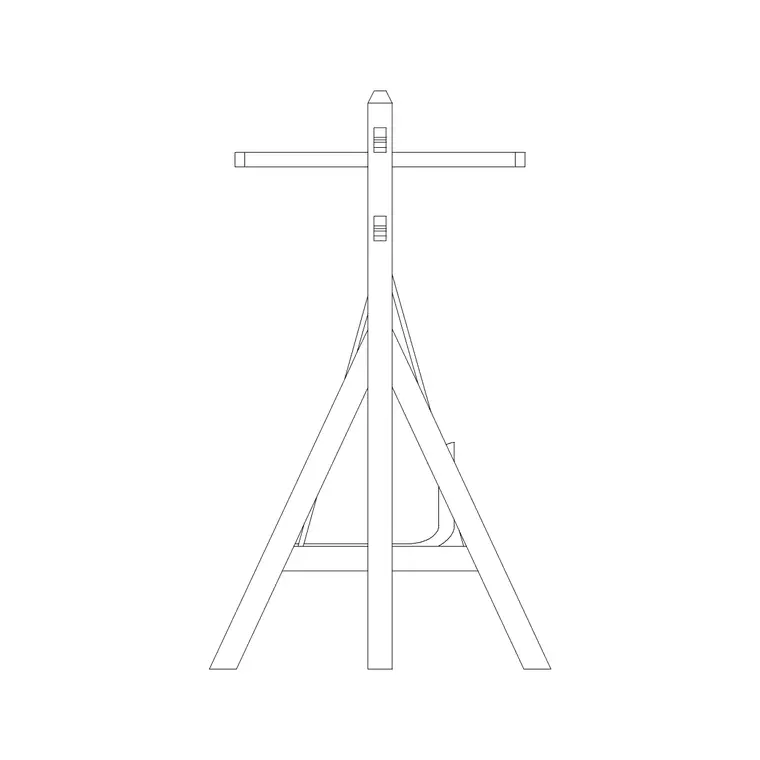
Free CAD block library
Download the blocks from this article — free, no signup


