How to download free corner bath CAD blocks for AutoCAD
Free corner bath DWG blocks for AutoCAD — where to find them, the triangular footprint they cover, and how to snap a corner tub cleanly into a two-wall return.
Saumyajit MaityUpdated 9 June 20264 min read
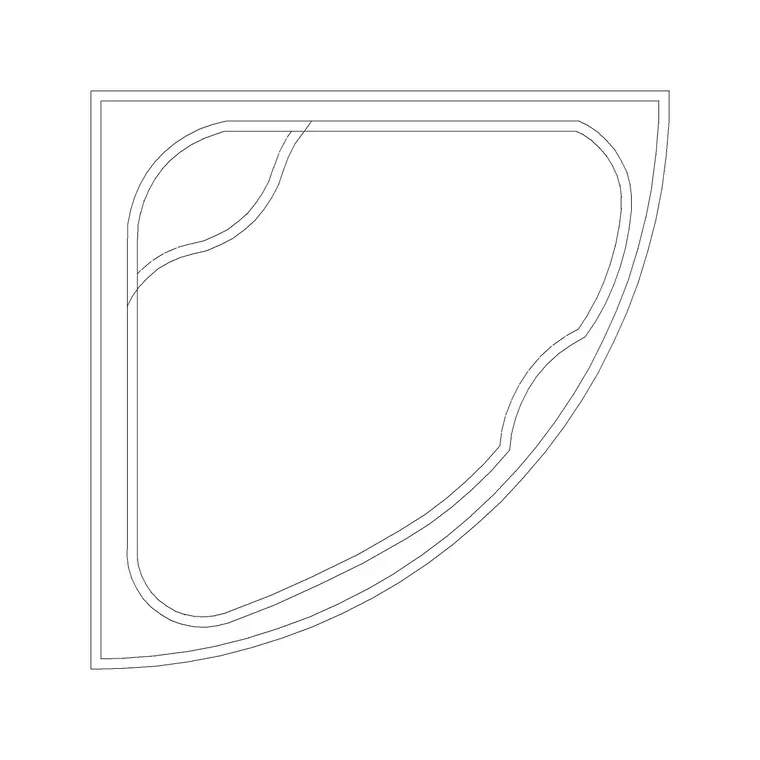
When a corner bath is the right call
A corner bath earns its place in two situations: a small bathroom where a standard 1700mm tub would eat the whole room, and a larger luxury bathroom where the angled tub becomes a deliberate feature. Either way, the geometry is distinctive — a triangular or curved footprint that fills the junction of two walls rather than running along one. On this site the corner tubs sit in the Bathroom category, labelled as corner-wall baths, with a couple of variants to choose from.
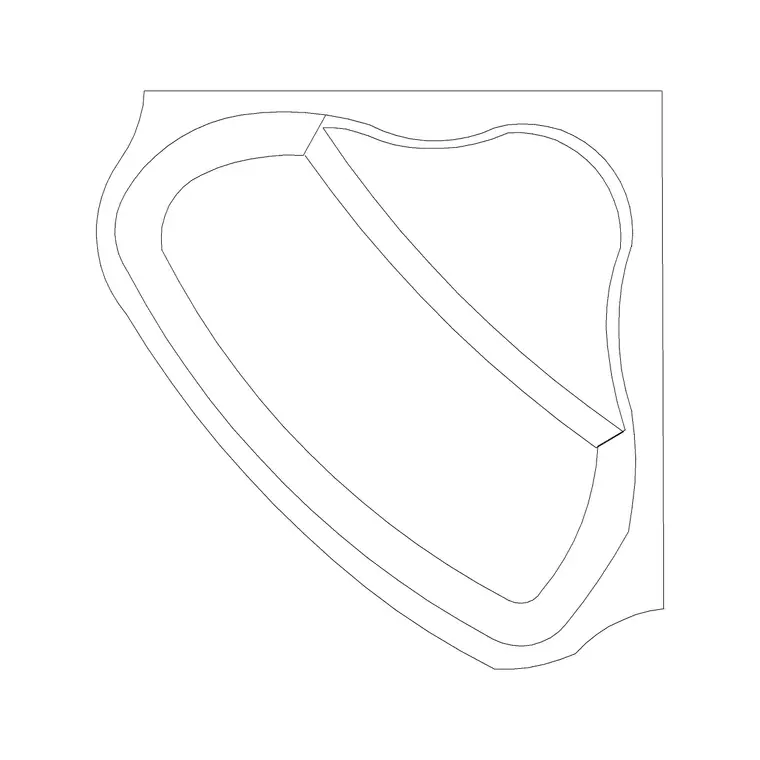
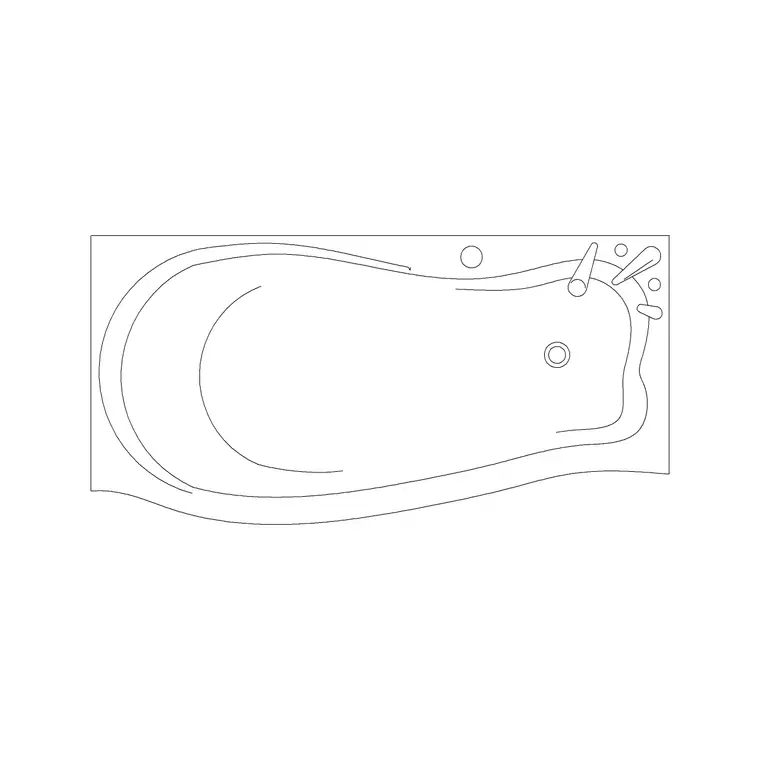
They are free DWG files, no account, free for commercial use. The corner-wall block is drawn to tuck into a 90-degree wall return, with the two straight edges meeting the walls and the curved or angled front facing into the room. If your room reads better with a softer line, the curve-shape bath is a related option worth a look. Picking the variant that matches your actual tub keeps the plan honest rather than approximating with a rectangle pushed into a corner.
Footprint and what the block shows
Corner baths typically span around 1200x1200 up to 1500x1500mm across their two wall edges, with the bathing well set within that triangular footprint. The block is a plan-view drawing — the rim, the inner well, and usually the tap or waste position — which is exactly what a floor plan needs. Because it is plan view, it answers the layout question: does the tub fit the corner, and is there room to get past it to the rest of the room.
The files are DWG at a broadly compatible AutoCAD version, so they open anywhere. A corner tub's biggest planning consideration is access — the diagonal front means the approach comes from one side, so check there is clear floor in front of the entry edge. Drawing the real footprint rather than guessing also tells you honestly whether the door can still open and whether a person can stand at the basin without backing into the bath, which a mis-sized rectangle would hide.
Snapping it into the corner
The clean way to place a corner bath is to snap both straight edges to both walls so it sits exactly in the junction. Run INSERT, browse to the downloaded DWG, place with scale 1, and use object snaps (F3) to lock one edge onto a wall endpoint. Then rotate — corner baths very often need rotating in 90-degree steps to face the correct corner of the room — using the insertion dialog or the ROTATE command, snapping to orthogonal angles.
If the tub is mirrored the wrong way for your corner (it suits the opposite-handed return), use the MIRROR command to flip it, or look for the Type A variant which may already face the way you need. Aim to get both wall edges flush; a corner bath that floats a few millimetres off the walls looks careless and misrepresents the real clearances. Once it is in, the diagonal front should face open floor, with the access side clear.
Units, scale and layer
Corner baths are no different from any block when it comes to units. Set INSUNITS in your drawing to match the file (4 for millimetres, 6 for metres) before inserting so the tub auto-scales to the right size. If it lands wrong, run SCALE with 0.001 to bring millimetres into a metre drawing, or 1000 the other way; back-calculate the exact factor from the known wall-edge length if the source units are a mystery.
Verify with DIST — a 1400mm wall edge should read 1400 in a millimetre drawing. Keep the bath on your sanitary or fixtures layer, which it will inherit automatically if it was drawn on layer 0, so it plots with the rest of the bathroom at the right colour and lineweight. With the tub snapped to both walls, rotated to the right corner, correctly scaled and on the proper layer, your corner bath is doing real work on the plan rather than just filling a gap.
Access and plumbing to plan around
A corner bath changes how the rest of the room works, so plan around it rather than just dropping it in. The diagonal front means the user steps in from one side, so check there is clear floor along that access edge — a corner tub with a basin or a WC crammed right up to its entry side is awkward to use even if the geometry technically fits. The block's plan footprint lets you see that approach honestly, which is the whole point of drawing it to real size.
Plumbing is the other consideration. A corner bath's waste and taps usually sit at the front apex or to one side, and because the tub spans a corner, the drainage run to the stack can be longer than for a bath against a single wall — worth noting against your services layout. None of this shows on the block itself, which is just the footprint, but the footprint is what lets you reason about it: place the tub, check the access edge is clear, and confirm the waste end can reach the drainage without an awkward run across the room.
Questions
Frequently asked
What size is a corner bath block?+
Corner baths typically span around 1200x1200 to 1500x1500mm across their two wall edges. The blocks are plan view, drawn to tuck into a 90-degree wall return. Measure with DIST to confirm the scale.
How do I flip a corner bath for the other-handed corner?+
Use the MIRROR command to flip the inserted block, or pick the Type A corner-wall variant, which may already face the opposite way. Snap both straight edges flush to both walls.
Are the corner bath blocks free to use commercially?+
Yes. The corner-wall bath blocks are free DWG downloads with no signup, free for personal and commercial drawings, and no attribution is required.
Free downloads from this article
Free CAD block library
Download the blocks from this article — free, no signup


