How to download free bidet CAD blocks for AutoCAD
Free bidet DWG blocks for AutoCAD — where they sit on the site, the footprint to draw, and how to pair a bidet next to the WC with the right gap between them.
Sumana KumarUpdated 28 June 20264 min read

Finding the bidet block
A bidet is a small floor- or wall-mounted fixture that sits alongside the WC, and on this site you will find bidet and related sanitary blocks in the Bathroom category. Search 'bidet' to filter, or browse the sanitary ware where the toilets and basins live, since a bidet is almost always drawn in the same context as the commode it pairs with. Where a dedicated bidet block is not the exact match, the toilet commode blocks share the same footprint logic and sit naturally beside it on the plan.
Everything in the category is a free DWG, no signup, free for commercial use. A bidet is a fixture you mostly see in higher-specification and European bathrooms, so it tends to appear on more detailed residential plans. Having the block to hand means you can lay out the WC-and-bidet pairing properly rather than leaving a vague gap, which matters because the two fixtures together set the wall length that side of the bathroom needs.
Footprint and what to draw
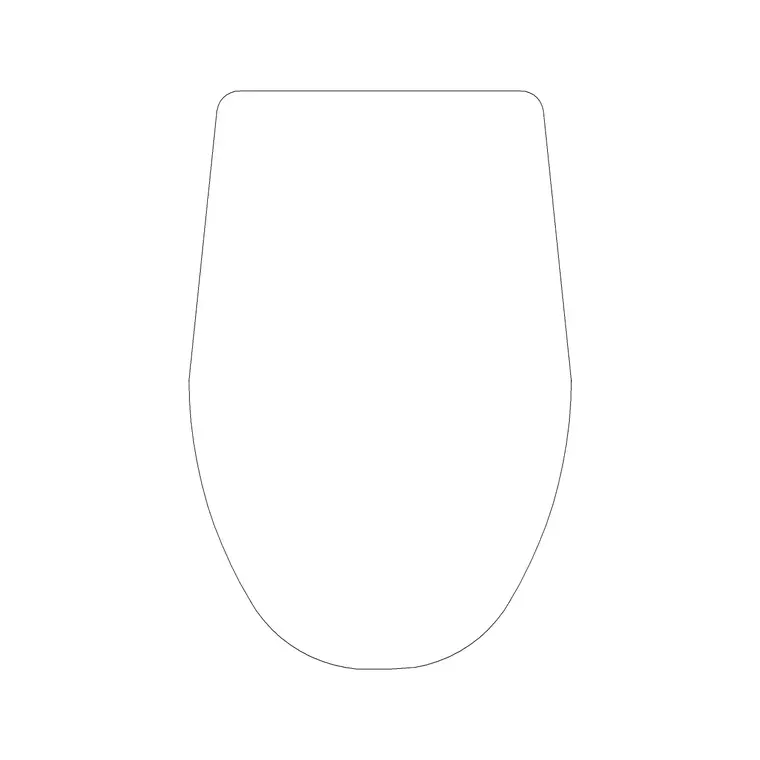
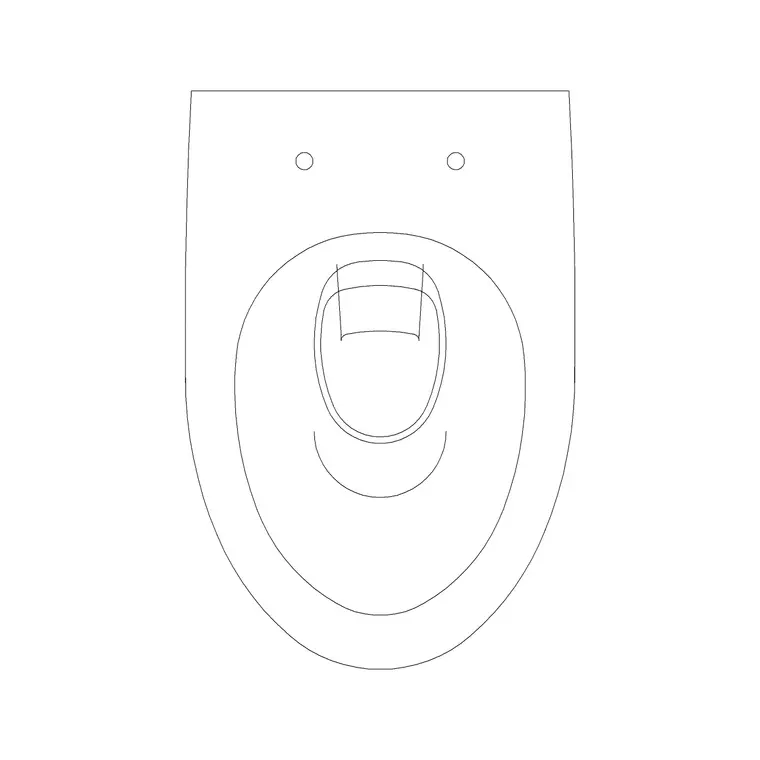
A bidet's footprint is close to a WC pan but a touch shorter — roughly 360 to 400mm wide and around 550 to 600mm deep from the wall, versus the 700mm of a toilet. It is a plan-view block: the bowl outline and the mounting, ready to drop onto a bathroom layout. Because it is similar in width to the toilet, the two read as a matched pair when placed side by side, which is how they are almost always installed.
The files are DWG at a broadly compatible AutoCAD version, opening cleanly in any recent CAD tool. The key planning fact is that a bidet is used seated, like a WC, so it needs comparable clearance in front — around 600mm of clear approach — and a sensible gap to the adjacent toilet. Drawing the real footprint, rather than a placeholder, lets the plan show honestly whether the wall is long enough to take both fixtures with the gaps they need, which is the whole reason the pairing is worth detailing.
Pairing a bidet with the WC
The standard move is to place the WC first, then set the bidet beside it with a comfortable gap — typically around 200 to 300mm clear between the two fixtures so neither is cramped and both can be used and cleaned. Insert the bidet with INSERT, snap the back to the wall with object snaps (F3), and slide it along the wall to set that gap to the toilet. Keep both fixtures square to the wall by snapping rotation to orthogonal angles.
Check the combined clearances: each fixture wants its own roughly 600mm of frontal space, and they should not force a user to straddle the gap awkwardly. On a tight plan this pairing is often what decides whether a bidet fits at all, so the accurately drawn blocks do real decision-making work. If the wall cannot take both with proper gaps, that is genuinely useful to discover on the drawing rather than on site, and it may push the design toward a WC-only layout or a different wall.
Inserting and scaling cleanly
Download the bidet DWG, then in AutoCAD run INSERT, browse to the file, and place with scale 1 and rotation 0, rotating afterwards if the bowl needs to face into the room. As always, units are the most likely snag: set INSUNITS to match your drawing (4 for mm, 6 for m) before inserting so the block auto-scales, or correct it with SCALE — 0.001 for millimetres into a metre drawing, 1000 the other way.
Verify with DIST that the depth reads around 550 to 600mm, which both confirms the scale and tells you the units came through. Keep the bidet on your sanitary or fixtures layer, which it inherits automatically if built on layer 0, so it plots alongside the WC and basin at the right colour and weight. A correctly scaled bidet, snapped to the wall with a sensible gap to the toilet, finishes the sanitary wall of a detailed bathroom properly rather than leaving an undimensioned space.
Floor-mounted versus wall-hung
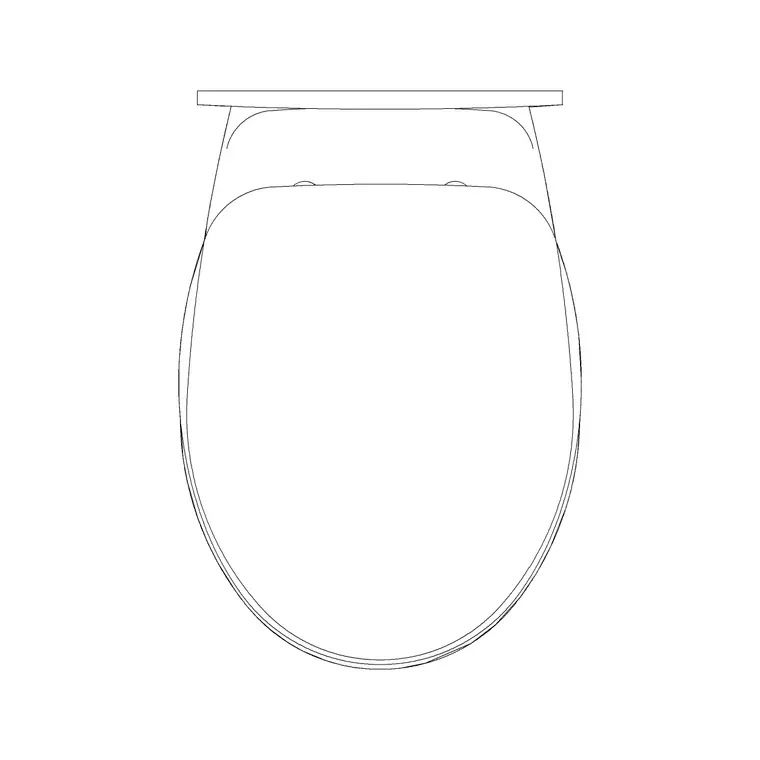
Like the WC it pairs with, a bidet comes in floor-mounted and wall-hung versions, and which you draw affects both the look and the services. A floor-mounted bidet sits on a pedestal-like base with the plumbing concealed in or behind it, reading as a traditional fixture and matching a floor-mounted WC. A wall-hung bidet cantilevers off the wall with a concealed frame and cistern arrangement behind, giving the cleaner, floating look favoured in modern bathrooms and making the floor easier to clean beneath it.
For a coherent drawing, match the bidet's mounting to the WC's — a wall-hung bidet next to a floor-mounted toilet looks mismatched and signals a design that has not been thought through. On the plan the footprints are similar either way, but on an elevation the difference shows clearly in the base and the height, so pick the version that matches your specification. If you are showing the bathroom in elevation as well as plan, note that a wall-hung pairing needs the concealed-frame wall depth allowed for behind both fixtures.
Questions
Frequently asked
What size is a bidet CAD block?+
A bidet is roughly 360–400mm wide and 550–600mm deep from the wall — a touch shorter than a WC. The blocks are plan view; confirm the scale with DIST after inserting.
How big a gap should I leave between a WC and a bidet?+
Around 200–300mm clear between the two fixtures so neither is cramped, with each still getting roughly 600mm of clear approach in front. Place the WC first, then set the bidet beside it.
Where do I download free bidet blocks?+
In the Bathroom category on CADBlockDWG, alongside the toilets and basins. They are free DWG downloads with no signup, free for commercial use.
Free downloads from this article
Free CAD block library
Download the blocks from this article — free, no signup


