How to download free bathtub CAD blocks for AutoCAD
Find and insert free bathtub DWG blocks in AutoCAD — where they live, the plan view you get, and how to scale a tub so it comes in the right size.
Sumana KumarUpdated 10 April 20265 min read
Where the bathtub blocks live
Every bathtub block on this site sits inside the Bathroom category, alongside the showers, toilets, basins and the rest of the sanitary ware. The fastest route is to open that category and scan for the tub shape you need, or type 'bath' into the search box and let it filter the list down to baths only. Because the library is organised by what an object actually is rather than by manufacturer, you are not hunting through brand catalogues — you are looking straight at the geometry.
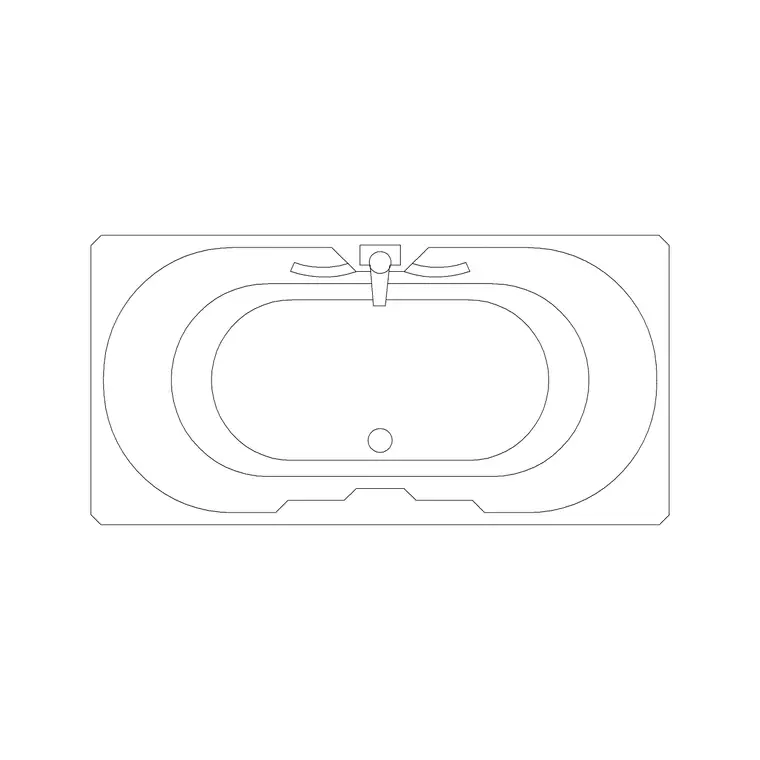
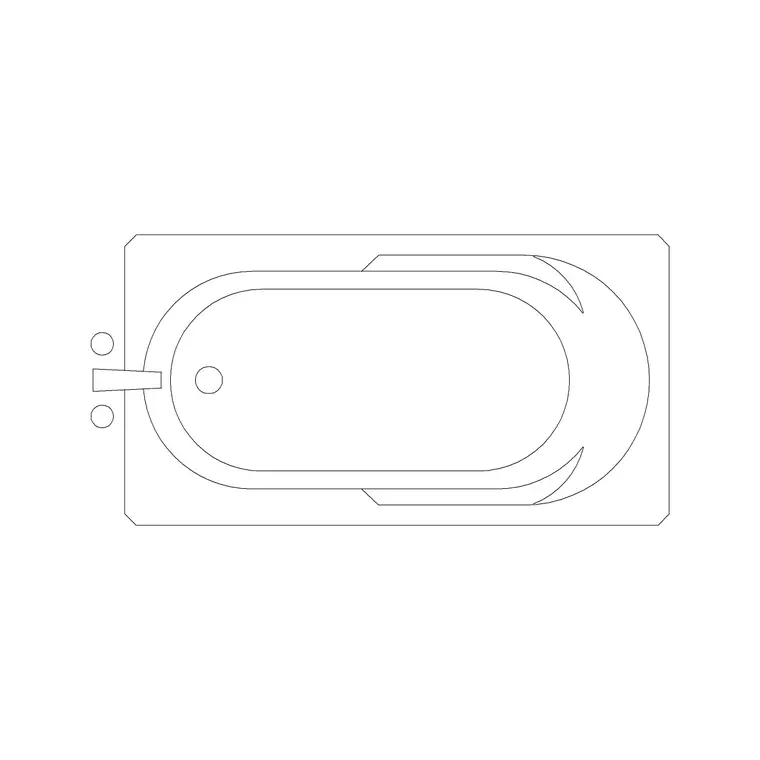
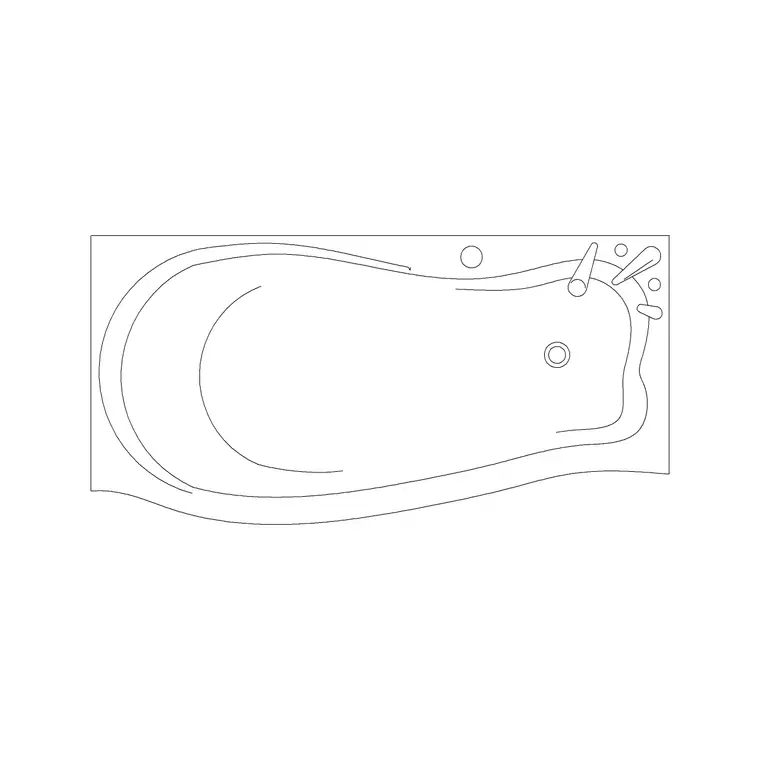
You will find a spread of tub types: standard rectangular plan baths, an oval tub, a soft curved-corner bath, corner baths that tuck into a wall return, and double baths for the larger bathroom. Each one is a single DWG file. There is no account to create, no email wall, and no credit system — you click the block, you download the file, and it is yours to use in personal or commercial drawings. That last point matters for anyone doing client work: you can drop these tubs straight into a deliverable without worrying about a licence buried in the fine print.
What you actually get in the download
A bathtub block here is a 2D plan-view drawing — the outline you would see looking straight down at the tub, which is exactly what a floor plan needs. The geometry is clean: the rim, the inner basin line, and usually the tap or waste position so the plumbing end reads correctly. The files are saved as DWG, the native AutoCAD format, at a widely compatible version so they open in virtually any recent CAD program, free or paid.
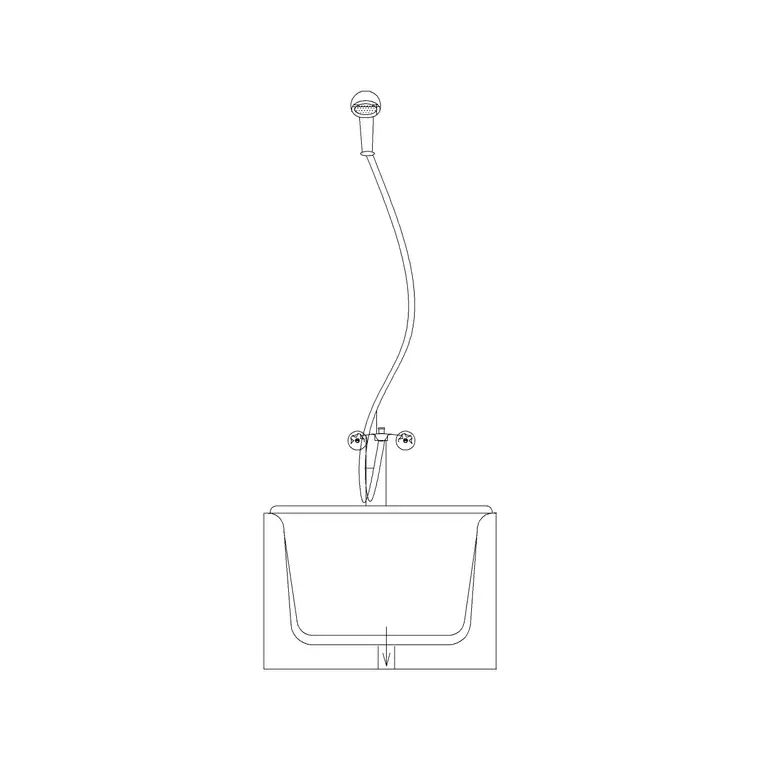
Most residential baths sit around 1700mm long by 700 to 800mm wide, which is the standard UK and European tub footprint, and the blocks are drawn to that real-world scale. That said, never assume — the thirty-second habit of measuring a block after you insert it (run DIST across the length) is worth building, because it both confirms the scale and tells you the source units. If you specifically need a tub shown cut through to reveal its depth and the wall behind it, grab the bath-with-shower front section block instead, which is drawn as an elevation/section rather than a plan.
Downloading and inserting it in AutoCAD
Click the download button on the bath you want and the DWG lands in your Downloads folder. To bring it into a drawing the clean way, open your working file, type INSERT (or just I) and press Enter to open the Blocks palette, click the Browse button, and point it at the downloaded file. Leave the insertion point set to 'Specify on-screen', keep scale at 1 and rotation at 0 to start, then click to place the tub.
Use object snaps so the bath lands exactly where it should — press F3 to toggle running snaps and lock the tub's rim onto the inside face of the wall rather than floating it near the wall. A bath almost always sits hard against at least one wall, often two in a corner, so snapping to wall endpoints keeps your plan honest. If you prefer, you can also open the downloaded DWG directly, copy the tub geometry with Ctrl+C and paste it into your drawing — quicker for a one-off, though INSERT keeps it as a tidy named block you can re-use and count.
Fixing scale if the tub comes in wrong
If the bath inserts at the size of a building, or vanishes until you Zoom Extents, the cause is almost never a broken file — it is a units mismatch. A tub drawn in millimetres dropped into a drawing set to metres lands 1000 times too big; the reverse makes it microscopic. The cleanest fix is to set INSUNITS consistently (4 for millimetres, 6 for metres) in your drawing before inserting, so AutoCAD auto-scales the block to match.
If the block came in unitless and will not auto-scale, insert it anyway, run SCALE, pick the insertion point as the base, and type the factor — 0.001 to take millimetres into a metre drawing, or 1000 the other way. To find the factor when you are unsure of the source units, measure the tub length, then divide the size you want by the size you measured: a 1700mm bath that reads as 1.7 needs a factor of 1000. Get it right once in your drawing template and the problem stops recurring.
Choosing the right tub for the room
The library gives you several tub shapes precisely because no single bath suits every bathroom, and choosing well is part of using the blocks properly. For the common family bathroom, the standard plan bath at around 1700mm along a wall is the default — it fits the typical room and doubles as a shower with a screen. When the room is genuinely tight, the corner-wall bath tucks into a two-wall junction and frees the rest of the floor; when it is generous, the oval or double tub becomes a freestanding feature with space around it.
Download two or three of these rather than just one, and you can test alternatives quickly on the same plan: drop the standard tub in, see if it crowds the basin, swap it for the corner bath, and compare. Because each is a correctly scaled plan block, the comparison is honest — you are reading real footprints against the real room, not guessing. Keeping a small spread of tub blocks to hand turns the bath decision into a thirty-second swap rather than a redraw, which is exactly the kind of small efficiency a good block library is for.
Questions
Frequently asked
Are the bathtub CAD blocks really free for commercial use?+
Yes. Every bathtub DWG on CADBlockDWG is free for both personal and commercial projects, with no signup, no attribution and no credit system. You can place them straight into client drawings.
What view are the bathtub blocks drawn in?+
They are plan-view blocks — the top-down outline you need for a floor plan. If you need the tub cut through to show depth, use the bath-with-shower front section block, which is an elevation/section.
What size are the bathtub blocks?+
Most are drawn to the standard residential footprint of roughly 1700mm by 700–800mm. Measure with DIST after inserting to confirm both the scale and the source units before you rely on it.
Free downloads from this article

Free CAD block library
Download the blocks from this article — free, no signup


