How to download a free bathroom fixture block set
Build a free bathroom fixture set in AutoCAD — bath, WC, basin and shower DWG blocks — where to get each, and how to assemble one clean library.
Saumyajit MaityUpdated 2 February 20264 min read
What a full bathroom set needs
Rather than hunting for one mega-block that contains an entire bathroom, the professional approach is to assemble a small set of trusted individual fixtures and place them as the layout demands. A complete bathroom kit is really just four families: a bath, a WC, a wash basin, and a shower. With clean blocks for each you can lay out almost any bathroom — domestic or commercial — in minutes. On this site all four families live in the Bathroom and Sinks & Faucets categories, every block a free DWG with no signup.
The value of building your own set, rather than relying on a pre-made bathroom block, is flexibility: every bathroom is a different shape, so you want to drop a bath here, a WC there, and a basin on the wall that suits, not wrestle a fixed arrangement into a room it was never drawn for. Assemble the set once, keep it on a tool palette, and furnishing a bathroom becomes four quick insertions and a clearance check rather than a redraw.
The four blocks to download
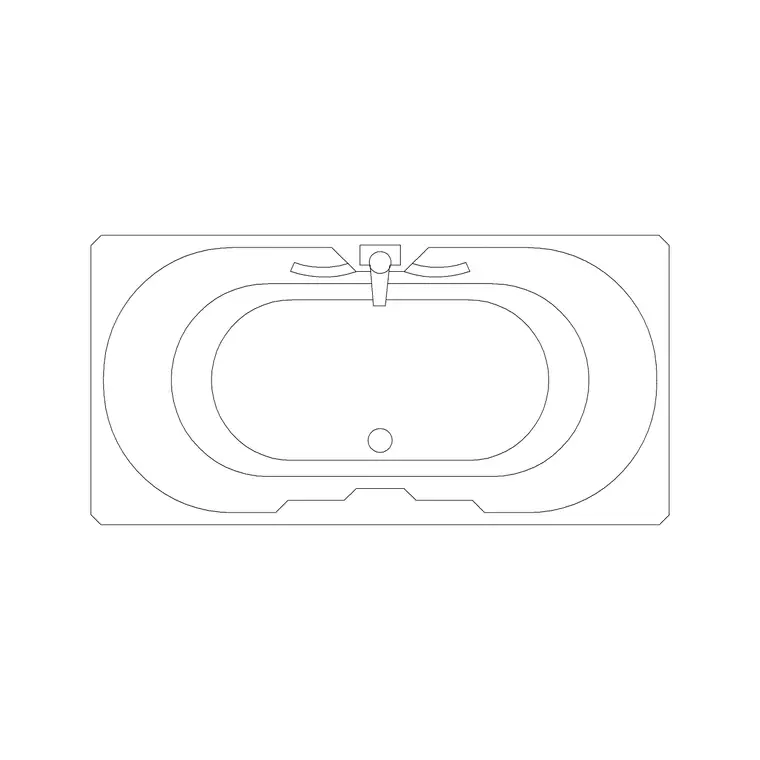
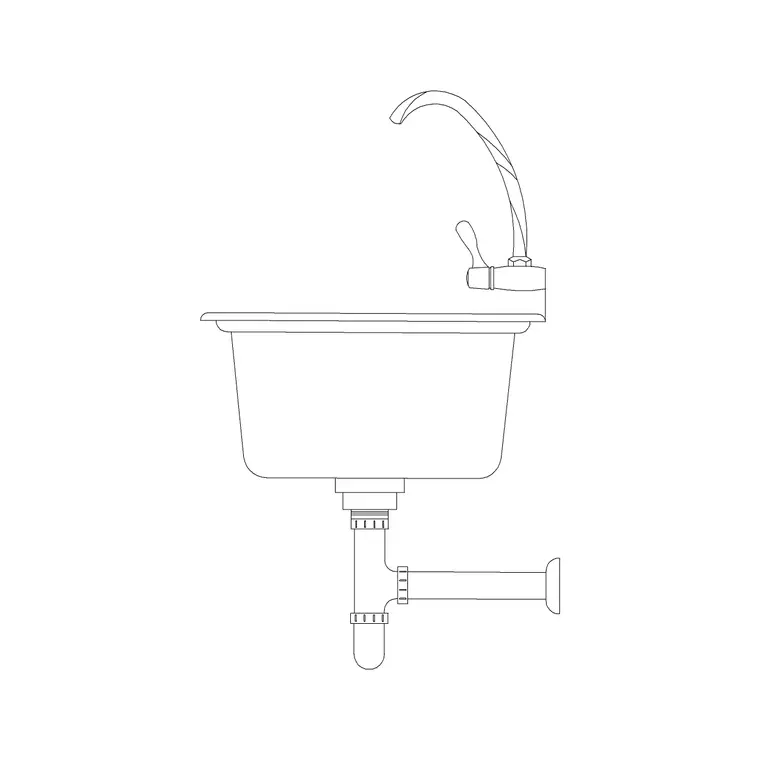
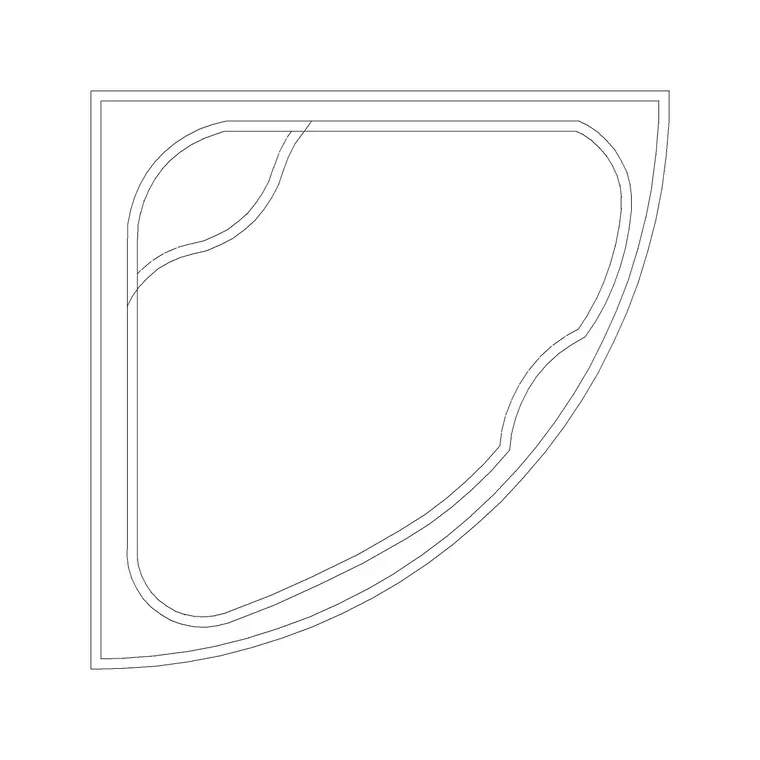
Start with the bath. Grab a standard plan bath (around 1700x700mm) for the common case, and add a corner-wall bath for tight rooms — both plan-view DWGs from the Bathroom category. Next the WC: pick a toilet commode that matches your specification, drawn to the roughly 700mm-deep standard footprint. Then the basin: for plans, a plan-view basin; for elevations, one of the sized sink elevations (370, 450 or 500mm) so the basin reads at a known width on the wall.
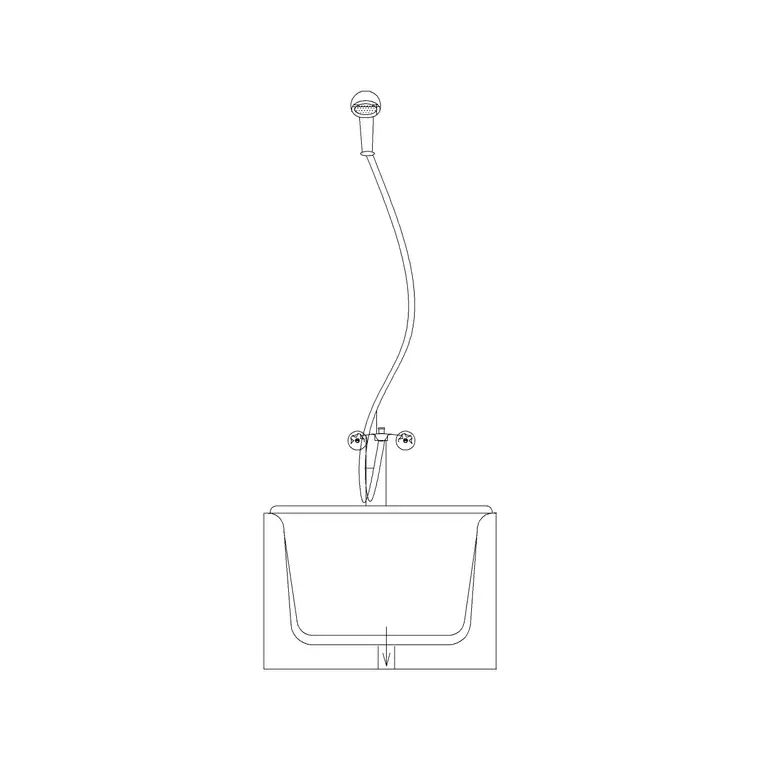
Finally the shower: a tray or enclosure in plan for the layout, plus the bath-with-shower front section if you need to show the unit in elevation. With those four — bath, WC, basin, shower — downloaded and to hand, you have the entire vocabulary of a bathroom. Each is a clean DWG at a broadly compatible AutoCAD version, free for commercial use, so the whole set can go straight into client work. Drawn to real footprints, they let the plan test clearances honestly the moment they are placed.
Assembling them into one library
Once the four families are downloaded, do not leave them loose in your Downloads folder — file them so they are always a click away. Create a Sanitary or Bathroom folder in your block library, drop the DWGs in, and name them consistently — bath-1700-plan, wc-commode-plan, basin-450-elev, shower-900-plan — so a plain file list is self-describing. Then build a tool palette: drag your most-used bathroom blocks onto it so a bath, a WC or a basin is a single click from any drawing.
That small amount of organisation is what turns four downloads into a genuine speed multiplier. The next bathroom you draw, you place the bath, snap the WC to its wall, drop the basin, set the shower in the corner, and check the clearances — all from the palette, in minutes. Keeping the set on layer 0 (or normalising any block that arrived otherwise) means every fixture inherits your sanitary layer when inserted, so the whole bathroom plots cleanly without per-block fiddling.
Laying out a bathroom with the set
With the set assembled, the layout workflow is quick and disciplined. Place the WC first — it is the least flexible fixture because of its drainage — snapping the cistern to the wall. Add the basin on a convenient wall at roughly 800 to 850mm working height (in elevation) or as a plan outline. Set the bath or shower against the remaining wall or into a corner. Then run the clearances: around 600mm in front of the WC and basin, the shower door swing clear of everything, and a clear circulation route to the door.
Units, as always, decide whether the blocks come in at the right size — set INSUNITS to match your drawing before inserting so each fixture auto-scales, or correct with SCALE (0.001 or 1000) and verify with DIST against a known dimension. A whole bathroom assembled from four trusted, correctly scaled blocks, each on the sanitary layer, gives you a plan that is fast to produce and genuinely buildable — which is the entire reason to build the set once and reuse it forever.
Vetting each block before it joins the set
A block set is only as good as the blocks in it, so vet each fixture before it earns a permanent place. Open every downloaded DWG and run the quick checks: measure a known dimension to confirm the scale (the 700mm WC depth, the 1700mm bath length), check the geometry sits on layer 0 so it will inherit your layers, and scan for stray lines, exploded text or proxy objects the block might drag in. A fixture that passes these is production-ready; one that fails is worth fixing or replacing before it pollutes your drawings.
It is also worth running AUDIT and PURGE after importing unfamiliar blocks, to strip orphaned data and catch any corruption early. Build the set from blocks you have personally checked, and you can trust it completely — every bathroom you draw from it inherits that vetting for free. Over time you will refine the set, swapping in better fixtures as you find them and retiring any that gave trouble, so the kit quietly improves. That is the difference between a curated library you rely on and a folder of random downloads you half-trust.
Questions
Frequently asked
Is there a single block with a whole bathroom in it?+
The better approach is to assemble four trusted fixtures — bath, WC, basin and shower — and place them as each room demands. That flexibility beats forcing a fixed arrangement into a different-shaped room.
Which blocks make up a complete bathroom set?+
A plan bath (plus a corner bath for tight rooms), a toilet commode, a wash basin (plan or sized elevation), and a shower tray or enclosure. All are free DWG downloads in the Bathroom and Sinks & Faucets categories.
How should I store a bathroom block set?+
File the DWGs in a Sanitary folder with consistent names, then drag the most-used ones onto a tool palette so each fixture is a single click. Keep them on layer 0 so they inherit your sanitary layer.
Free downloads from this article

Free CAD block library
Download the blocks from this article — free, no signup


