Building a reflected ceiling plan from free lighting blocks
Create a reflected ceiling plan (RCP) in AutoCAD from free DWG lighting blocks: what an RCP shows, placing luminaires on a grid, and ceiling layers.
Saumyajit MaityUpdated 14 June 20265 min read
What a reflected ceiling plan actually shows
A reflected ceiling plan, or RCP, is the one drawing that trips people up the first time, so it is worth being clear. It shows the ceiling as if you placed a mirror on the floor and looked down into it — you are drawing the ceiling, but oriented the same way as the floor plan beneath it, so the two line up. That is why a downlight near the front-left of the room on the floor plan appears front-left on the RCP too, even though you are really looking up.
The RCP carries everything that lives on or in the ceiling: luminaires, ceiling grids and bulkheads, diffusers and grilles, smoke detectors, sprinklers and access panels. Its purpose is to coordinate all of that with the room below and with each other, so the electrician, the ceiling contractor and the services engineer are working to one agreed layout. Build it on a copy of the floor plan so the walls and rooms align exactly, then strip the floor furniture and start adding ceiling content.
Source the lighting and ceiling blocks (free DWG)
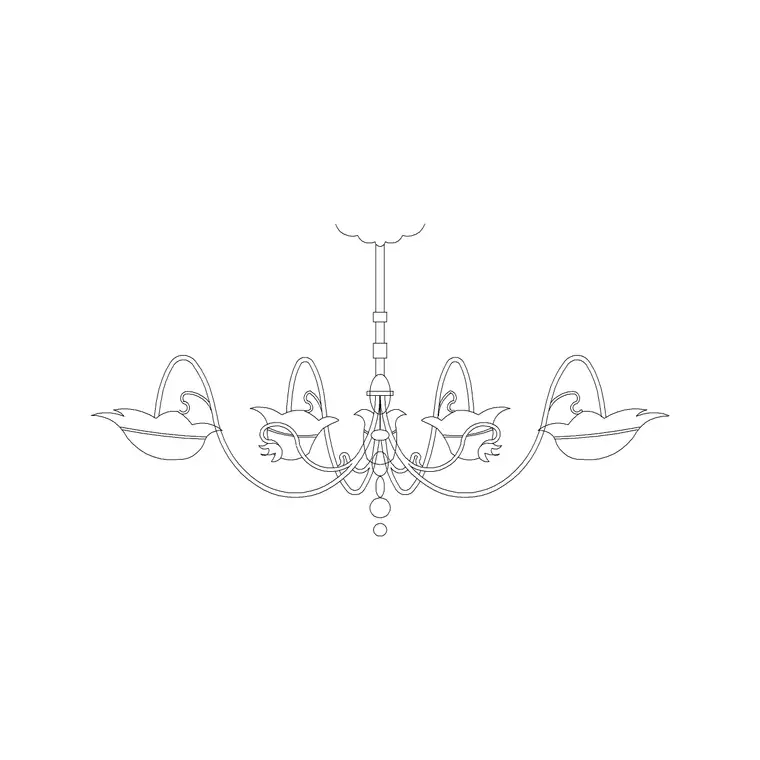
The Lighting category on CADBlockDWG carries luminaire and fitting blocks — downlights, pendants, linear fittings, decorative pieces — all free in DWG with no signup and free for commercial use. For feature spaces, a decorative block such as the Suspended Chandelier Metal Type A gives you a real pendant footprint to centre over a dining table or in a reception, rather than a placeholder circle. Pull the recessed and surface fittings you need for the general lighting, plus any feature pendants.
Many lighting symbols are deliberately simple — a circle with a cross, a square with a diagonal — because an RCP is a coordination drawing, not a render, and clarity beats detail. Download each fitting as a single small DWG. If your RCP also needs grilles, diffusers or detectors, check the relevant categories for those symbols too, so every ceiling element is a consistent block rather than a one-off scribble. Everything is free for commercial use and drops straight into a services package.
Set out luminaires on a grid
Lighting reads best when it is regular, so set out luminaires to a grid rather than scattering them. Start a copy of the floor plan, freeze the furniture, and lay a setting-out grid over each room — often centred on the room or aligned to a structural or ceiling-tile grid. Set your ceiling/lighting layer current, insert the downlight block at the first position, snap it to a grid node, and then array it across the room with ARRAY so the fittings step out evenly. Fix INSUNITS if a fitting arrives oversized.
Centre feature fittings deliberately: drop the chandelier or pendant exactly over the table or focal point it serves, snapping to the midpoint so it sits true. Keep general lighting on a regular grid, switch lines and circuit references on their own layer, and emergency or feature fittings clearly distinguished. Because the RCP shares the floor plan's geometry, you can confirm a downlight does not land on a beam and that a pendant clears a doorway as you go.
Coordinate the ceiling with the room below
The whole point of an RCP is coordination, so check the lighting against everything else on and below the ceiling. Confirm downlights align sensibly over worktops, desks or circulation rather than landing randomly; that a pendant centres on the table on the floor plan beneath; and that luminaires do not clash with ceiling grid lines, bulkheads, diffusers, sprinklers or detectors. Because the RCP is built on the aligned floor plan, you can overlay the furniture layer momentarily to check that task lighting actually falls where people work.
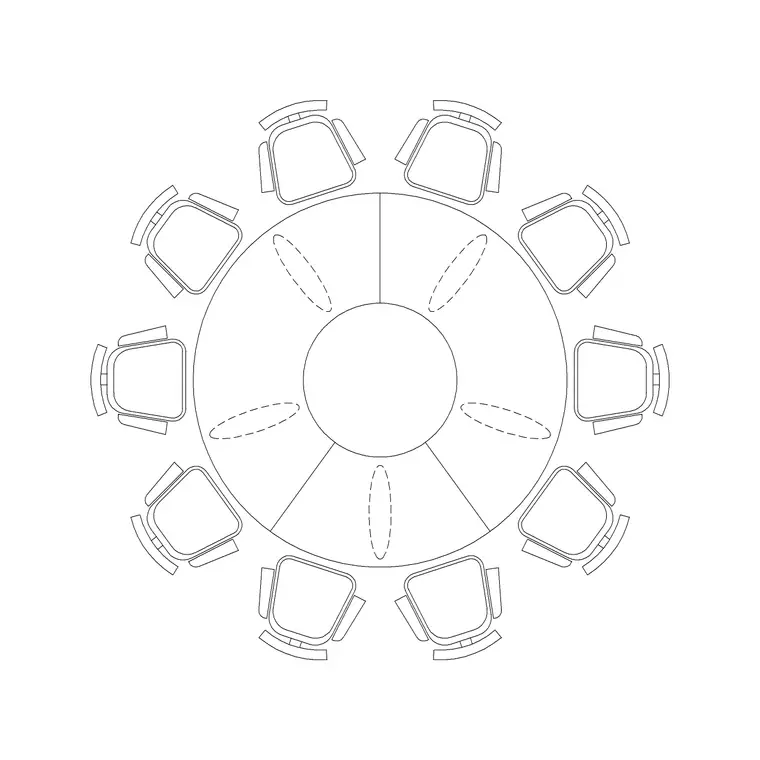
This check is easiest when the furniture below is itself made of accurate blocks. Temporarily turn the furniture layer back on and you can confirm the chandelier sits dead-centre over the 10-seater round table in the dining room, that the downlights wash the seating in a lounge laid out with a sofa group like Sofa Set Plan 1 rather than stranding light over empty floor, and that pendants align with islands and counters in the kitchen. With both the fittings and the furniture as real blocks at real size, clashes and misalignments show up on screen rather than on site. Nudge fittings to resolve conflicts and to tidy the visual rhythm of the grid. A well-coordinated RCP is what stops the classic site problem of a downlight fighting a sprinkler head or a beam — caught now, in the drawing, for the cost of dragging a block.
Layer it and read it the right way up
Keep the RCP content on dedicated layers — general lighting, feature lighting, switching/circuits, ceiling grid, other services — all ByLayer, so you can issue a clean lighting layout, a switching diagram, or a coordinated ceiling plan from one drawing. Keeping the lighting layers separate from the floor-plan layers also means you can toggle the underlying furniture or walls on and off for checking without disturbing the ceiling content.
Add a clear note that the drawing is a reflected ceiling plan, so no one reads it as a floor plan, and run a quick AUDIT and PURGE after importing the fittings. Put the workflow together — build on an aligned floor-plan copy, source consistent free lighting blocks, set luminaires out on a grid with the chandelier centred on its focal point, coordinate against the room and other services, and layer it cleanly — and a proper RCP comes together efficiently from free DWG content, ready to hand to the electrician and ceiling contractor.
Questions
Frequently asked
Where can I download free lighting blocks for a reflected ceiling plan?+
The Lighting category on CADBlockDWG has downlights, pendants and feature fittings — including the Suspended Chandelier Metal Type A — free in DWG with no signup and free for commercial use.
What is a reflected ceiling plan?+
A drawing of the ceiling shown as if mirrored on the floor, so it aligns with the floor plan below. It coordinates luminaires, grids, diffusers and detectors with the room and each other.
How do I lay out downlights evenly on an RCP?+
Lay a setting-out grid over the room, insert one downlight block at a node, then use the ARRAY command to step it out evenly. Centre feature pendants on the table or focal point they serve.
Free downloads from this article

Free CAD block library
Download the blocks from this article — free, no signup


