Curated pack · electrical symbols cad blocks
Free electrical symbols CAD block pack
By Sumana Kumar · Published 9 Nov 2023 · Updated 6 Jun 2026
An electrical layout is built almost entirely from symbols, so a clean, consistent electrical symbols CAD block pack is the foundation of every small-power and lighting drawing. This free pack collects the symbols you place again and again — single and twin socket outlets, switched and unswitched spurs, one-way and two-way light switches, ceiling and wall light points, fluorescent and emergency fittings, data, TV and telephone outlets, and distribution-board symbols — in DWG and DXF, ready for AutoCAD 2004 or later. Everything is free for personal and commercial use, with no signup and no watermark.
Use the pack to draw domestic and commercial wiring layouts, mark up existing installations, or build a standard electrical legend you reuse on every job. Because the symbols are sized to plot legibly at common scales, they read cleanly on a 1:50 room plan and a 1:100 floor plan alike, without you having to rescale them by hand.
Electrical symbols are a visual language, and the value of a pack like this is consistency: a twin socket should look identical on every sheet of every project, so anyone reading the drawing — the estimator, the installing electrician, the building-control inspector — recognises it instantly. Drawing from one fixed library, rather than redrawing symbols freehand, is what turns a scrappy mark-up into a professional installation drawing.
What's in the electrical symbols pack
The pack covers the standard small-power, lighting and data legend. Power: single, twin, switched and weatherproof socket outlets, fused and unfused spurs, cooker outlets, shaver sockets and floor-box symbols. Switching: one-way, two-way and intermediate switches, dimmers, pull-cords and time switches. Lighting: ceiling rose, pendant, recessed downlight, wall light, fluorescent batten and emergency-light points. Data and comms: RJ45 data outlets, combined TV/LAN faceplates, telephone and TV aerial points.
Distribution: consumer-unit and distribution-board symbols, isolators and meter positions. Every symbol is a single block reference on its own layer, so the whole electrical legend can be coloured and toggled as one overlay.
Why electrical symbols are drawn schematically, not to scale
Unlike a chair or a door, an electrical symbol is not drawn at the real size of the device. A socket faceplate is only around 86 mm square, which would be a barely-visible speck on a 1:100 plan, so the symbol is deliberately enlarged and stylised to stay legible at drawing scale. What matters is the symbol's position — against which wall, at what mounting height noted alongside — not its drawn footprint.
The practical consequence is that you fix the symbol size to the plotted output, not to millimetre reality. The blocks here are drawn so a socket reads at a sensible plotted size; if you work across very different scales, use AutoCAD's annotation scaling or keep two legend sizes so the symbols stay readable without overwhelming a tight room plan.
Building a wiring layout from the symbols
Start from the architectural base plan, externally referenced so the room layout stays live. Place socket outlets first, working round each room against the walls and noting mounting heights where they differ from the standard. Add the lighting points on a separate layer, then the switches that control them, drawing switch-drops or wiring lines to show which switch operates which fitting.
Drop the consumer unit or distribution board into its cupboard or riser, then number the circuits. Keep power, lighting and data on distinct layers so you can plot a clean small-power drawing, a separate lighting drawing and a data drawing from the same base — the standard way an electrical package is split for a contractor.
Per-symbol notes that catch people out
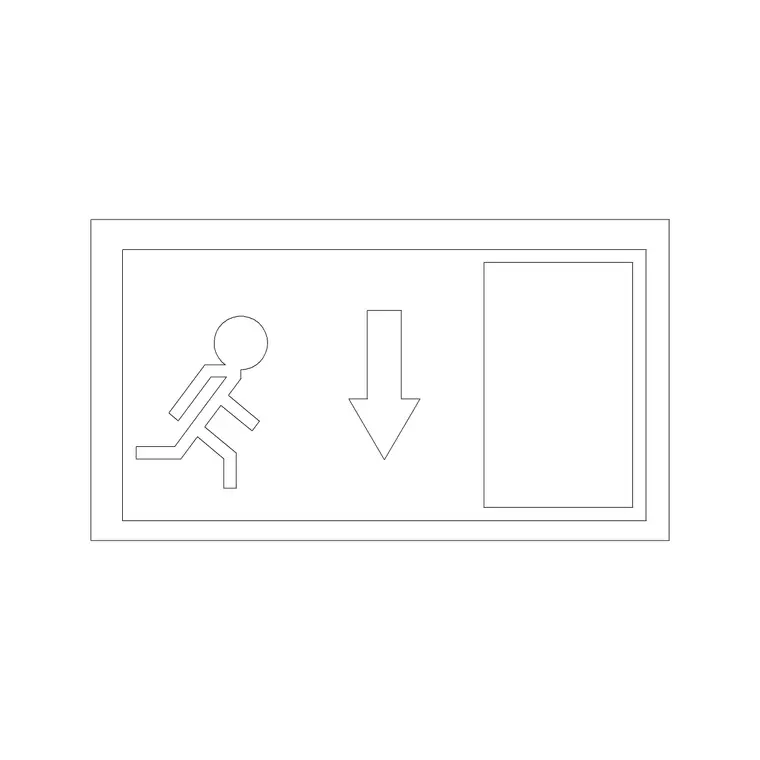
A handful of symbols carry conventions worth knowing. Two-way switches come in pairs and need a connecting line or note so the reader knows they operate the same light from two positions. Switched socket outlets are distinguished from unswitched by a small switch mark — easy to confuse if the symbols aren't from a consistent set. Emergency light fittings carry a distinct mark (often a fitting symbol with an 'M' or a shaded element) so they are not mistaken for standard luminaires during a fire-safety review.
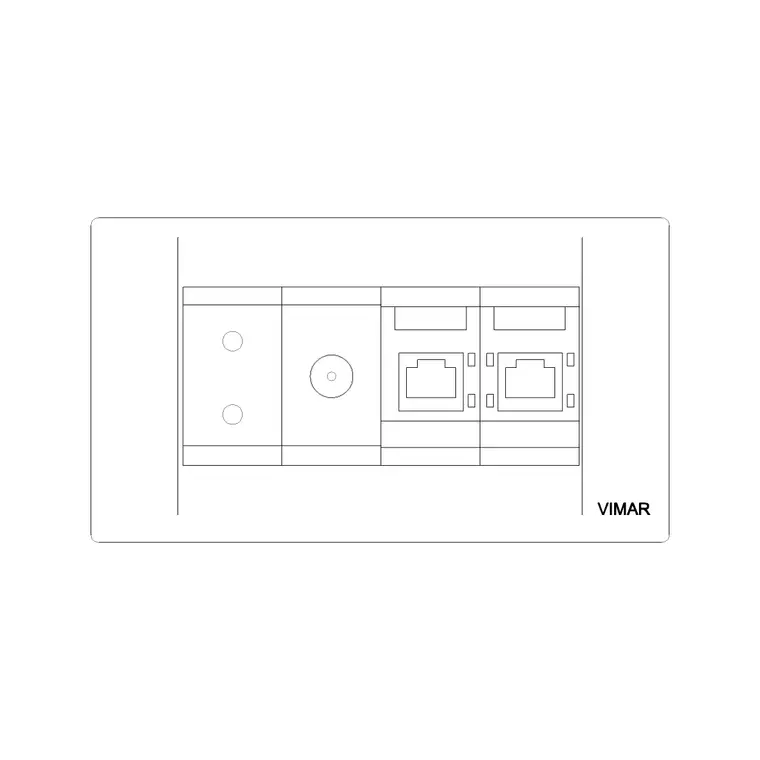
Combined TV/LAN and data faceplates matter on modern fit-outs where one backbox carries several services; the pack includes these multi-service outlets so you don't have to stack three separate symbols on one point. Drawing each consistently from the legend keeps the installer from guessing.
Who uses the electrical symbols pack
Electrical designers and draughtspeople use it to produce small-power, lighting and containment layouts. Electricians use it to mark up existing installations, prepare quotations and draw record drawings. Architects and interior designers use it to indicate socket and switch positions on coordination drawings before an electrical engineer is appointed.
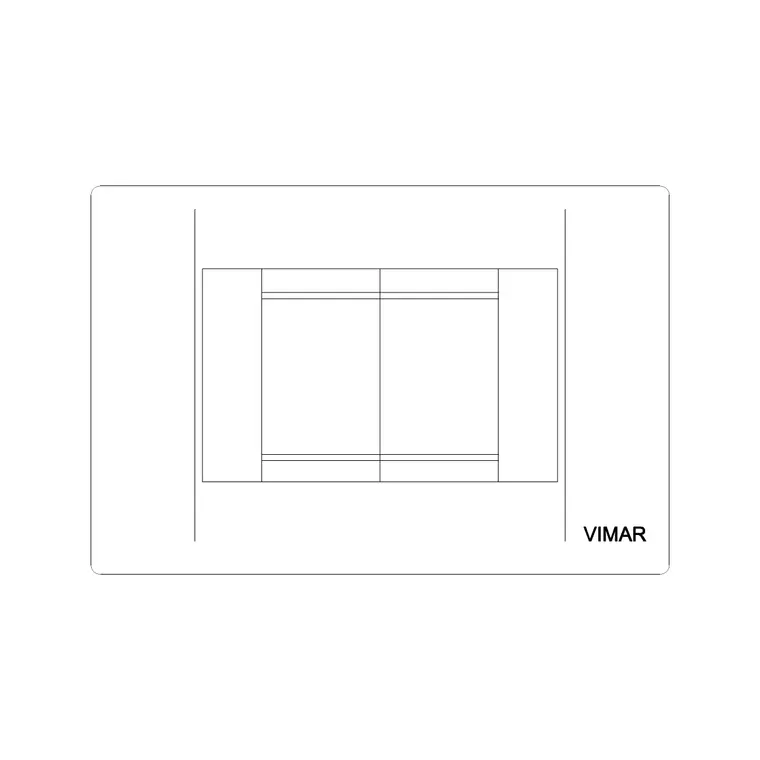
Self-builders and renovators use it to plan socket and light positions room by room before first fix. Pair the pack with the office category — which includes the socket-outlet blocks featured here — and the lighting category to cover both the wiring symbols and the scaled luminaires a full electrical drawing needs.
Building a reusable electrical legend
The biggest time-saver an electrical drafter can build is a standard legend block: a panel listing every symbol the pack contains with a short description beside each. Assemble it once from these blocks, WBLOCK it out as a single DWG, and drop it onto every job so the reader always has the key on the same sheet. A consistent legend is also what building-control reviewers and contractors expect, and it removes the ambiguity that creeps in when symbols are drawn freehand.
Go one step further and attach attributes to the power and lighting symbols — a circuit reference, a mounting height — and you can extract a points schedule or a circuit list straight from the drawing. That turns the layout into a quantity take-off as well as a wiring plan: the same socket symbols that show the electrician where to drill also tell the estimator how many outlets the job carries, all from one consistent, free block set.
Free download
Browse the full library — DWG & DXF, no signup.
Questions
Frequently asked
Are electrical CAD symbols drawn to real size?+
No. Electrical symbols are schematic — a socket or switch is drawn enlarged so it reads at the plan scale, because a real faceplate is too small to see on a 1:100 drawing. What matters is the symbol's position and any noted mounting height, not its drawn footprint.
What electrical symbols are in the pack?+
Single, twin, switched and weatherproof sockets, spurs and cooker outlets, one-way/two-way/intermediate switches and dimmers, ceiling, wall and recessed light points, fluorescent and emergency fittings, data, TV and telephone outlets, and distribution-board symbols.
Can I build a standard electrical legend from these blocks?+
Yes — that is exactly what they are for. Assemble the symbols you use into a legend panel, WBLOCK it out as one DWG, and drop it onto every job so the key is consistent across all your drawings and the reader always recognises each symbol.
Are the electrical symbols free for commercial work?+
Yes. Every symbol downloads free in DWG and DXF with no signup, no watermark and no attribution requirement, and they are cleared for commercial installation drawings and quotations.
Related downloads
Blocks for this guide
Related categories
Related guides
Curated pack
Free MEP CAD Block Pack — DWG & DXF Download
Free MEP CAD block pack in DWG and DXF — electrical, mechanical and plumbing symbols, fixtures and equipment for AutoCAD services drawings. No signup.
Curated pack
Free HVAC CAD Block Pack — DWG & DXF Download
Free HVAC CAD block pack in DWG and DXF — fan-coil units, AHUs, grilles, diffusers, ductwork fittings and radiators for AutoCAD mechanical drawings. No signup.
Curated pack
Free Fire Safety Symbols CAD Block Pack — DWG
Free fire safety symbols CAD block pack in DWG and DXF — extinguishers, exit signs, alarms, escape routes and assembly points for AutoCAD fire plans.