Curated pack · mep cad blocks
Free MEP CAD block pack for AutoCAD
By Sumana Kumar · Published 29 Jan 2026 · Updated 19 May 2026
MEP work covers three trades that all land on the same drawing — mechanical, electrical and plumbing — and each one needs its own family of scaled symbols and equipment outlines. This free MEP CAD block pack gathers the lot in DWG and DXF: socket outlets and switches, light fittings and distribution boards, fan-coil units and grilles, sanitary fixtures and pipework symbols, drawn at true millimetre dimensions and ready to drop into AutoCAD 2004 or later. Everything is free for personal and commercial work, with no signup, no watermark and no attribution.
Use the pack to produce coordinated services drawings — small-power and lighting layouts, mechanical ventilation plans, plumbing and drainage runs — without redrawing the symbol legend from scratch on every project. Because the equipment outlines are scaled, the moment a fan-coil or a distribution board lands on the page you can see whether it actually fits the riser, the ceiling void or the plant room you have allowed for it.
MEP drawings live or die by coordination: the electrician's cable tray, the ductwork and the soil pipe all compete for the same ceiling void, and the only way to spot a clash early is to draw every service to scale on a shared layer convention. Starting from a consistent block library — one where a socket symbol is the same size on the ground-floor plan as on the third — is what keeps a services set readable as it grows from a single sheet to a full package.
What the MEP pack covers
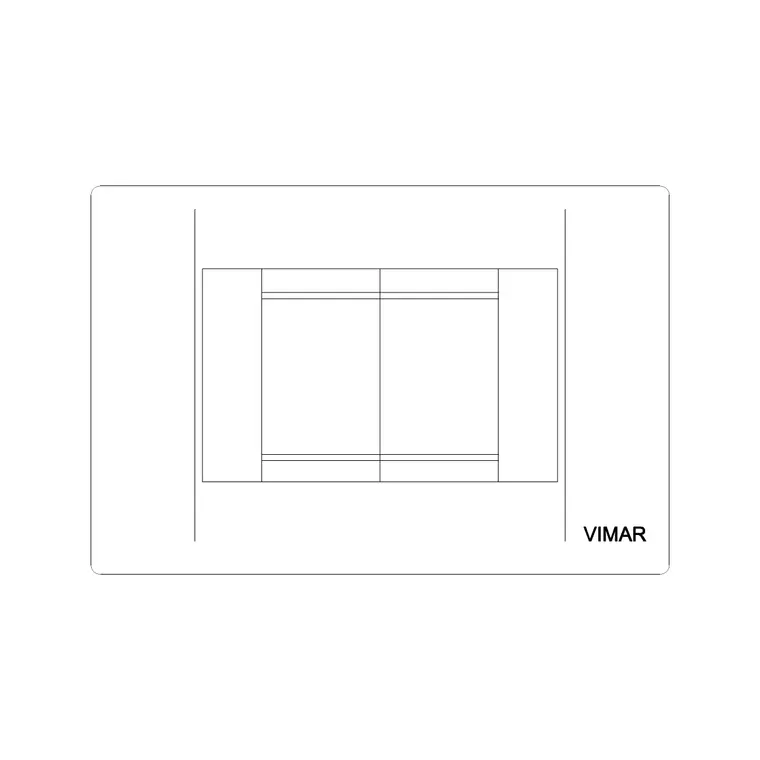
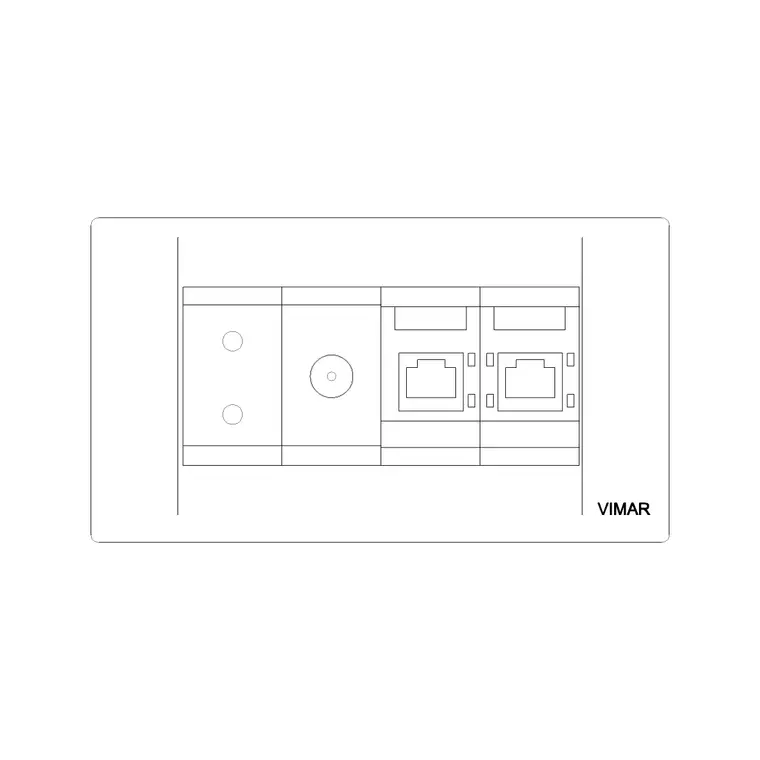
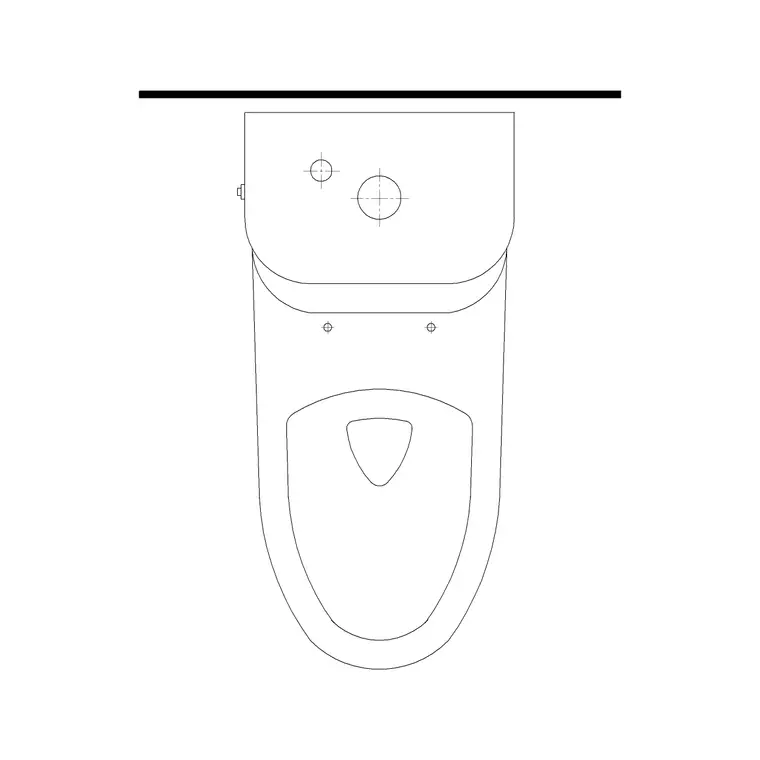
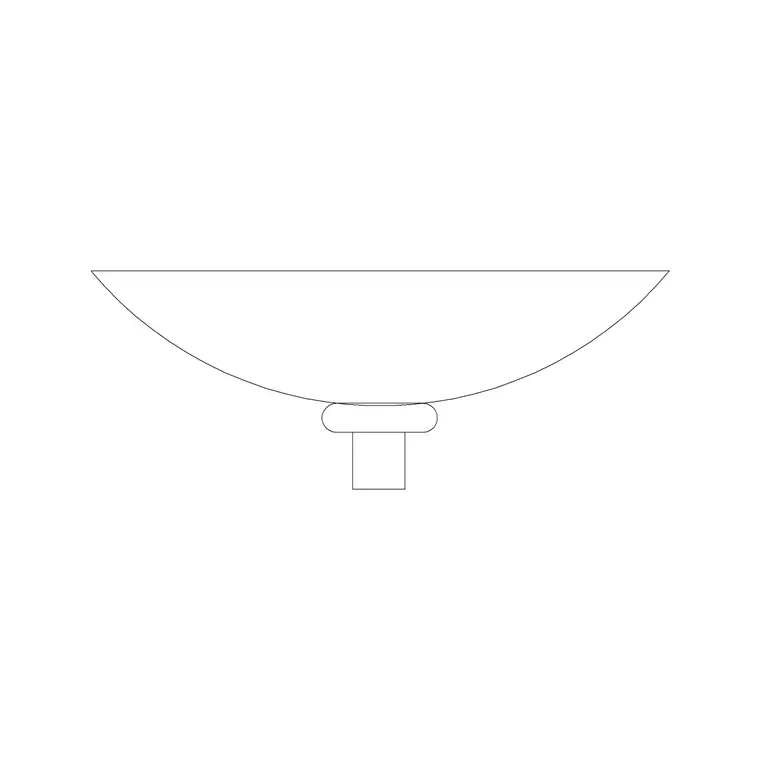
The pack is organised by discipline so you can load only the symbols a given sheet needs. Electrical: single, twin and switched socket outlets, light switches, ceiling roses, distribution boards, consumer units and data/TV outlets. Mechanical: fan-coil units, air-handling unit footprints, supply and extract grilles, diffusers, radiators and pipework symbols. Plumbing and drainage: WCs, basins, sinks, floor gullies, stop valves, gate valves and rising-main symbols.
Symbols are drawn as discrete block references on sensible layers, so you can colour and freeze the electrical legend independently of the mechanical and plumbing legends. That separation is what lets one base plan carry three coordinated services overlays without the sheets turning to soup.
How MEP symbols differ from scaled equipment
An MEP drawing mixes two kinds of block, and it helps to treat them differently. Schematic symbols — a socket, a switch, a valve — are drawn at a fixed plotted size so they read at the drawing scale rather than at real-world size; a socket symbol that was drawn to true 86 mm faceplate dimensions would vanish on a 1:100 plan, so the symbol is deliberately enlarged to remain legible. Scaled equipment — a fan-coil unit, an AHU, a distribution board, a radiator — is drawn at true size because its footprint genuinely needs to be checked against the space.
The pack keeps these consistent: symbols plot at a standard legend size across all sheets, and equipment carries real dimensions so clearance and access checks are honest. When you set up a services template, fix the symbol scale once via a plot-scale or annotation-scale convention so every socket and switch reads identically wherever it appears.
Using the pack across the three services overlays
Start from a clean architectural base — walls, doors, windows and room names — externally referenced (XREF) into each services sheet so the building geometry is shared and updates in one place. Then build the electrical layout: drop socket and switch symbols against the walls, run the distribution board into the riser, and add the lighting on a separate layer.
For the mechanical sheet, place the fan-coil and grille blocks against the same base, route the ductwork, and check the ceiling void depth against the equipment heights. For plumbing, fix the WC and sink positions to the drainage and rising main. Because all three sheets share the XREFed base, a change to a wall position flows through to every services overlay at once — which is exactly the coordination MEP sets are graded on.
Per-discipline notes on the key blocks
A few blocks reward a closer look. Socket outlets: the pack includes single and twin sockets plus combined TV/LAN faceplates, which matter on modern fit-outs where data and power share a backbox. Distribution boards and consumer units: drawn at true footprint so you can confirm the cupboard or riser depth, with space allowed for the door swing and working clearance in front.
Grilles and diffusers come in supply and extract variants so the airflow direction reads on the plan. Sanitary fixtures share the same footprints as the plumbing pack, so a WC drawn on the drainage sheet matches the one on the architectural plan exactly — no awkward mismatch between the architect's toilet and the services engineer's toilet.
Who uses the MEP pack
Building-services engineers and MEP draughtspeople use it to turn around small-power, lighting, ventilation and plumbing layouts quickly. Architects use it to indicate services intent on coordination drawings before a specialist engineer is appointed. Electricians, mechanical contractors and plumbers use it to mark up record and as-built drawings on site.
Students and self-builders use it because the symbols are scaled, licence-clear and don't require a paid services library. Pair the pack with the building-symbols, office, bathroom, lighting and sinks-and-faucets categories to assemble a complete services-and-architecture kit from one consistent, free source.
Keeping a services drawing coordinated
The recurring failure on MEP sets is the clash that nobody saw until site: the ductwork drops exactly where the soil pipe rises, or a distribution board lands behind a door. Scaled blocks on a disciplined layer convention are the cheapest defence. Put electrical, mechanical and plumbing each on their own layer groups, give each a distinct colour, and overlay them on the shared architectural XREF so you can toggle one trade at a time or view all three together.
When the layout settles, the same blocks feed the legend and the schedules: tag the equipment with attributes — a circuit reference on a board, a duty on a fan-coil — and you can extract a schedule straight from the drawing. That turns the services plan into more than a picture; it becomes the data the installer and the commissioning engineer actually work from, and it stays consistent because every sheet was drawn from the same block kit.
Free download
Browse the full library — DWG & DXF, no signup.
Questions
Frequently asked
What does MEP stand for in CAD drawings?+
MEP stands for Mechanical, Electrical and Plumbing — the three building-services disciplines. An MEP CAD pack carries the symbols and scaled equipment for all three: ventilation and heating (mechanical), power, lighting and data (electrical), and water, sanitary and drainage (plumbing).
Are the MEP blocks symbols or true-size equipment?+
Both. Schematic symbols like sockets, switches and valves are drawn at a legible plotted size for the legend, while equipment such as fan-coil units, distribution boards and radiators is drawn at true millimetre size so you can check it against the available space.
Are the MEP CAD blocks free for commercial use?+
Yes. Every block downloads free in DWG and DXF with no signup, no watermark and no attribution requirement, and they are cleared for commercial project use across all three services disciplines.
How should I organise MEP blocks in a drawing?+
Keep electrical, mechanical and plumbing on separate layer groups with distinct colours, and overlay them on a shared architectural XREF. That lets you toggle one trade at a time, spot clashes between services, and produce a coordinated package from one base plan.
Related downloads
Blocks for this guide
Related categories
Related guides
Curated pack
Free Electrical Symbols CAD Block Pack — DWG
Free electrical symbols CAD block pack in DWG and DXF — sockets, switches, light points, data outlets and distribution boards for AutoCAD layouts.
Curated pack
Free HVAC CAD Block Pack — DWG & DXF Download
Free HVAC CAD block pack in DWG and DXF — fan-coil units, AHUs, grilles, diffusers, ductwork fittings and radiators for AutoCAD mechanical drawings. No signup.
Curated pack
Free Fire Safety Symbols CAD Block Pack — DWG
Free fire safety symbols CAD block pack in DWG and DXF — extinguishers, exit signs, alarms, escape routes and assembly points for AutoCAD fire plans.