12 best free sink & faucet CAD blocks (2026)
Twelve free DWG sink and faucet blocks for kitchen and bathroom drawings in 2026 — basins, kitchen sinks and taps, in plan and elevation, with real sizes.
Saumyajit MaityUpdated 28 March 20264 min read
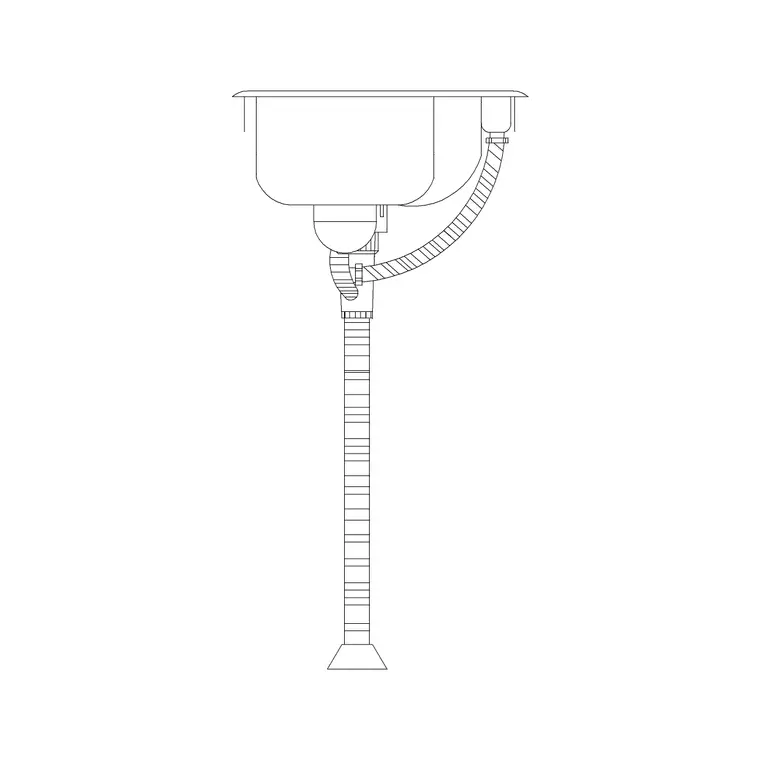
Sinks anchor every kitchen and bathroom drawing
Wherever there is water, there is a sink, and getting the block right keeps a kitchen or bathroom layout honest. A basin governs the spacing of a vanity; a kitchen sink governs the run of the worktop and where the plumbing lands. Drawn accurately, these blocks let you confirm a tap reaches, a bowl fits the cabinet, and there is elbow room to use it — drawn carelessly, they hide problems until the units are installed.
The twelve blocks below are free DWG downloads from the Sinks & Faucets category here — no signup, free for commercial use. Sink blocks come in both plan (the bowl seen from above, for layouts) and elevation (the basin profile, for interior elevations). Bathroom basins commonly read around 450-600mm wide; a single kitchen bowl is often near 500mm. Confirm a block matches the real fixture before you space a vanity or worktop around it.
1–4: Bathroom basins at standard sizes
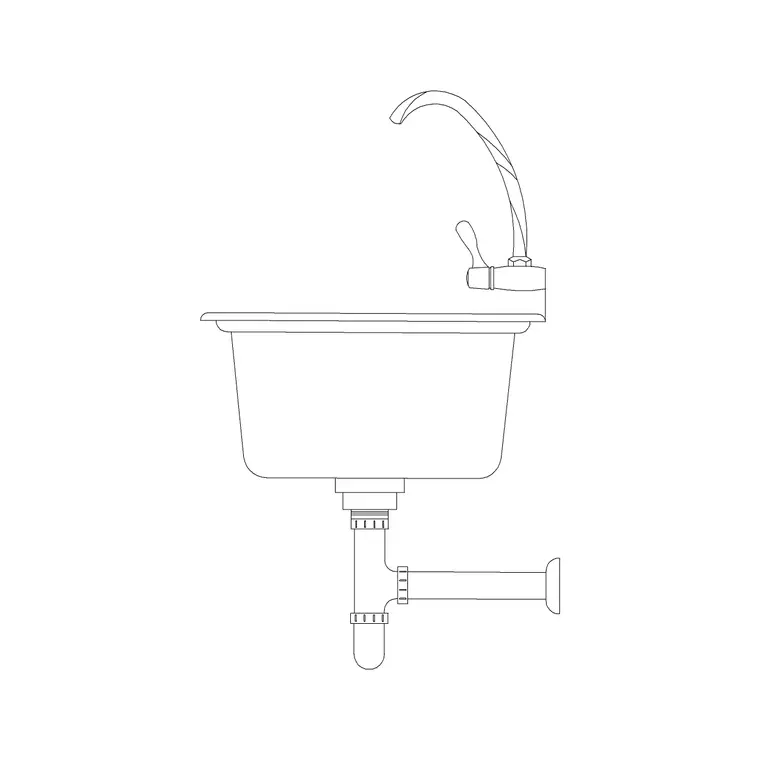
Start with the bathroom basin, the fixture you place most. Our 370mm, 450mm and 500mm Sink Elevation blocks cover the common widths — a 370mm basin suits a cloakroom, while 450-600mm suits a main bathroom vanity. Keep the elevation versions for your bathroom wall elevations and the plan versions for the layout.
When you place a basin, leave roughly 200mm clear on each side to the wall or the next fixture so there is room to stand and use it, and check the tap position against the splashback. Having basins at several real widths means you fit the bowl to the vanity rather than stretching one block to fake another, which throws off the proportions of the whole vanity run.
5–7: Vanity and twin-basin units
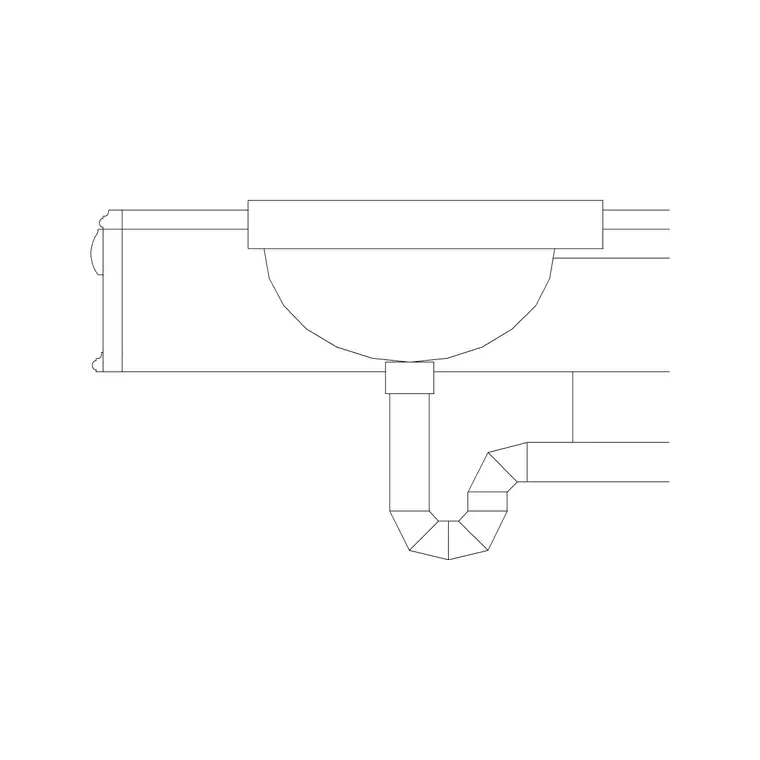
Larger bathrooms and shared en-suites often want a vanity with the basin set into a counter, or twin basins side by side. A countertop basin block shows the bowl within the worktop outline; a twin-basin unit, like the principle behind our 1000mm double sink elevation, shows two bowls with the spacing between them. For two basins, allow enough width that two people are not knocking elbows — roughly 1800mm of vanity for a comfortable twin layout.
Keep a single-vanity block and a twin. These are the blocks that make a primary-suite bathroom read as generous, and drawing the real basin spacing confirms the vanity actually delivers the his-and-hers function it promises.
8–10: Kitchen sinks — single and double bowl
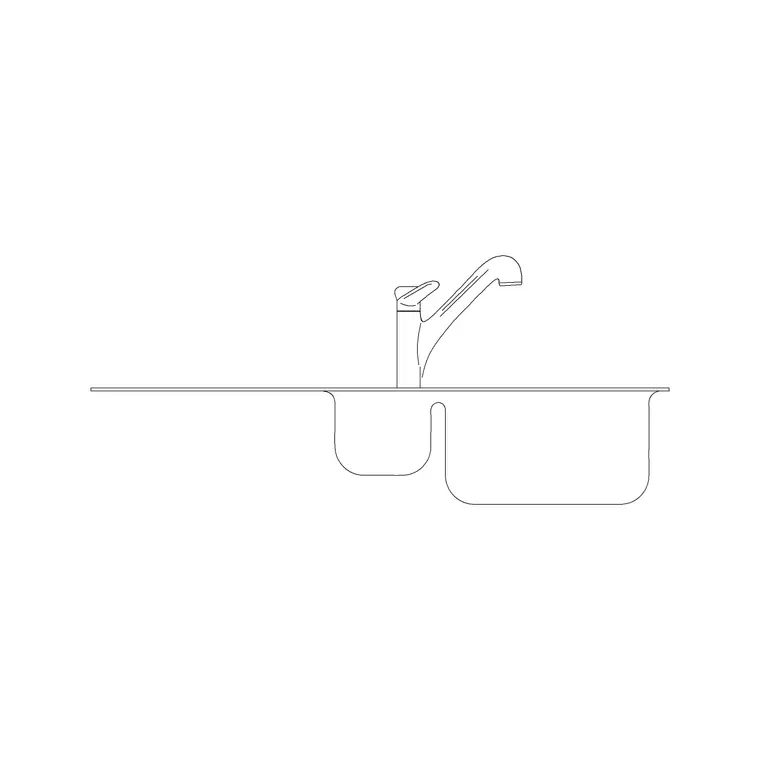
Kitchen sinks change the worktop run, so accurate blocks matter. A single-bowl sink is often around 500mm wide and drops into a 600mm base cabinet; a double-bowl (often a 1000mm+ unit) needs an 800mm or wider cabinet beneath. Show the sink in plan within the worktop, and keep at least 600mm of worktop on at least one side as a landing area beside it.
Keep a single bowl, a one-and-a-half bowl and a double. The sink position also sets where the waste and supplies run, so placing the right block honestly is what lets the plumbing and the cabinetry coordinate rather than clash on site.
11–12: Faucets, taps and mixer details
Finish with the taps themselves. A faucet block — a pillar tap, a monobloc mixer or a wall-mounted spout — sits behind the basin or sink and matters most in elevation, where it shows the spout height and reach over the bowl. Keep a basin mixer and a kitchen mixer; a tall spout suits a kitchen so you can fill a pot, while a lower basin mixer suits a bathroom.
With these twelve in your Sinks & Faucets folder you can detail any wet area in 2026: basins at every width, vanity and twin units for larger bathrooms, single and double kitchen sinks for the worktop run, and mixer taps to complete the elevations. Download what each room needs, place the plan version on layouts and the elevation on wall elevations, and check the tap reach and the clear space around every bowl before you finalise the drawing.
Downloading and placing sink blocks
Each sink and tap downloads as a single DWG from the Sinks & Faucets category — click download, no account, free for commercial work. Insert with the INSERT command (type I, Enter, browse to the file). On a plan, drop the bowl into the worktop or vanity and snap it to the cabinet centre; on an elevation, place the basin profile and add the faucet block behind it so the spout sits over the bowl. Keep sanitaryware on its own layer so it edits cleanly with the rest of the fit-out.
If a block inserts at the wrong size it is a units mismatch — these are millimetre blocks, so set INSUNITS or scale by 0.001 for a metre drawing.
A wet-area tip that saves coordination headaches: the sink sets where the plumbing lands, so place it deliberately, not as an afterthought. Fit the bowl to its cabinet — a 500mm sink wants a 600mm base unit, a double bowl an 800mm-plus one — and leave a worktop landing area of at least 600mm on one side of a kitchen sink for draining and prep. In the bathroom, check the tap reach over the basin and the 200mm of elbow room each side. Getting the sink and tap right on the drawing is what lets the cabinetry and the supplies agree on site instead of clashing.
Questions
Frequently asked
What size is a bathroom basin block?+
Bathroom basins commonly read around 450-600mm wide, with a compact cloakroom basin near 370mm. A single kitchen bowl is often around 500mm. Match the block to the real fixture.
Should I use plan or elevation sink blocks?+
Use plan (top-down) sink blocks on layouts and elevation (profile) blocks on interior wall elevations, where the tap height and reach over the bowl matter.
Are these sink and faucet blocks free for commercial use?+
Yes. Every sink and tap DWG in the Sinks & Faucets category here is free for personal and commercial projects with no signup.
Free downloads from this article
Free CAD block library
Download the blocks from this article — free, no signup


