10 best free indoor plant CAD blocks for renders
Ten free DWG indoor plant blocks to bring interior plans and elevations to life — potted plants, planters and trees, in plan and elevation views.
Saumyajit MaityUpdated 2 June 20264 min read

Plants are the cheapest way to warm up a drawing
A few well-placed plants turn a cold interior plan or elevation into a space that feels lived in. Greenery softens hard corners, signals scale, and tells a client this is a room people would enjoy being in — all for the cost of inserting a block. In renders and presentation drawings especially, indoor plants do an outsized amount of work for almost no effort.
Every block in this roundup is a free DWG from the Trees & Plants category here — no signup, free for commercial use. Indoor plant blocks come in two views: a plan symbol (the canopy seen from above, for floor plans) and an elevation (the plant in profile, for interior elevations and sections). Match the view to the drawing — an elevation plant lying flat on a plan is an instant tell.
1–3: Potted floor plants with metal stands
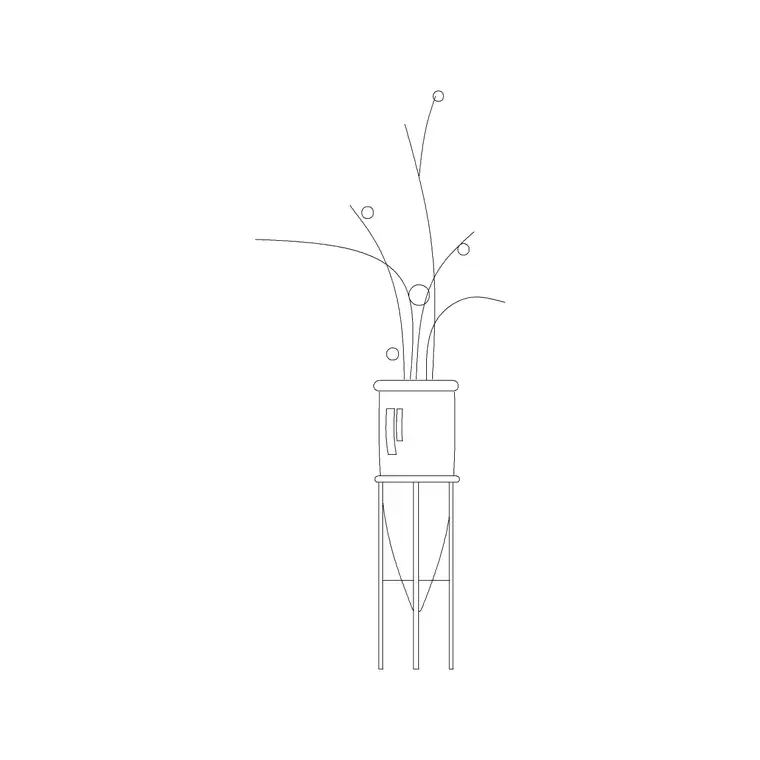
Start with the statement floor plants. Our Indoor Large Plant With MS Legs is an elevation block — a leafy plant in a pot raised on a mild-steel stand — that suits a corner of a living room, a lobby or an office breakout. A floor plant like this typically reads around 1500-1800mm tall in elevation, so it fills a vertical gap on a wall elevation nicely.
Keep two or three at different heights and spreads. The MS-legged planters in particular suit contemporary interiors, and varying the species and pot style stops a scheme from showing the same plant in every room. Place them where a real plant would go — beside a sofa, flanking an entrance — not floating in the middle of the floor.
4–6: Smaller table and shelf plants
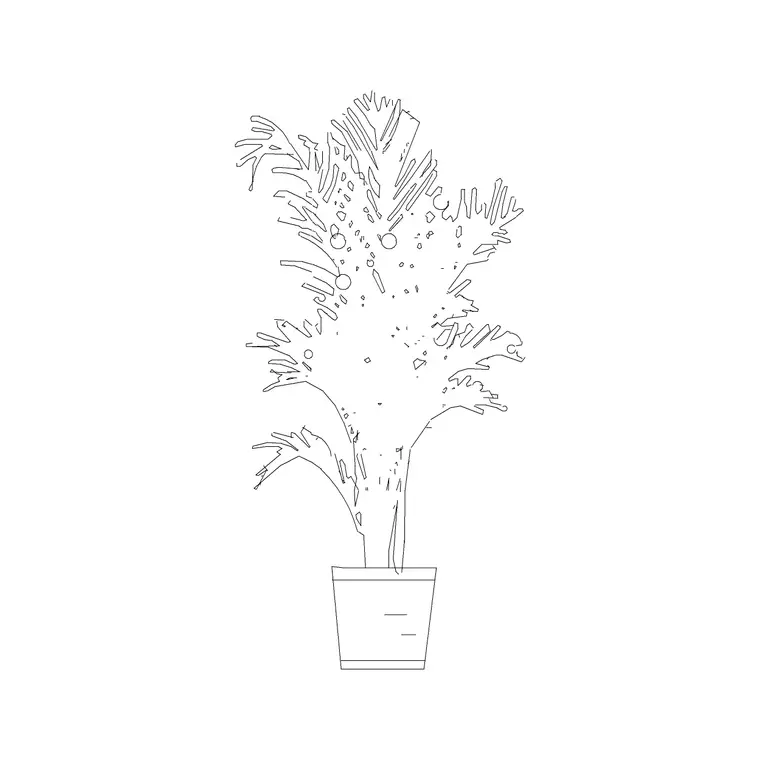
Not every plant is floor-standing. Smaller potted plants for tables, shelves, reception desks and windowsills add detail at a finer grain. The Indoor Plant Type A block and similar tabletop pots work here. In plan view these are small circular canopy symbols; in elevation they are low pots with foliage above.
Scatter a few of these across a plan — one on the dining sideboard, one on a desk, one on a bathroom shelf — and the drawing reads as a home rather than a showroom. Because they are small, vary and rotate them so no two are identical; nature is not symmetrical and trained eyes notice repetition.
7–8: Tall indoor trees and feature planting
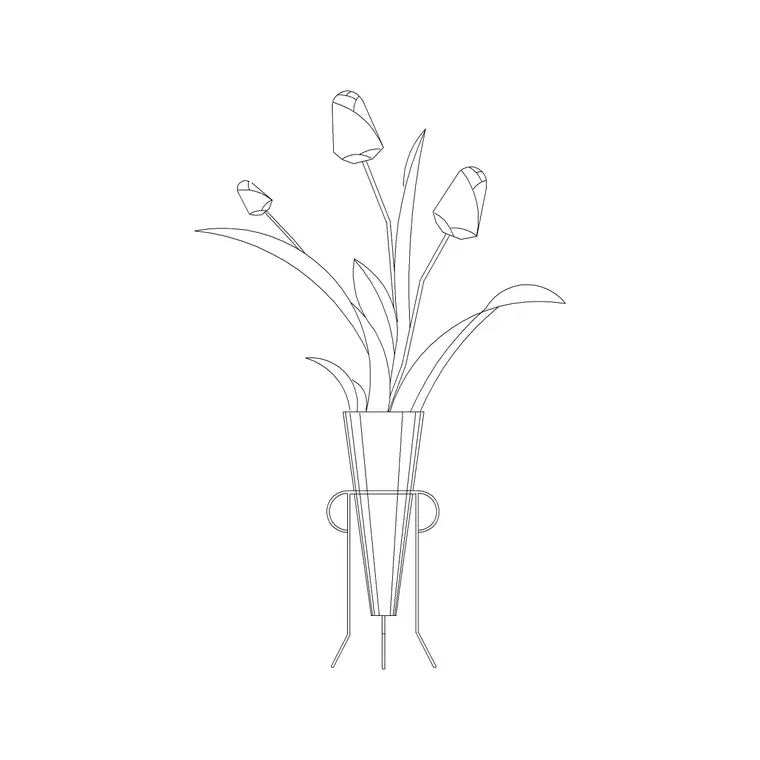
For double-height spaces, atria and large lobbies, a tall indoor tree anchors the volume. A feature indoor tree can read 2500mm or more in elevation, so it is most useful in sections and tall elevations where it shows the space has real height. The tulip and curve-legged planter blocks add character for hospitality and retail interiors.
Keep one or two tall trees for the rooms that deserve a focal point. The honest way to use them is to draw the canopy at a believable spread for an indoor specimen — generous, but not a forest — so the drawing does not over-promise the planting.
9–10: Plan-view canopy symbols for floor plans
Finish with two simple plan symbols. For a furnished floor plan you often want the top-down canopy circle rather than a detailed elevation block — it marks where planting goes without cluttering the plan. Keep one generic round canopy and one cluster symbol for grouped planting such as a row along a window.
With these ten in your Trees & Plants folder you can green up any interior drawing: tall feature plants and trees for elevations and sections, table and shelf pots for fine detail, and clean canopy symbols for the plan. Download what each drawing needs, keep planting on its own layer so you can dim or recolour it independently, and vary the species so the greenery reads as designed, not stamped.
How to download and use these for renders
Each plant downloads as a single DWG from the Trees & Plants category — one click, no signup, free for commercial work. Insert with the INSERT command (type I, Enter, browse to the file), and for elevation plants snap the base of the pot to the floor line; for plan symbols, place the canopy centre where the plant sits. Put all planting on a dedicated greenery layer so you can dim it for a structural sheet or push it forward for a presentation render.
If a plant inserts at the wrong size it is a units mismatch — these are millimetre blocks, so set INSUNITS to match your drawing or apply a SCALE factor of 0.001 for a metre-based file. A quick check against a dimension confirms a floor plant reads around 1500-1800mm tall.
A render-specific tip: greenery only sells a drawing if it looks placed rather than stamped. Use two or three different plant blocks in a scene, mirror and rotate individual pots so no two are identical, and put the larger floor plants where the eye lands first — flanking a sofa, beside an entrance, in the corner a camera would see. A single statement plant in the foreground does more for a render than a dozen identical pots dotted evenly around the room, so spend your planting where it carries the image.
Questions
Frequently asked
Should I use plan or elevation indoor plant blocks?+
Use plan-view canopy symbols on floor plans and elevation (profile) plant blocks on interior elevations and sections. Mixing the two reads as a mistake.
How tall is an indoor plant block in elevation?+
As a guide, floor-standing potted plants read around 1500-1800mm tall and feature indoor trees 2500mm or more. Draw the height and canopy to a believable size for the species.
Are these indoor plant blocks free for client work?+
Yes. Every plant DWG in the Trees & Plants category here is free for personal and commercial use with no signup.
Free downloads from this article
Free CAD block library
Download the blocks from this article — free, no signup


