Where to find free side table DWG files (and how to use them)
Free side table and end table DWG files for AutoCAD, no signup. Where they live, the small footprint to expect, and how to place them beside seating.
Sumana KumarUpdated 31 May 20264 min read
What a side table block is
A side table — also called an end table or occasional table — is the small companion table that sits beside a sofa or armchair to hold a lamp, a drink or a book. It is one of the smallest furniture blocks: a compact square or round outline around 450 to 550mm across and roughly the same height as the sofa arm beside it. Small as it is, it does real work in a layout, signalling where a lamp and a reading spot belong.
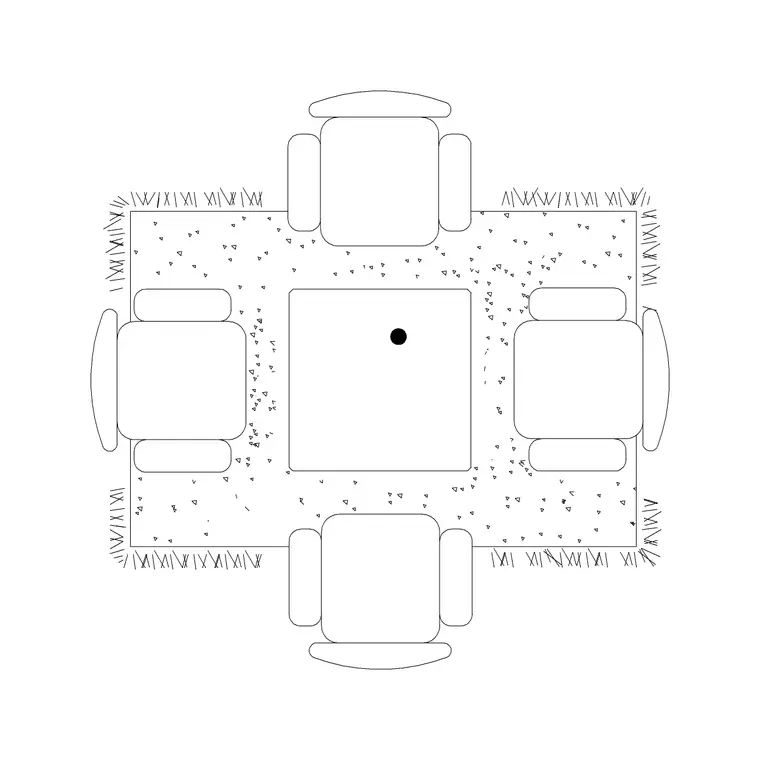
The side table DWGs here are vector and measure true, so you can confirm that small footprint with a quick dimension. Some blocks give you a plain occasional table; the table-with-rug block grounds a table on a rug if you want it to read as a feature. Everything is free, downloads on click, and needs no login — handy when you just need a couple of end tables to finish a seating group.
Finding the side tables
The side tables are in the Furniture category with the rest of the living-room pieces. Search 'table' to gather side, coffee and dining tables, or 'side table' to narrow to the small occasional tables.
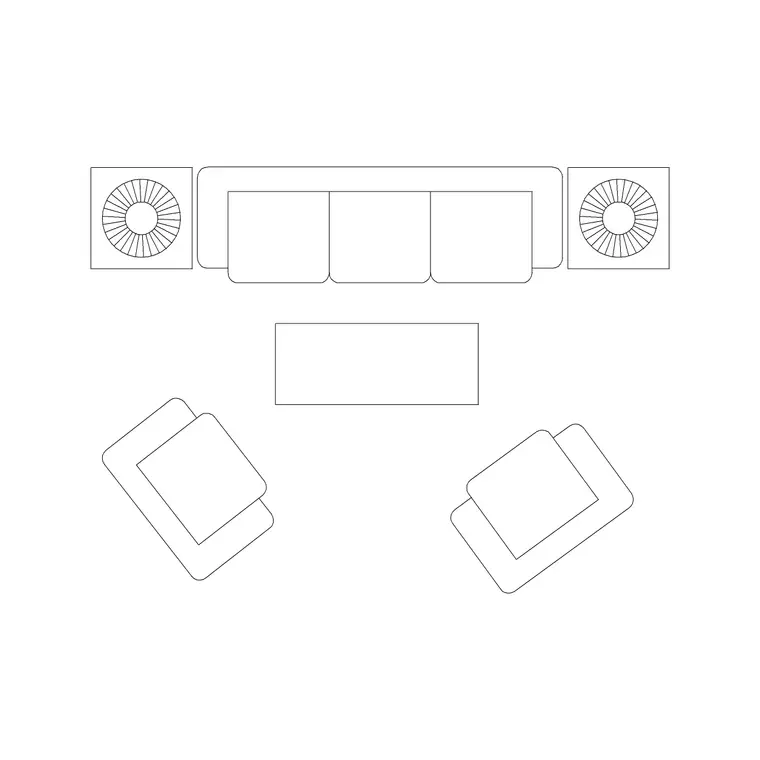
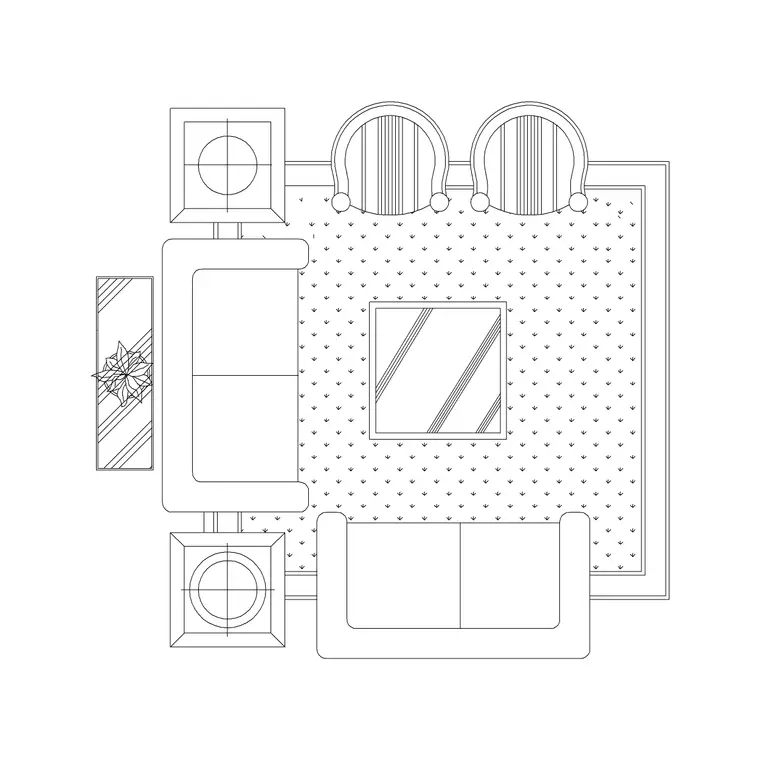
The Table With Rug block works as a standalone occasional table that reads clearly on a plan. If you would rather place the side table as part of a complete arrangement, the Sofa Set With Table and Sofa With Chair blocks build the seating group around which an end table naturally sits — you can then drop a small table beside the sofa to finish it.
Open the product page, check the preview, and download the DWG. No signup is required, and the blocks are free for commercial use.
Inserting the side table
Run INSERT (I), browse to the side-table DWG, and place it at scale 1, rotation 0 — it is drawn at real-world size. Snap it tight to the end of the sofa or beside the armchair so it sits within easy reach; a side table floating away from the seating looks wrong and serves no purpose.
Keep it flush with, or just slightly proud of, the sofa arm so the surface is at hand from the seat. There is no minimum clearance to fuss over — the table tucks into the gap beside the seating — but keep it clear of the main walkway so people are not catching it as they pass.
If the table comes in mis-scaled, set INSUNITS consistently or SCALE by 0.001 / 1000. Then move it onto your Furniture layer with the rest of the group.
Using side tables to finish a layout
Side tables are the finishing touch that makes a living-room plan read as a real, lived-in space rather than a bare seating diagram. Place one at each end of a sofa, or beside each armchair, and the layout immediately suggests lamps, reading and the small rituals of how the room is used.
They are also a quick way to balance an arrangement: an end table on the open side of a sofa anchors that corner and stops the seating looking lopsided. In a hotel lobby or waiting area, a side table between two armchairs is a classic, readable grouping you can build from one table block and two chair blocks.
Keep the side tables on the Furniture layer with the seating so the whole group dims and freezes together when you need a clean structural plan. Because the blocks are small and simple, a few of them placed thoughtfully lift a layout for almost no effort.
Round or square, and where else it works
A side table is small enough that its shape is mostly about how it tucks beside the seating. A square or rectangular end table sits neatly flush against the straight arm of a sofa; a round one removes the corner and is kinder beside a walkway or in a child-friendly room. Because the block measures true and inserts at real size, you can drop one of each beside a seat and judge by eye which reads better against the arm line.
The same little table is useful well beyond the living-room sofa. It works as a bedside table flanking a bed, a lamp table in a hallway, a drinks table between two lobby armchairs, or a plant stand in a corner. Reuse one good block across these roles and vary the placement rather than the geometry — rotate it, mirror a pair, or ground it on a rug for a feature.
Give it the quick vet before you rely on it: dimension the top to confirm the small footprint, check it sits on layer 0 so it inherits your Furniture layer, and confirm there is no stray geometry. A clean, correctly scaled occasional table is one of the cheapest blocks to place and one of the most useful for making a room read as lived-in. Keep two or three on a tool palette and you can finish almost any seating group in seconds, anchoring the open corner and giving every seat a surface within reach.
Questions
Frequently asked
What size is a side table on a plan?+
Around 450 to 550mm across — one of the smallest furniture blocks. Measure it after inserting to confirm the scale, then snap it tight to the sofa or armchair.
Where do side tables go in a layout?+
Beside seating — at the end of a sofa or next to an armchair — so the surface is within reach. They finish a seating group and help balance an arrangement.
Are the side table DWG files free?+
Yes. Every side table block downloads instantly in DWG with no account and is free for personal and commercial use.
Free downloads from this article
Free CAD block library
Download the blocks from this article — free, no signup


