Where to find free cushioned-back chair DWG files
Free cushioned-back chair DWG files for AutoCAD, no signup. Where the padded chair blocks are, the views available, and how to insert and arrange them.
Sumana KumarUpdated 10 May 20264 min read
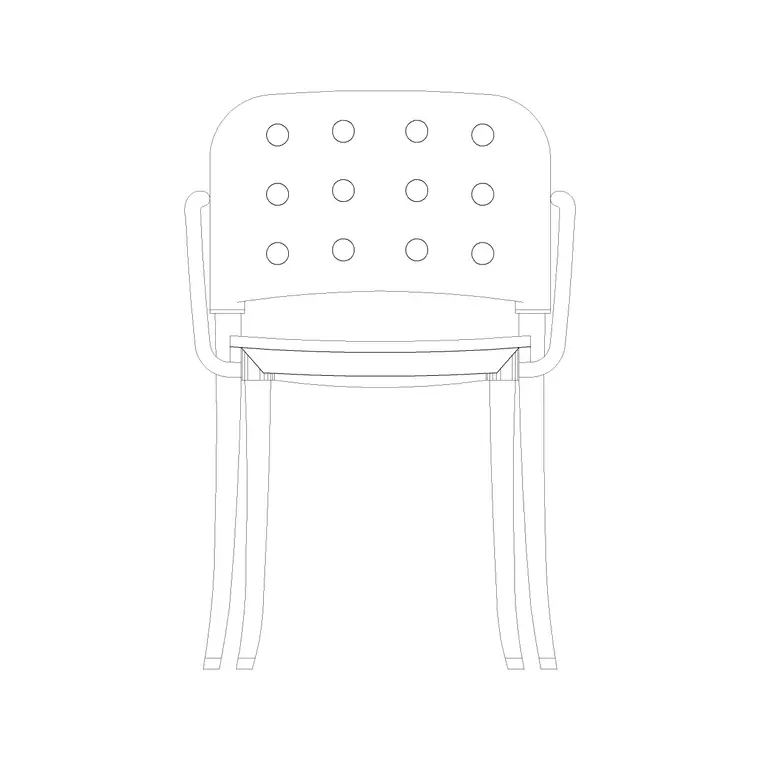
What a cushioned-back chair block is
A cushioned-back chair is an upholstered seat with a padded backrest — softer and more comfortable than a plain timber chair, and used everywhere from dining rooms to hotel lobbies to a desk that wants a little more comfort. In plan it reads as a seat with a back, about 450 to 500mm at the seat for a dining-style chair and larger for a lounge version. In elevation it shows the padded back and seat profile that give it its character.
The chair DWGs here are vector and measure true, so you can confirm the seat width with a quick dimension. Several are drawn in elevation, which is exactly what you want for an interior elevation where the upholstered back is the visible feature. Everything is free, downloads on click, and needs no login — useful when you need a set of matching dining or lounge chairs without drawing each one.
Finding the cushioned-back chairs
The chairs are in the Furniture category with the rest of the seating. Search 'chair' to gather the options, then pick the padded, comfortable ones.
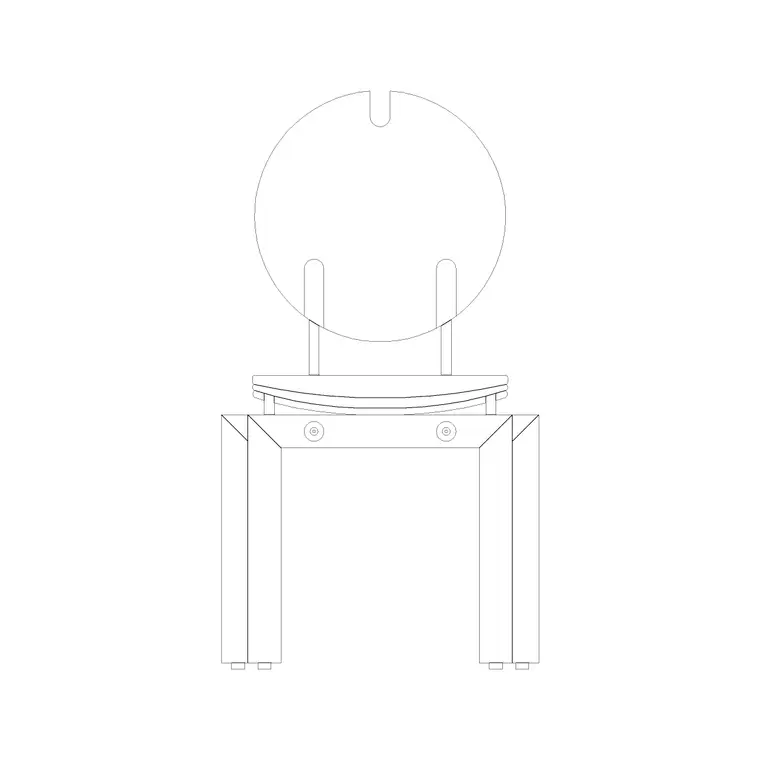
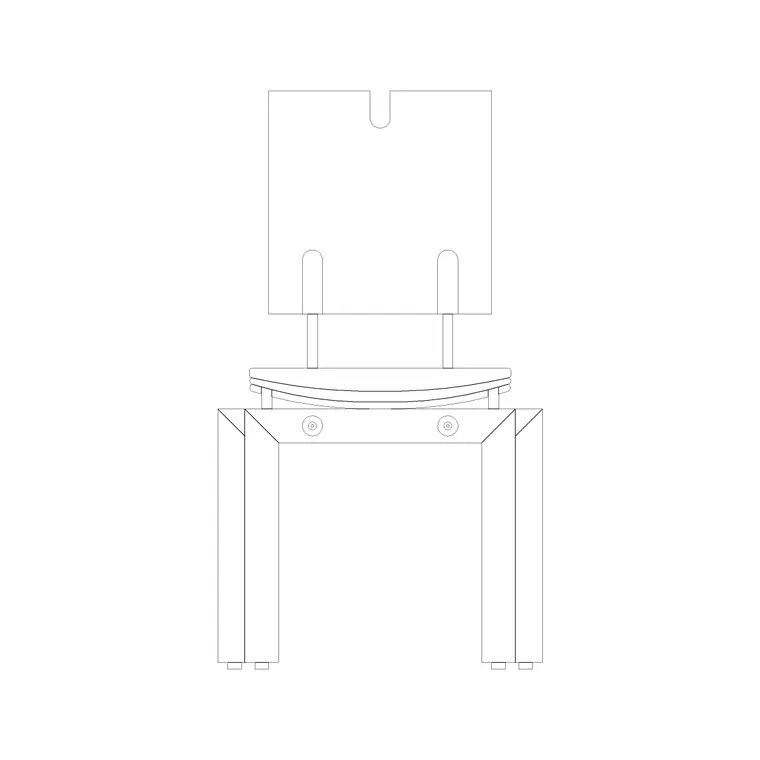
The Chair With Cushion Back block is the direct match — a clean, upholstered chair with a padded backrest. The Chair With Round Back is a close alternative with a curved, softer back, and the Chair Square Back gives you a tidier upright version for a dining table or desk. Together they let you mix a couple of styles for variety, or repeat one for a matching set.
Open the product page, check the preview and the view label, and download the DWG. No account is needed, and the blocks are free for commercial use.
Inserting and arranging the chairs
Run INSERT (I), browse to the chair DWG, and place it at scale 1, rotation 0 — the chair is drawn at real-world size. For a floor plan you want the top-down seat; for an interior elevation you want the side or front view showing the cushioned back, so insert the view that matches your drawing.
To set chairs around a dining table, place one and use a rectangular ARRAY down each long side, or a polar ARRAY around a round table, spacing them at roughly 600mm of width per setting so people have elbow room. Pull the chairs out slightly from the table edge on a presentation plan to show them in use, or tuck them in for a tidy layout.
If a chair inserts at the wrong size, set INSUNITS consistently or SCALE by 0.001 / 1000. Then move the chairs onto your Furniture layer.
Getting variety and clearance right
Matching chairs around a table look correct, but a lounge or lobby reads more naturally with a little variety. Mixing the cushion-back and round-back blocks, or mirroring and rotating instances, stops a room from looking like the same chair stamped repeatedly — the same realism trick that keeps planting and seating from looking like clip art.
For clearance, remember a dining chair occupies about 600mm of footprint once someone is seated and the chair is pulled out, so keep the 900mm circulation gap around a table and check that pulled-out chairs do not block a doorway or a walkway. A furnished plan makes that easy to verify before it becomes a problem on site.
Keep all the chairs on the Furniture layer so the seating reads as one controllable group you can dim or freeze for a structural drawing, and — if it is a chair you reuse often — drag it onto a Tool Palette for one-click placement.
Where a cushioned chair earns its place
A cushioned-back chair is one of the most reusable seats in a project because comfort suits so many rooms. The same upholstered chair reads convincingly around a dining table, in a hotel lobby, at a dressing table, in a waiting area, or as a single accent seat in a bedroom corner. Because the block inserts at real size and measures true, you can carry one good chair across all of these and trust the footprint each time.
When you reuse it, lean on variety to keep rooms from looking stamped: alternate the cushion-back and round-back blocks around a long table, mirror a facing pair across a lobby, or rotate single chairs to address different focal points. The padded back is the chair's signature, so in an interior elevation reach for the view that shows it — that upholstered back is what tells the viewer the seat is comfortable rather than utilitarian.
Vet any chair once before relying on it: dimension the seat to confirm the scale, check the geometry sits on layer 0 so it inherits your Furniture layer, and confirm there is no stray geometry. A clean, correctly scaled cushioned chair you have verified becomes a dependable, good-looking seat you can place in almost any room on the project. Array it around a dining table, pair it across a lobby, or set one in a bedroom corner, and the same trusted block carries the comfort through every space.
Questions
Frequently asked
What size is a cushioned-back dining chair?+
About 450 to 500mm at the seat, but plan for roughly 600mm of footprint once someone is seated and the chair is pulled out. Measure the block to confirm the scale.
Which blocks are cushioned-back chairs?+
The Chair With Cushion Back is the direct match, with the Chair With Round Back and Chair Square Back as close alternatives. All are free in DWG with no signup.
How do I place chairs evenly around a table?+
Place one chair, then use a rectangular ARRAY down each side or a polar ARRAY around a round table, spacing them at roughly 600mm of width per setting.
Free downloads from this article
Free CAD block library
Download the blocks from this article — free, no signup


