Where to find free armchair DWG files (and how to use them)
Free armchair DWG files for AutoCAD, no signup. Where the single-chair blocks live, typical dimensions, and how to insert and arrange them in a layout.
Saumyajit MaityUpdated 13 February 20264 min read
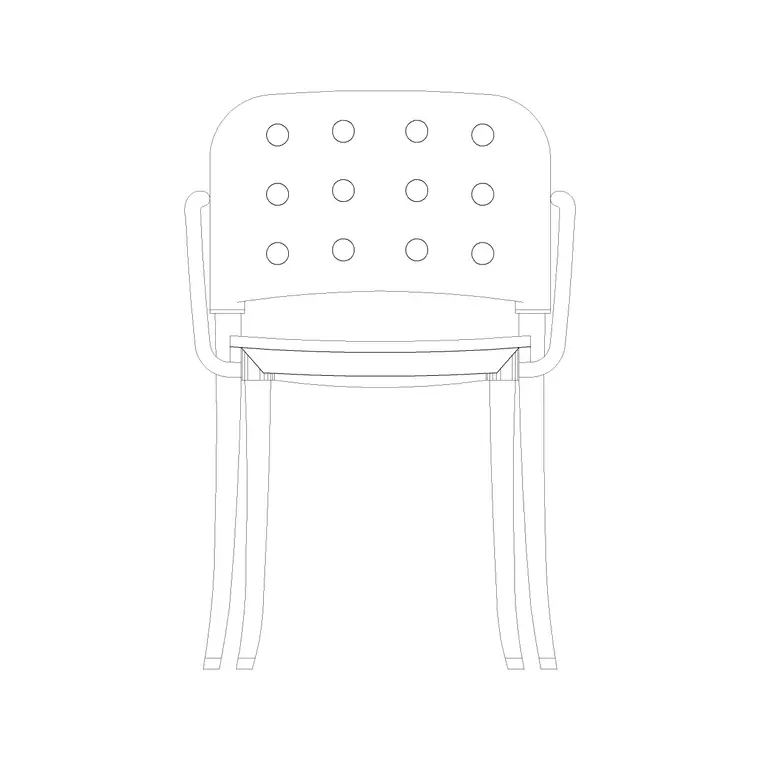
What an armchair block is good for
An armchair — sometimes called an accent or occasional chair — is the single-seat companion to the sofa. In plan it reads as a square-ish seat with two arms and a back, around 850 by 850mm for a generous lounge chair and a little less for a compact accent chair. It is the piece that anchors a reading corner, fills the open side of a conversational seating group, or softens an otherwise empty bay window.
Free armchair DWG files give you that piece without drawing it from scratch. Because they are vector geometry, they stay sharp at any scale and measure true, so you can trust them for clearance checks. On this site the chair blocks are drawn in elevation as well as plan in many cases, which matters: an elevation armchair shows the seat height and back profile for an interior elevation, while the plan version is what you place in a floor layout.
Finding armchair DWGs on the site
The armchairs sit inside the Furniture category alongside the sofas and dining chairs. The quickest route is the search box — type 'chair' or 'armchair' and the single-seat blocks surface together.
Look for blocks like Chair With Cushion Back and Chair With Round Back, which are clean, well-proportioned occasional chairs that drop straight into a living-room or hotel-lobby layout. If you want the armchair already paired with a sofa at the right spacing, the Sofa With Chair block brings the two together so you can place a ready-made seating cluster in a single insertion.
Every block is free and downloads on click — no signup, no ad maze. Open the product page, check the preview and the view label, and hit download to pull the DWG into your Downloads folder.
How to insert and scale the armchair
In your drawing, run INSERT (shortcut I), browse to the downloaded armchair DWG, and place it with the scale at 1 and rotation at 0. The chair is drawn at real-world size, so in a millimetre drawing a scale of 1 is correct.
Use object snaps to anchor the chair precisely — to a wall, a grid line, or relative to the sofa it accompanies. Click to place, then use ROTATE to angle it toward the conversation. Armchairs are often set at 30 to 45 degrees to a sofa so the group feels inviting rather than rigidly square, and it is easiest to judge that angle once you can see the chair in context.
If the chair inserts at the wrong size, it is the familiar units mismatch: set INSUNITS the same in both files, or SCALE by 0.001 or 1000 to bridge millimetres and metres. Then move the chair onto your Furniture layer so it dims and freezes with the rest of the furnishings.
Arranging armchairs in a room
Allow about 850mm of footprint for a lounge armchair and leave a clear path of 600 to 700mm around it so someone can sit and rise comfortably. In a conversational group, the rule of thumb is to keep the seats within roughly 2.5 metres of each other so people can talk without raising their voices — an armchair stranded across the room breaks that.
Vary the chairs slightly for realism when you place more than one. Mirroring or rotating instances, or mixing the round-back and cushion-back blocks, stops a lounge from looking like the same chair stamped repeatedly. For a hotel or office breakout, a pair of armchairs flanking a small side table is a reliable, readable arrangement that you can build from two chair blocks and a table block in under a minute.
Keep everything on the Furniture layer so the seating reads as one controllable group you can grey back for a structural sheet.
Beyond the living room
An armchair block is not just a living-room piece. The same chair earns its place in a bedroom reading corner, a hotel guest room, a lobby, a waiting area or a home office where a desk chair would feel too utilitarian for a meeting nook. Because the block measures true and inserts at real size, you can reuse one good armchair across every room of a project and trust the clearances each time.
When you reuse it, vary the placement rather than the block: rotate it to suit each room, pair it with a different side table, or mirror it so a matched pair flanks a fireplace or a window. In a bedroom, an armchair in the corner needs only about 600mm of access in front and reads instantly as a quiet seat; in a lobby, a ring of armchairs around a low table communicates a welcoming wait at a glance.
A quick vet before you rely on any chair: dimension the seat to confirm the scale, check the geometry sits on layer 0 so it inherits your Furniture layer, and confirm there are no stray lines. A clean, correctly scaled armchair you have verified once can then be dropped confidently into any room on the project, which is exactly the kind of reuse that makes a small block library so productive.
Questions
Frequently asked
What is a typical armchair size in a CAD plan?+
Around 850 by 850mm for a full lounge armchair, a little smaller for a compact accent chair. Measure the block after inserting to confirm it is at real scale.
Can I get an armchair already paired with a sofa?+
Yes. The Sofa With Chair block places the settee and an armchair together at sensible spacing, so you can drop a ready-made seating cluster in one insertion.
Do I need to create an account to download the armchair DWG?+
No. All armchair blocks download instantly in DWG with no signup and are free for commercial use.
Free downloads from this article
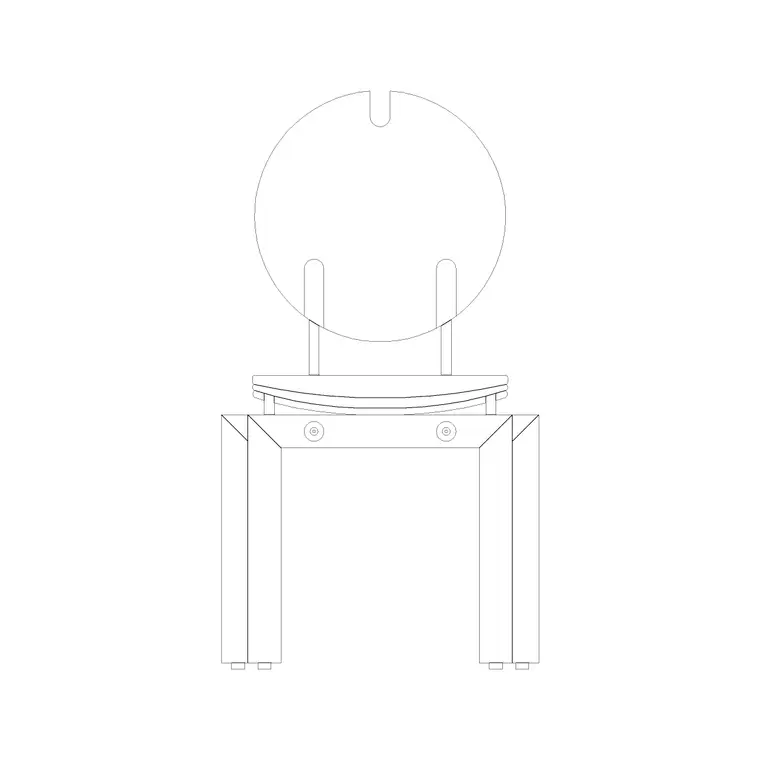
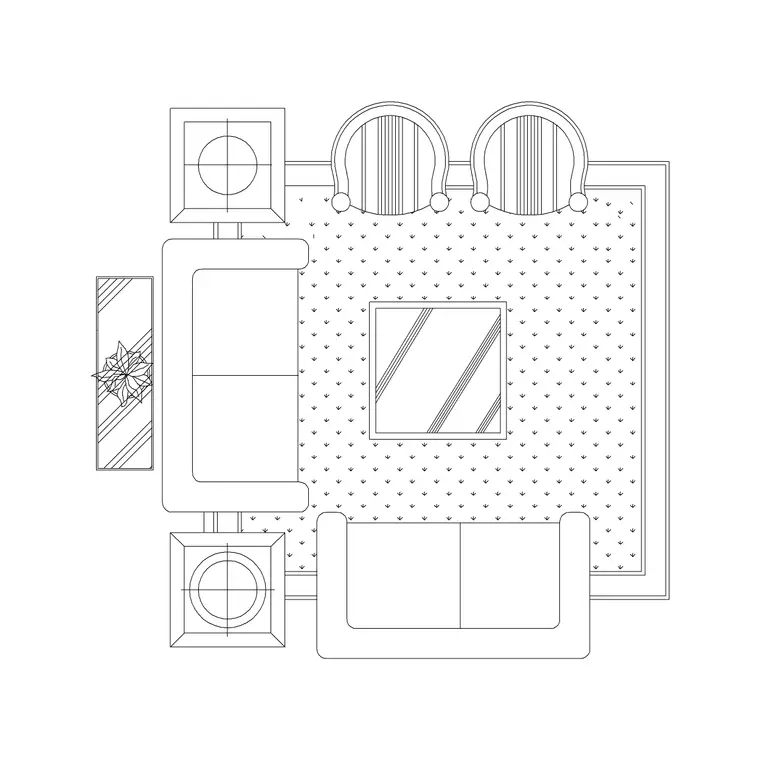
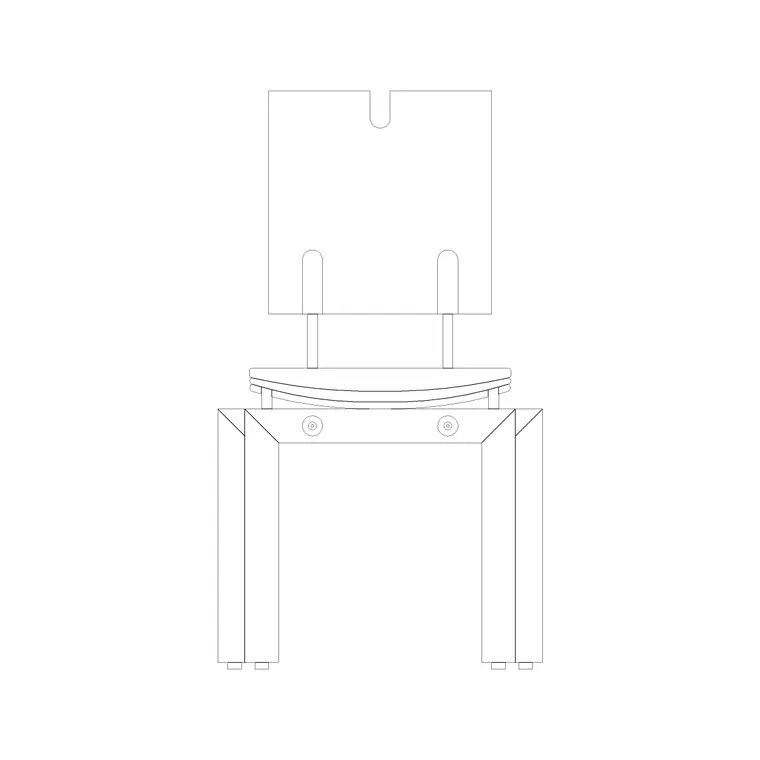
Free CAD block library
Download the blocks from this article — free, no signup


