Where to find free 3-seater couch DWG files (and how to use them)
Free 3-seater couch DWG files for AutoCAD, no signup. Where the plan and side-elevation couches live, the size to expect, and how to place one.
Saumyajit MaityUpdated 23 June 20264 min read
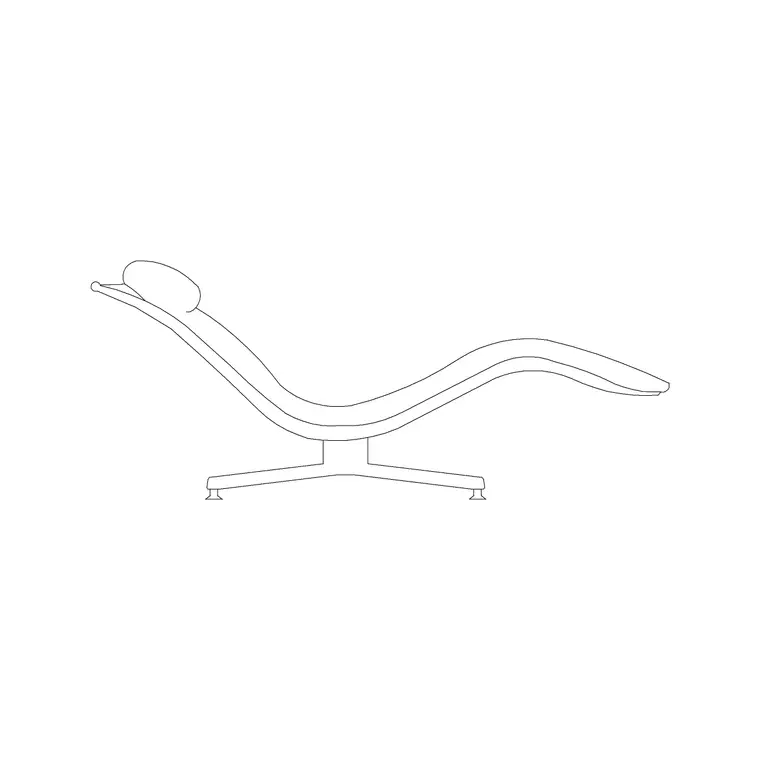
Couch, sofa, settee — the same block
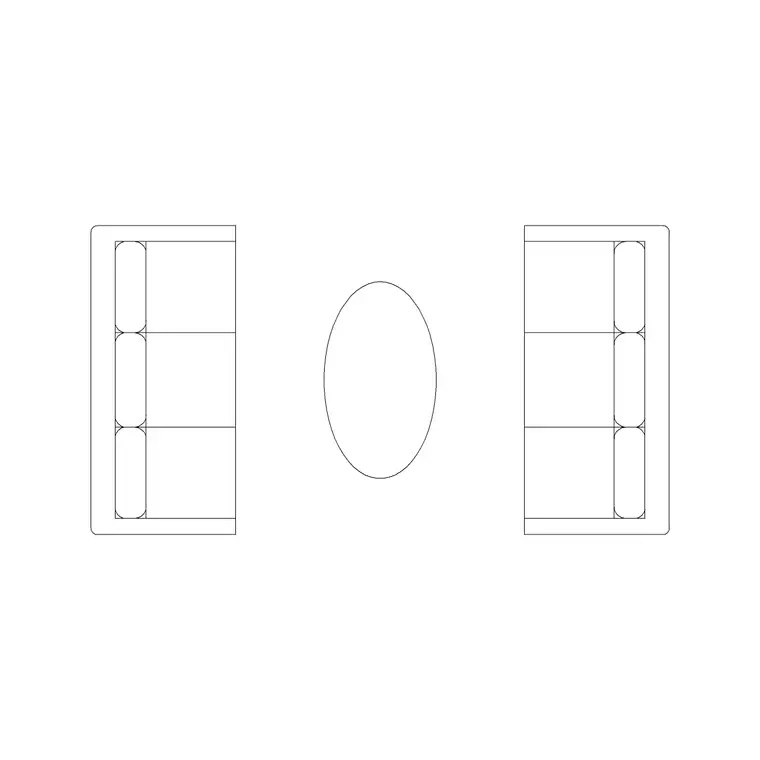
Couch and sofa are the same piece of furniture, and a three-seater couch is the workhorse of a living-room layout. In plan it reads as a long seat with two arms and a back, with three cushion divisions, measuring around 2100 by 900mm. It is big enough to seat three, or to anchor a family room as the primary sofa with armchairs around it.
The couch DWGs here are AutoCAD-native vector geometry, so they measure true and you can confirm that 2100mm width with a quick dimension. You get both a plan view, for floor layouts, and a side-elevation view, for interior elevations that show the seat height and back profile. Picking the right view matters — a side-elevation couch dropped into a plan reads as a mistake. Everything is free, downloads on click, and needs no login.
Finding the 3-seater couch
The couches live in the Furniture category alongside the rest of the seating. Search 'couch' or 'sofa' to gather the settees, including the three-seaters.
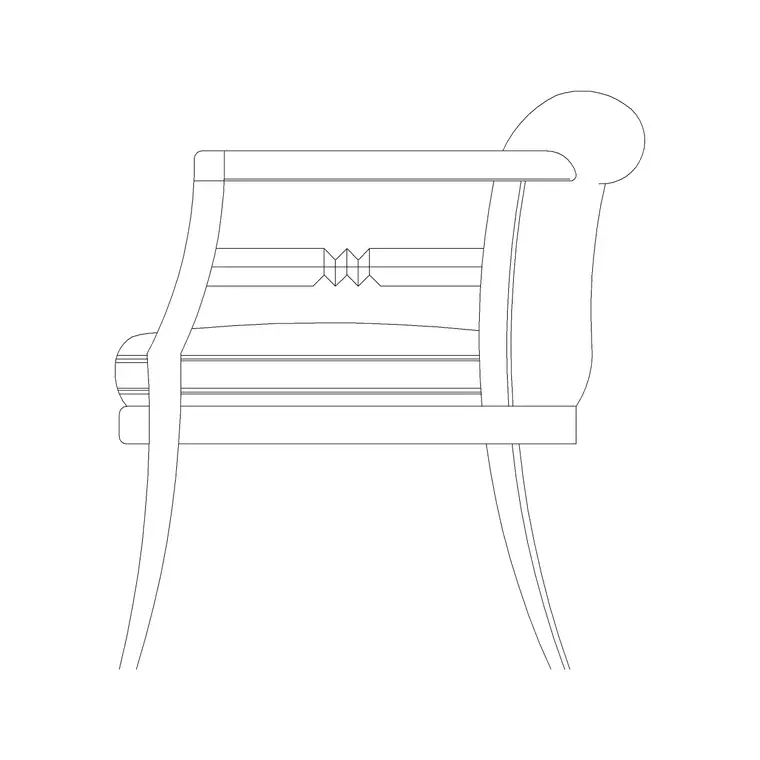
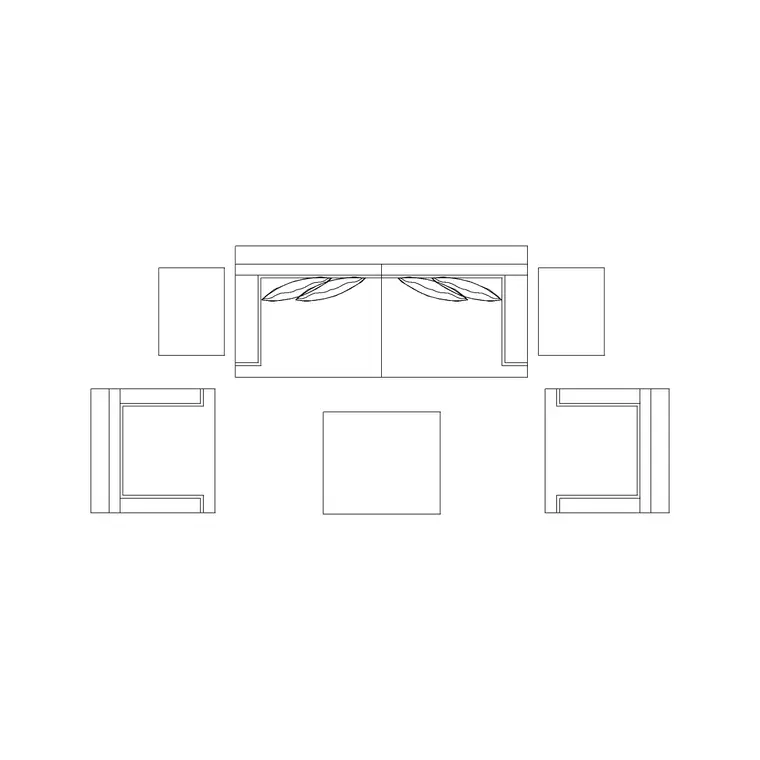
For a plan-view three-seater, the larger Sofa Set Plan blocks give you a generous settee ready to drop into a room — and as sets, many include the armchairs and centre table so you can place the whole arrangement at once. For an interior elevation, the Couch Side Ele block shows the settee front-on, and the Sofa Side Elevation block is a close alternative — both give you the seat and back heights for an elevation drawing.
Open the product page, check the view label and preview, and download the DWG. No account is needed, and the blocks are free for commercial use.
Inserting the couch in AutoCAD
Run INSERT (I), browse to the couch DWG, and place it at scale 1, rotation 0 — it is drawn at real-world size. For a floor plan you want the top-down couch; for an interior elevation you want the side profile, so insert the view that matches the drawing you are in.
Use an object snap to anchor the couch against a wall or onto a furniture grid line, then ROTATE it to face the focal point. Click to place. If it comes in mis-scaled — too big or invisible until Zoom Extents — that is the millimetre-versus-metre units gap; set INSUNITS consistently or SCALE by 0.001 / 1000 to fix it.
Move the couch onto your Furniture layer so it dims and freezes with the other furnishings, and if it is your go-to settee, drag it onto a Tool Palette for one-click placement next time.
Building the seating group around it
A three-seater couch is usually the anchor of the group, so place it first and arrange everything else around it. Leave a walkway of 700 to 900mm in front of the seat, keep a coffee table 300 to 450mm off the front, and set armchairs at an angle within about 2.5 metres so conversation flows.
For a family room with a television, square the couch up to the screen and check the viewing distance — around 2.5 to 3.5 metres reads comfortably on a plan. For a more social, conversational room, angle a couch and an armchair toward a central coffee table instead.
If you want the spacing handled for you, a sofa-set block places the three-seater with its companions already positioned correctly. Keep the whole group on the Furniture layer so you can grey it back for a structural sheet in one click.
Match the view, then vet the block
Because the couch comes in both a plan and a side-elevation version, the first thing to get right is the view, and it is the most common slip. A plan couch belongs in a floor layout, seen from above; a side-elevation couch belongs in an interior elevation, showing the seat height and the line of the back. Drop the elevation couch flat into a plan, or the plan symbol into an elevation, and it reads as a mistake to anyone trained. The product pages label the view, so confirm it before you insert rather than after.
For an interior elevation, the side-elevation couch does real work: it sets the seat and back heights against the wall behind, against a window sill, or under a picture rail, so the vertical composition of the room resolves honestly.
Then give the block the quick vet. Dimension the seat to confirm a three-seater reads near 2100mm, check the geometry sits on layer 0 so it inherits your Furniture layer, and confirm there are no stray lines hiding off to the side. A correctly scaled couch placed in the right view is the anchor a living-room drawing is built around, so it is worth the thirty seconds to be sure of it. Settle the three-seater first, arrange the armchairs, coffee table and side tables around it, and the rest of the living-room layout falls into place against that fixed point. A sofa-set block that already pairs the three-seater with its companions is the quickest way to drop a complete, correctly spaced group and then refine it to suit the room.
Questions
Frequently asked
What size is a 3-seater couch in plan?+
Around 2100 by 900mm. Measure the block with DIST after inserting to confirm it is at the right scale before you build clearances around it.
Is a couch the same as a sofa block?+
Yes. Couch, sofa and settee all refer to the same piece. Search either term to find the three-seater blocks in the Furniture category.
Do you have the couch in side elevation?+
Yes. The Couch Side Ele and Sofa Side Elevation blocks show the settee front-on for interior elevations, while the Sofa Set Plan blocks are the top-down view for floor plans.
Free downloads from this article
Free CAD block library
Download the blocks from this article — free, no signup


