Top symbol CAD blocks every drafter needs for plans
North arrows, section marks, fire and first-aid symbols — the annotation blocks to download free, what each means, and how to keep them legible at any scale.
Sumana KumarUpdated 6 April 20264 min read

Symbols are the grammar of a drawing
Geometry tells you what a building is; symbols tell you how to read the drawing. A north arrow orients the plan, a section mark says where a cut is taken and which way you are looking, a fire symbol flags a safety device, a level marker fixes a height. These small annotation blocks are the grammar of a technical drawing — leave them out and even a beautifully drawn plan becomes ambiguous, because nobody can tell which way is north or where that section is cut.
This post is the symbol kit every drafter should keep downloaded: north arrows and graphic scales, section and detail markers, direction arrows, and fire-safety and first-aid symbols for life-safety plans. Everything is in the Building Symbols category on cadblockdwg.com, free in DWG with no signup and free for commercial use.
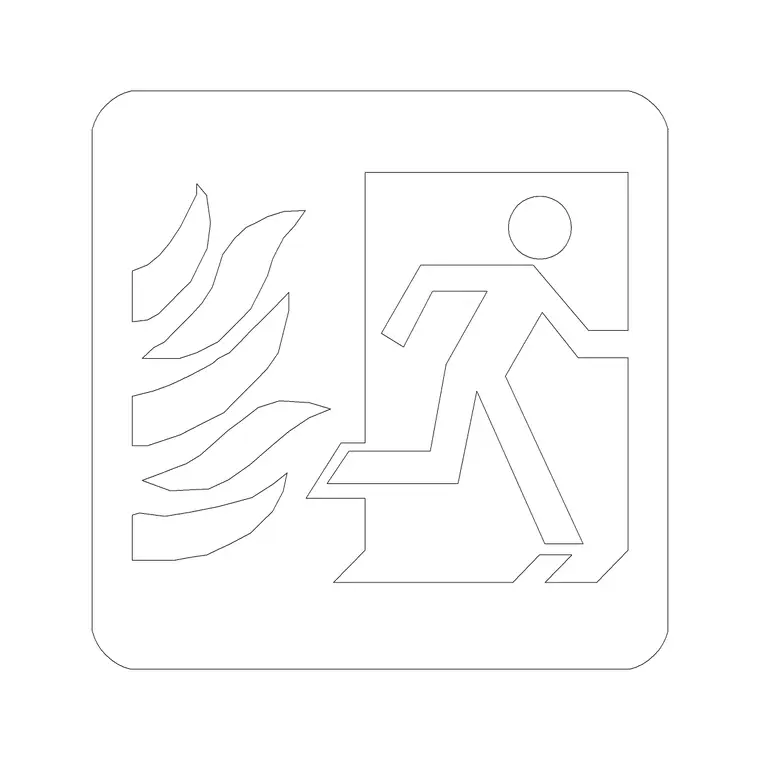
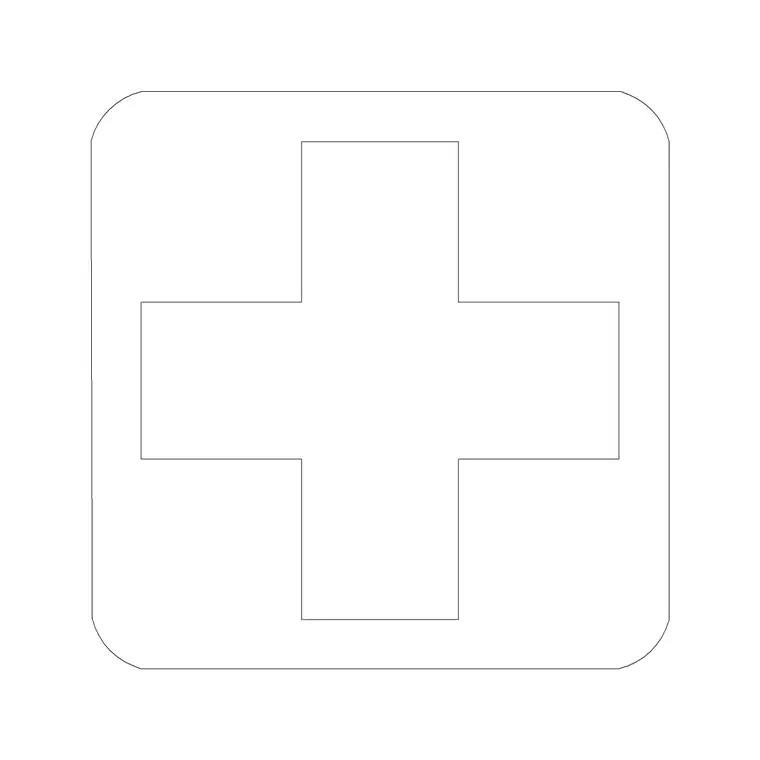
The Arrow block is a clean direction marker, while the Fire and First Aid blocks cover the core life-safety symbols a fire or emergency plan needs. Keeping a standard set of symbols on hand is what makes every drawing you issue consistent — the same north arrow, the same section mark, the same fire symbol across the whole set — which is exactly what a reader needs in order to navigate a drawing package without decoding a new dialect on every sheet.
Orientation and reference symbols
Start with the symbols that orient and cross-reference the drawing. A north arrow belongs on every plan, placed consistently — usually top-right — so a reader can orient instantly; a graphic scale bar beside it lets the drawing be measured even after it is printed or scaled, which a typed scale note cannot. The Arrow block doubles as a direction marker for flow, access or viewing direction wherever a plan needs to point somewhere.
Section and detail markers are the cross-reference system: a section line with arrows shows where a cut is taken and the direction of view, keyed to the section drawing elsewhere in the set; a detail bubble flags an area drawn larger on another sheet. Keeping these as consistent blocks means every section mark and detail callout in the set looks identical and reads unambiguously.
A drawing whose references all match is one a builder can navigate; one with ad-hoc, inconsistent marks is one they have to decode, which wastes time and invites mistakes. This is the quiet value of a symbol kit: not any single clever symbol, but the consistency of using the same trusted marks everywhere, so the cross-referencing that holds a drawing set together actually works.
Life-safety symbols — fire and first aid
Fire-safety and emergency plans rely on a standard vocabulary of symbols, and getting them right is not cosmetic — these drawings govern how people get out of a building. The Fire block and related fire-safety symbols mark extinguishers, alarm points and fire equipment; the First Aid block marks first-aid stations and emergency provisions. Placed on a fire or evacuation plan, they show occupants and inspectors exactly where life-safety equipment is located.
Use these symbols consistently and place them at the real locations of the equipment, because a fire plan is checked against reality and a symbol in the wrong place is worse than none. Keep them on a clearly named life-safety or fire layer so the fire plan can be issued cleanly and the symbols do not clutter a general arrangement drawing that does not need them.
Because life-safety symbols follow recognised conventions, using clear, standard blocks rather than improvised marks is what makes the plan legible to a fire officer at a glance — which is the entire point of the drawing. A fire plan is one of the few drawings whose readability can genuinely matter in an emergency, so the discipline of standard, correctly placed, well-layered symbols is not just good practice here; it is the whole job.
Keep symbols legible at every plot scale
The one technical issue that trips drafters up with symbols is scale. Unlike a sofa or a door, a symbol is not a real-world object at a fixed size — it has to read clearly on the printed sheet regardless of the drawing's scale. A north arrow sized for a 1:50 plan will be invisible on a 1:500 site plan and absurdly huge if you swing the other way. So you size symbols for the plot, not the model: pick a size that reads well on paper at the scale you will print, and scale the symbol block to suit each drawing.
The robust way to handle this is annotative blocks where your workflow supports them, so a symbol automatically takes the right size for each viewport scale; failing that, insert the symbol and scale it by the plot ratio so it prints at a consistent paper size. Either way the principle is the same — symbols are sized for the reader of the printed sheet, not for the model space they sit in.
Bring each symbol in with the INSERT command, keep it on its annotation or life-safety layer, and place it consistently across the set. A vetted set of north arrows, section marks, direction arrows and life-safety symbols — sized for the sheet and kept on the right layer — is what makes every plan you issue legible, navigable and ready to read. It is the least glamorous block kit in this series and arguably the most important, because without it the rest of the drawing cannot be read at all.
Questions
Frequently asked
What symbol blocks does every plan need?+
At minimum a north arrow and graphic scale, section and detail markers, and direction arrows; life-safety plans also need fire and first-aid symbols. All are in the Building Symbols category free.
How do I keep a symbol legible at different plot scales?+
Size symbols for the printed sheet, not the model. Use annotative blocks where supported, or scale the symbol by the plot ratio so it prints at a consistent paper size on every drawing.
Where can drafters download free symbol blocks?+
The Building Symbols category on cadblockdwg.com has north arrows, section marks, arrows, and fire and first-aid symbols as free DWG downloads, no signup, free for commercial use.
Free downloads from this article
Free CAD block library
Download the blocks from this article — free, no signup


