Where to find free openable window DWG files to use
Free openable (casement) window DWG blocks: where to download them, how the plan and elevation views show the opening, and how to place them in AutoCAD.
Sumana KumarUpdated 4 June 20264 min read
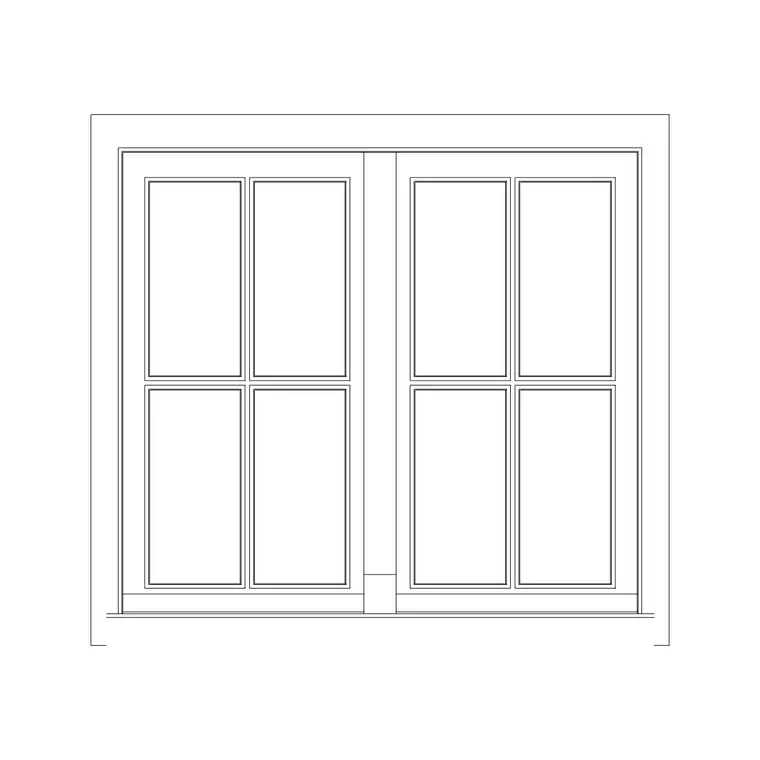
What an openable window shows
An openable window — a casement that hinges outward (or inward) on its side or top — is the most common operable window in housing. Calling a window 'openable' on a drawing distinguishes it from a fixed light that never opens, which matters for ventilation, fire escape, and cleaning access. In plan, an openable window appears in the wall thickness with the sash shown projecting and, often, a swing line indicating which way it opens and how far. In elevation, it reads as the window's face with the opening sash marked.
That dual representation is useful. The plan tells you the sash will project into the room or out over a path; the elevation shows the proportion and the opening configuration. Together they let a reader understand both how the window looks and how it behaves when opened — the two questions a window drawing has to answer.
Downloading openable window blocks
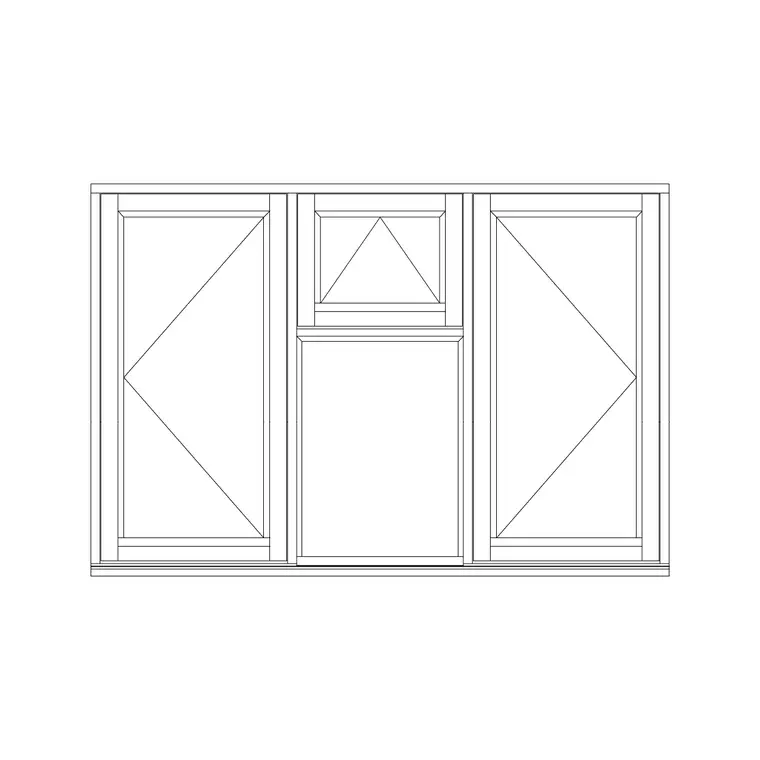
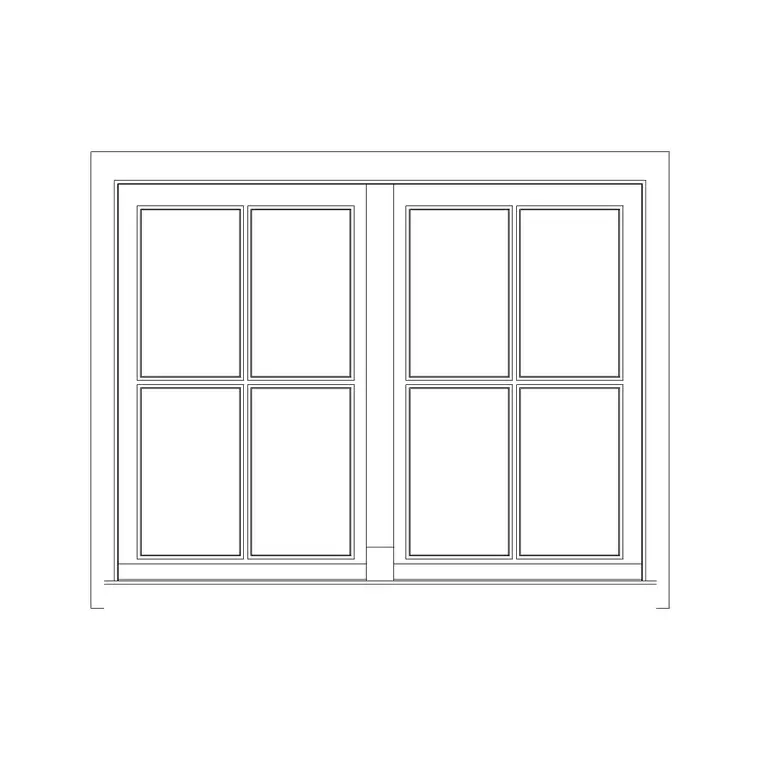
The Windows category holds openable variants, all free, all DWG, no signup — click and the file saves to Downloads. Look for blocks labelled 'openable', and note that some come in matched sets: a Roman window in two-shutter openable form, for example, pairs a decorative arched head with operable sashes. There are also multi-shutter openable windows such as a three-shutter openable window for wider openings split into three operable lights.
Many of these window blocks include both plan and elevation views in the same file, so you get the symbol for the floor plan and the face for the elevation in one download. Choose the configuration — single, two-shutter, three-shutter — that matches the opening you are detailing, so the number of lights and the operable sashes are right from the start.
Placing an openable window in the wall
Insert the DWG with INSERT (I, Enter) or by dragging it onto the canvas, scale 1, rotation 0. For the plan view, snap the window into the wall opening with object snaps (F3) so the frame sits in the wall thickness and the opening sash projects to the correct side. Decide whether the sash swings into the room or outward, and MIRROR the block if needed so the swing line points the right way.
If the block carries both plan and elevation geometry, you may want to separate them: place the plan symbol on your floor plan and copy the elevation portion onto your elevation sheet. Align the elevation window to the correct sill and head heights on that drawing, since an openable window's vertical position (and whether it can serve as an escape) depends on those levels.
Scale, units and opening clearance
Set INSUNITS to millimetres in both files so the window auto-scales, or SCALE by 0.001 to bring a millimetre block into a metre drawing if it comes in oversized. Dimension the opening width to confirm it matches your wall.
The clearance check unique to openable windows is the sash projection. A casement that opens outward must not foul a path, a neighbour's boundary, or another window's opening sash; one that opens inward must not clash with a blind, a curtain track, or furniture under the sill. The plan swing line makes the outward projection visible, and on a tight elevation you can confirm the opening lights are reachable for cleaning. These are exactly the practical issues that a 'fixed vs openable' label exists to flag.
Openable windows across plan and elevation
Keep windows on a Windows layer so they isolate cleanly for a ventilation or escape review — being able to highlight every openable light at once is genuinely useful when you are checking that habitable rooms have adequate opening area or a compliant escape window.
If a facade repeats the same casement, save the block to a Tool Palette for fast placement, and record the opening type in your window schedule (side-hung, top-hung, number of shutters) so the supplier quotes the right unit. Drawn correctly in both plan and elevation, an openable window communicates not just its appearance but its function — which is the whole reason to choose the openable block over a plain fixed light.
Reading the opening symbols on the elevation
Window elevations use a small but precise visual language to show how each light opens, and it is worth knowing so you place the right block and read it back correctly. Dashed lines forming a 'V' or a triangle on the glass indicate the hinge side: the point of the V sits at the hinge, the open end at the edge that swings free. A V pointing to one jamb means a side-hung casement hinged on that side; a V pointing up to the head means a top-hung light; pointing down to the sill means bottom-hung. These are conventions, drawn dashed because the opening sash is shown in its closed position with the intended swing implied.
When you drop in an openable window block, check that these opening indications match what you actually want — a side-hung light shown hinging from the wrong jamb is a quiet error that the supplier will faithfully build. Confirming the hinge side on the elevation, and the swing direction on the plan, before the drawing is issued is the small discipline that stops a window arriving hinged the wrong way round.
Questions
Frequently asked
What is the difference between an openable and a fixed window?+
An openable (casement) window has a sash that hinges open for ventilation, escape or cleaning; a fixed light never opens. The plan shows a swing line on openable sashes to indicate direction.
Do openable window blocks include both plan and elevation?+
Many here do — the same DWG carries the plan symbol for the floor plan and the elevation face for the elevation sheet. Separate the two views onto their respective drawings.
Are openable window DWG files free here?+
Yes — they're in the Windows category, free in DWG with no signup, for personal and commercial use.
Free downloads from this article
Free CAD block library
Download the blocks from this article — free, no signup


