Where to find free sedan car DWG files (and how to use them)
Free sedan car DWG files for site plans, parking and renders. Where to find them, how a sedan differs from other body shapes, and how to insert and scale.
Saumyajit MaityUpdated 30 April 20265 min read
Why a sedan specifically
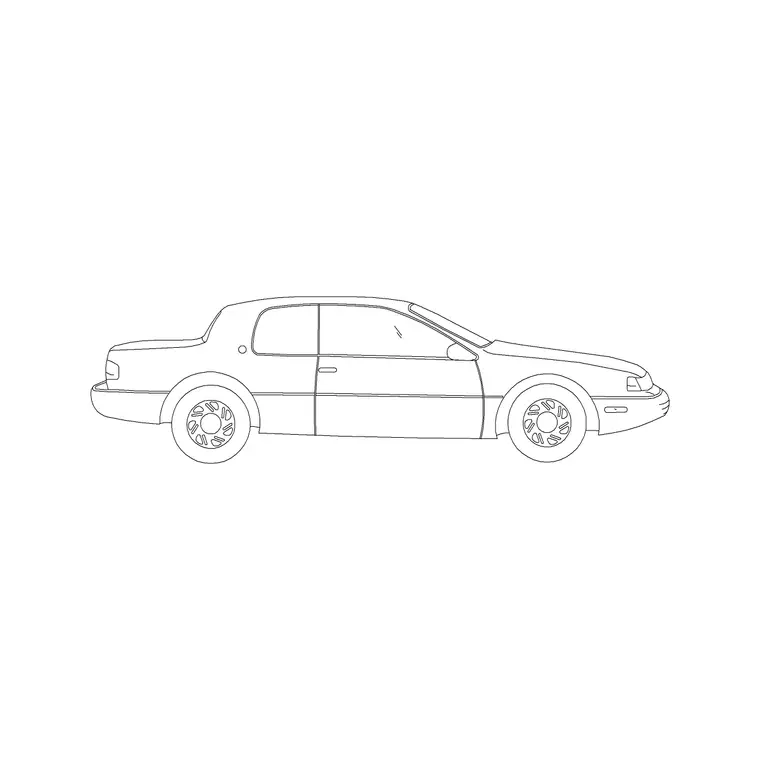
The sedan — a three-box saloon with a separate boot — is the default passenger car on most drawings for a simple reason: it is the most common car on the road, so it reads as 'a car' to any viewer without drawing attention to itself. When you want a vehicle to do its quiet job of giving scale to a driveway, a forecourt or a street elevation, a sedan is usually the right choice precisely because it is unremarkable.
The sedans on this site are free sedan car DWG files, supplied as DWG with no signup and free for commercial use. They sit in the Vehicles category alongside hatchbacks, luxury cars and other body shapes, so you can match the vehicle to the setting — a plain sedan for an ordinary housing scheme, something sleeker where the project calls for it. Because the licensing is permissive, a sedan you place in a client's parking plan carries no strings.
Where to find them
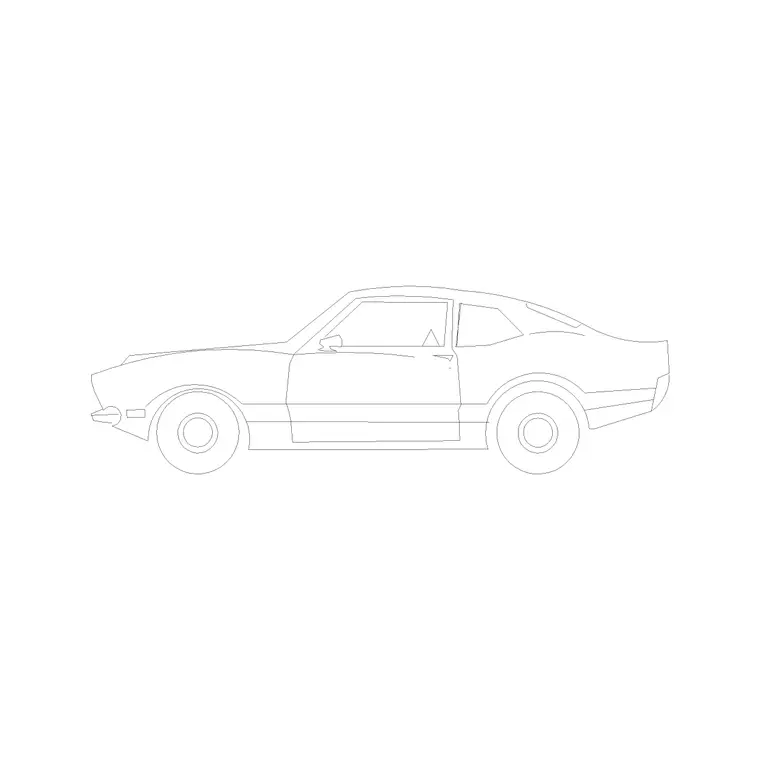
Open the Vehicles category from the main navigation and use the search box — that is the quickest way to a sedan. Type "sedan" and the saloon blocks surface, including a two-door sedan and other variants; type "car" for the wider set if you want to compare body shapes side by side.
Each result is its own product page with a preview image, the DWG format, and a download button. There is no cart and no email gate: click and the file saves to Downloads. A good habit is to download a sedan plus one contrasting car — a hatchback or a luxury saloon — at the same time, so that when you populate a car park or a street you can alternate models. Identical cars repeated down a row look stamped; two or three different ones look like real life.
Sedan vs hatchback vs luxury
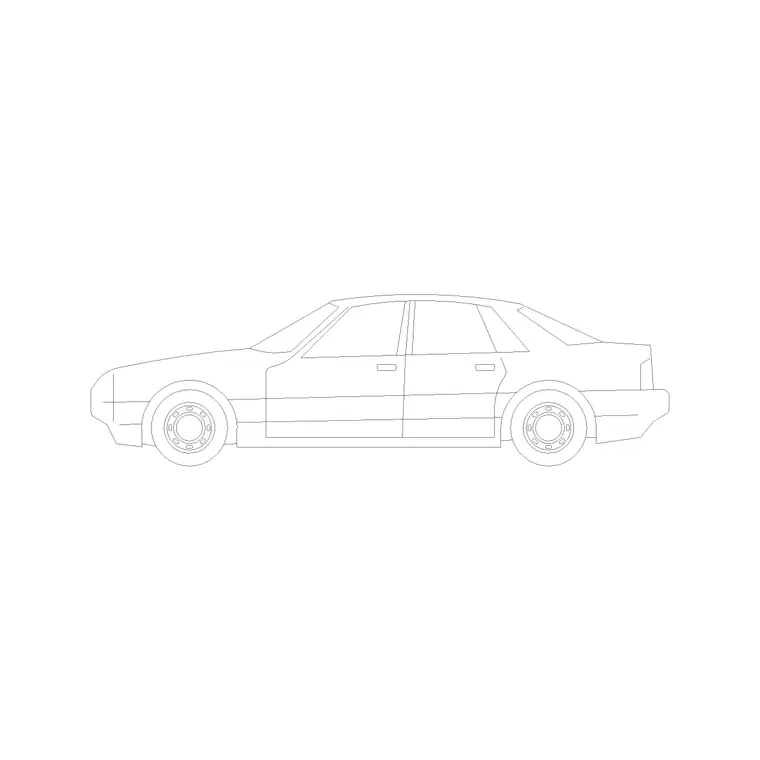
Knowing the body shapes helps you pick the right block. A sedan (saloon) has three distinct boxes — bonnet, cabin and a separate boot — and a roofline that steps down at the rear; it is the everyman car. A hatchback is shorter, with the rear glass and boot merged into one sloping tailgate, so it reads as a smaller, more compact vehicle and suits tighter urban schemes. A luxury saloon is longer and lower, with a stretched bonnet and a more imposing stance, useful where the drawing wants to signal a premium setting such as a hotel forecourt or an executive development.
The practical takeaway: choose the body that matches the story of the drawing. For most plans the sedan is the safe, neutral default; reach for a hatchback to suggest compact urban living, or a luxury car to lift the tone of a high-end scheme.
Insert and scale in AutoCAD
Download the sedan DWG, then in your drawing type INSERT (shortcut I), Browse to the file in the Blocks palette, and place it with the insertion point on-screen. Keep scale at 1 and rotation at 0 to start, and snap the car into position — wheels on the ground line for an elevation, squared to the bay for a parking plan.
Check the footprint: a sedan is typically around 4.5 to 4.8 metres long and about 1.8 metres wide. If it comes in enormous or tiny, that is units, not the block — keep INSUNITS consistent so AutoCAD auto-scales, or SCALE by 0.001 to bring a millimetre car into a metre drawing. Dimension it bumper to bumper to confirm. For a row of parking, place one sedan and array it along the bay spacing; for variety, swap in your contrasting car every few bays.
Using sedans in parking and on the street
In a parking layout, the sedan sets the test for your bay sizes. A standard bay is roughly 2.4 to 2.5 metres wide by 4.8 to 5 metres long, and dropping a correctly scaled sedan into a bay shows at a glance whether a door can open and a person can step out. If the car fills the bay edge to edge, the bays are too tight — and you will only see that if the vehicle is at true scale.
On a street elevation or perspective, a sedan at the kerb gives the facade human scale and a sense of an inhabited place. Set it on its own vehicles or entourage layer so you can dim or freeze the cars for a clean technical print, then bring them back for the presentation sheet. Keep the cars varied and sensibly placed, and they read as life rather than decoration.
Save it for reuse
A sedan is the car you will reach for most often, so make it instantly available. After you have downloaded and scaled it once, drag it onto a Tool Palette in a 'vehicles' group alongside a hatchback and a luxury car, and every future placement is a single click. Keep the source DWGs in a clearly named folder so you can re-insert them on the next project without searching the site again.
Because the block is free for commercial use with no signup, there is nothing to track per project and no licence to worry about when it appears across a client's drawings. If you ever need to swap every sedan in a drawing for a different model, keeping them as named blocks rather than exploded geometry means you can redefine or replace them in one operation instead of editing each car by hand. That small discipline — download once, palette it, keep it as a block — turns the everyday sedan into a piece of reusable kit that quietly speeds up every site plan and street view you draw.
Questions
Frequently asked
Where can I download a free sedan car DWG?+
Search 'sedan' in the Vehicles category on CADBlockDWG. The sedan blocks download instantly as DWG with no signup and are free for commercial use.
What size is a sedan car block?+
A sedan is typically about 4.5 to 4.8 metres long and 1.8 metres wide. Dimension the block bumper to bumper after inserting to confirm it matches before laying out parking bays.
How is a sedan block different from a hatchback?+
A sedan has three boxes with a separate boot and a stepped roofline; a hatchback is shorter with the boot and rear glass merged into one sloping tailgate, reading as a more compact car.
Free downloads from this article
Free CAD block library
Download the blocks from this article — free, no signup


