Where to find free long suspended chandelier DWG files
Free long suspended chandelier DWG blocks — the long metal types, what the elevation shows, and how to hang a linear chandelier over an island in AutoCAD.
Sumana KumarUpdated 21 April 20264 min read
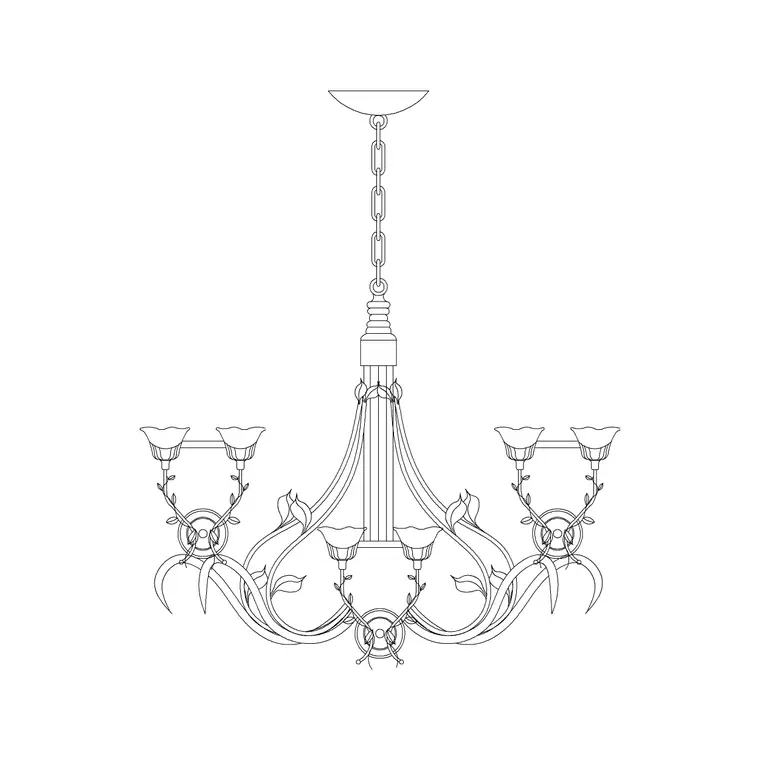
The long suspended chandeliers
For a long, linear feature fitting — the kind that runs the length of a kitchen island, a long dining table or a reception desk — the Lighting category carries long suspended chandelier blocks, including a Type A and a Type B. These are the elongated metal fittings that span a surface rather than hanging as a single compact point. Open the Lighting hub and search "long suspended chandelier" or "long chandelier" to find them, and note they are distinct from the compact suspended chandeliers, which hang as a single point rather than a linear bar.
Both download free as DWG with no account, and the licence covers commercial use. Long linear fittings have become a signature of contemporary kitchens and hospitality interiors, so having two ready means you can detail those spaces in elevation without drawing a custom fitting each time.
What the file gives you
These are elevation drawings — the front view of a long fitting suspended from the ceiling, showing the linear body, the multiple suspension points and the lamps along its length in profile. Elevation captures both the drop and the horizontal span, which is exactly what a long suspended chandelier is about: a fitting whose length is its defining feature.
The files are DWG and open natively in AutoCAD. The geometry is editable vector linework, so you can adjust the suspension drops, snap to the fixing points, and restyle the lineweight. Because a long fitting usually hangs from two or more points, the editable suspension lets you set each drop so the fitting sits level under a sloping or stepped ceiling if needed.
The multiple fixing points are also a coordination cue. A long linear fitting that spans two metres or more needs its drops to land on real supports in the ceiling, not in the gaps between joists, so showing the suspension positions accurately in elevation helps the ceiling and structural drawings provide fixings in the right places. Drawing it as true geometry, with the hang points where they actually fall, is more useful here than a single decorative squiggle that hides where the loads go.
Hanging a linear chandelier
Insert with INSERT (shortcut I), Browse to the file, and keep "Specify On-screen" ticked. Centre the fitting over the island or table along its length, snapping the suspension tops to the ceiling line with object snaps on (F3). A long fitting should align with the centreline of the surface below it so it reads as deliberately set out rather than off to one side.
Judge the drop the same way you would a pendant — base clear of head height, low enough to light the surface — but check the whole length hangs level. Because the suspension points are editable geometry, you can fine-tune each drop so a long fitting sits true even where the ceiling is not perfectly flat.
Scale, units and layer
A wrong-sized fitting is a units mismatch — match INSUNITS in both files for auto-scaling, or insert and SCALE by 0.001 or 1000. With a long fitting, the span matters most: check its length against the island or table so it relates well — ideally a little shorter than the surface, not overhanging it — and correct the scale if it runs off the ends.
Place it on your lighting or electrical layer. A block on layer 0 inherits the active layer at insertion, so set that layer current first. Keeping it on a dedicated layer lets you feature the fitting on a presentation elevation or dim it on a coordination drawing from the Layer Manager, without touching the block.
Choosing the right long fitting
With Type A and Type B available, match the fitting to the surface. A longer, more substantial linear chandelier suits a generous island or a long banquet table; a slimmer version suits a narrower run or a more restrained interior. Using both across a project keeps a set of elevations varied rather than repetitive.
Add your preferred long fitting to a tool palette for one-click placement, and pair it with downlights or smaller suspended fittings elsewhere so the linear chandelier stands out as the feature. If the project standardises on one fitting, redefining the block updates every instance. The long suspended chandelier is the kind of statement fitting that defines a contemporary kitchen or dining space, and here you can specify it from a free, editable block.
When you align the fitting over an island, draw a quick centreline on the island first and snap the fitting's midpoint to it, so the chandelier sits dead-centre along the length. An off-centre linear fitting is one of those errors the eye catches instantly in a finished room, and it is trivial to avoid on the drawing by setting it out to a centreline rather than placing it by eye. The few seconds it takes is repaid in an elevation that reads as precisely composed.
Questions
Frequently asked
Where are the free long suspended chandelier blocks?+
In the Lighting category on CADBlockDWG. Search "long suspended chandelier" — Type A and Type B download free as DWG with no signup and commercial use allowed.
How long should a linear chandelier be relative to the island?+
Usually a little shorter than the surface it hangs over, centred on its length, so it does not overhang the ends. Adjust the block's scale to suit your island or table.
Can the fitting hang level under an uneven ceiling?+
Yes. The suspension points are editable vector geometry, so you can set each drop individually to keep a long fitting level even where the ceiling steps or slopes.
Free downloads from this article
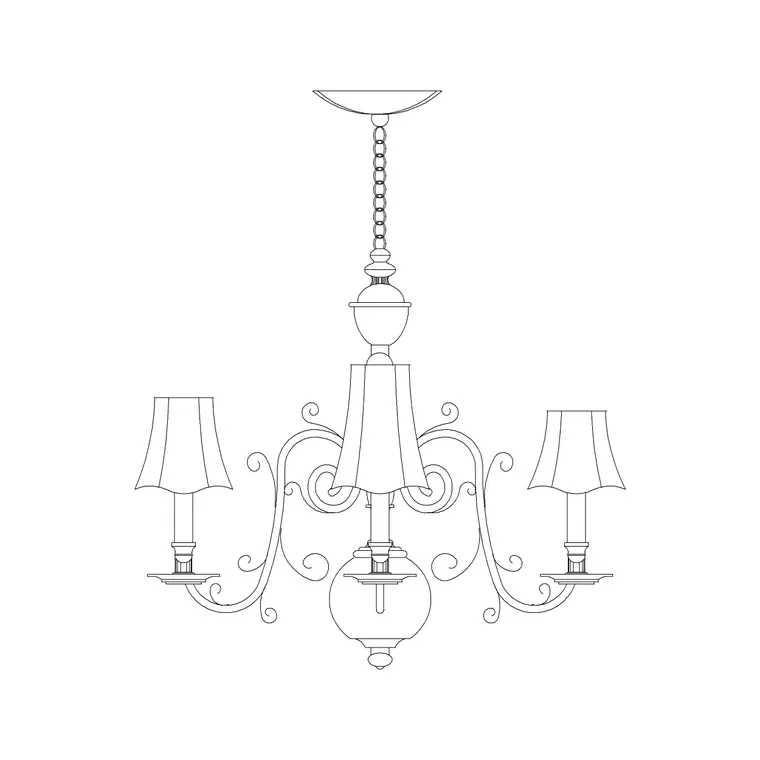
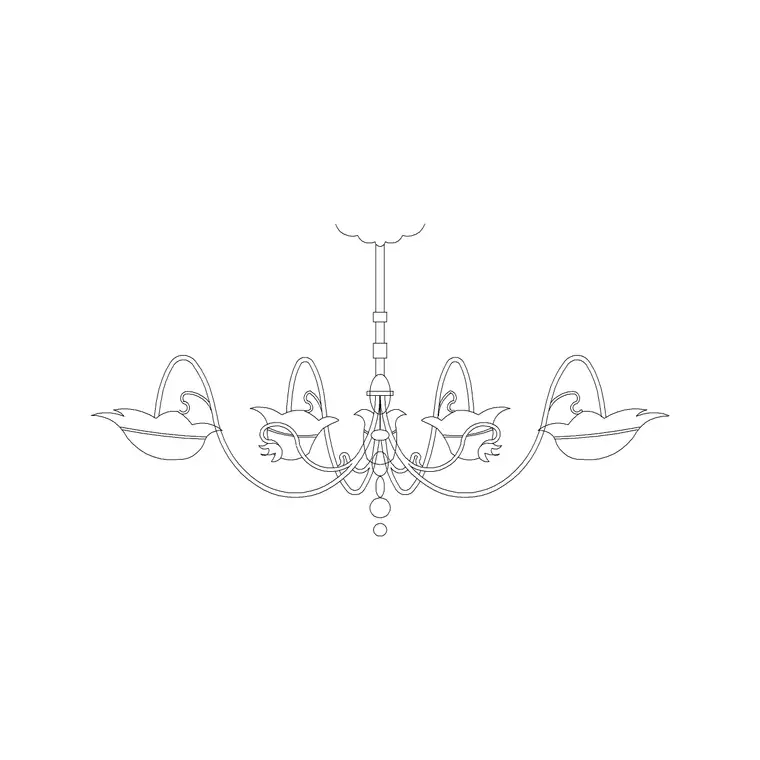
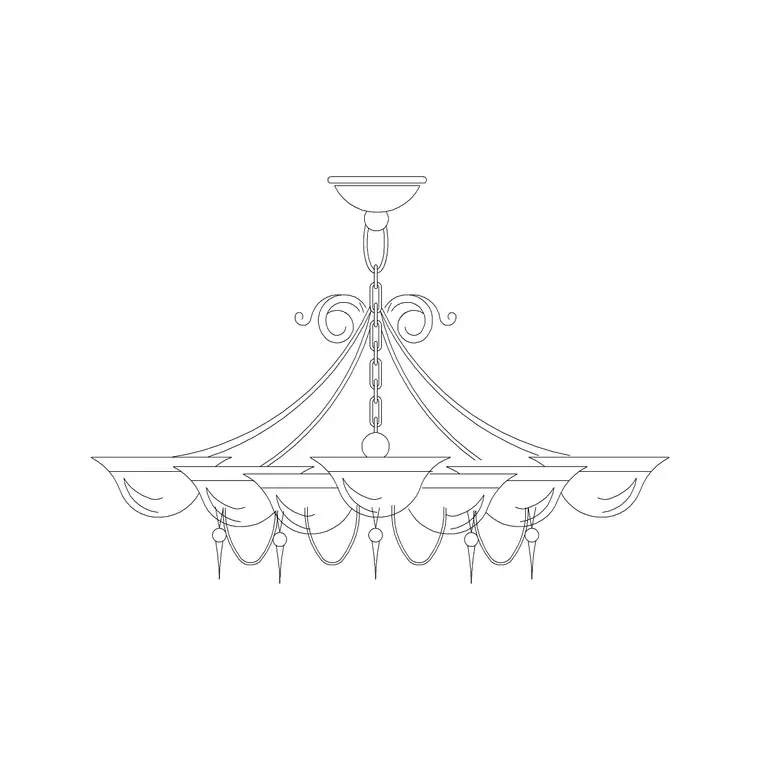
Free CAD block library
Download the blocks from this article — free, no signup


